

title: [TIL][Jekyll] Removing Disqus and switching to utteranc to use github issue as article comments
published: false
date: 2021-05-14 00:00:00 UTC
tags:
canonical_url: http://www.evanlin.com/jekyll-remove-disqus/
---
## Preface:

The escalation of the pandemic disrupted the original travel plans, but fortunately, my daughter is well-behaved and playing. So, I'll work on migrating the comments for Jekyll. I found a useful system, utteranc.es, that allows you to directly use github issues as article comments. Let's take a look.
This article will tell you how to remove Disqus and use Github Comment as article comments. There is now a useful open-source tool. https://utteranc.es/
## What is Disqus
I have always used Jekyll to set up this site. Previously, I used Disqus as the article comment system. Although many people say there are too many ads and it's too slow, I thought it was okay, maybe I didn't look closely. [Recently, I feel that Disqus's ads are getting more and more serious, affecting the overall performance](https://dev.to/juergengutsch/removing-disqus-and-adding-github-issue-comments-19h9-temp-slug-2945779). I decided to remove it. If you need to refer to it, you can take a look at this [commit](https://github.com/kkdai/kkdai.github.io/commit/3dfba4885874cb1cb0c06a09fd2f4fffd892623a). The main thing is to comment out the relevant settings. Then send git push.
## Removing Disqus
You can refer to this commit. https://github.com/kkdai/kkdai.github.io/commit/3dfba4885874cb1cb0c06a09fd2f4fffd892623a
The main thing is to remove the Disqus settings.
highlighter: rouge
markdown: kramdown
disqus: evanlin1007
comments :
provider : disqus
disqus :
short_name : evanlin1007
## Adding utteranc

utteranc is a completely Open Source and uses github comment. It also provides some settings and theme appearance settings. It feels very easy to use, and the settings are also very simple:
- Install for your github app
- Put code in your Jekyll
- Done ! (Ta-da!)
Refer to https://github.com/kkdai/kkdai.github.io/commit/b9606abd93c08bf131efa4db78c8762e8a26f1da to modify `_layouts/post.html` as follows:
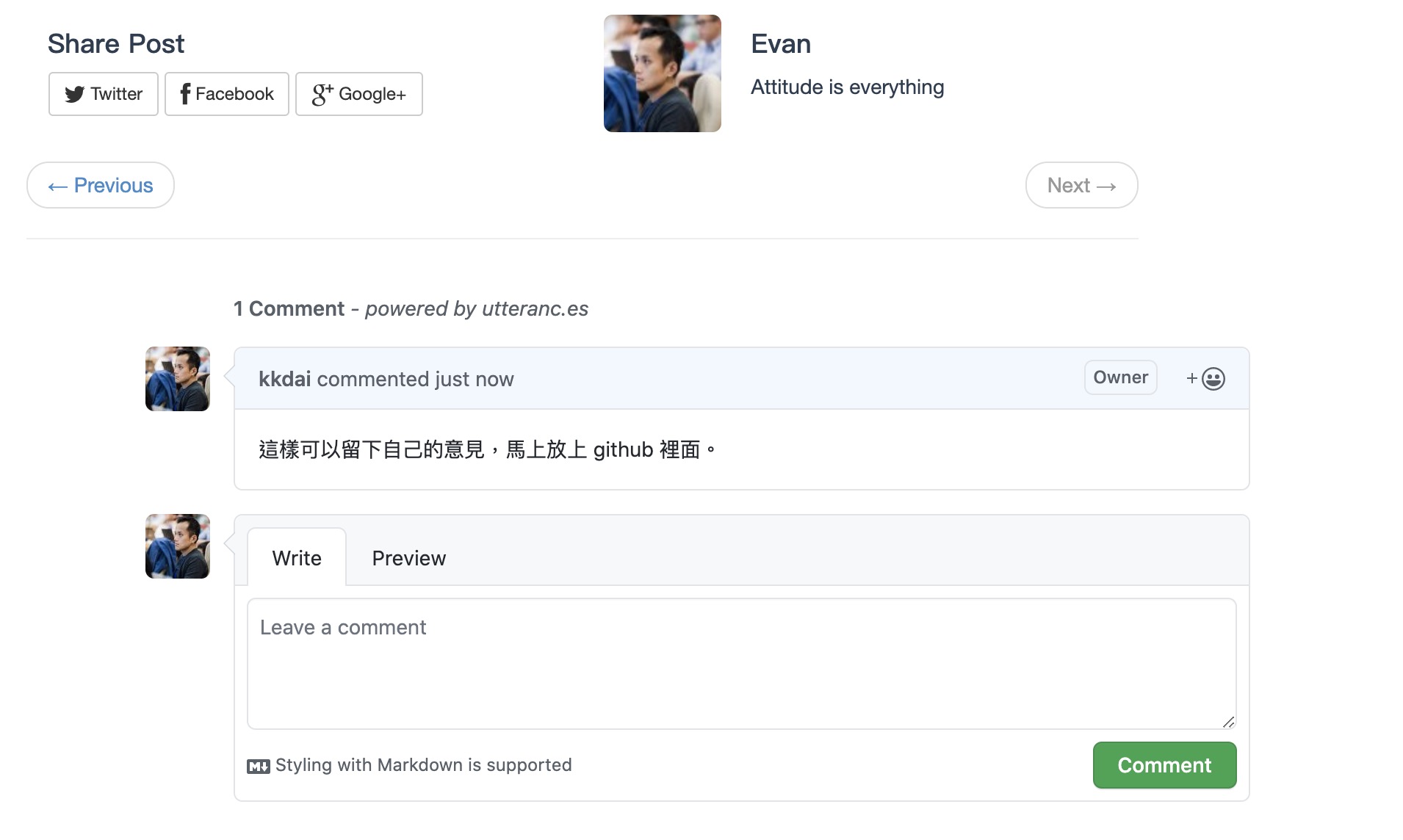
## Finished product:

Isn't this fast (only five minutes)?
## To-do list:
Next, I will move the Disqus comments to github comment. Here, I can export them first, then write a Golang to import them. Found it here: http://disqus.com/admin/discussions/export/
Next is to move the article comments over.
## References:
- [Removing Disqus and adding GitHub Issue Comments](https://dev.to/juergengutsch/removing-disqus-and-adding-github-issue-comments-19h9-temp-slug-2945779)
- [Enabling Jekyll Blog Comments with Utterances](https://www.benzy.xyz/utterances/)
- My related commits:
- Removing Disqus https://github.com/kkdai/kkdai.github.io/commit/3dfba4885874cb1cb0c06a09fd2f4fffd892623a
- Adding utteranc https://github.com/kkdai/kkdai.github.io/commit/b9606abd93c08bf131efa4db78c8762e8a26f1da


Top comments (0)