


Introduction
I see a lot of programmers interested in having a waifu in terminal.
So here how I do it.
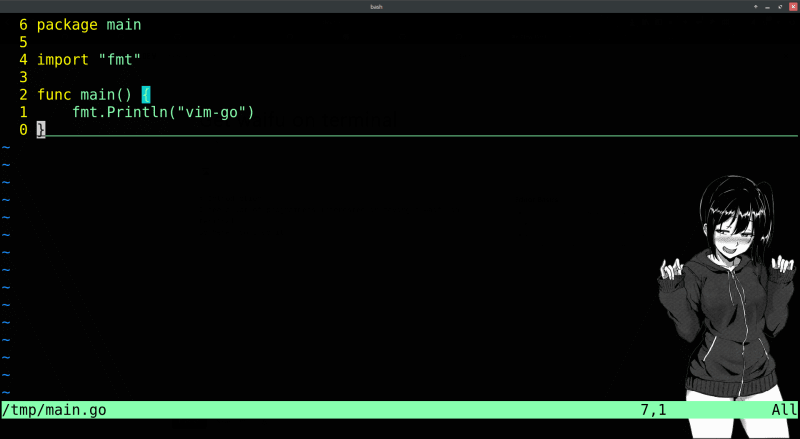
first
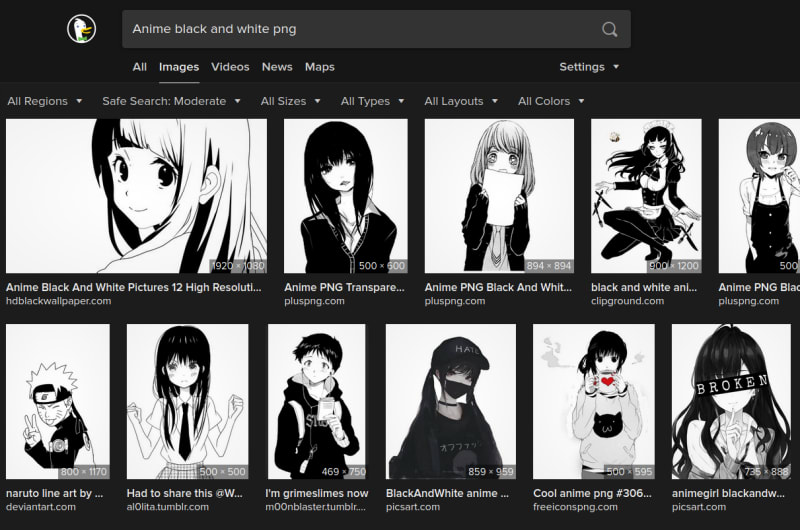
go to any search engine and search for Anime black and white png
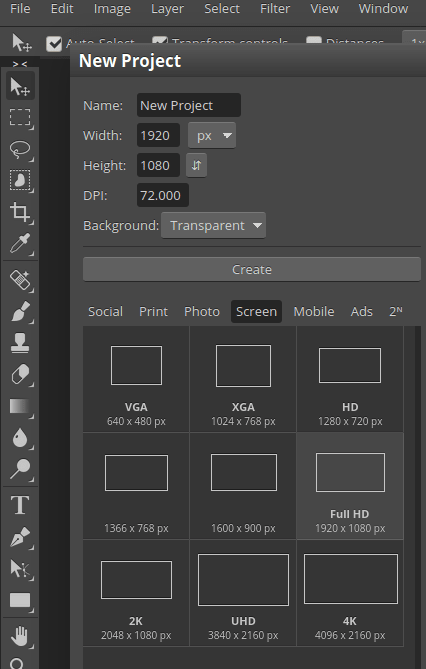
then open any photo editor , I use photopea online create a new transparent image with same dimension of your screen . In my case it's 1920x1080 . Drag and drop your waifu into the corner and save it as png.
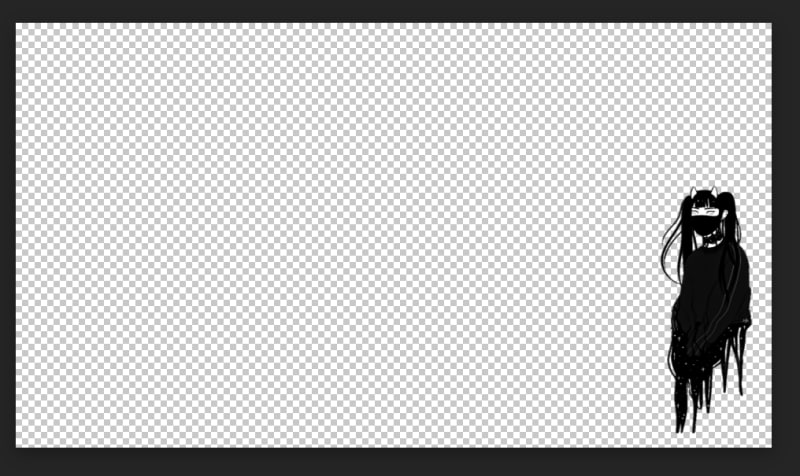
final result should look like this
second
move your image to any location you like mine is $HOME/.config/kitty/ in same folder with kitty configuration.
first I am using the kitty terminal.after install it go to the config files
vim ~/.config/kitty/kitty.conf
then add those lines to the end of the files , also you can delete the config file and make new one with those lines only because all the file is just comments.
foreground white
background black
background_opacity 0.989
background_image $HOME/.config/kitty/waifu.png
background_image_layout scaled


Oldest comments (22)
lmao never thought this exist
Me too . That what happen when I use 100% of my brain 😀
Thank you for this.. I use kitty too. Out of curiosity, what's your ranking of terminal emulators for 2020?
I don't like to switch tools a lot , I used terminator for long time but my pc got slower thats why I switch to kitty because its faster.
nice, I went to kitty for the performance as well. I think before it was URxvt, I can't remember the real reason I switched, maybe it had something to do with fonts or emojis?. Btw, do you use arch?
yes I use artix (Arch based) on laptop . And mx (debian based) on pc.
cool, I use Arch. Arch with a different init system sounds interesting, if I were ever to try another distro, I may look more into Artix.
I recommend don't change it until you really get mad from systemd
HAHAHA
when i think that i have seen a lot of stuff...
HAHAHAHA
hahahahah this is cooool
HAHHAHAHA , bro your vscode comment was the inspiration for this.
Rise weeb Nation.
You can also achieve a similar effect in VS Code with the background plugin, which puts a character in the corner of each editor pane.
you can go further in vscode and download live2D.
see this comment dev.to/scroung720/comment/145m6
Impressive
Has science gone too far?