
How to install and setup vs code for competitive programming with c/c++ for Windows Users
install vs code
Download vs code ...
For further actions, you may consider blocking this person and/or reporting abuse


Hey. Thanks for this nice guidelines. I'm getting below error. Can you please help ?
Recently i have added some changes for windows hope this will help. Please check this out
github.com/jspw/VS-Code-Config/iss...
Hmm. I moved the cpp file in there own folder as mentioned in the link. But still no luck :(
give me a ss of your base folder
attached
dev-to-uploads.s3.amazonaws.com/i/...
did you change the task.json file try this as i have said that i make some edits.
this modification in task.json is working with git bash
What do u mean setup vim??
Your .json file link is not working, I got my work stoped in between due to that !!!
Did you use this one ?
these tasks.json will be only valid for this folder and its subfolder only ?
not like that. Let me see you this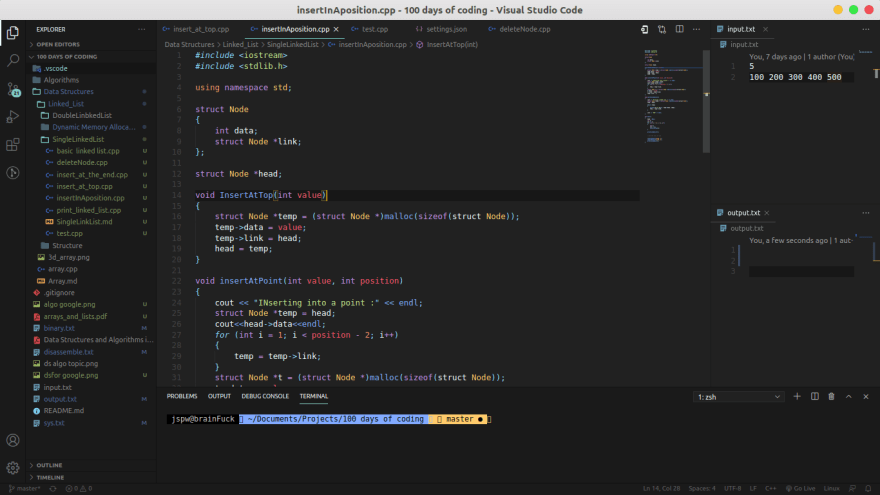
for different workspaces you have to make the tasks.json file once.
This is what I'm getting...
what is your default shell in this vscode space ?
Will is save out code in github repo also ?
It is showing hello.cpp : No such file or directory
and also fatal error no input files
can you please help??
did you create input.txt in the same directory as the hello.cpp??
Yes thank you so much I just learned that I did not create a folder in the base folder and then the file.cpp.
This worked.
I am getting this error,any help is greatly appreciated
Try this it will work..You just have to mention where this 'jspwTest.exe/cpp' file will be present.
Please someone help me out as this is not working in my vscode