
title: [TIL] A Useful Tool for Pasting Images in Markdown with VSCode - Markdown Paste
published: false
date: 2021-08-09 00:00:00 UTC
tags:
canonical_url: http://www.evanlin.com/til-vdcode-image-paste/
---

## VSCode Plugin - Markdown Paste :
_Full Github_: [https://github.com/telesoho/vscode-markdown-paste-image](https://github.com/telesoho/vscode-markdown-paste-image)
What tool do you use to write your blog? I used to like using Typora (you can see my [article](https://www.evanlin.com/til-mdeditor-typora/) here). Although it's fast to write, pasting images is always quite inconvenient because I use github page and the backend is Jekyll.
When I was looking for note-taking software, I saw this VSCode [Plugin - Markdown Paste](https://marketplace.visualstudio.com/items?itemName=telesoho.vscode-markdown-paste-image), and I thought it was very useful.
There are a few features that everyone will definitely like:
### Directly paste clipboard images
Shortcut: (MacOSX: Command + Option + V )
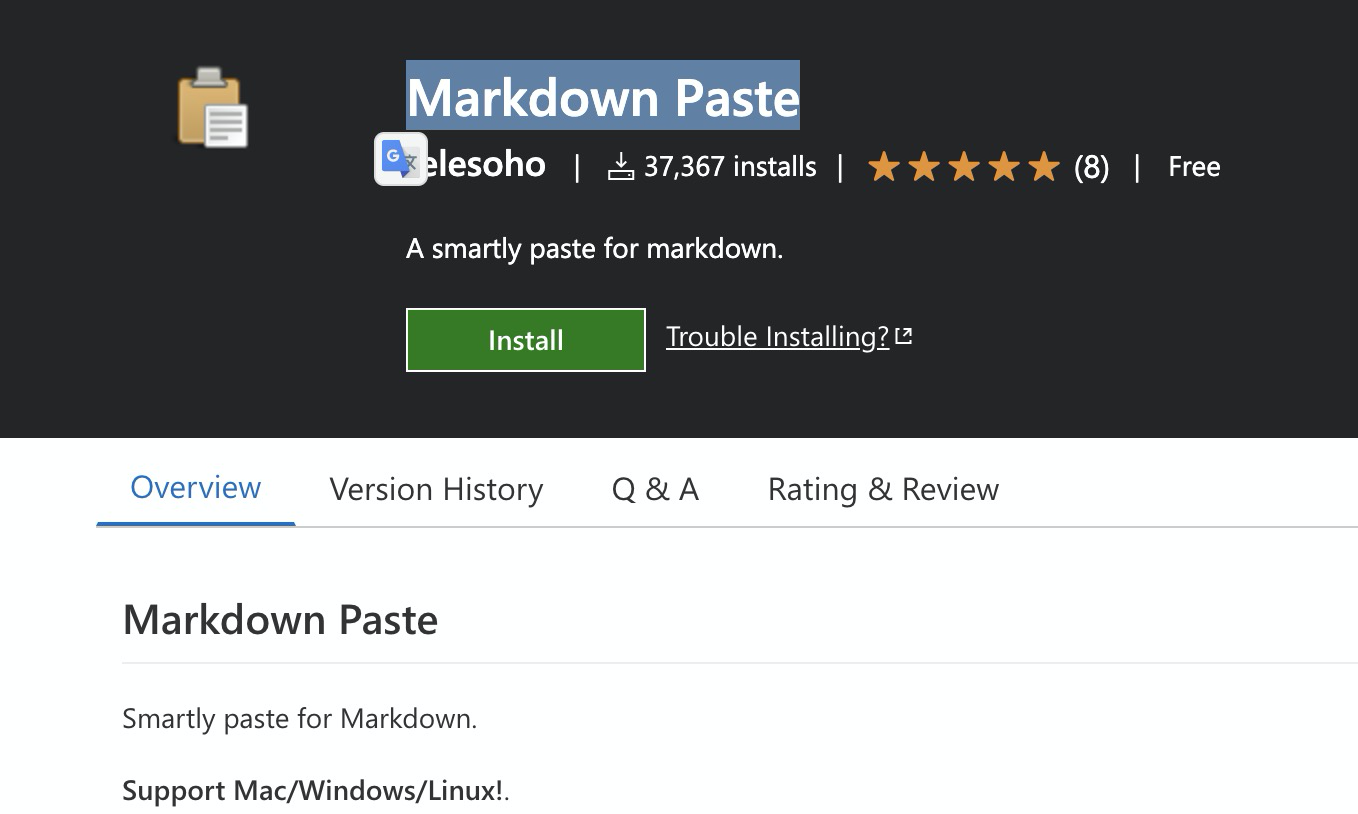
This feature is very useful (mainly for this feature). One more troublesome thing is that the default location for downloaded images will be placed in `./` which can be slightly modified through the settings.
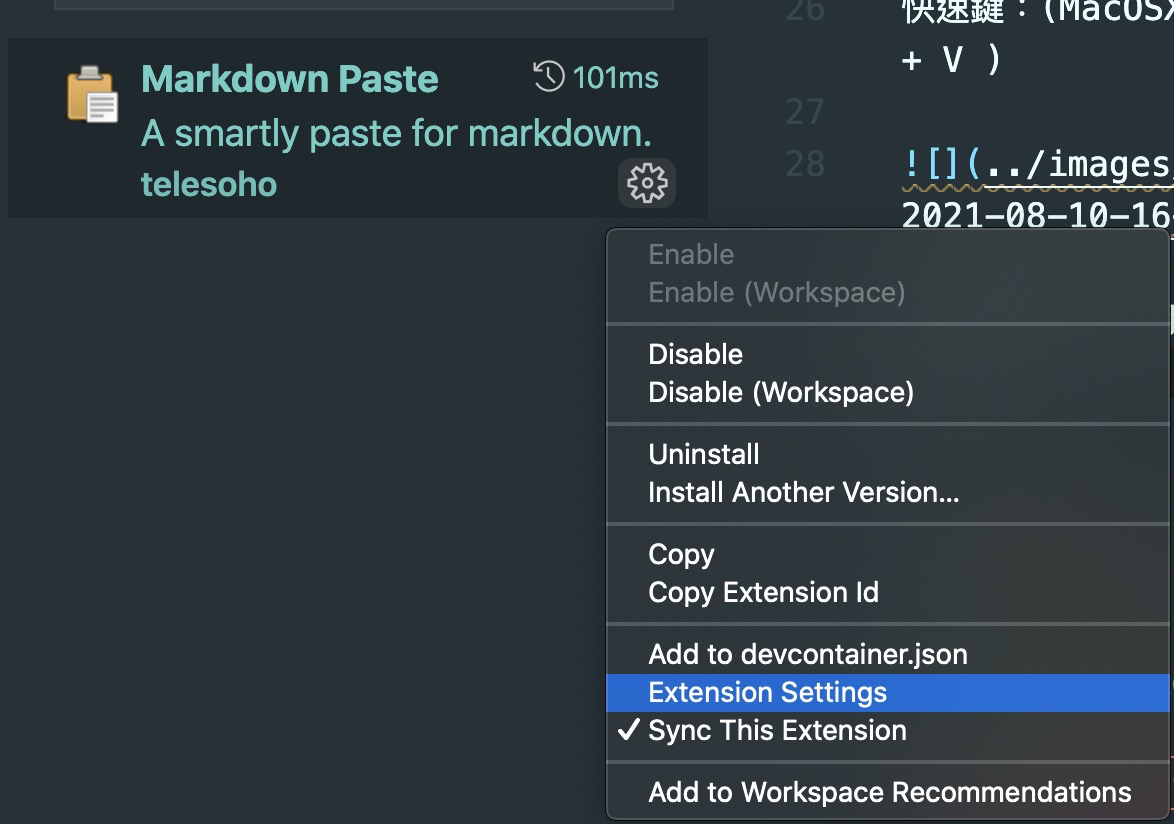
Go in and directly modify `MarkdownPaste.path`, in my case, it's changed to `./../images/2021`. This way, I only need to change it once a year, and the images can also be kept on my Github, so I don't have to worry about not being able to find them.
The image above was pasted immediately through the clipboard. It's really convenient, and you don't have to worry about naming issues. (You know, RDs are afraid of being asked to name things, and file names are the same XD).
There are actually many other features, you can go to the Marketplace webpage to check them out. I will also continue to research and slowly see what features I'm used to.
## Does Typora not have it?
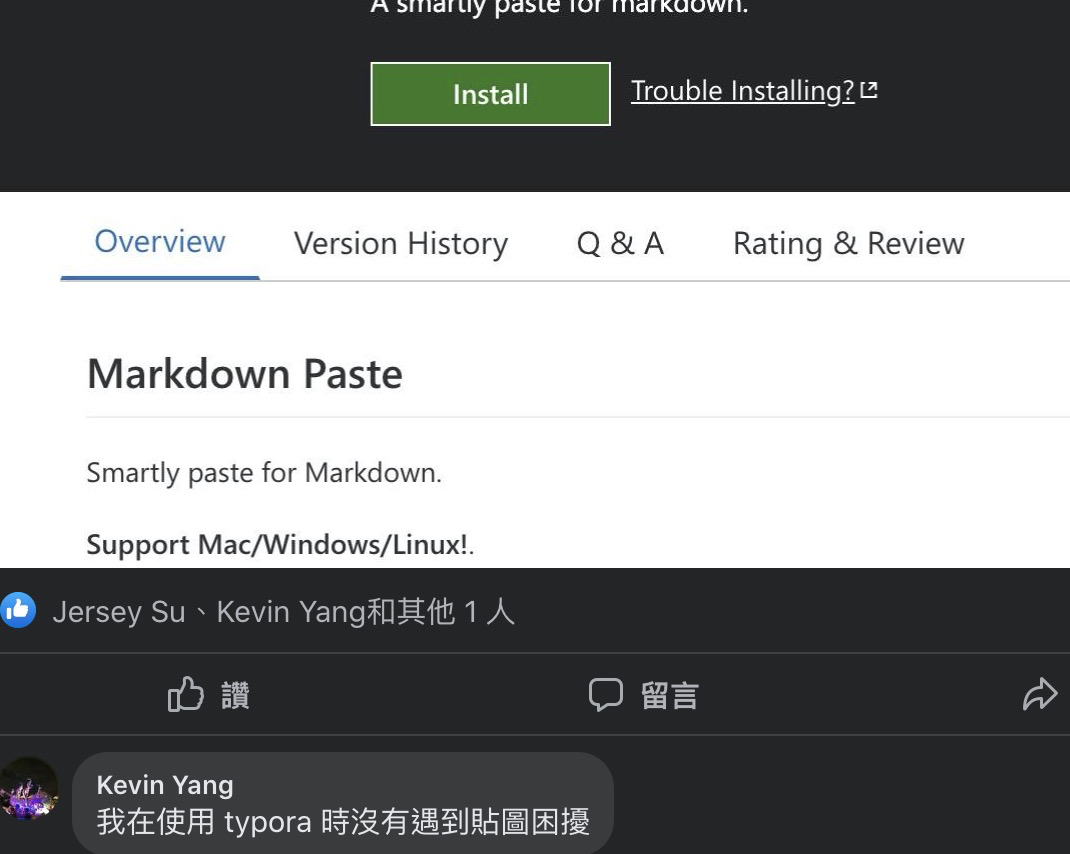
(Updated 2021/08/10) After posting on Facebook, I saw the suggestions from the community, and found that Typora seems to have related updates this year. In fact, the version update this year (2021/02) (0.9.9.32) ([Typora Update](https://support.typora.io/What's-New-0.9.84/)). But after actual use, I found that the related settings are as follows.
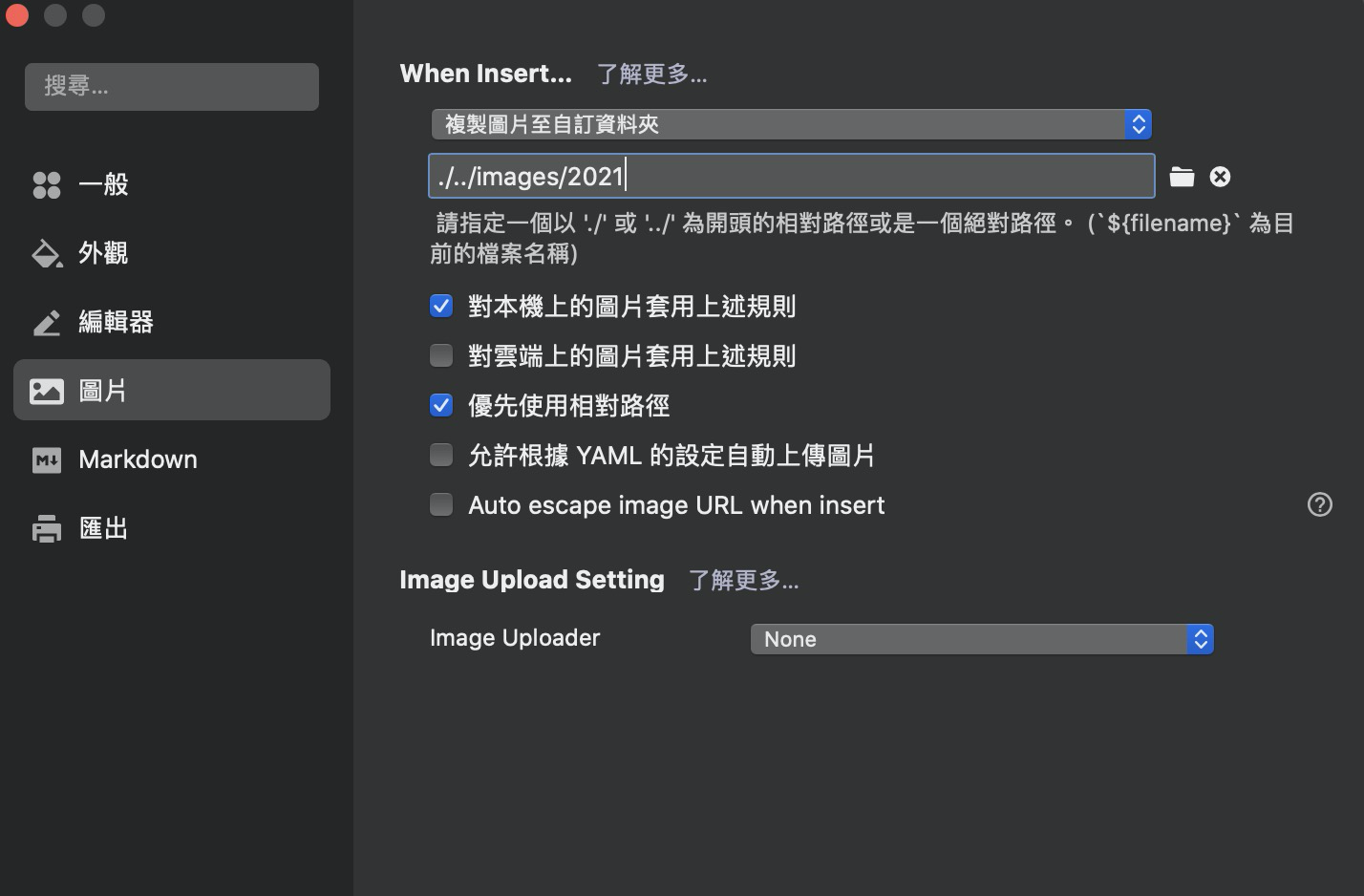
-
You need to modify the copied image to "Custom Folder" (note that the original variable needs to be removed)
-
Because the files need to be put on github page, remember to prioritize using relative paths.
## Related Articles:
- [[TIL][markdown] Useful editor - typora](https://www.evanlin.com/til-mdeditor-typora/)
- [VSCode Marketplace: Markdown Paste](https://marketplace.visualstudio.com/items?itemName=telesoho.vscode-markdown-paste-image)
- [Typora Image Upload](https://support.typora.io/What's-New-0.9.84/)

Evan Lin
Posted on Originally published at evanlin.com on
[TIL] Markdown Paste: A VSCode Powerhouse for Pasting Images
For further actions, you may consider blocking this person and/or reporting abuse


Top comments (0)