


I kept losing hours in unfamiliar codebases. Jumping file to file, guessing what breaks if I touch this function, asking LLMs for help and getting confidently wrong answers, because they cannot see the actual import graph.
So I built RepoGraph AI, a free VS Code extension, and it launches today on Product Hunt.

Open any folder and it indexes itself. No commands, no config. You get an interactive dependency graph (2D and a 3D sphere), community detection, flow diagrams and file-level Q&A.
The part I care about most: every edge is labeled with provenance.
- EXTRACTED (1.0): found in a real import, trust it fully
- INFERRED (0.85): pattern level
- AMBIGUOUS (0.3): verify before you refactor
Everything runs offline with zero API keys: graphs, diagrams, exports in .mmd/.svg/.json. AI is opt-in if you want summaries: Groq free tier, local Ollama, Gemini, Claude or OpenAI.
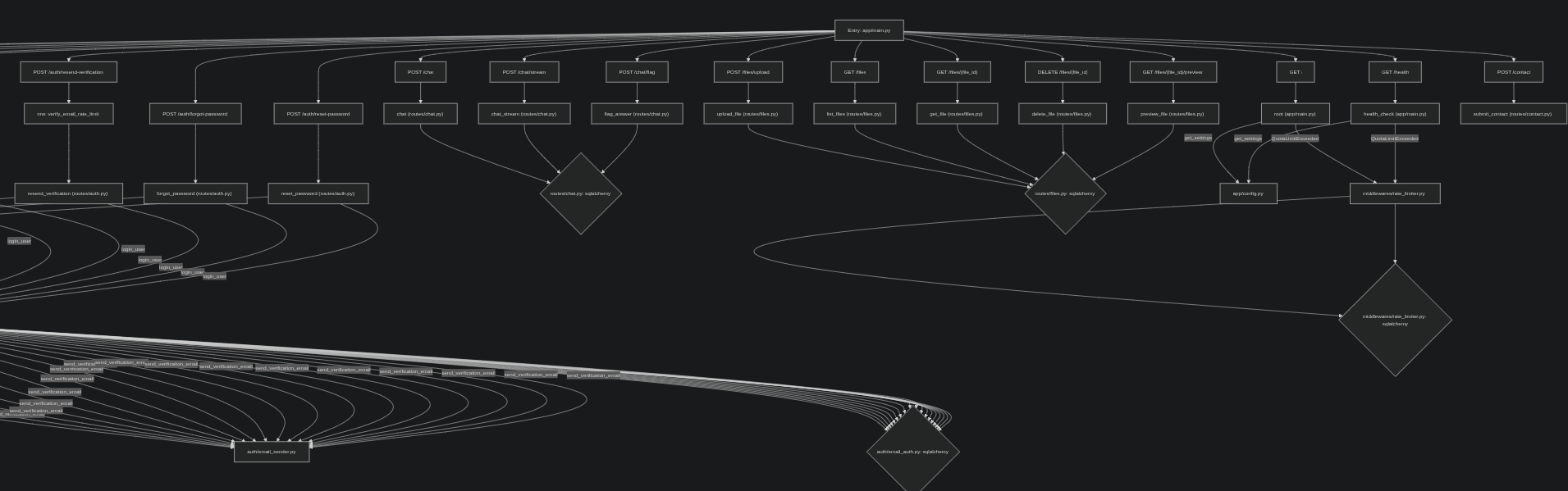
For the agent crowd: one-click REPOGRAPH-CONTEXT.md export. It grounds Copilot, Cursor, Claude Code and friends in your real import graph instead of their guesses.

Source, MIT: https://github.com/Kaushalendra-Marcus/RepoGraph-AI
Website and demo: https://repograph.kaushalendra.me
Live on Product Hunt today: https://www.producthunt.com/posts/repograph-ai/maker-invite?code=gNwgDM
Try it on your messiest repo and tell me what the graph gets wrong. That is exactly what the labels are for.


Top comments (0)