

**
**
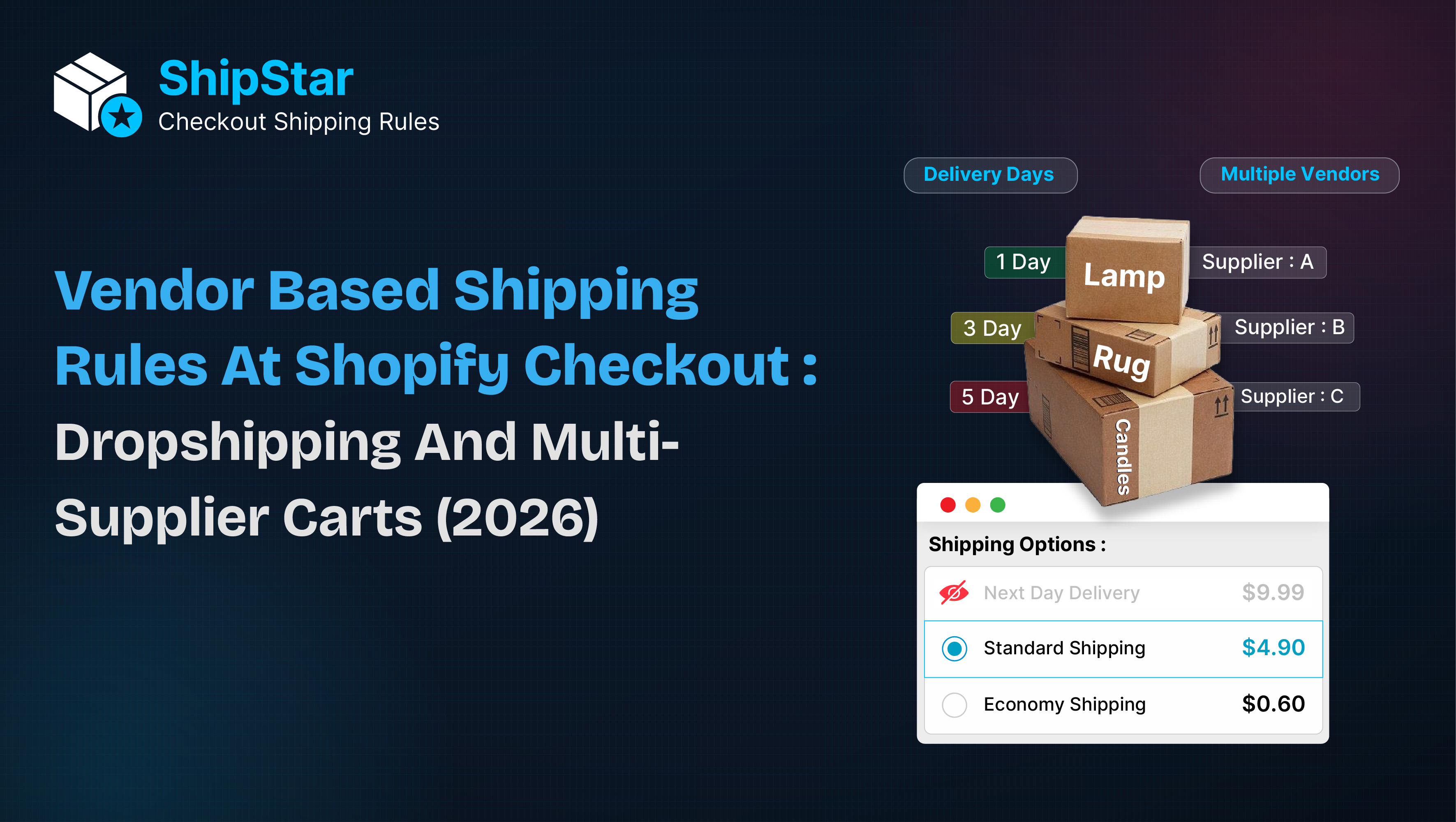
Multi-vendor and dropshipping Shopify stores often have a shipping problem that is easy to overlook: not every product can use the same delivery options.
A product from Vendor A might be available for next-day delivery, while a product from Vendor C may require 5–7 days.
If the checkout displays the same shipping methods for both products, customers can receive misleading delivery expectations.
The Vendor-Based Approach
Instead of treating every product equally, merchants can apply shipping rules based on the vendor.
- Hide Express Shipping
If a vendor has slow fulfillment times, hide express or same-day shipping options.
- Hide Local Delivery
For dropship products shipped directly from suppliers, local delivery may not be appropriate.
- Control Free Shipping
When a cart contains products from multiple vendors, the order may require multiple shipments. Hiding free shipping in these cases can help protect margins.
- Show Vendor-Specific Shipping
Some suppliers may provide their own freight or delivery service. A supplier-specific method can be displayed only when their products are present.
- Rename Shipping Methods
Generic shipping names don't always communicate enough information.
Instead of:
Standard Delivery
Use:
Standard Delivery — Ships in 5–7 Days
This gives customers a clearer understanding of delivery expectations.
Why This Matters
Vendor-based shipping rules help connect the checkout experience with the actual fulfillment process.
For dropshipping and multi-supplier Shopify stores, this can mean:
More accurate delivery expectations
Fewer shipping-related questions
Better control over shipping costs
Clearer checkout communication
More flexible shipping management
ShipStar – Checkout Shipping Rules provides a no-code approach for merchants who need more control over which shipping methods appear at Shopify checkout.


Top comments (0)