

1. Primary Key – Unique Identity
Every table needs a way to identify each row uniquely. This is done using a PRIMARY KEY.
Example:
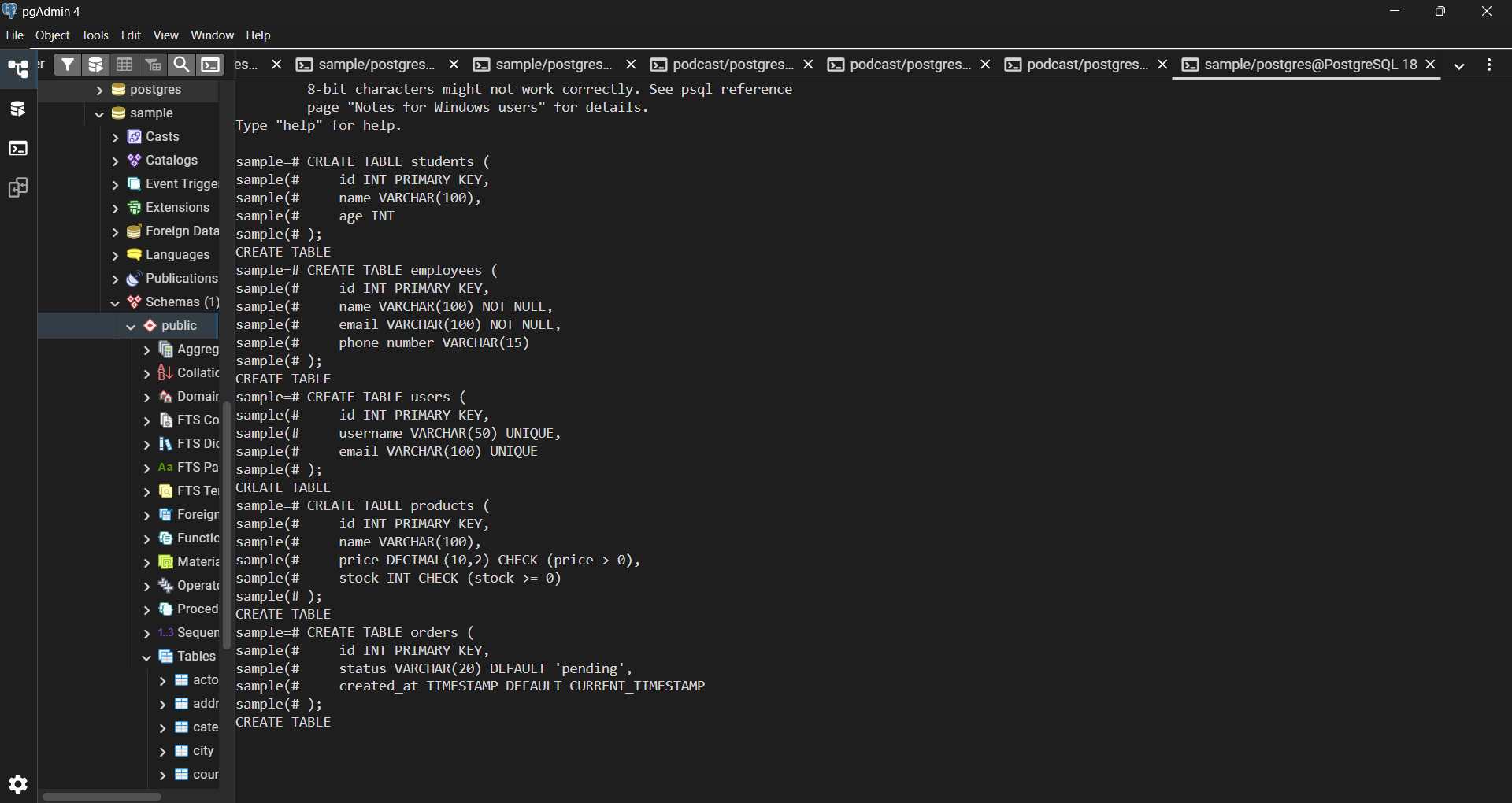
CREATE TABLE students (
id INT PRIMARY KEY,
name VARCHAR(100),
age INT
);
So every student is uniquely identified.
2. NOT NULL – Mandatory Fields
Sometimes, certain fields must always have a value.
Example:
CREATE TABLE employees (
    id INT PRIMARY KEY,
    name VARCHAR(100) NOT NULL,
    email VARCHAR(100) NOT NULL,
    phone_number VARCHAR(15)
);
Here:
-
nameandemailare required -
phone_numberis optional
3. UNIQUE – No Duplicates Allowed
If we don’t want duplicate values in a column, we use UNIQUE.
Example:
CREATE TABLE users (
    id INT PRIMARY KEY,
    username VARCHAR(50) UNIQUE,
    email VARCHAR(100) UNIQUE
);
This ensures:
4. CHECK – Valid Data Only
We can restrict values using conditions.
Example:
CREATE TABLE products (
    id INT PRIMARY KEY,
    name VARCHAR(100),
    price DECIMAL(10,2) CHECK (price > 0),
    stock INT CHECK (stock >= 0)
);
5. DEFAULT – Automatic Values
Sometimes we want a column to have a default value if none is provided.
Example:
CREATE TABLE orders (
    id INT PRIMARY KEY,
    status VARCHAR(20) DEFAULT 'pending',
    created_at TIMESTAMP DEFAULT CURRENT_TIMESTAMP
);
6. Combining Constraints
We can use multiple constraints together.
Example:
CREATE TABLE accounts (
    account_number INT UNIQUE NOT NULL,
    balance DECIMAL(10,2) CHECK (balance >= 0)
);
7. Composite Constraints
Sometimes a combination of columns should be unique.
Example:
CREATE TABLE enrollments (
    student_id INT,
    course_id INT,
    UNIQUE (student_id, course_id)
);
8. Foreign Key – Connecting Tables
Foreign keys help link tables together.
Example:
CREATE TABLE departments (
    id INT PRIMARY KEY,
    name VARCHAR(100)
);

CREATE TABLE employees (
    id INT PRIMARY KEY,
    name VARCHAR(100),
    department_id INT,
    FOREIGN KEY (department_id) REFERENCES departments(id)
);
9. CASCADE – Automatic Updates & Deletes
We can control what happens when related data changes.
Example:


Top comments (0)