
title: [Digital Certificate Wallet] Beginner's Guide
published: false
date: 2025-10-08 00:00:00 UTC
tags:
canonical_url: https://www.evanlin.com/til-wallet-gov/
---
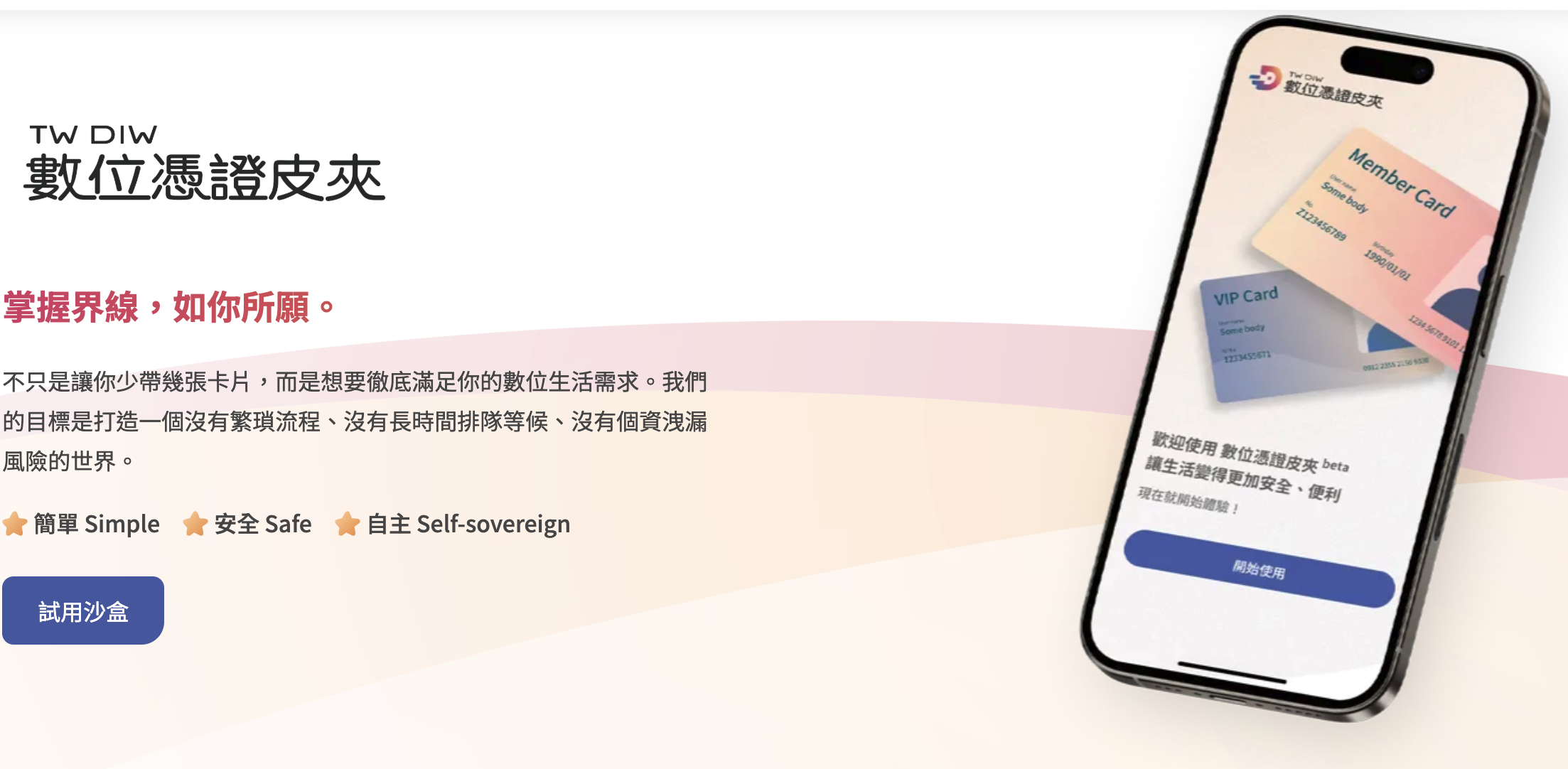
(Image source: [Digital Certificate Wallet Official Website](https://www.wallet.gov.tw/zh-tw))
## Prerequisites:
The Digital Certificate Wallet is a major policy promoted by the Ministry of Digital Affairs in recent years, hoping to replace various IDs, membership cards, and related physical smart cards through the Digital Certificate Wallet. The Digital Certificate Wallet can be a single App, or even allow all Apps to act as a Digital Certificate Wallet.
This article briefly explains how to use the Digital Certificate Wallet and how to apply it, by establishing a digital certificate issuer and several verifiers through a scenario.
## Let's Play with the Digital Certificate Wallet
First, you need to download the official Digital Certificate Wallet App (currently the iOS version is TestFlight).

After downloading, you will find that it seems empty. That's because you haven't created your own cards yet.
## Testing the Press Conference Related Process
Open the App and you will see the following:
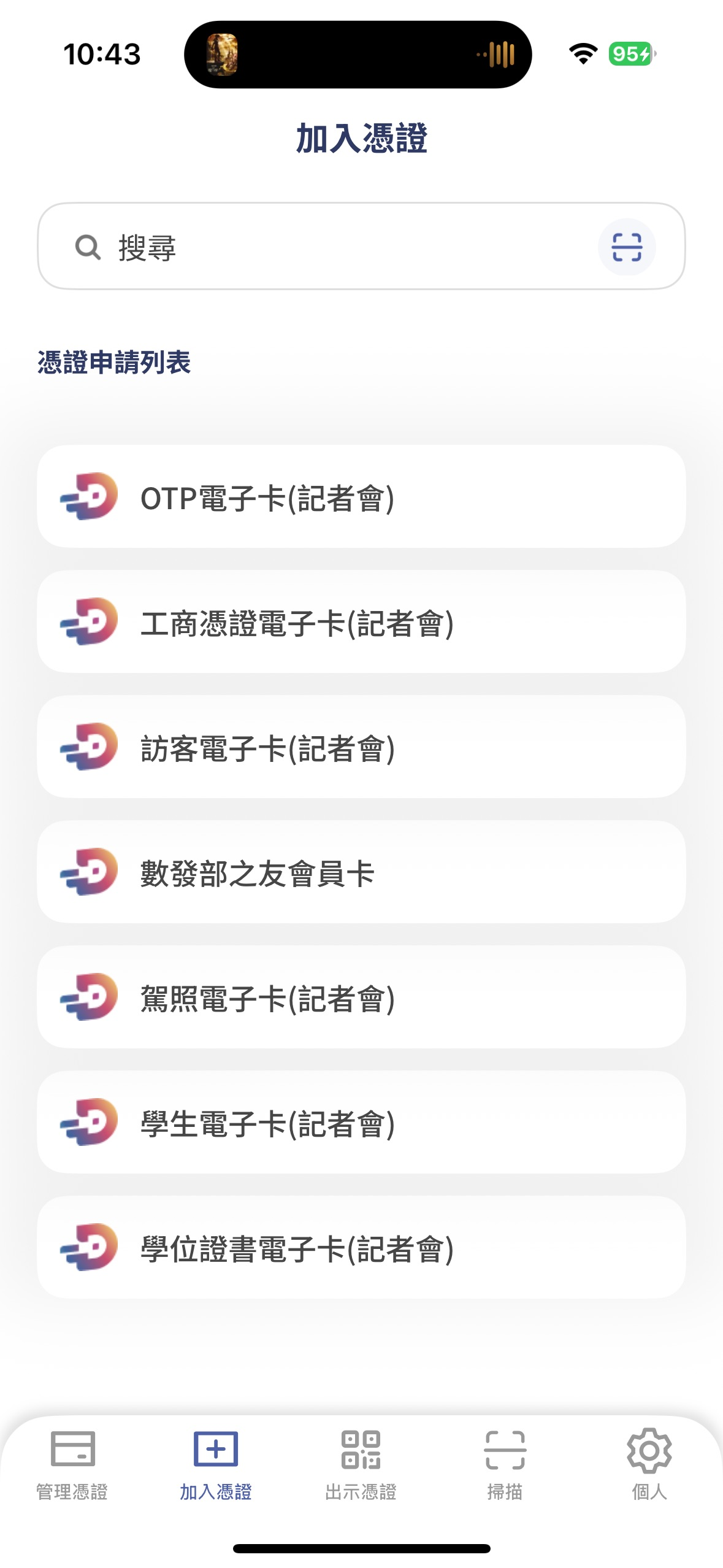
It is recommended to add:
- OTP Electronic Card (requires entering a phone number and receiving SMS)
- Driver's License Electronic Card (you can enter test data without any problems)
After adding the relevant certificates, you can test by presenting the certificates. It is recommended to use the "convenience store pickup" example to test.
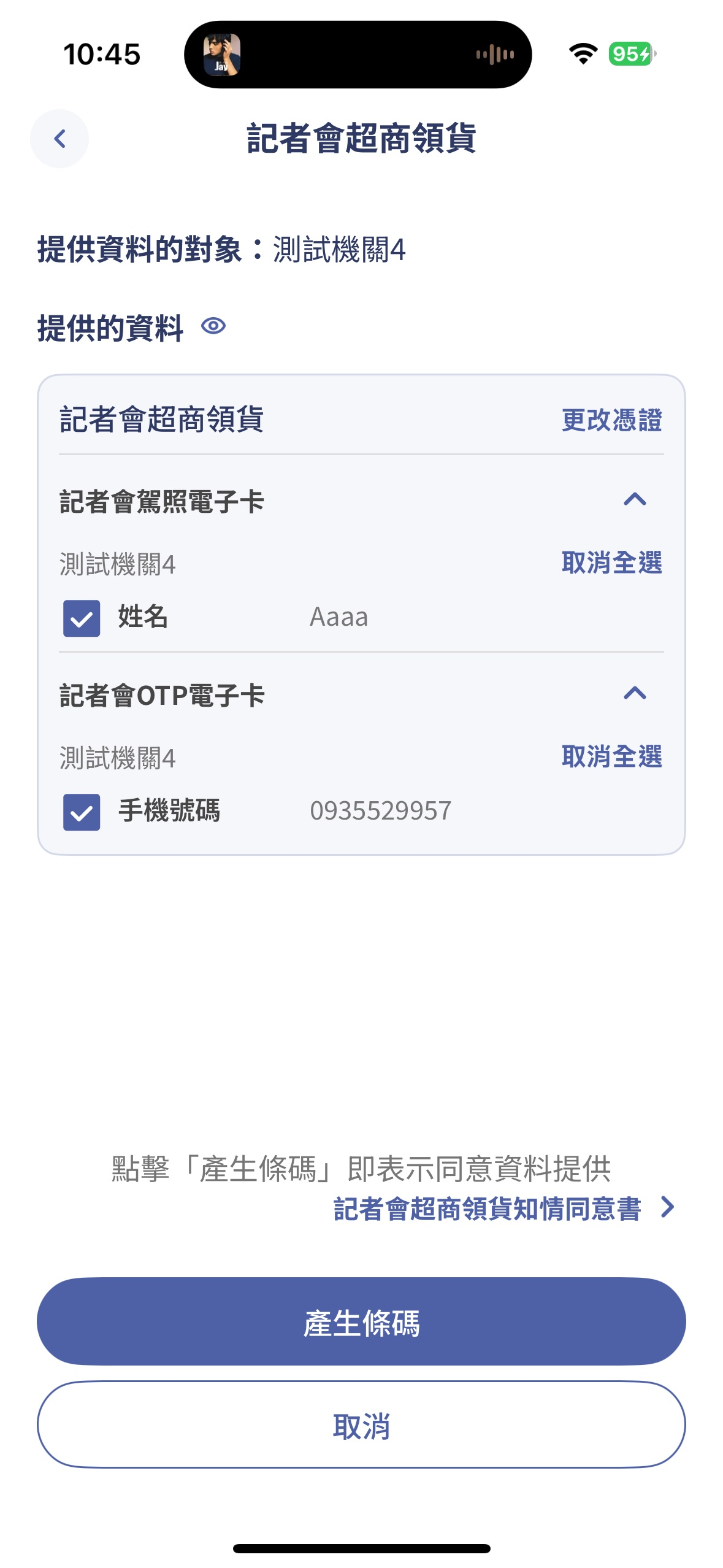
As you can see, convenience store pickup requires two pieces of information, which can be obtained from two digital certificates.
- Driver's License Card -> Name
- OTP Card -> Phone number
And no other fields are needed, which is the principle of selective disclosure.

Evan Lin
Posted on Originally published at evanlin.com on
Digital Certificate Wallet: Beginner's Guide
For further actions, you may consider blocking this person and/or reporting abuse


Top comments (0)