


Choosing the right v0.dev alternative matters when you need AI-powered UI generation beyond what Vercel offers. v0.dev changed how developers build interfaces with natural language prompts, but many teams need a tool that supports more frameworks, offers better pricing, or generates the full stack — not just components.
💡 Developing with AI app builders? Debug your AI APIs with Apidog. Every tool in this list generates code that talks to APIs. Apidog lets you test endpoints, mock backends, and validate responses — no matter which builder you pick.
Why Developers Search for a v0.dev Alternative
Match your pain point to the capability that fixes it:
| Pain Point | What the Right Tool Should Solve |
|---|---|
| Next.js lock-in | Support Vue, Svelte, Angular, or plain HTML |
| Frontend only | Full-stack generation including backend and database |
| Limited free tier | More generous usage or open-source options |
| No deployment control | Self-hosting and export flexibility |
| Component-level scope | Full application generation, not just UI snippets |
Every tool below solves at least one of these problems.
1. Bolt.new: The Full-Stack v0.dev Alternative
Bolt.new is the most direct replacement when you need more than frontend components. It generates complete, runnable applications inside a browser-based environment.

Bolt.new website interface
What Makes It Stand Out
- Full-stack generation — frontend, backend, and database in one prompt
- In-browser IDE — edit, run, and deploy without local setup
- Framework flexibility — React, Vue, Svelte, and more
- npm package support — install any dependency during generation
- Live preview — see your app running as the AI builds it
Key Difference from v0.dev
Where v0.dev generates individual components, Bolt.new builds entire applications. You get a working app, not a code snippet. Try a prompt like:
Build a project management board with drag-and-drop columns,
user assignments, and a PostgreSQL backend
Bolt.new returns the complete app — frontend, API routes, and database. v0.dev would only generate the UI component.
Best For
Developers who want complete applications from a single prompt rather than assembling components.
2. Lovable: The Design-Quality v0.dev Alternative
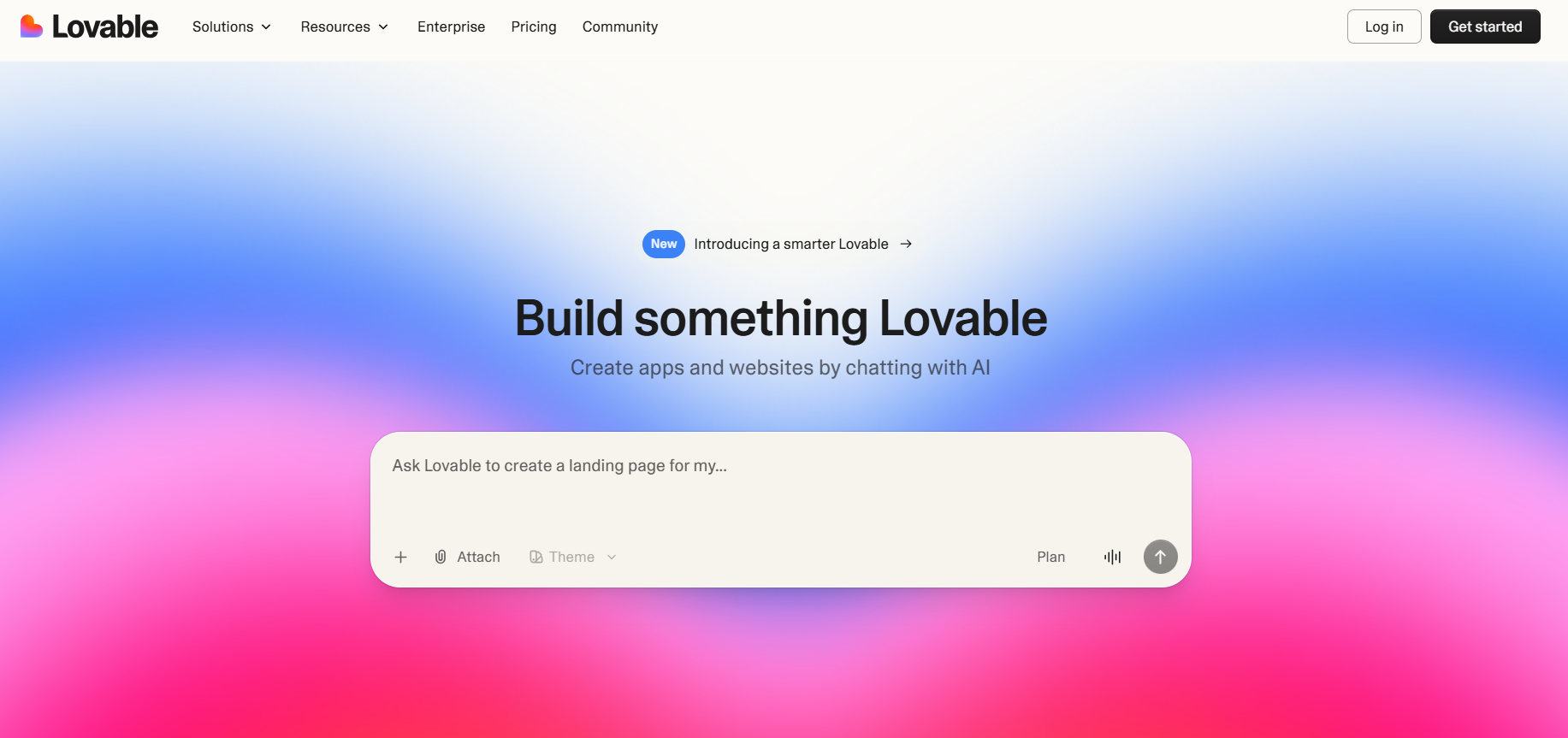
Lovable focuses on visual polish, consistently producing cleaner, more design-aware interfaces than most competitors.

Lovable website interface
What Makes It Stand Out
- Superior aesthetics — generates production-ready designs
- Supabase integration — backend and auth built in
- GitHub export — push generated code to repositories
- Iterative refinement — chat to adjust designs incrementally
- Responsive by default — all layouts work on mobile
Key Difference from v0.dev
Lovable produces more polished output because it prioritizes design system consistency. Components share spacing, typography, and color patterns automatically — describe a change in chat and refine the design step by step.
Best For
Designers and frontend developers who rank visual quality first.
3. Emergent: The Full-Stack AI v0.dev Alternative

Emergent approaches development as an AI-driven workflow: describe an idea in plain language and get working software. Instead of only generating interfaces, it builds the full application structure — UI, backend logic, database layer, and deployment setup. You can preview, refine, and deploy the result directly from the browser.
What Makes It Stand Out
- Full-stack AI generation — frontend, backend, and database structure from a single prompt
- Voice Mode development — create and modify applications by speaking instructions
- Live preview — watch the application update while the AI builds it
- No local setup — build and run apps in the browser without dev tools
- Instant deploy — launch quickly from within the platform
Key Difference from v0.dev
Where v0.dev generates individual UI components, Emergent builds complete applications with backend logic and deployment included. Example [REDACTED PROMPT]
Build a SaaS dashboard with authentication, subscription plans,
analytics charts, and a PostgreSQL database
Emergent generates frontend pages, backend APIs, database structure, and deployment setup. v0.dev would typically generate only the dashboard's UI components.
### Best For
Founders, product teams, and builders who want complete web or mobile applications from a single prompt.
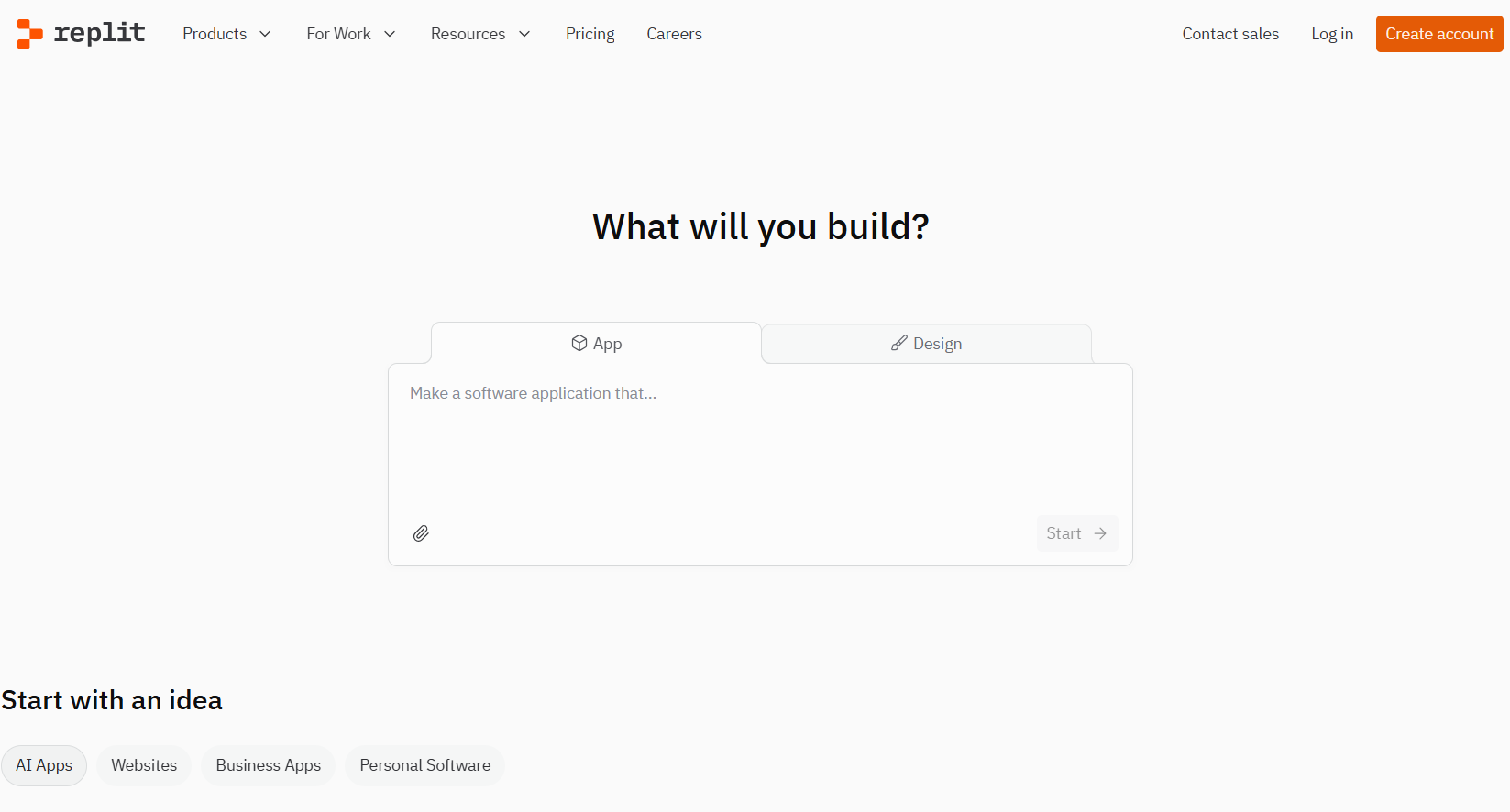
## 4. Replit Agent: The Zero-Setup v0.dev Alternative
Replit Agent requires zero local configuration. It runs entirely in the cloud with deployment built in.
### What Makes It Stand Out
- **No local setup** — everything runs in your browser
- **Full environment** — database, server, and frontend included
- **Instant deploy** — one-click publishing
- **Multiplayer editing** — collaborate in real time
- **Always accessible** — work from any device
### Key Difference from v0.dev
Replit generates and connects all application layers automatically. Describe your app once, and it handles frontend, backend, database, and deployment.
### Best For
Developers and students who want absolutely no environment setup.
## 5. Cursor Composer: The IDE-Integrated v0.dev Alternative
Cursor Composer embeds AI generation inside a professional IDE, so you generate UI components alongside your existing codebase.
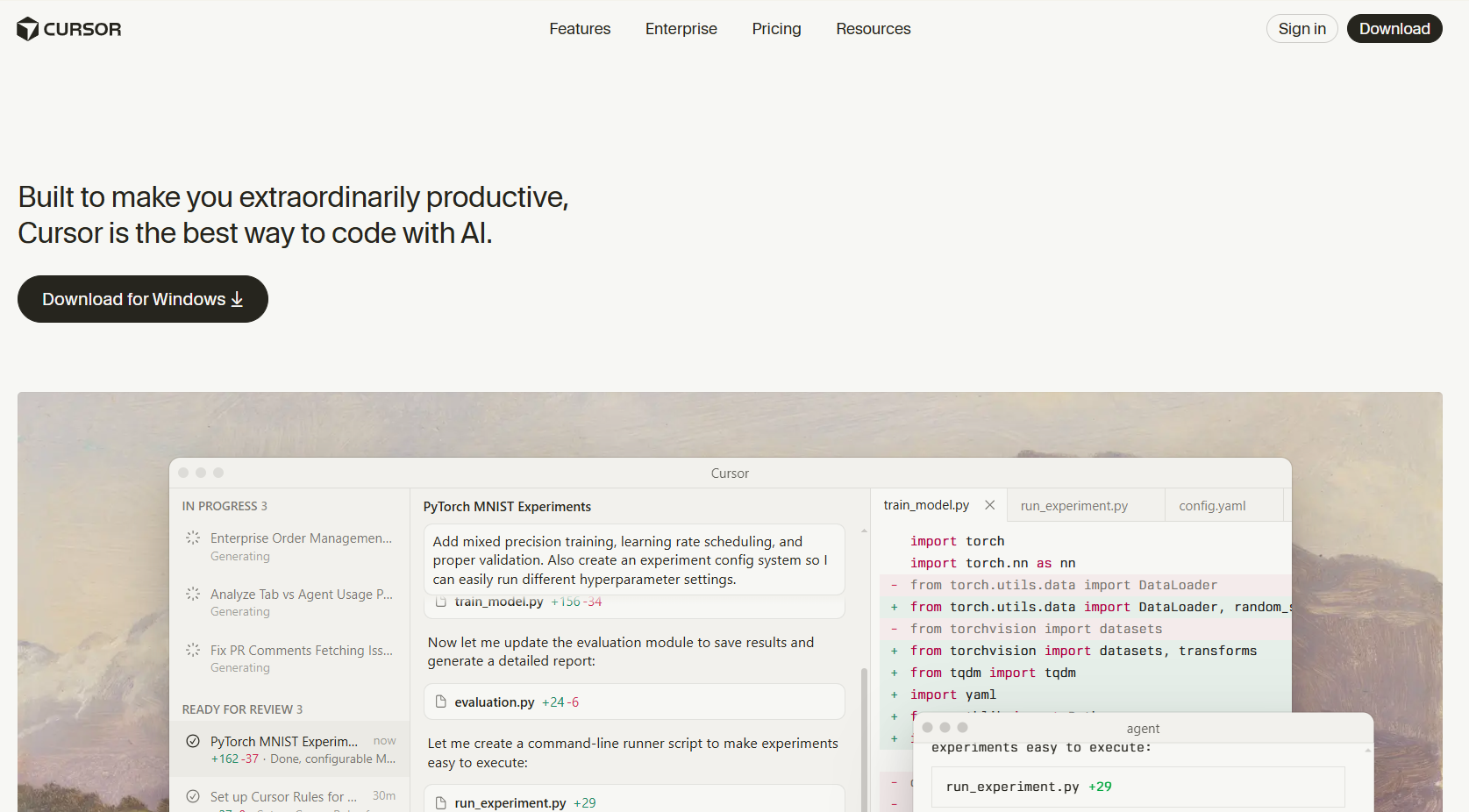
*Cursor Composer website interface*
### What Makes It Stand Out
- **IDE context** — generates code that matches your project's patterns
- **Multi-file editing** — modifies components, styles, and tests together
- **Model choice** — use Claude, GPT-4, or other models
- **Local execution** — code stays on your machine
- **Existing project support** — works with codebases of any size
### How to Use It
Unlike browser-based tools, Cursor works inside your actual project:
1. Open your project in Cursor
2. Press `Cmd+I` to open Composer
3. Describe the component you need
4. Composer generates code that uses your existing styles and patterns
### Best For
Professional developers who want generation integrated into real workflows, not isolated sandboxes.
## 6. Windsurf: The Context-Aware v0.dev Alternative
Windsurf retains context better than most tools: it remembers your entire conversation and codebase state across interactions.
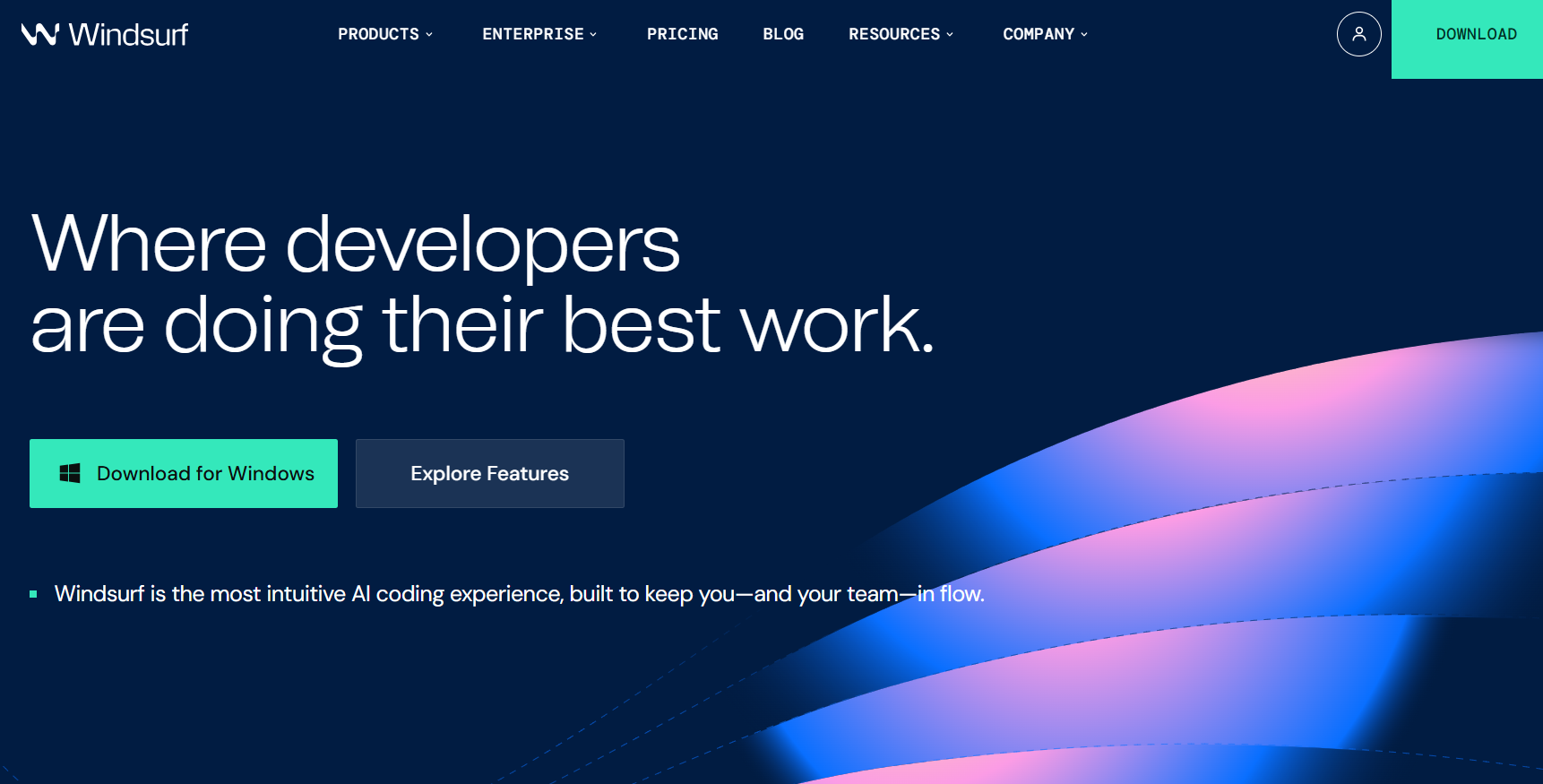
*Windsurf website interface*
### What Makes It Stand Out
- **Cascade system** — AI maintains deep context across prompts
- **Full codebase awareness** — indexes all project files
- **Free tier** — generous limits for individual use
- **Multi-language** — generates code beyond just web frontends
### Key Difference from v0.dev
Most generation tools treat each prompt independently. Windsurf builds on previous interactions, producing more coherent results across multiple changes.
### Best For
Complex projects where the tool needs to understand the full picture.
## 7. Create.xyz: The No-Code v0.dev Alternative
Create.xyz targets non-developers, replacing prompting with visual editing.
*Create.xyz website interface*
### What Makes It Stand Out
- **Visual builder** — drag-and-drop interface design
- **No coding needed** — accessible to any skill level
- **Templates available** — start from pre-built layouts
- **Hosting included** — deploy directly from the platform
### The Trade-off
Create.xyz sacrifices code flexibility for accessibility. You can't export or modify raw source code easily.
### Best For
Non-technical users who need results without any coding requirement.
## 8. Tempo Labs: The React-Specialized v0.dev Alternative
Tempo Labs is built specifically for React, generating production-grade components with TypeScript.
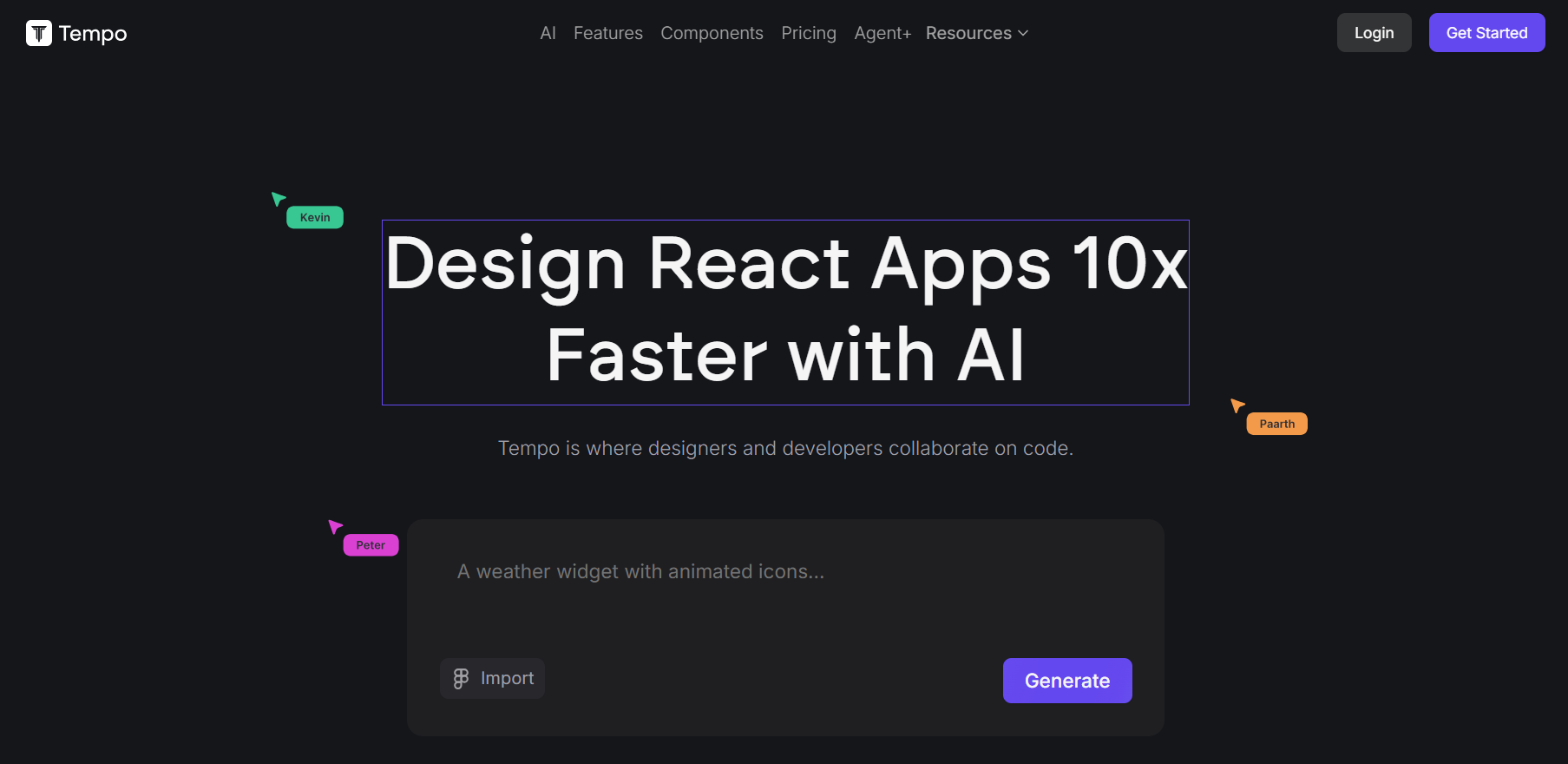
*Tempo Labs website interface*
### What Makes It Stand Out
- **React-first** — every component follows React best practices
- **Figma integration** — import designs and convert to code
- **Design system support** — uses your existing component library
- **TypeScript default** — full type safety on all output
### Key Difference from v0.dev
While v0.dev generates generic components, Tempo deeply understands React patterns — hooks, context, and performance optimization.
### Best For
React teams who want deep framework expertise.
## 9. Lazy AI: The Backend-First v0.dev Alternative
Lazy AI flips the focus to backend code: APIs, database schemas, and server logic.
### What Makes It Stand Out
- **Backend emphasis** — APIs, databases, and authentication
- **Multiple frameworks** — FastAPI, Express, Django, Rails
- **Database generation** — schemas, migrations, and seed data
- **Auth built-in** — JWT, OAuth, and session management
### How to Use It with v0.dev
Pair the two as complementary tools: use v0.dev for frontend components and Lazy AI for the backend. Together they cover the full stack.
### Best For
Backend developers who want server-side code prioritized.
## 10. Srcbook: The Notebook-Style v0.dev Alternative (Now Mocha)
Srcbook (now Mocha) combines code generation with live execution in an interactive notebook interface.
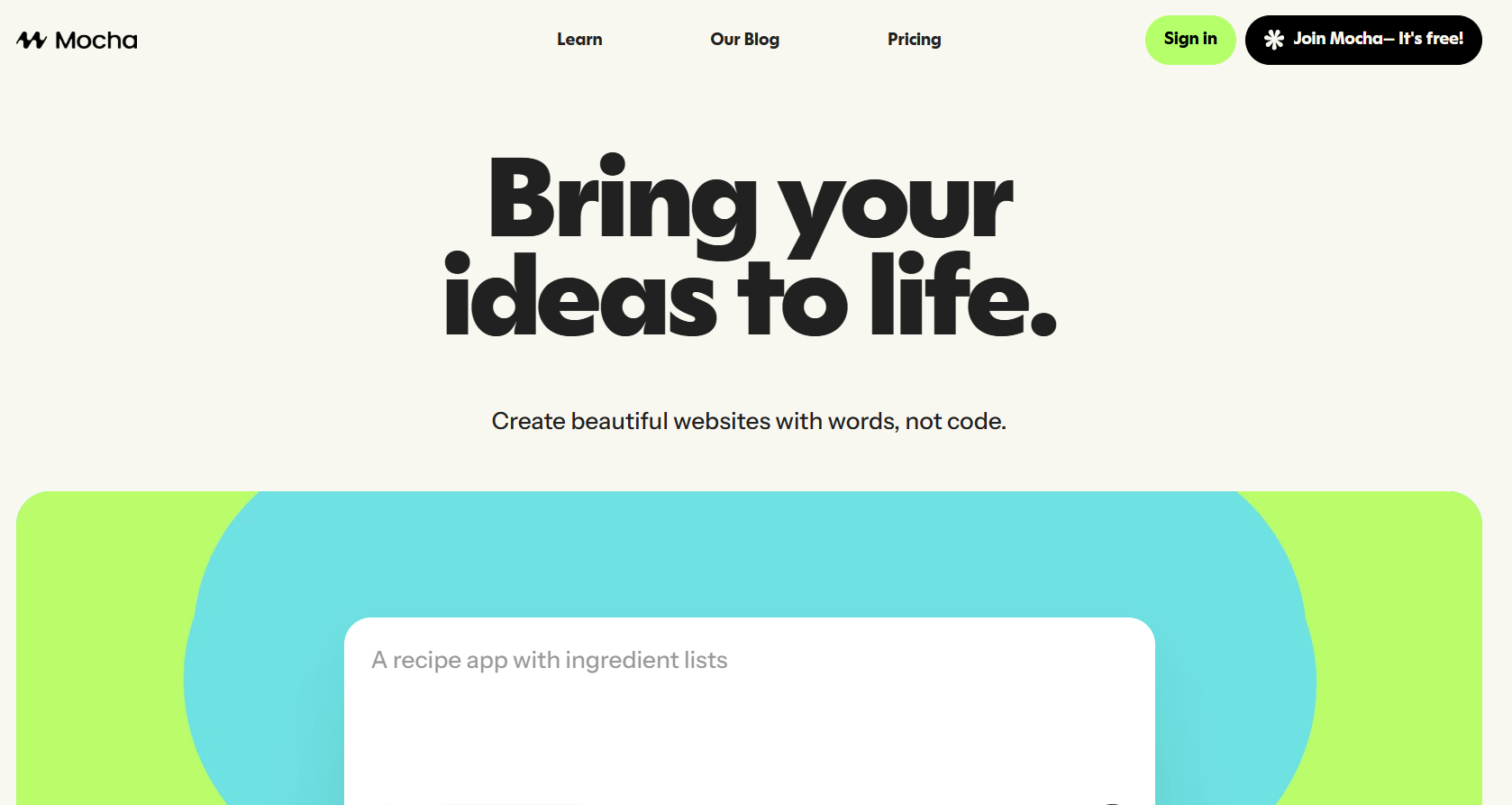
*Srcbook (Now Mocha) website interface*
### What Makes It Stand Out
- **Notebook format** — mix prompts, code, and output interactively
- **TypeScript apps** — generates full TypeScript applications
- **Local-first** — runs entirely on your machine
- **Open source** — free and community-driven
### How the Workflow Differs
Srcbook treats development as exploration. Each cell builds on the last, so you assemble applications incrementally instead of in one shot.
### Best For
Developers who prefer an experimental, notebook-driven approach.
## How to Pick the Right Tool
Map your primary need to a tool:
| You Need | Pick |
| --- | --- |
| Full-stack apps | Bolt.new |
| Design quality | Lovable |
| IDE workflow | Cursor Composer |
| Zero setup | Replit Agent |
| Open source | GPT-Engineer |
| Context retention | Windsurf |
| No coding | Create.xyz |
| React focus | Tempo Labs |
| Backend code | Lazy AI |
| Exploration | Srcbook (Now Mocha) |
## Testing APIs from Any Tool with Apidog
Every tool above generates applications that consume or expose APIs. [Apidog](https://apidog.com/?utm_source=dev.to&utm_medium=wanda&utm_content=blog-sync) helps you test and validate those endpoints regardless of which one produced the code.
0
How Apidog complements your workflow:
- Send requests to APIs your builder generated
- Mock backend responses while the builder handles the frontend
- Auto-generate documentation from the endpoints it created
- Share API specs across your team
[Download Apidog free](https://apidog.com/?utm_source=dev.to&utm_medium=wanda&utm_content=blog-sync) to pair with your chosen tool.
## Conclusion: Match the Tool to the Job
No single tool replaces v0.dev for every use case. Bolt.new delivers the strongest overall option for full-stack development. Lovable wins on design quality. GPT-Engineer leads as the open-source choice with no vendor lock-in.
Start by identifying your biggest limitation with v0.dev, then pick the tool that directly solves it. Test two or three on a real project before committing — the right choice accelerates your workflow; the wrong one adds friction.


Top comments (0)