

New hires don't fail because they're unqualified. They fail because the context is scattered, the answers are buried, and the first week is chaos.
I've seen it happen. Someone joins a team, gets handed a GitHub org invite and a Confluence link from 2021, and is expected to be productive in two weeks. The knowledge exists — it's just locked inside senior engineers' heads, old PRs, and READMEs nobody's updated since the rewrite.
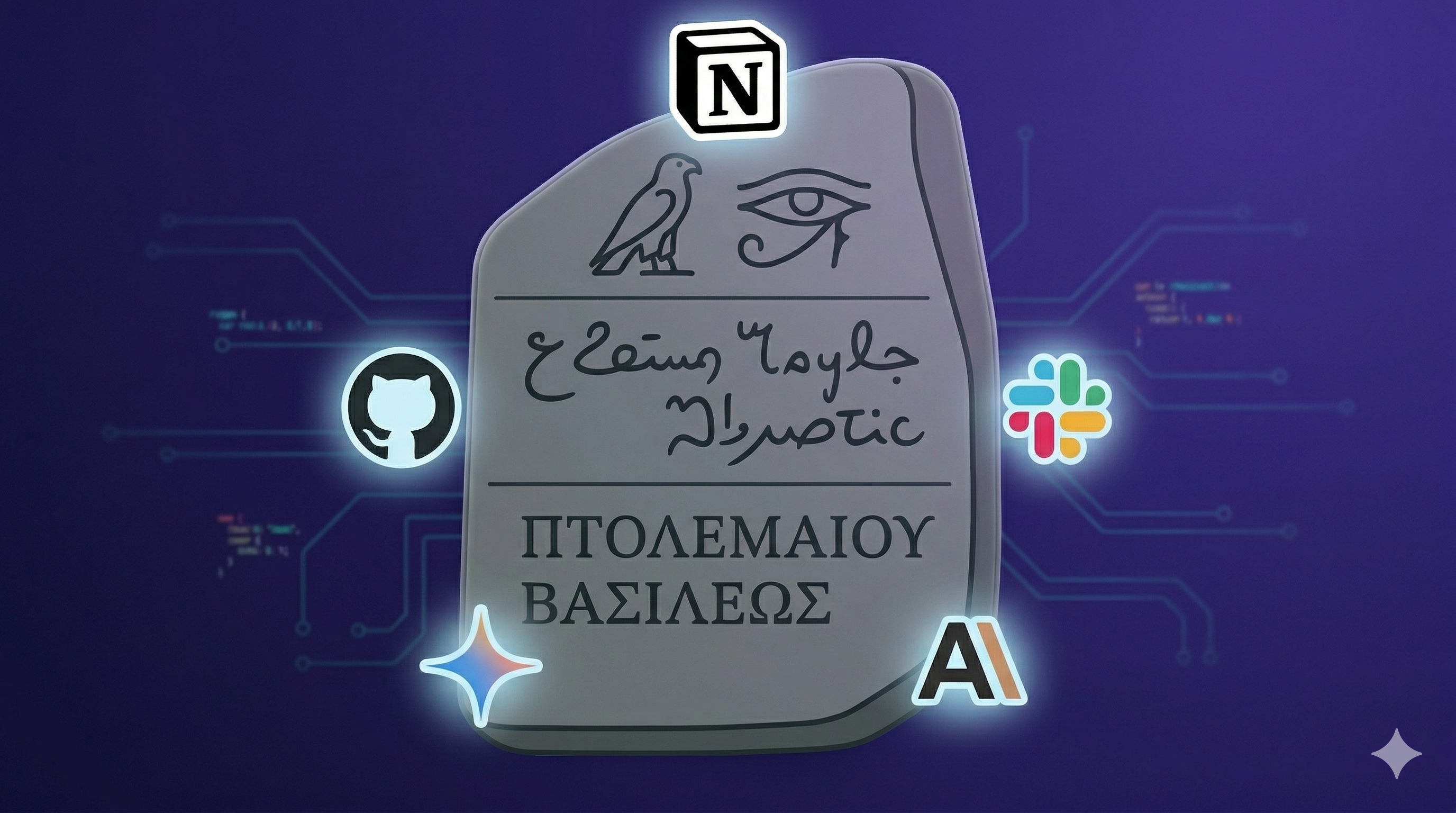
So I built Rosetta.
🤔 What It Does
Rosetta is a CLI-driven onboarding agent. A team lead fills in a row in Notion — name, role, GitHub repos, a few notes — marks it Ready, and walks away. Within minutes, Rosetta has:
- 🔍 Researched every assigned repository using Claude as the orchestrating agent
- 📋 Enriched its context with internal team docs — runbooks, ADRs, team norms — from Notion pages linked by the team lead
- 📖 Generated a personalized, eight-section onboarding wiki in Notion
- 🧠 Embedded the wiki (including images from READMEs) using Gemini multimodal embeddings
- 💬 DMed the new hire in Slack with a link
- 🔔 DMed the supervisor with a provisioning checklist inferred from the repos
- 🤖 Spun up a Slack bot the new hire can chat with immediately
No templates. No copy-paste. A wiki that's actually about their repos and their role.

The Code!
 arrrnav
/
rosetta-onboarder
arrrnav
/
rosetta-onboarder
Engineering onboarding agent using Notion MCP, GitHub API, and Claude API
Rosetta Onboarder
Built for the MLH Notion AI Challenge.
Onboarding new engineers is repetitive work. A team lead writes the same wiki every time: here are the repos, here is how to run them, here are the open issues to start with, here is how we review code. The content is different per hire but the structure is always the same — and every piece of it already exists somewhere: in the GitHub README, in the issue tracker, in the PR history.
Rosetta automates this. A team lead fills in a Notion database row, marks it Ready, and walks away. Within minutes a personalized onboarding wiki is live in Notion, embeddings are indexed for RAG, the new hire has a Slack DM with their link, and the supervisor has a provisioning checklist.
Features
- Agentic wiki generation — Claude researches every assigned GitHub repo on demand (README, structure, issues, PRs, CONTRIBUTING)…
🛠️ The Stack
| Layer | Technology |
|---|---|
| Orchestration | Anthropic SDK — Claude claude-sonnet-4-6
|
| Notion I/O |
@notionhq/notion-mcp-server over stdio |
| GitHub | PyGithub — README, structure, issues, PRs |
| Embeddings | Gemini gemini-embedding-2-preview
|
| Vector store | numpy cosine similarity (no external DB) |
| Server | FastAPI + Uvicorn |
| Slack | slack-sdk Socket Mode + DM notifications |
| CLI | Typer + Questionary |
🏗️ Architecture
New Hire Requests DB (Notion)
        │
        ▼  Status = Ready
   Poller / Webhook
        │
        ├── fetch_context_pages  ◄── Notion REST API, injected into user message
        ▼
   Claude Agent Loop
   ├── fetch_github_metadata
   ├── fetch_github_readme
   ├── fetch_github_structure
   ├── fetch_github_issues
   ├── fetch_github_prs
   ├── fetch_github_contributing
   └── create_notion_wiki  ◄── terminates the loop
        │
        ├── Gemini embeddings (text + images)
        ├── Slack DM → new hire
        └── Slack DM → supervisor (provisioning checklist)
The agent loop is the core of the system. Claude is given seven tools and runs until it calls create_notion_wiki exactly once. It decides what to fetch and in what order — which means it handles repos of wildly different sizes without wasting tokens on the ones that are straightforward. Context pages are fetched before the loop starts and injected directly into Claude's user message — so the wiki reflects your team's actual internal documentation, not just public GitHub data.
🧠 The Agent Prompt Strategy
The interesting prompt engineering isn't making the wiki specific — any LLM will do that with basic instructions. The interesting part is provisioning detection.
When a new hire joins, someone needs to figure out what they need access to: which cloud accounts, which databases, which internal tools, which CI/CD secrets. This normally falls on the team lead or engineering manager to mentally reconstruct from memory. Rosetta does it automatically.
The system prompt instructs Claude to scan the repos for signals even when nothing is explicitly documented:
Infer from: cloud provider configs or deploy scripts (AWS, GCP, Azure),
keys in .env.example or README, Docker/container registry references,
database connection strings or migration files, third-party service
integrations (Stripe, Twilio, SendGrid, etc.), internal tooling references
(Datadog, PagerDuty, Sentry, Vault, Jira, LaunchDarkly, etc.),
VPN or SSH requirements, CI/CD secrets (GitHub Actions, CircleCI, etc.),
GitHub org-level permissions, and any access requirements explicitly
listed in the team documentation context.
The output goes into an access_requirements field on the wiki and gets forwarded to the supervisor as a Slack DM checklist — without anyone having to think about it.
📄 Context Pages
One feature I'm particularly happy with: Context Pages.
The team lead can paste Notion page URLs into the hire's database row. Before the agent runs, Rosetta fetches those pages' block content via the REST API and injects it into Claude's user message. Internal runbooks, ADRs, team norms — all of it becomes part of the wiki without Claude needing any special tools to access it.
# pipeline.py
for ctx_page_id in hire.context_page_ids:
    text = await session.fetch_notion_page_text(ctx_page_id)
    context_pages_text += text + "\n\n"

# injected into the agent's user message:
"Additional context from team documentation:\n{context_pages_text}"
This means the wiki isn't just built from public GitHub data — it's built from your team's actual knowledge base.
🔄 Freshness: Light and Full Refreshes
A wiki is only useful if it's current. Rosetta runs a background scheduler that wakes every Friday at 17:00:
| Week | Refresh Type | What Happens |
|---|---|---|
| Odd ISO weeks | Light | New issues and recent PRs appended |
| Even ISO weeks | Full | Entire wiki regenerated, old page archived |
State is persisted to data/scheduler_state.json so restarts don't double-fire. New hire gets a Slack DM either way.
🖼️ Multimodal RAG
After wiki generation, Rosetta embeds the content using Gemini's new multimodal gemini-embedding-2-preview model. Architecture diagrams, screenshots, and other images in READMEs are embedded alongside text into the same vector space — so the Slack bot can answer "what does the auth flow look like?" with context that includes visual material.
The vector store is a simple numpy cosine similarity implementation for the demo. For a large-wiki scope, p.
def retrieve(self, query: str, top_k: int = 3) -> list[str]:
    q_vec = self._embed_text(query)
    scores = self._vectors @ q_vec
    top_indices = np.argsort(scores)[::-1][:top_k]
    return [self._chunks[i] for i in top_indices]
💬 The Slack Bot
The moment the wiki is written, the new hire gets a DM with their wiki link. No email chain, no "check your onboarding doc in Drive" — it lands in Slack where they're already working.

From that point on, they can ask the bot anything directly in the DM. It resolves their Slack user ID to their wiki's vector store, retrieves the top-3 relevant chunks by cosine similarity, and generates an answer with Claude — all running inside the same Socket Mode connection as the FastAPI server. No separate process, no public URL required.
The RAG context includes not just the wiki text but also any images embedded from READMEs — so questions like "how does the auth flow work?" can pull from an architecture diagram the same way they'd pull from a paragraph of prose.
Meanwhile, the supervisor gets their own DM — a provisioning checklist inferred by Claude from the repos, sent automatically so nothing slips through the cracks before the hire's first day.

⚙️ Setup Experience
One thing I wanted to get right: the operator experience. rosetta setup runs an interactive wizard that:
- Prompts for every required env var with masked previews of existing values
- Provisions the Notion workspace (top-level page, database, all columns) in one shot
- Validates the configuration with a doctor check before exiting

Then rosetta serve starts the FastAPI server, the Slack bot, the poller, and the scheduler as co-located asyncio tasks. One command, everything running.
🪨 What I'd Do Differently
MCP over stdio is finicky.
The @notionhq/notion-mcp-server uses stdio transport, which means a subprocess per session and careful teardown to avoid anyio cancel-scope errors on shutdown. A stable HTTP MCP server would be cleaner.
I wanted to embed the repos themselves.
Right now, RAG is built from the generated wiki content. The richer version would embed the actual repository files and Notion pages directly — giving the Slack bot true codebase-level context rather than a summary of it. The architecture supports it, but the Gemini embedding API costs add up fast during development, and testing a full repo ingestion pipeline as a solo developer isn't cheap. This is the obvious next step for a production deployment where the cost is justified.
Context pages only go one level deep.
When a team lead attaches a Notion context page, Rosetta fetches its blocks but doesn't recurse into child pages. A runbook that links to five sub-pages of setup instructions is only partially ingested. Full recursive traversal with depth limits is the right solution — just didn't make the cut before the demo.
🚀 Try It
rosetta setup gets you from zero to a running onboarding system in about five minutes if you have Notion, GitHub, and Slack tokens ready.
Rosetta removes the biggest barrier to professional growth: getting started.
Faster ramp-up. Less friction. Smarter onboarding.


Top comments (0)