
title: [TIL] Why the Passkeys process still requires an account and password when creating an account?
published: false
date: 2022-12-09 00:00:00 UTC
tags:
canonical_url: http://www.evanlin.com/til-why-passkeys-need-idpw/
---
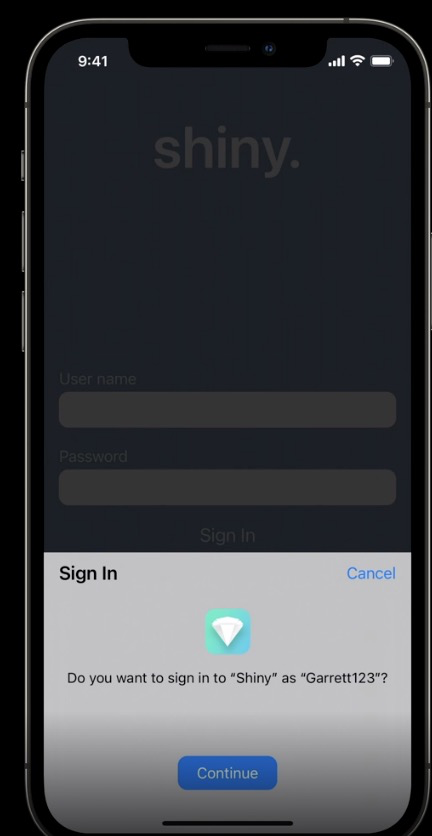
# Background:
I wrote an article about [Passkeys after WWDC](https://www.evanlin.com/til-apple-passkeys/). As a result, I saw an interesting tweet a few days ago, which made me re-examine how familiar I am? What are the differences in the actual Passkeys process (first time and subsequent times)? This article will summarize this part.
# (Updated 2022/12/10) If it's the first time creating an account, how many steps are required? Why?
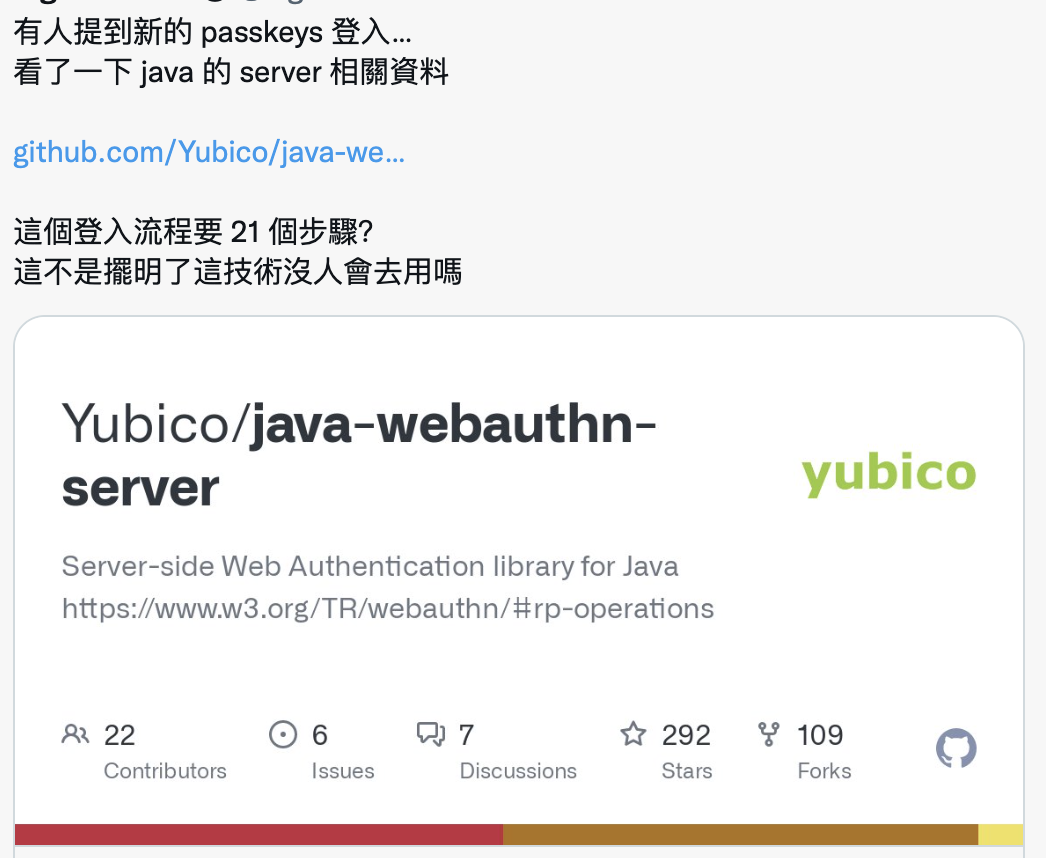
The tweet I saw before mentioned why [Yubico/java-webauthn-server has nearly 21 steps](https://github.com/Yubico/java-webauthn-server#architecture)? This also made me curious to check the original meaning of the related process:
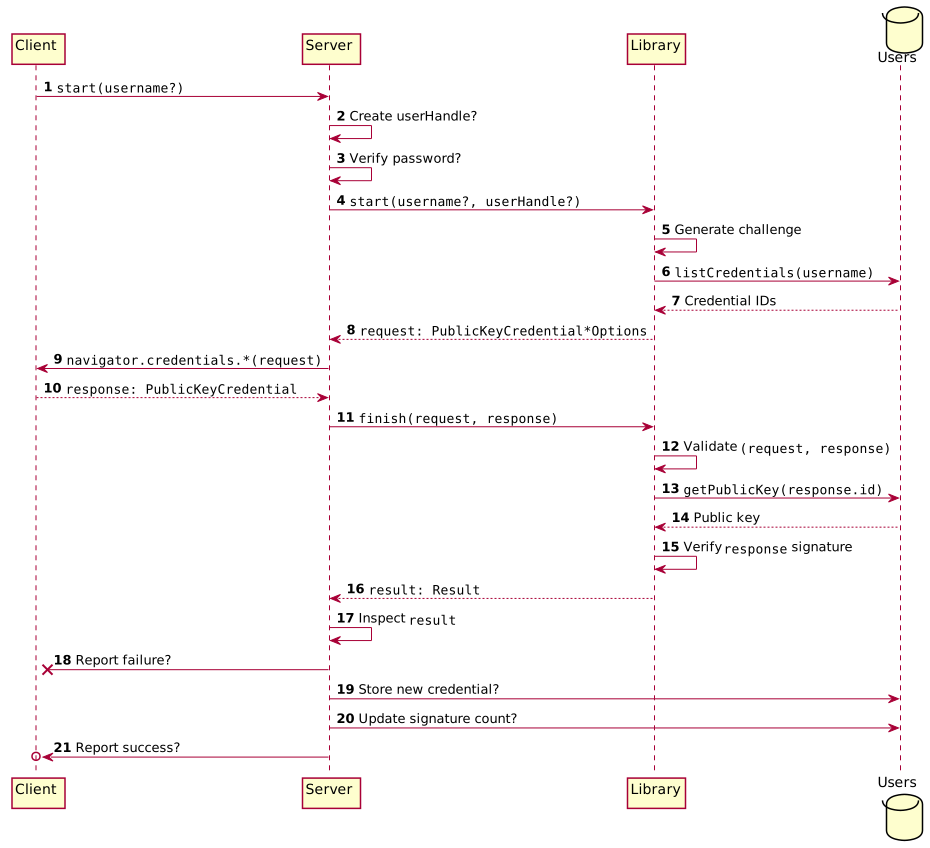
(Pic from [https://github.com/Yubico/java-webauthn-server#architecture](https://github.com/Yubico/java-webauthn-server#architecture))
According to the diagram of this component, everyone will be very curious. Here, you need to combine it with another diagram to see:
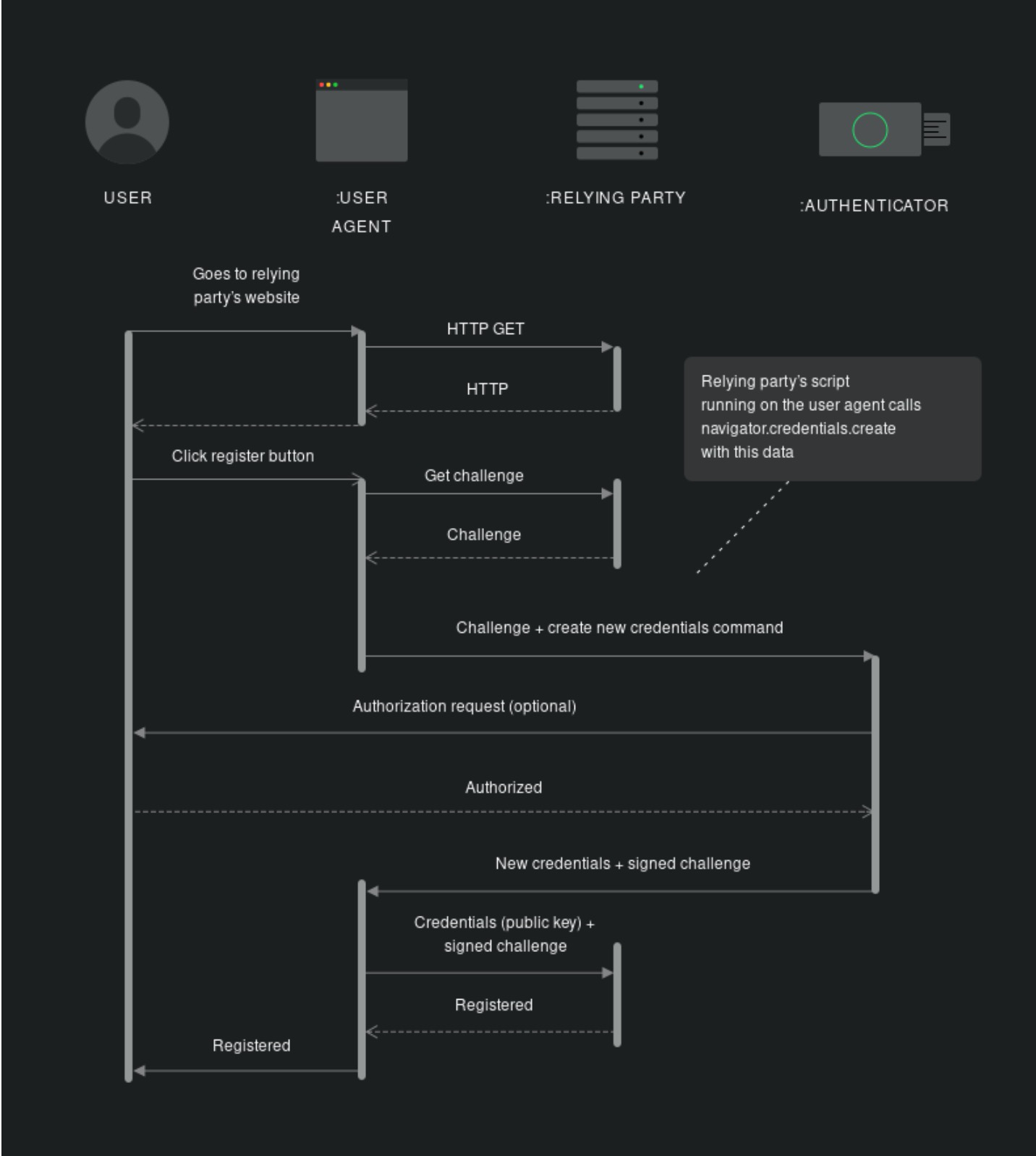
- **Step: 1 ~ 4:**
- When creating an account, because it needs to support older browsing devices (browsers/OS), you still need an account and password here. The entire process is the same as the previous database, but the following process is a bit different.
- If there is a User-Agent that supports Passkeys and doesn't need Backward Compatibility, you actually don't need 1 ~ 4 (but you should have them).
- **Step: 5:**
- This is based on the [PKCE method](https://www.evanlin.com/go-oauth-pkce/) to generate a Challenge, which is a value that has been AES encrypted.
- **Step 6 ~ 9:**
- At this time, you can generate a credential ID (optional) and return it to the client side as the value generated by the client agent.
- User-Agent may pass Challenge + credential command + credential ID
- **Step 9 ~ 18:**
- This is where the Client Agent will be activated to open the Passkeys support login process.
- The encrypted credential is transmitted to the server side through private encryption.
- After decrypting with the Public key that was accessed before, confirm whether it is the same credential ID.
- **Step 18 ~ 21:**
- Registration is completed after Auth is completed.
### Several key points are:
- The related process is definitely more cumbersome than the original ID/PW (may be more selective of devices).
- But after the first registration is completed, if the device allows it, you don't need to enter ID / PW afterwards.
- The demo example also uses Passkeys from the first time, but this often cannot be used universally for older devices.
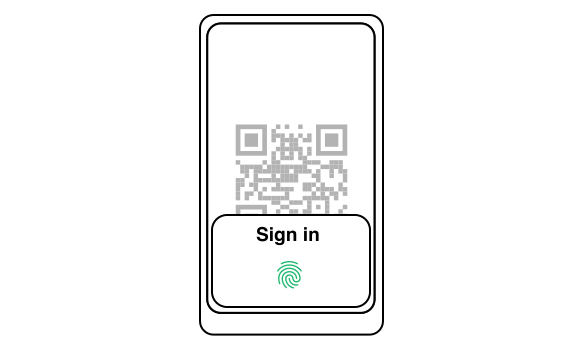
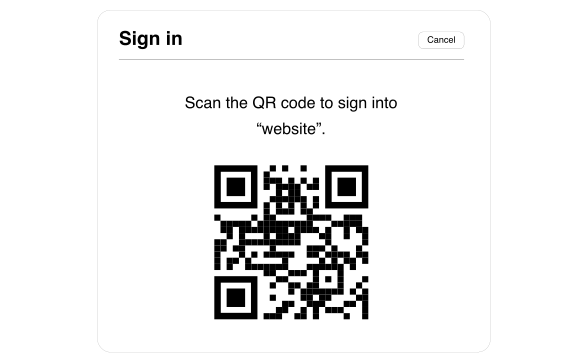
# Passkeys Login Experience
# Support for related devices
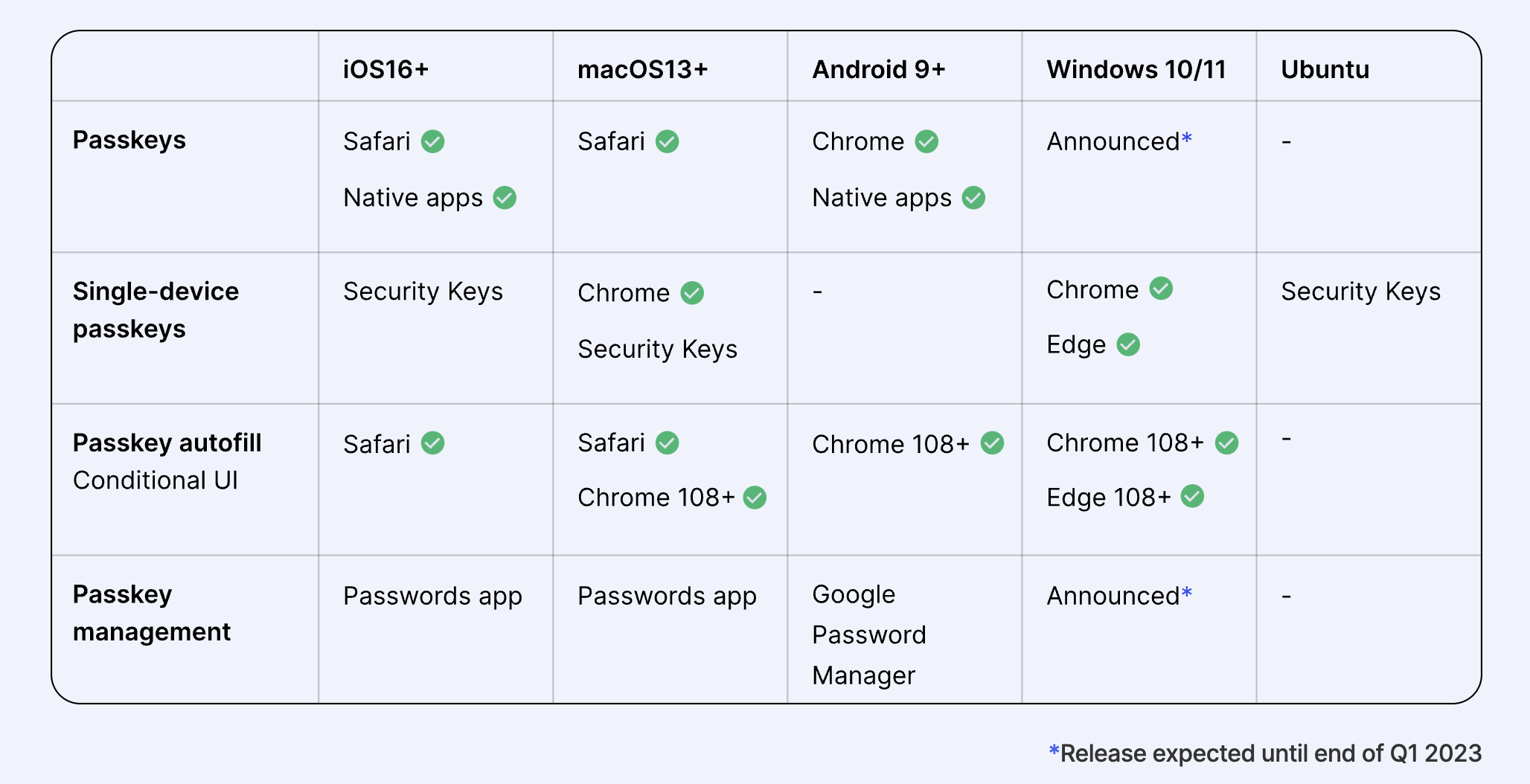
(From: [https://www.passkeys.io/](https://www.passkeys.io/))
Here you can see that the WebAuthn called inside Passkeys is actually related to the App and OS version of the browser. So if you want to fully implement the Passkeys system as soon as possible, it is actually the browser support. If it is natively supported by a system similar to Apple, it can also be implemented in the development of the App as soon as possible.
# Finally
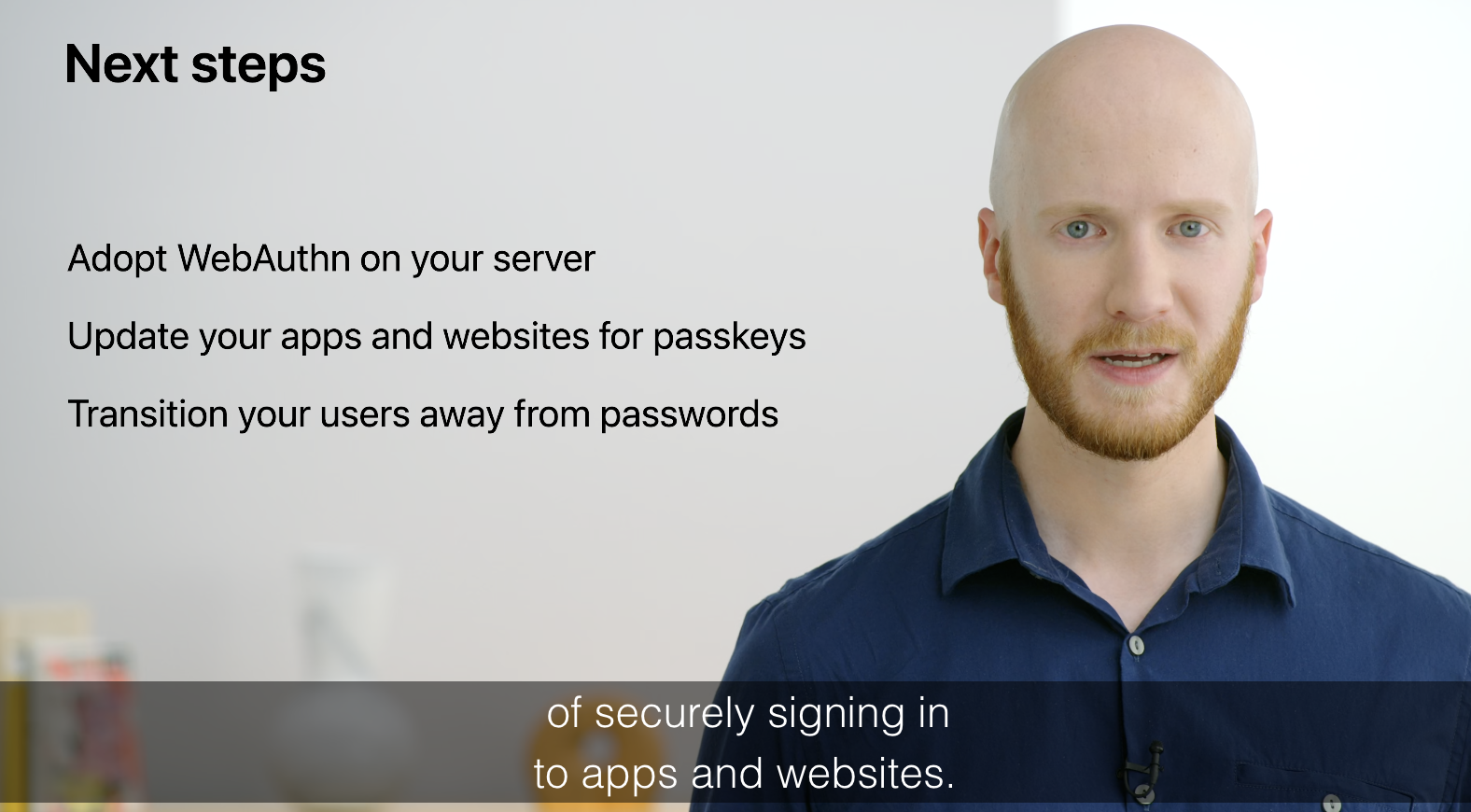
(From: [WWDC22 Session: Meet passkeys](https://developer.apple.com/videos/play/wwdc2022/10092/) )
As in the end of this video, Passkeys is not about saving the entire login process. Instead, it is about enhancing the security and user convenience of the entire login process. In order to achieve the true Password-less realm, it actually requires the cooperation of many industries:
- The server side needs to use WebAythn to write its own login application.
- And keep the versions of the related servers up to date
- Also remind users to use the latest version of the phone (seems simpler).
# Reference
- [Apple Doc: Supporting Passkeys](https://developer.apple.com/documentation/authenticationservices/public-private_key_authentication/supporting_passkeys)
- [WWDC22 Session: Meet passkeys](https://developer.apple.com/videos/play/wwdc2022/10092/)
- [WWDC21 Session: Move beyond passwords](https://developer.apple.com/videos/play/wwdc2021/10106/)
- [FIDO2: Web Authentication (WebAuthn)](https://fidoalliance.org/fido2-2/fido2-web-authentication-webauthn/)
- [Passkeys for web authentication](https://www.hanko.io/blog/passkeys-part-1)
- [What Apple’s WWDC Passkeys Announcement Means for Enterprise IAM](https://blog.hypr.com/what-apples-wwdc-passkeys-announcement-means-for-enterprise-iam)
- [https://github.com/duo-labs/webauthn](https://github.com/duo-labs/webauthn)
- [WebAuthn.io: A demo of the WebAuthn specification](https://webauthn.io/)
- [What is WebAuthn? How to Authenticate Users Without a Password](https://www.freecodecamp.org/news/intro-to-webauthn/)

Evan Lin
Posted on Originally published at evanlin.com on
[TIL] Why do passkeys still need an account and password during account creation?
For further actions, you may consider blocking this person and/or reporting abuse


Top comments (0)