

A typical GitHub profile README ends up looking like a mashup of services:
- stats from one generator
- streak from another
- languages from a third
- an activity graph somewhere else
- skill icons from yet another host
Each piece has its own URL parameters, themes, and failure modes. When one service lags or changes a query string, the profile looks broken.
The idea
Keep the live GitHub data, but design it once and embed it once.
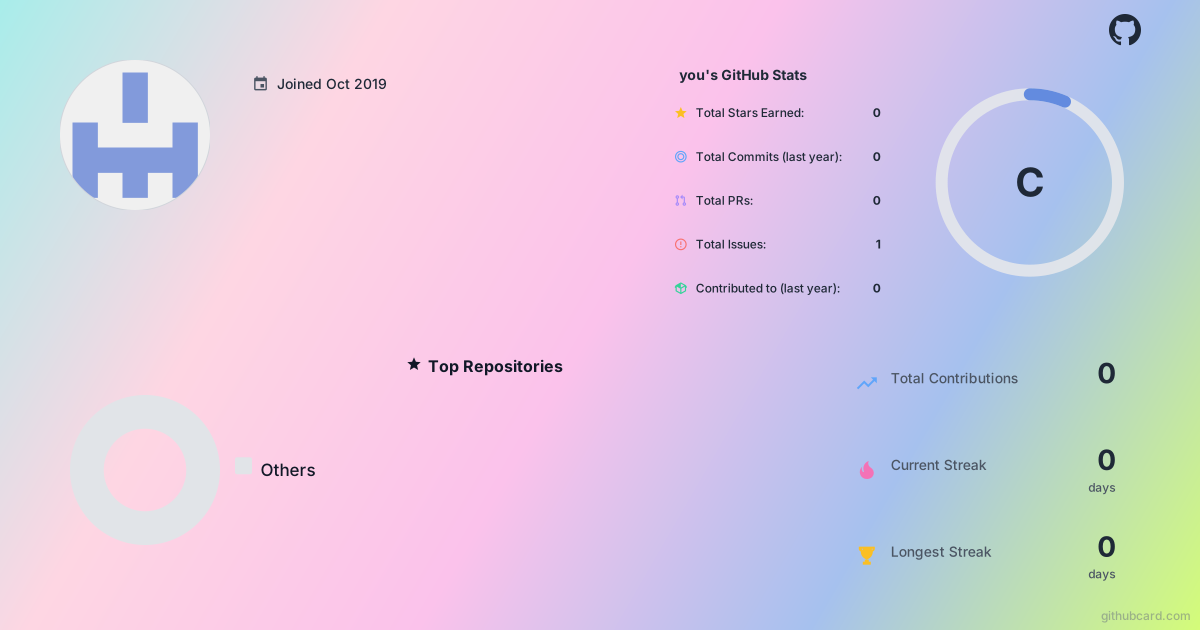
GitHubCard is a drag-and-drop canvas for profile and repo cards. You pick widgets (stats, heatmap, streak, languages, top repos, star history, and more), theme them together, then export SVG or PNG. The README only needs one image link.
Fast path (no editor)
If you only need a default card, swap github.com for githubcard.com in a profile or repo URL:
- Profile:
https://githubcard.com/YOUR_USERNAME - Repo:
https://githubcard.com/OWNER/REPO
Embed in your profile README
- Create (or open) the special repo named exactly like your username.
- Add a
README.mdif it is missing. - Drop in one Markdown image (replace the username and design id if you published a custom card):

Or with a click-through to your real profile:
[](https://github.com/YOUR_USERNAME)
Why one card helps
- One visual system. Stats, languages, and heatmaps share the same theme instead of five different color palettes.
- Fewer moving parts. One callsite to maintain when you change layout or branding.
- Still live data. Cards refresh from GitHub (with caching, so updates can take up to about an hour).
Canvas path (custom layout)
- Open https://githubcard.com/
- Choose a profile card or a repo card.
- Enter a username or
owner/repo. - Drag widgets, resize, theme once.
- Export SVG or PNG and paste the URL into Markdown.
Core features are free. Sign in with GitHub when you want to save and update a custom design.
A minimal before / after
Before: six image embeds, five hosts, a pile of query parameters.
After:
# Hi, I'm Alex
Full-stack developer building useful products.
## Featured projects
...
Same story on the profile, less glue code in the README.
Try it
Open the designer at githubcard.com, generate a card for your username, and paste one link into your profile README. If you already maintain a stack of embeds, try collapsing them into a single card and see whether the profile reads clearer.


Top comments (0)