

Debugging using VS Code is pretty simple for Node projects. If you run node --inspect-brk app.js it will start a debugging session

Then if you use ctl+shirt+P you can toggle the auto attach which will open the session in the Debugger View

This will then attach to the debugger
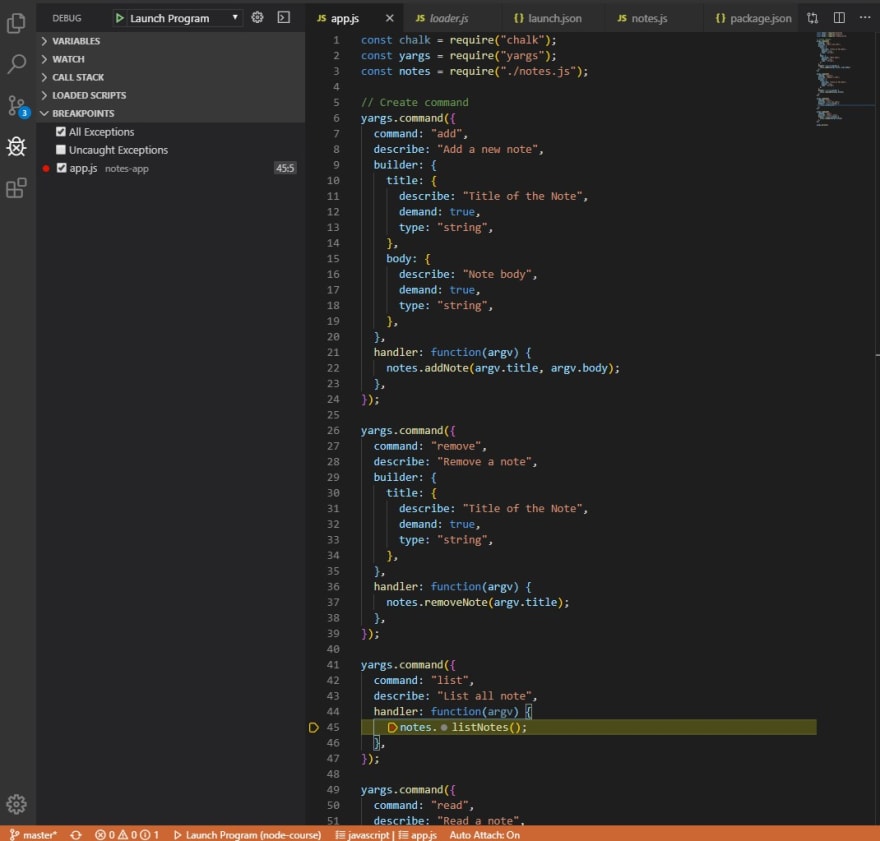
Then just a case of adding breakpoints where you want and start stepping through the code. You don't have to leave VS Code


Top comments (0)