

I Built an AI Agent That Remembers Why a Client Changed Their Deadline
Most AI agents are good at answering questions about what they can see right now.
The harder problem is remembering what happened before.
Imagine having a client meeting today and discussing their budget, security concerns, delivery timeline, and previous commitments. A week later, another meeting happens. If the AI cannot remember the previous conversation, the same questions get asked again and important context can disappear.
That was the problem I wanted to solve with RecallMeet.
RecallMeet is an AI relationship-memory agent built to remember important meeting context and use it to prepare for future interactions.
Its basic workflow is:
Retain → Recall → Prepare
The Problem: Meeting Context Gets Lost
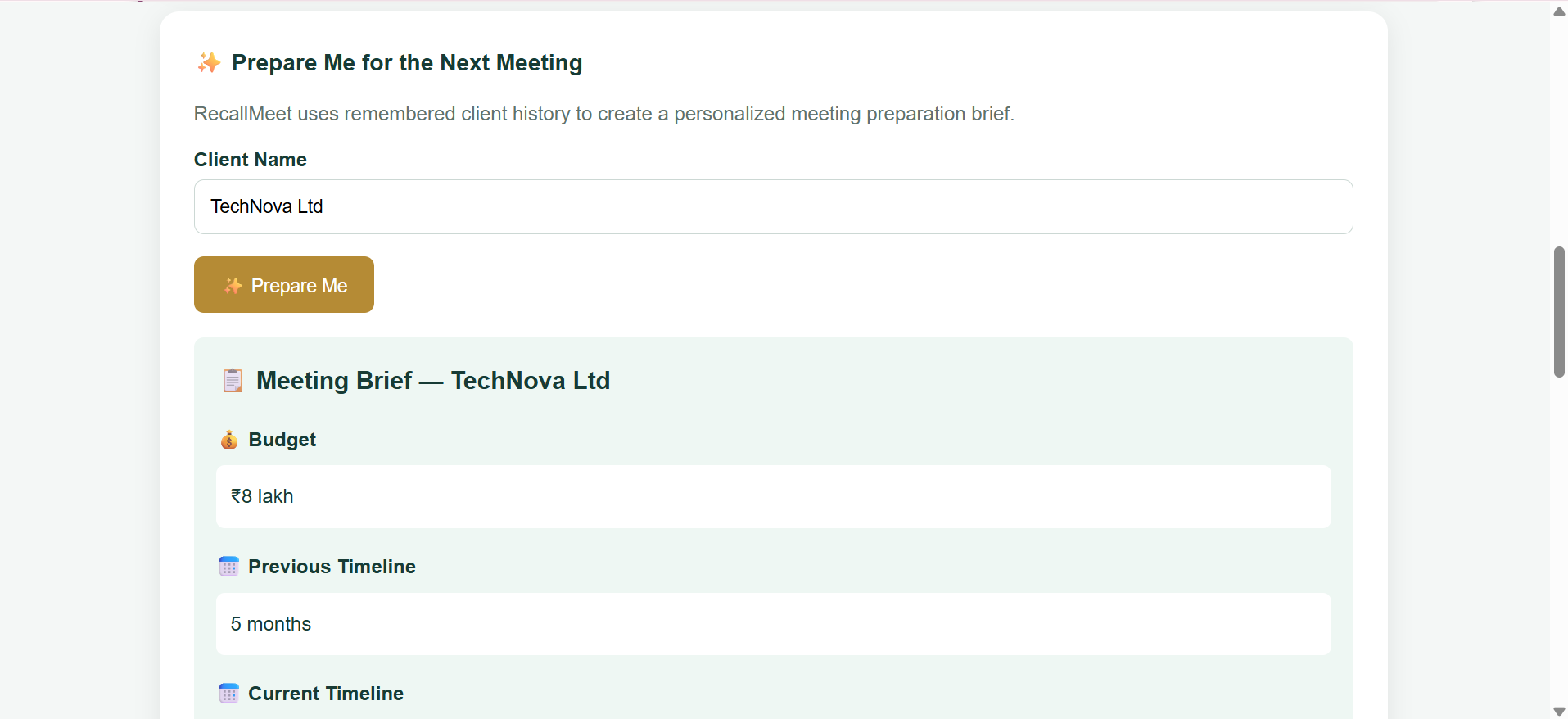
Consider a client called TechNova Ltd.
During an earlier meeting, we recorded:
- Project budget: ₹8 lakh
- Original delivery timeline: 5 months
- Main concern: security
- Security requirements: encryption and two-factor authentication
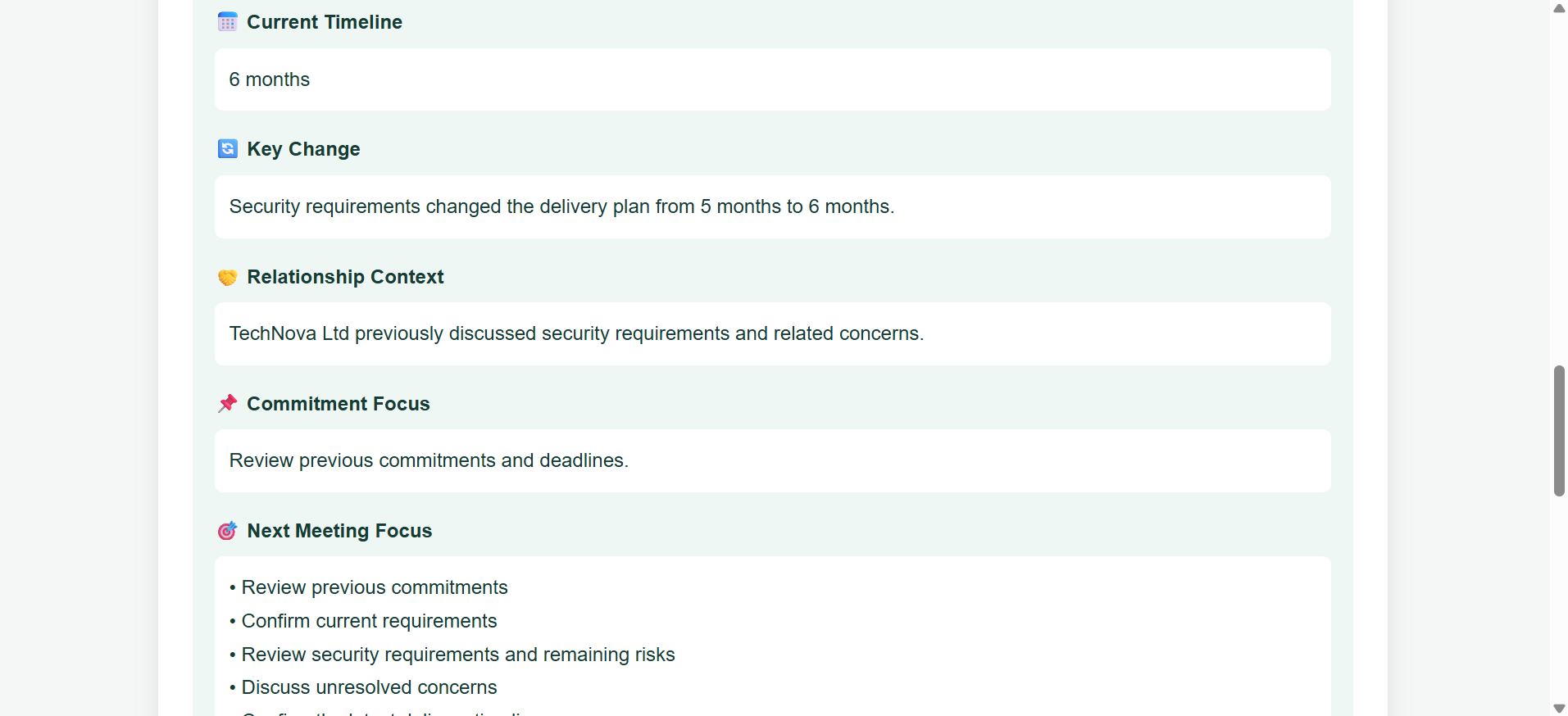
Later, additional security work changed the expected delivery time from 5 months to 6 months.
A normal chatbot does not automatically know why that change happened unless the previous information is provided again.
That creates a simple but important problem:
The information exists, but the agent does not have useful long-term memory of the relationship.
I wanted RecallMeet to solve that.
Before and After
Before long-term memory
A typical meeting assistant might see only the current meeting:
text
Current meeting:
The client wants the project delivered in 6 months.
The agent knows the new timeline, but not necessarily:
Why it changed
What the original timeline was
What security concern caused the additional work
What budget was previously discussed
The user would need to manually search old notes or provide the previous context again.
After adding Hindsight
RecallMeet can retrieve related information from previous interactions:
TechNova previously had a 5-month delivery timeline.
The project budget was ₹8 lakh.
The client raised security concerns.
Additional security work involving encryption and
two-factor authentication extended the expected timeline
to 6 months.
Now the next meeting has context instead of starting from zero.
Why I Used Hindsight
For the memory layer, I integrated Hindsight�.
Hindsight is designed for long-term memory for AI agents. Instead of treating every conversation as an isolated request, it provides a way for an agent to retain information and recall relevant memories later.
I used the Hindsight documentation� while building the integration.
The architecture of RecallMeet is intentionally simple:
Meeting
↓
Retain
↓
Hindsight Memory
↓
Recall
↓
Relevant Client Context
↓
Prepare for Next Meeting
How RecallMeet Stores Memory
The backend is written in Python using FastAPI.
When a meeting is remembered, RecallMeet sends the meeting information to Hindsight.
A simplified version of the code looks like this:
client.retain(
bank_id=BANK_ID,
content=meeting.notes,
context=f"Meeting with {meeting.client_name}"
)
The bank_id identifies the memory space used by RecallMeet, while the context helps associate the memory with the relevant client.
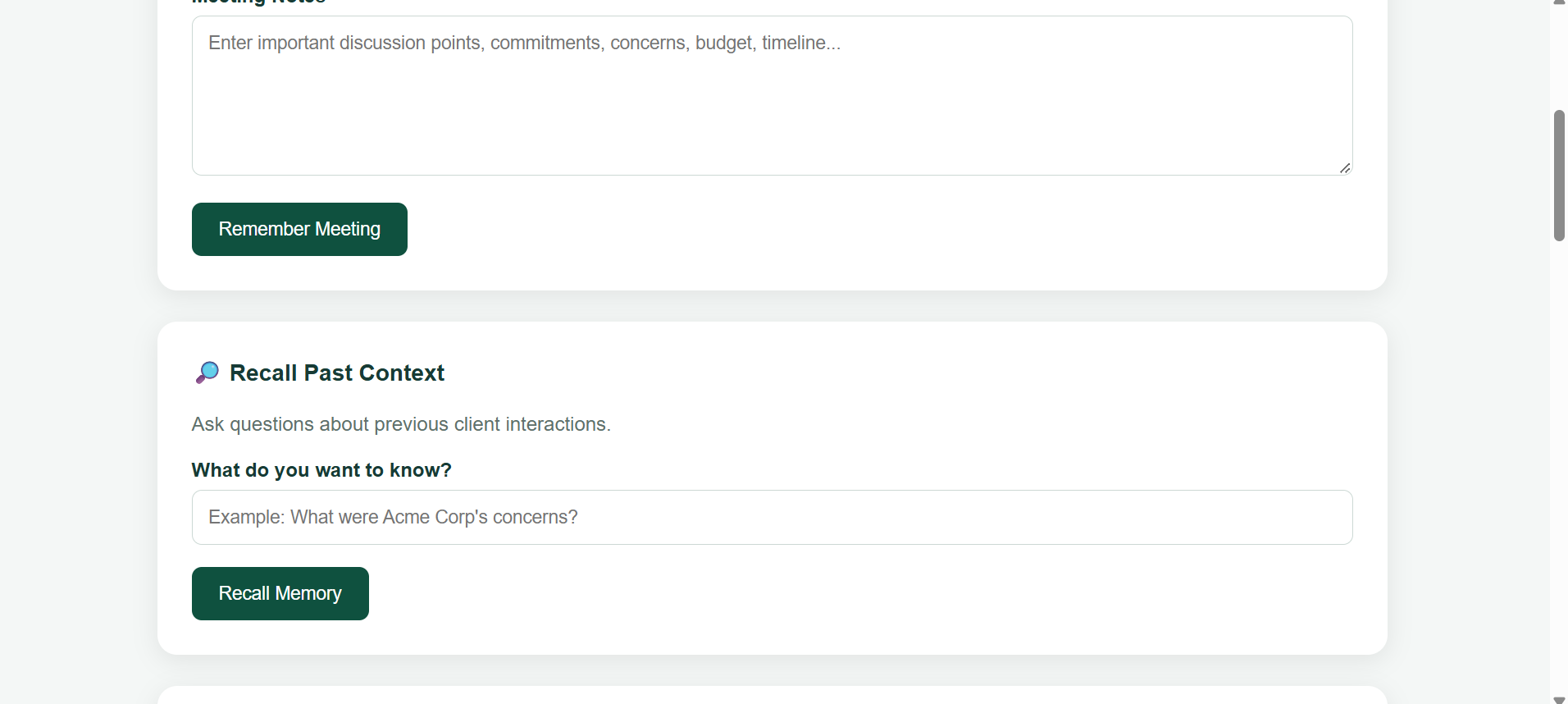
Later, when the user wants to remember something, the application performs a recall operation:
response = client.recall(
bank_id=BANK_ID,
query=request.query
)
The important part is that the agent does not need the entire meeting history placed into every request.
Instead, it can retrieve relevant information when it is needed.
Retain → Recall → Prepare
I designed RecallMeet around three simple actions.
1. Retain
After a meeting, important information is stored in Hindsight.
For example:
Client: TechNova Ltd
Budget: ₹8 lakh
Timeline: 5 months
Concern: Security
Requirements: Encryption + 2FA
2. Recall
Before another meeting, the user can ask something like:
What were TechNova's previous concerns?
The system retrieves relevant memories.
It can also answer questions about previous timelines, budgets, requirements, and commitments.
3. Prepare
The recalled information can then be turned into preparation points for the next meeting.
For example:
Next Meeting Focus
• Review previous commitments
• Confirm current security requirements
• Discuss the updated 6-month timeline
• Confirm budget
• Review unresolved concerns
• Agree on next steps
This makes the memory useful rather than simply storing old information.
Keeping Different Clients Separate
One issue I encountered during development was that semantic memory retrieval can sometimes return more context than I actually wanted.
For example, RecallMeet can contain information about both TechNova and another client such as Acme Corp.
If I simply asked a broad question, unrelated memories could potentially appear in the result.
So I added client-specific filtering and deduplication in the application layer.
For example, when asking about TechNova, the application checks the retrieved memories and keeps the relevant TechNova context instead of displaying unrelated client information.
This was an important lesson for me:
Memory retrieval is not just about storing information. It is also about controlling which memories are useful in a particular context.
The Technology Behind RecallMeet
The current prototype uses:
Python for the backend
FastAPI for API endpoints
HTML, CSS and JavaScript for the frontend
Hindsight for long-term agent memory
Environment variables for configuration and API credentials
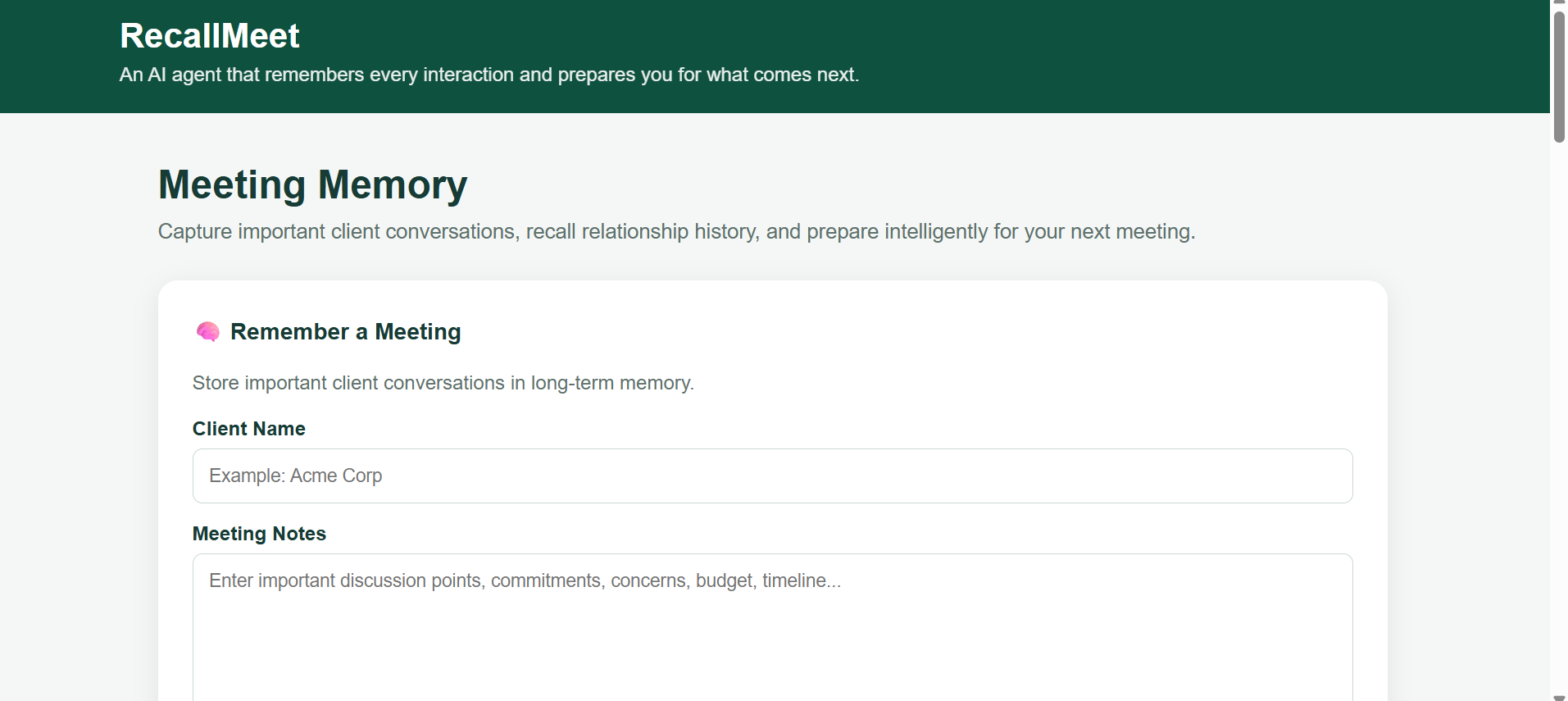
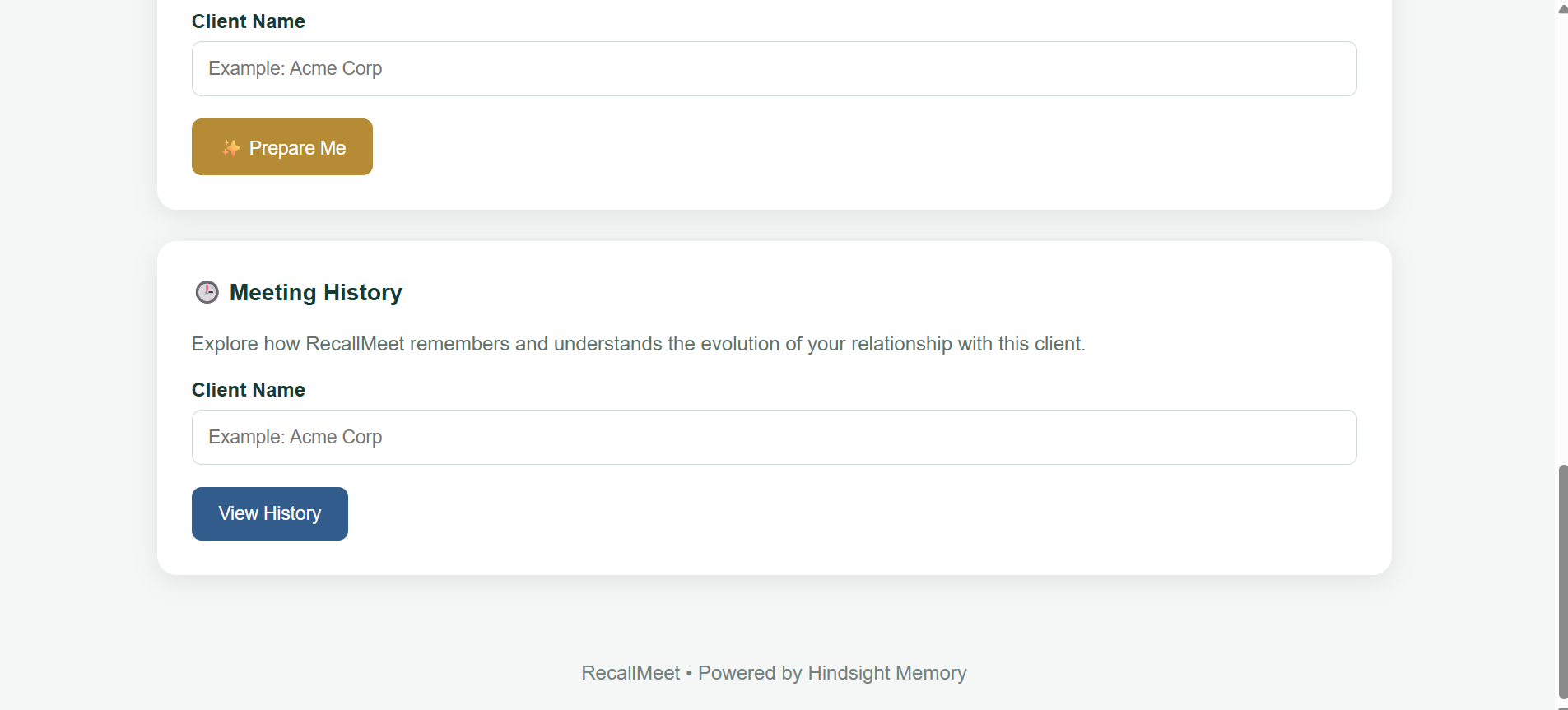
The application provides four main actions:
Remember a Meeting
Recall Past Context
Prepare Me for the Next Meeting
Meeting History
The goal was to keep the interface simple while letting the memory system handle the more complex part.
What I Learned
One of the biggest lessons from building RecallMeet was that adding memory to an AI agent is more than simply connecting a database.
A useful memory system needs to answer three questions:
What should be remembered?
Not every piece of conversation needs to become important long-term context.
What should be recalled?
The system needs to retrieve information relevant to the current interaction.
How should the memory be used?
Retrieved information should actually help the user make the next interaction more productive.
I also learned that retrieval can produce repetitive or overly broad context. Adding client filtering and deduplication helped make the results more useful for my specific application.
This is still a prototype, so there are several areas I would improve before considering it production-ready, including stronger authentication, more structured meeting extraction, better memory management, and more advanced preparation based on previous commitments.
What Comes Next
The next version of RecallMeet could go beyond simply recalling meeting information.
For example, it could automatically identify:
Unfinished commitments
Follow-up actions
Changes in requirements
Important client preferences
Upcoming deadlines
Decisions made across multiple meetings
The agent could then generate a concise briefing before every meeting.
That would turn long-term memory into an active part of the workflow rather than just a place to store old conversations.
Final Thoughts
Building RecallMeet changed the way I think about AI agents.
An agent becomes much more useful when it can understand that today's interaction is connected to yesterday's conversation and tomorrow's task.
For me, the most interesting part was not simply getting an AI response.
It was being able to ask:
“What happened before, and why does it matter now?”
That is the idea behind RecallMeet: an AI agent that remembers every interaction and prepares you for what comes next.
If you're interested in the memory layer I used, you can explore Hindsight on GitHub�, its documentation�, or learn more about agent memory from Vectorize�.
## Project
GitHub:
https://github.com/KothaVaruni/RecallMeet


Top comments (0)