


Introduction:
One of the biggest mistakes organizations make during cloud migration is focusing only on moving applications while neglecting the network architecture that supports them.
In reality, networking is the backbone of every secure and scalable cloud environment.
As part of my Azure cloud engineering journey, I’m currently working on a small but practical project focused on designing and implementing a secure Azure networking environment for a web-based application migration.
The goal is not just to deploy resources, but to understand how enterprise-grade Azure networking is designed in real-world environments.
And it all starts with Virtual Networks, Subnets, and Secure VNet Peering.
Let’s break it down in a practical and simplified way.
The Scenario: You're the Cloud Architect
Imagine this: Your company is finally moving its web application to Azure. And guess who gets the first task? You.
You need to build the virtual networks (VNets) and subnets from scratch. Oh, and they must talk to each other securely. No pressure, right?
Here’s the game plan:
Two VNets → app-vnet (for the app) + hub-vnet (for shared services)
Two subnets in app-vnet → frontend (web servers) + backend (database servers)
One subnet in hub-vnet → for a firewall (named AzureFirewallSubnet)
Private, secure connection between VNets → via VNet peering
Same Azure region → lower latency, no extra costs
This is called a hub and spoke network architecture.
hub-vnet = the center (firewall, monitoring)
app-vnet = the spoke (your application)
By the end of this tutorial, you'll have a production-ready network foundation in less than 10 minutes.
What I’m About to Build
1. Creating the Application Virtual Network (app-vnet)
This virtual network will host the application infrastructure.
Inside this VNet, I’ll create two separate subnets:
Frontend Subnet
This subnet will host the web servers responsible for handling user requests and application traffic.
Backend Subnet
This subnet will host the database servers and internal application services.
Separating frontend and backend resources into different subnets improves:
- Security
- Traffic control
- Workload isolation
- Easier policy enforcement
This is one of the most important principles in cloud networking — segmentation.
2. Creating the Hub Virtual Network (hub-vnet)
The second virtual network will act as the centralized hub.
Inside the hub-vnet, I’ll create a dedicated subnet for the firewall.
This firewall layer will help simulate how organizations centralize:
- Security policies
- Traffic inspection
- Routing management
- Controlled communication between environments
This architecture becomes extremely useful as environments grow larger and more complex.
3. Configuring Secure Virtual Network Peering
Once both VNets are created, the next step is to establish Virtual Network Peering between them.
This allows:
- Secure private communication
- Low-latency connectivity
- Seamless resource access between VNets
One of the most interesting parts of Azure VNet Peering is that traffic remains on Microsoft’s private backbone network and never traverses the public internet.
That means better:
- Security
- Performance
- Reliability
Here, is the technical details and guides to provision Hub-and-Spoke Approach.
Exercise instructions
Note: To complete this lab you will need an Azure subscription with Contributor RBAC role assigned. In this lab, when you are asked to create a resource, for any properties that are not specified, use the default value.
Create hub and spoke virtual networks and subnets
An Azure virtual network enables many types of Azure resources to securely communicate with each other, the internet, and on-premises networks. All Azure resources in a virtual network are deployed into subnets within the virtual network.
- Sign in to the Azure portal - https://portal.azure.com.
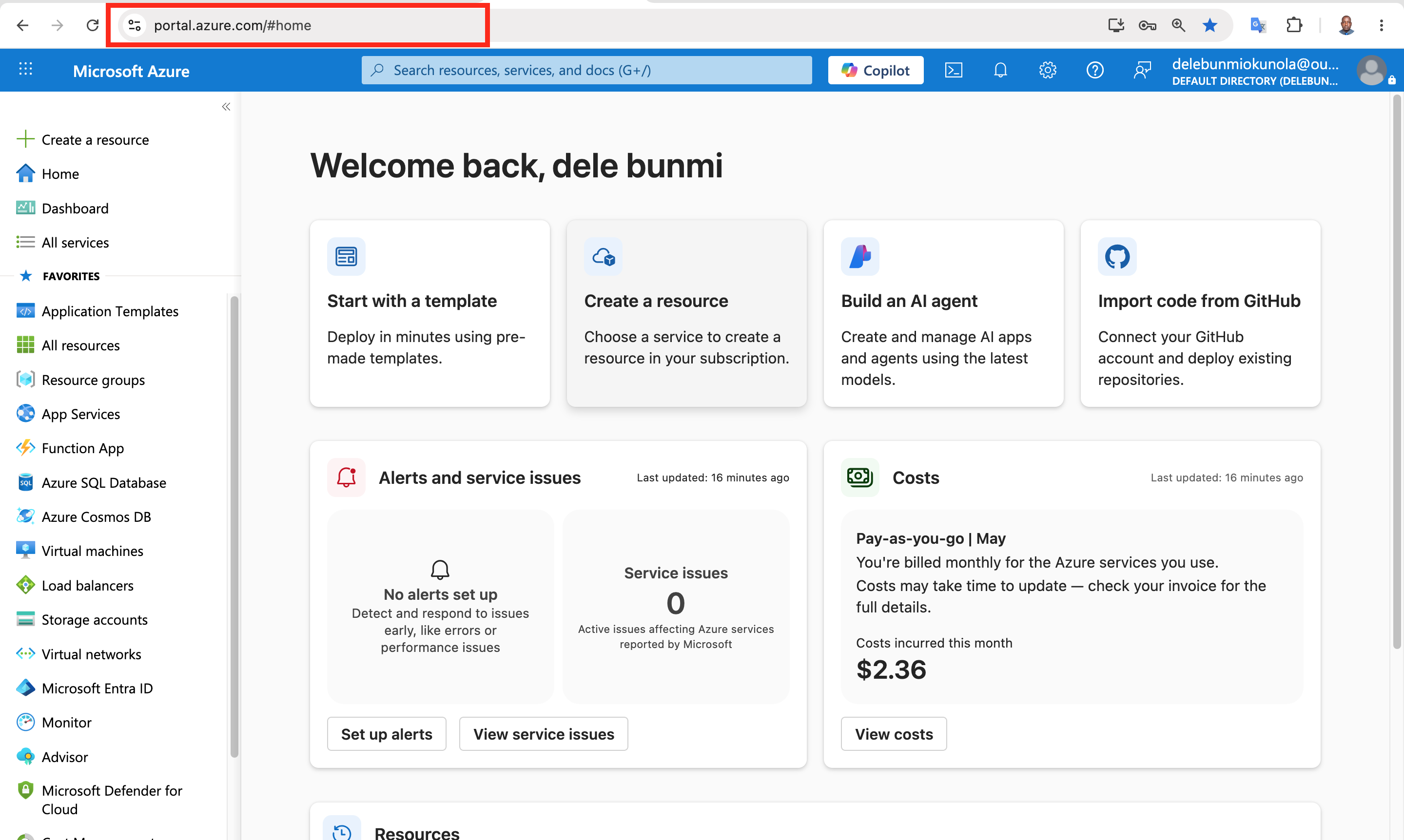](https://media2.dev.to/dynamic/image/width=800%2Cheight=%2Cfit=scale-down%2Cgravity=auto%2Cformat=auto/https%3A%2F%2Fdev-to-uploads.s3.amazonaws.com%2Fuploads%2Farticles%2Fs91whts43pi9ptkj36kz.png)
- Search for and select Virtual Networks.

- Select + Create and complete the configuration of the app-vnet.
 This virtual network requires two subnets, frontend and backend.
Property Value
Resource group RG1
Virtual network name app-vnet
Region East US
IPv4 address space 10.1.0.0/16
Subnet name frontend
Subnet address range 10.1.0.0/24
Subnet name backend
Subnet address range 10.1.1.0/24
Note:Leave all other settings as their defaults

When finished select “Review + create and then Create.


- Create the Hub-vnet virtual network configuration. This virtual network has the firewall subnet.
Property Value
Resource group RG1
Name hub-vnet
Region East US
IPv4 address space 10.0.0.0/16
Subnet name AzureFirewallSubnet
Subnet address range 10.0.0.0/26


- Once the deployments are complete, search for and select your ‘virtual networks`.

- Verify your virtual networks and subnets were deployed.


Configure a peer relationship between the virtual networks
Virtual network peering enables you to seamlessly connect two or more Virtual Networks in Azure.
- Search for and select the app-vnet virtual network.

- In the Settings blade, select Peerings.

- + Add a peering between the two virtual networks.


Property Value
Remote peering link name app-vnet-to-hub
Virtual network hub-vnet
Local virtual network peering link name hub-to-app-vnet
Note: Leave all other settings as their defaults. Select “Add” to create the virtual network peering.
- Once the deployment completes, verify the Peering status is Connected.

Key takeaways
- Networking first – No app is secure or scalable without a solid network foundation.
- Hub-spoke pattern – Centralize shared services (hub-vnet), isolate workloads (spoke-vnets).
- VNet peering – Private, fast, free (same region), and requires bidirectional setup.
- Subnets = security boundaries – Separate frontend (web) and backend (database) tiers.
- Plan IPs carefully – Overlapping address spaces break peering.
- Hands-on > theory – Building it yourself bridges the knowing-doing gap.
- Patterns over clicks – Understanding why matters more than knowing how.
In conclusion, Cloud engineering is so much more than just deploying virtual machines. Don't get me wrong—spinning up a VM is satisfying. But the real value? That comes when you start thinking bigger. When you stop asking "How do I make this work?" and start asking "How do I make this secure, scalable, and resilient enough to grow with the business?" That shift in thinking changes everything.
This project gave me a chance to step into that mindset. I didn't just click buttons in the Azure portal. I dug into networking fundamentals—VNets, subnets, peering—and started to see how these pieces fit together in real enterprise environments. Not textbook diagrams. Not simplified labs. The kind of patterns you'd actually find in production.
And here's what stood out to me the most:
Every great cloud deployment—whether it's a small startup or a global enterprise—starts with a solid network foundation. You can have the most brilliant application code in the world, but if your network is messy or insecure, nothing else really matters.
This hands-on learning reminded me why I got into cloud engineering in the first place. It's not about memorising services or chasing certifications. It's about bridging that gap between knowing the theory and actually building something real.
And honestly? That's the kind of learning that sticks with you.


Top comments (0)