

This is a submission for the DEV's Worldwide Show and Tell Challenge Presented by Mux
What I Built🚀
I built GitPeek, a modern and expressive GitHub profile explorer that turns a developer’s GitHub data into a readable, story-like profile.
Instead of just listing numbers, GitPeek focuses on clarity, context, and personality, helping users quickly understand who a particular developer is, how they work, and what their GitHub activity says about them.
It fetches real-time data from the GitHub API and presents it in a clean, animated interface designed for both developers and non-technical viewers.
My Pitch Video✨
Demo🌍
🔗 Live Demo: GitPeek


📦 Source Code:

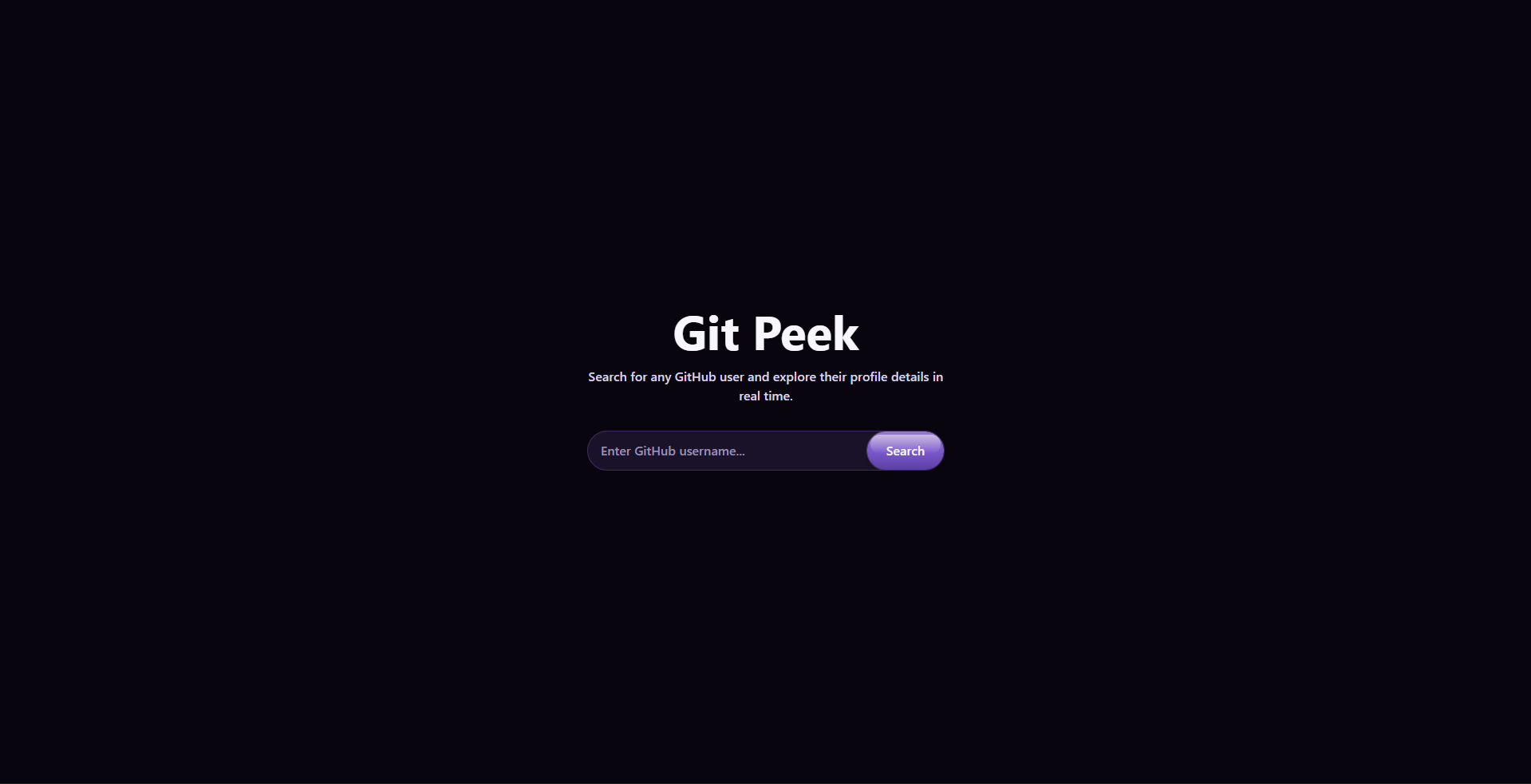
🧭 GitPeek — Read Your GitHub Story


GitPeek is a web application that goes beyond searching GitHub profiles.
It interprets public GitHub data to help you understand how a developer works, not just what they’ve built.
🔗 Live Demo: https://git-peek.netlify.app
📦 Source Code: https://github.com/your-username/gitpeek
📌 Why GitPeek Exists
GitHub profiles are powerful, but can be noisy.
Recruiters, collaborators, and even developers themselves often struggle to quickly understand:
- What kind of developer is this?
- Are they consistent or experimental?
- Do they maintain projects or start many and abandon them?
GitPeek was built to answer those questions clearly and visually, using public GitHub data and a clean, focused interface.
✨ What GitPeek Does
GitPeek fetches public GitHub data and presents it in a way that is:
- Easy to scan
- Insight-focused
- Human-readable
Instead of dumping raw data, GitPeek emphasizes patterns, behavior, and trends.

🚀 Core Features
-
🔍 Instant GitHub User…
Key Features of GitPeek✨
1.GitPeek summarizes a developer’s GitHub identity, not just their repositories.
2.It translates GitHub data into plain-language insights.
3.GitPeek focuses on how a developer works, not just what they built.
4.It provides a visual, story-like profile.
5.GitPeek uses real-time GitHub API data.
6.It’s built for multiple audiences, not just developers.
7.No sign-in required.
You can analyze any public GitHub profile instantly.
How users can test it (no signup or login required):🎯
1. Open the link, enter any GitHub username in the search bar
2. View real-time profile and repository data
3. Observe UI responsiveness, animations, and error handling (you get an error when you type an invalid username)
No authentication or test credentials needed.🔒
The Story Behind It 📖
Problem
GitHub profiles are like digital fingerprints for developers. They're unique, revealing, and surprisingly personal. Yet, for all their value, they’re often misunderstood or overlooked.
Every profile is filled with signals: commit patterns, repository choices, favorite languages, project consistency, and long gaps or bursts of activity. To an experienced engineer, these patterns tell a story. To everyone else, they often look confusing.
Recruiters scroll.
Founders skim.
Beginners feel intimidated.
Important context gets lost.
Solution
I built GitPeek to answer a question I kept running into again and again:
“What does this developer’s GitHub actually say about them?”
Not just what tools they’ve used or how many repositories they have, but how they work:
- Are they consistent or experimental?
- Do they ship often?
- Do they explore, abandon, return?
GitPeek doesn’t try to replace GitHub. Instead, it acts like a translator, taking raw GitHub data and reshaping it into something more readable, more human, and easier to understand at a glance.
The goal was clarity, not complexity.
By focusing on layout, hierarchy, and subtle motion, GitPeek helps viewers move from raw data to insight, turning commits and repositories into a coherent snapshot of a developer’s habits, growth, and mindset.
GitPeek exists because code tells a story.
Sometimes, it just needs help being read.
Technical Highlights✅
- Frontend architecture: React (Vite) with a modular, component-based design
- Theme support: Built-in light and dark modes that adapt seamlessly to user preferences while preserving contrast, readability, and visual clarity 🌗
- API integration: Real-time data powered by the GitHub REST API
- UI/UX execution: Tailwind CSS delivering a clean, consistent visual system
- Motion design: Subtle Framer Motion animations used intentionally to guide user attention
- Error Handling: Graceful handling of invalid usernames, empty states, and GitHub API rate limits
- Responsiveness: Fully optimized for both desktop and mobile experiences
The core challenge was not fetching data, but deciding how to present it clearly and meaningfully.
Use of Mux (Additional Prize Category Participants Only)
Mux is used in GitPeek for multiple purposes:
- Demo Video Hosting & Playback: The GitPeek pitch/demo video is uploaded as a Mux asset, processed for adaptive streaming, and embedded directly into the Dev.to post using the Mux playback URL. This ensures high-quality video delivery across devices without self-hosting or performance overhead.

Dynamic Cover Media Creation: Mux was used to generate the article’s cover video, adding a visually engaging, animated preview for readers.
GIF Generation from Video: The cover video produced with Mux was also converted into a GIF, which is embedded as an interactive visual element, enhancing storytelling and drawing attention to the article.
Thank you for reviewing GitPeek✨.
❗ By submitting this project, I confirm that my video adheres to Mux's terms of service: https://www.mux.com/terms


Top comments (3)
Cool project Fave!
Thank you!
This is amazing, nice one Favour 👌