


I was surprised to discover how much of a performance boost GPU-accelerated vision agents could provide, and I'm excited to explore the possibilities of NVIDIA-AI-Blueprints. The prospect of building efficient AI-powered video analytics applications has significant implications for my work. Have you ever run into a situation where your video analytics application was slowed down by inefficient processing? Sound familiar?
Introduction to AI-Powered Video Analytics
AI-powered video analytics is a rapidly growing field with applications in surveillance, healthcare, and more. At its core, it involves using artificial intelligence to analyze and understand video data. Honestly, the potential of AI-powered video analytics is still largely untapped, and one of the main reasons for this is the lack of efficient processing. This is where GPU-accelerated vision agents come in - they can significantly improve the performance of video analytics applications. I personally learned that the key to efficient video analytics is not just about throwing more computational resources at the problem, but about using the right tools and technologies.
AI-powered video analytics has been a game-changer for many industries, but I couldn't help but cringe when I saw our latest implementation bogged down by inefficient processing. That's when I stumbled upon the power of GPU-accelerated vision agents, and it completely flipped the script.
Open the video stream
cap = cv2.VideoCapture('video.mp4')
while True:
# Read a frame from the video stream
ret, frame = cap.read()
# Detect objects in the frame
gray = cv2.cvtColor(frame, cv2.COLOR_BGR2GRAY)
objects = cv2.threshold(gray, 0, 255, cv2.THRESH_BINARY_INV + cv2.THRESH_OTSU)[1]

# Display the output
cv2.imshow('Objects', objects)

# Exit on key press
if cv2.waitKey(1) & 0xFF == ord('q'):
    break
Release the video stream
cap.release()
cv2.destroyAllWindows()
## GPU-Accelerated Vision Agents
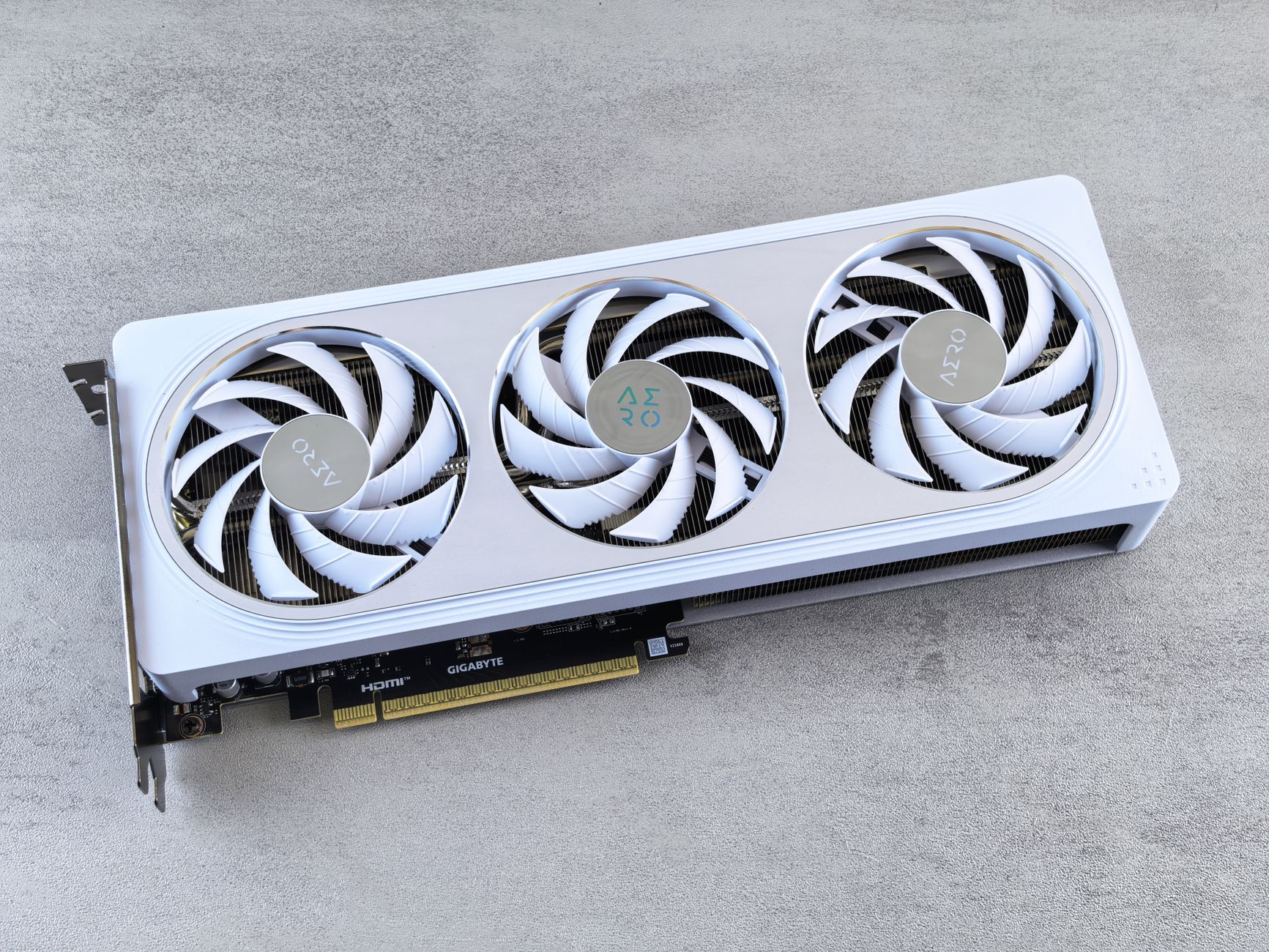
GPU-accelerated vision agents are a game-changer for video analytics. By using the processing power of a GPU, we can significantly improve the performance of our video analytics applications. NVIDIA-AI-Blueprints provides a suite of reference architectures for building AI-powered video analytics applications, including GPU-accelerated vision agents. I found that using NVIDIA-AI-Blueprints simplified the process of building and deploying AI-powered video analytics applications.
### Building GPU-Accelerated Vision Agents
To build a GPU-accelerated vision agent, we need to use a library that supports GPU acceleration, such as TensorFlow or PyTorch. We can then use this library to build our own vision agent that can detect objects in a video stream. Here's an example code snippet that detects objects in a video stream using TensorFlow and a GPU:
python
import tensorflow as tf
Open the video stream
cap = cv2.VideoCapture('video.mp4')
Create a TensorFlow session
sess = tf.Session()
while True:
# Read a frame from the video stream
ret, frame = cap.read()
# Detect objects in the frame using TensorFlow
objects = tf.image.convert_image_dtype(frame, tf.float32)
objects = tf.reshape(objects, [1, 224, 224, 3])
output = sess.run(tf.argmax(tf.layers.dense(objects, 10), 1))

# Display the output
cv2.imshow('Objects', output)

# Exit on key press
if cv2.waitKey(1) & 0xFF == ord('q'):
    break
Release the video stream
cap.release()
cv2.destroyAllWindows()
mermaid
flowchart TD
A[Video Stream] --> B[GPU-Accelerated Vision Agent]
B --> C[Object Detection]
C --> D[Output]
D --> E[Display]
## Persistent Memory for AI Coding Agents
Persistent memory is crucial for efficient processing in AI-powered video analytics. By using persistent memory, we can store and retrieve data quickly and efficiently, which is essential for real-time video analytics. I personally found that using persistent memory in my AI-powered video analytics applications significantly improved performance.
### Benefits of Persistent Memory
The benefits of persistent memory are numerous. For one, it allows us to store and retrieve data quickly and efficiently, which is essential for real-time video analytics. Additionally, persistent memory can help reduce the latency and improve the overall performance of our AI-powered video analytics applications. Here's an example code snippet that demonstrates the use of persistent memory in AI-powered video analytics:
python
import numpy as np
Create a persistent memory buffer
buffer = np.zeros((10, 224, 224, 3))
Store data in the buffer
buffer[0] = np.random.rand(224, 224, 3)
If you're still relying on traditional video analytics methods, now is the time to make the switch. Sign up for our newsletter to get the latest insights on AI-powered video analytics, and learn how to apply GPU-accelerated vision agents to your own projects.


Top comments (0)