


Introduction
Hey, DEV friends! 👋
Today, I've released the Gowebly CLI v2.4.0 which includes Preline UI components library support for the frontend.
Yep, let's take a closer look 👇
📝 Table of contents
What is Preline UI?
Preline UI is an open-source set of prebuilt UI components based on the utility-first Tailwind CSS framework.
 htmlstreamofficial
/
preline
htmlstreamofficial
/
preline
Preline UI is an open-source set of prebuilt UI components based on the utility-first Tailwind CSS framework.
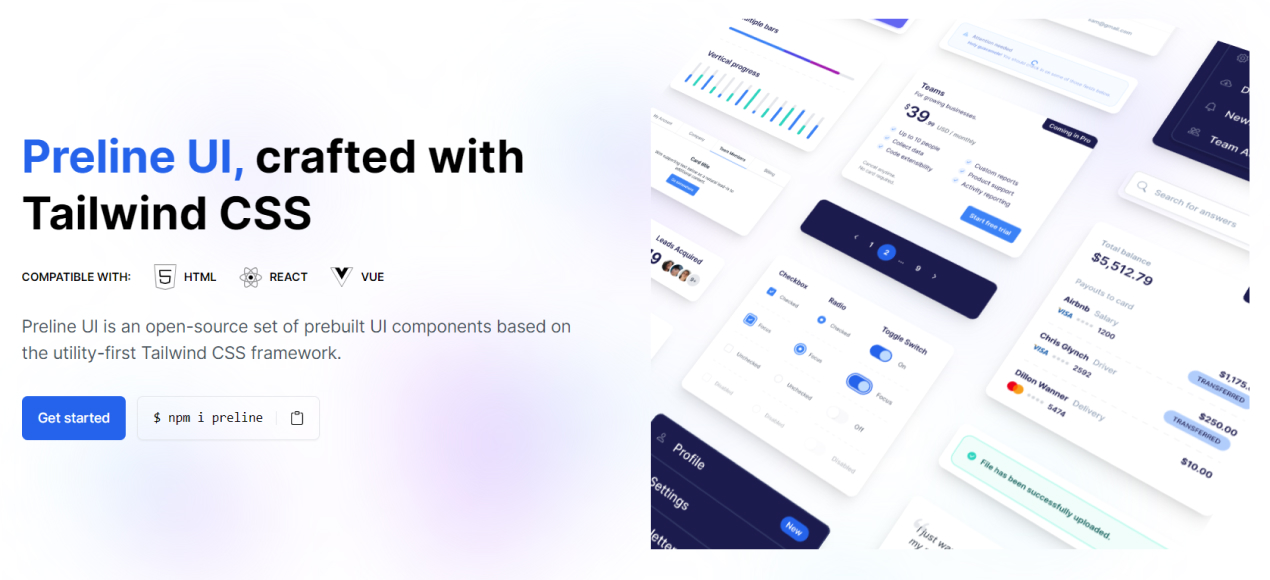

Preline UI is an open-source Tailwind CSS UI component library for building modern websites and apps. It includes UI blocks, templates, plugins, a Figma design system, and more.

✨ About Preline
Preline helps teams build modern websites and web apps faster with reusable Tailwind CSS components, interactive headless Tailwind CSS plugins, Tailwind CSS templates, and production-ready Tailwind CSS examples. It is designed for developers who want flexible markup, scalable design systems, and polished UI patterns without rebuilding everything from scratch.
- 204 free Tailwind CSS blocks and sections
- 5 free Tailwind CSS templates
- 27 headless Tailwind CSS plugins
- Full documentation, Figma, themes, and agent skills
⚡ Getting Started
Start with any working Tailwind CSS project and make sure Node.js and npm are installed.
Install via npm
- Install
preline:
npm i preline
- Import the Preline CSS variants file into your Tailwind CSS file after…
Most awesome features:
- 750+ Free Components & Examples. Hundreds of component examples for all your website needs that meet accessibility criteria.
- Universal Framework Compatibility. Preline UI is fully compatible wherever Tailwind CSS is in action, from React to Vue and beyond.
- Tailwind CSS Plugins. Completely unstyled, fully accessible UI plugins for popular features that for one reason or another don't belong in core.
- Dark Mode. All components include a dark variant that lets you style your site differently when dark mode is enabled.
- World's largest free Figma design system. Preline UI Figma is the largest free design system for Figma, crafted with Tailwind CSS styles and Preline UI components with extra top-notch additions.
- Bring your ideas to life in no time. Preline UI provides all the essential components you need to convert your vision into thriving start-ups.

How to use Preline UI with Gowebly CLI?
The first thing you should do is verify that you are using Gowebly CLI version v2.4.0 or higher.
Next, when you start creating a new project, just switch the CSS framework selector to the Tailwind CSS with Preline UI components option:
gowebly create
And Gowebly CLI created a new project with the Preline UI.
Yeah, it's just working! 🎉
Photos and videos by
- Vic Shóstak https://github.com/koddr
- Preline UI authors https://preline.co
P.S.
If you want more articles (like this) on this blog, then post a comment below and subscribe to me. Thanks! 😻
❗️ You can support me on Boosty, both on a permanent and on a one-time basis. All proceeds from this way will go to support my OSS projects and will energize me to create new products and articles for the community.

And of course, you can help me make developers' lives even better! Just connect to one of my projects as a contributor. It's easy!
My main projects that need your help (and stars) 👇
- 🔥 gowebly: A next-generation CLI tool that makes it easy to create amazing web applications with Go on the backend, using htmx, hyperscript or Alpine.js and the most popular CSS frameworks on the frontend.
- ✨ create-go-app: Create a new production-ready project with Go backend, frontend and deploy automation by running one CLI command.


Top comments (0)