


I recently deployed my personal portfolio using Amazon S3 and started setting up Amazon CloudFront to serve it through a CDN.
This was my first time setting up a portfolio deployment using AWS, so I wanted to document the process and the issue I ran into along the way.
What I wanted to build
The goal was simple:
Portfolio → Amazon S3 → CloudFront
The idea was to:
- Create an S3 bucket
- Upload my portfolio
- Enable static website hosting
- Configure the required bucket permissions
- Access the portfolio through the S3 website endpoint
- Put CloudFront in front of the S3 website
1. Creating the S3 bucket
I started by logging into AWS and creating an S3 bucket.
My bucket was:
ashwina-006-15092006

2. Enabling public access for the website
Since I wanted the portfolio to be accessible as a website, I configured the S3 bucket permissions.
I updated the Block Public Access settings for the bucket.

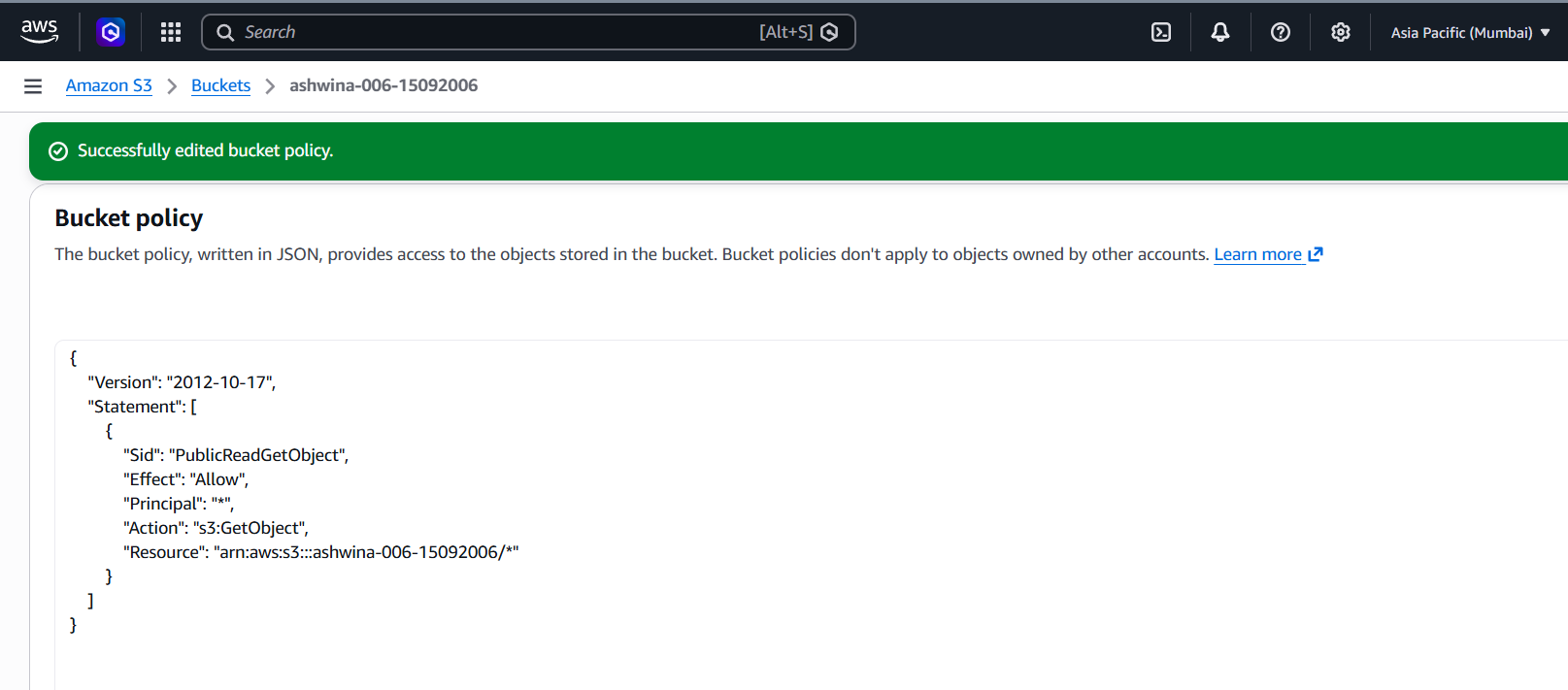
3. Adding the bucket policy
Next, I added a bucket policy that allows public read access to objects inside the bucket.
The policy I used was:
{
"Version": "2012-10-17",
"Statement": [
{
"Sid": "PublicReadGetObject",
"Effect": "Allow",
"Principal": "*",
"Action": "s3:GetObject",
"Resource": "arn:aws:s3:::ashwina-006-15092006/*"
}
]
}
## 4. Accessing the portfolio through S3 Website Hosting
After configuring the bucket, I was able to access the portfolio using the S3 static website endpoint:
text
http://ashwina-006-15092006.s3-website.ap-south-1.amazonaws.com/

5. Starting the CloudFront setup
Once the portfolio was working through S3, I moved on to CloudFront.
The goal was to put CloudFront in front of my S3-hosted portfolio so that the website could be served through a CDN.
I created a new CloudFront distribution and started configuring the origin.

6. The problem I ran into
This is where things didn't go exactly as planned.
After configuring the CloudFront distribution, AWS showed this error:
Your account must be verified before you can add new CloudFront resources.

The issue wasn't my portfolio code or the S3 bucket.
AWS was preventing my account from creating a new CloudFront resource until the account was verified.
I also checked the CloudFront security configuration while troubleshooting the issue.
What I learned
This small project taught me a few things that aren't obvious when you're just writing the HTML and CSS.
S3 can host a static website
For a portfolio containing HTML, CSS, JavaScript and images, S3 can be used to host the static files.
Bucket permissions matter
Uploading a file to S3 doesn't automatically mean that everyone on the internet can access it.
The bucket's public-access settings and bucket policy determine who can access the objects.
Object URLs and website endpoints are different
Initially, I accessed my index.html using an S3 object URL.
After configuring static website hosting, I could access the portfolio through the S3 website endpoint:
text
http://ashwina-006-15092006.s3-website.ap-south-1.amazonaws.com/


Top comments (0)