


This project demonstrates a production-style multi-container architecture using Docker Compose, where a Node.js application is deployed behind an Nginx reverse proxy.
The goal of this project is to showcase real DevOps patterns, not single-container demos.
🚀 What This Project Demonstrates
- Multi-container application design
- Docker Compose for service orchestration
- Nginx as a reverse proxy
- Private application containers (not exposed to the internet)
- Service-to-service communication via Docker networking
- Clean separation between application and web server
- Production-ready container structure
🧱 Architecture Overview
Client (Browser)
|
v
Nginx (public, port 8080)
|
v
Node.js App (private, port 5000)
- Only Nginx is exposed to the host
- The Node.js app is accessible only inside the Docker network
- Containers communicate using service names, not IPs
📁 Project Structure
project-2-multicontainer/
├── app/
│ ├── Dockerfile
│ ├── index.js
│ ├── package.json
│ └── package-lock.json
├── nginx/
│ └── nginx.conf
├── docker-compose.yml
└── README.md
⚙️ Technologies Used
- Docker
- Docker Compose (v2)
- Node.js (Express)
- Nginx
- Linux-based containers
🛠 How to Run the Project Locally
Prerequisites
Docker DesktopDocker Compose v2
Steps
- Clone the repository:
git clone https://github.com/dr-musa-bala/project-2-multicontainer.git
cd project-2-multicontainer

2. **Build and start the containers**:
docker compose up --build
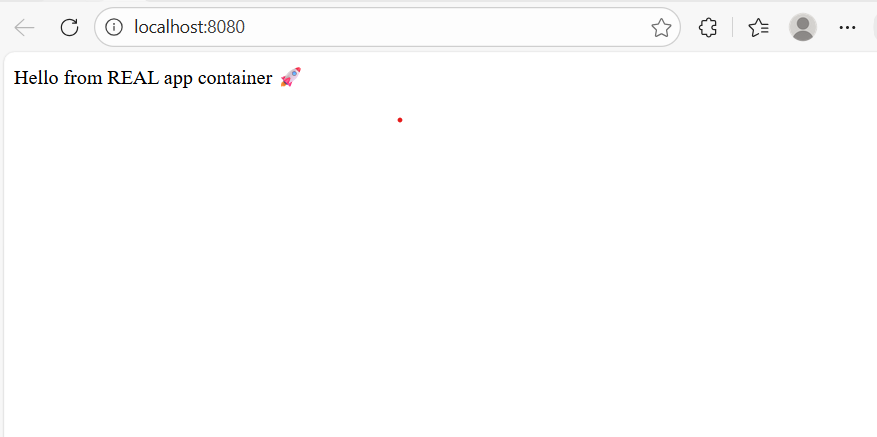
3. Open your browser:

Open your browser:
localhost:8080
🔒 **Security & Production Considerations**
The application container does not expose any ports to the host
All external traffic is handled by **Nginx**
This mirrors how applications are deployed in real production environments
💡 **Why This Matters (DevOps Perspective)**
This project reflects how modern DevOps teams:
- Isolate application services
- Control ingress traffic via reverse proxies
- Use declarative configuration for reproducibility
- Build systems that are easy to extend into CI/CD pipelines
🔜 **Next Improvements**
- Add CI/CD with GitHub Actions
- Push application images to Docker Hub
- Deploy the stack to AWS EC2
- Implement zero-downtime updates
- Add HTTPS with Let’s Encrypt


Top comments (0)