

This is a submission for Weekend Challenge: Generosity Edition
What I Built
Whenever I look at charity websites, almost all of them immediately ask for money. But what if you're a student or just tight on cash right now?
It often makes people feel guilty or like they have nothing to offer.
The truth is, generosity isn't just about writing a check. You can give your time, your skills, your advice, or just a listening ear.
For this challenge, I built Kindy — an interactive 2D animated avatar you can actually talk to.
Instead of filling out a boring form, you have a quick voice chat with Kindy. You tell it what you like doing, what skills you have, or how much free time you have this weekend. Kindy then:
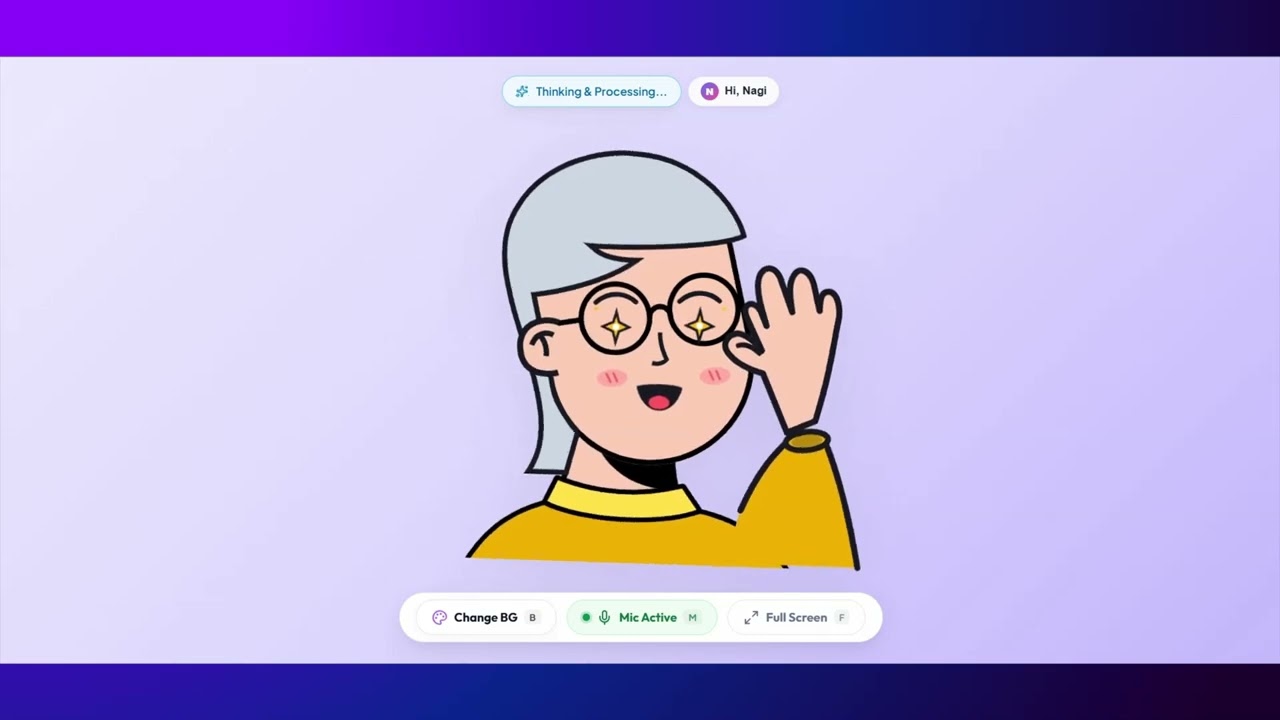
- Reacts with funny, exaggerated emotions (crying when you say you're tired, hyping you up when you doubt yourself, and celebrating your ideas).
- Gives you 6 simple, realistic ways you can make an impact.
- Uses Google Maps to look up real community centers, food banks, and volunteer spots near your city.
Demo

- Live Demo: Kindy Avatar Studio
Note: The application is deployed on Google Cloud Run. Since Cloud Run may scale down when there is no activity, the first request can take a few seconds to start the application. Please wait a few seconds if the page takes time to load.
Once the application opens, you can enter any random/demo data you like. This entered information is stored only in your browser.
The avatar supports direct speech interaction. Simply open the URL and start speaking—you don't need to configure or think about anything else.
Code
You can find the full code on GitHub:
 Niteesh57
/
Kindy
Niteesh57
/
Kindy
Understand how you're feeling and what you have to offer, then help you find a meaningful way to help someone else.
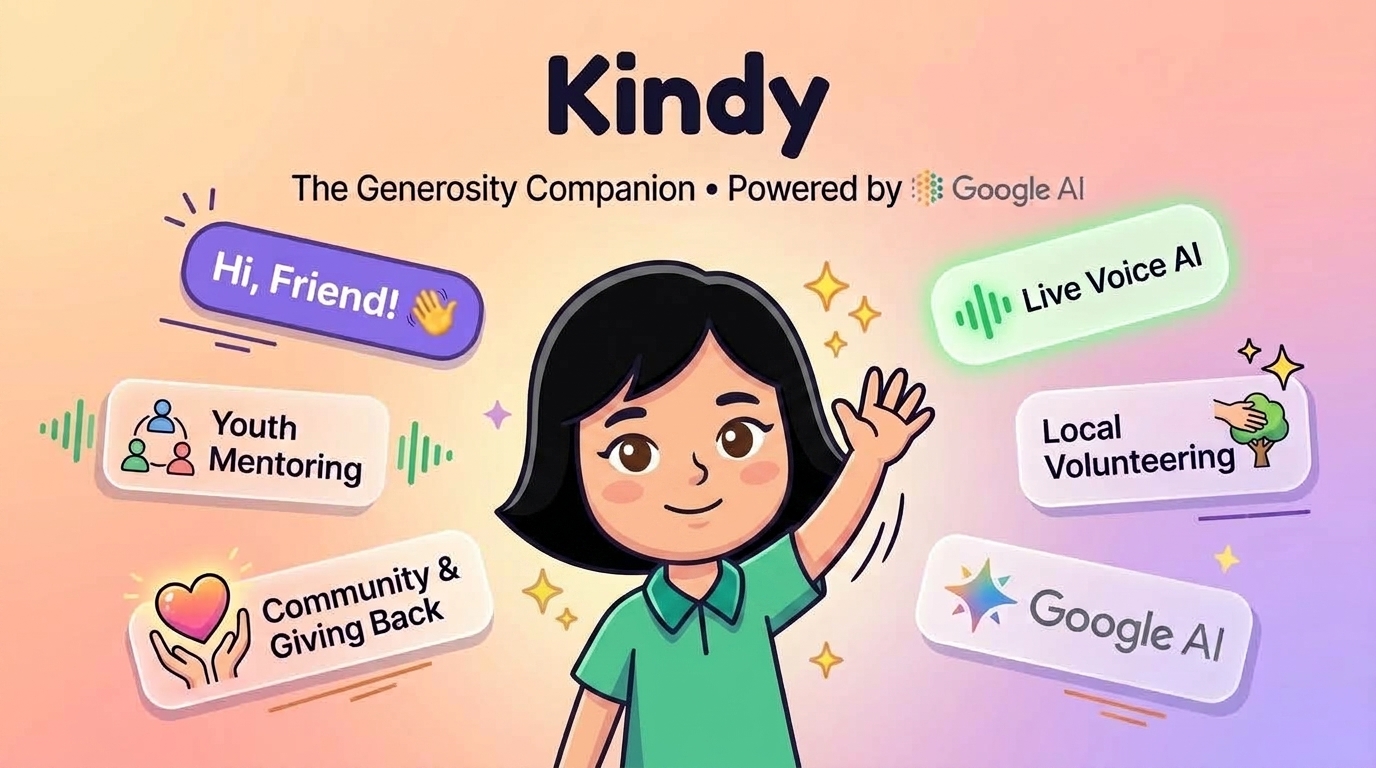
Kindy — The Generosity Companion 🎨✨


Kindy is a real-time, voice-driven AI companion and avatar studio. Powered by Google Gemini 3.8 Flash and Gemini 3.1 Flash TTS, it brings a stylized 2D cartoon avatar to life through audio-driven lip sync, multi-emotion acting, spatial hand gestures, Google Search & Maps grounding, and a 6-card interactive action HUD.
🌟 Live Deployment & Demo Video
- 🌐 Live Web Application: https://kindy-avatar-studio-619077244859.us-central1.run.app
- 🎬 Video Walkthrough (YouTube): Watch the Demo Video
💡 Core Purpose & Persona
The Generosity Companion & Comic Well-Wisher
Kindy operates on a simple philosophy:
"Everyone has something meaningful to give." Whether it is 20 minutes of spare time, professional skills, tutoring, attention, physical presence, surplus items, or mentorship.
The High-Drama Comic Well-Wisher
Kindy is not a monotone chatbot. It embodies a passionate comic well-wisher and benchmark mentor:
-
Benchmark Face (
[serious, hands_up]): When users doubt themselves…
Tech stack:
- Frontend: React, Vite, and custom SVG animations for avatar expressions.
-
Voice & Audio: Web Audio API and browser's
SpeechRecognitionfor automatic voice detection (so you can just talk naturally). - Backend: Node.js + Express with WebSockets for real-time streaming.
- AI: Google GenAI SDK with Gemini 3.8 Flash and Gemini 3.1 TTS.
- Deployment: Multi-stage Dockerfile ready for Cloud Run.
How I Built It
I wanted Kindy to feel like a real conversation with an encouraging friend, not a dry chatbot:
-
The Avatar & Expressions:
I built a custom face overlay in React with different SVG states (crying eyes, sweat drops, anime-style anger veins, star eyes, and waving hands). The backend sends emotion tags like
[crying]or[excited]alongside the text, and the frontend switches expressions as words are spoken. - Real-Time Voice & WebSockets: Instead of clicking buttons for every turn, I used browser's built-in SpeechRecognition to detect when you start and stop talking. Your voice goes through a WebSocket to the Node server, which streams both text and audio back simultaneously so there is very little lag.
- Grounding in the Real World: General advice like "go volunteer" isn't very helpful. By connecting Google Search and Google Maps tools to Gemini, Kindy can check where you live and suggest actual local libraries, youth mentoring groups, or neighborhood kitchens.
-
Simple Docker Setup:
I wrapped the React build and the Node server together in one Docker container so anyone can run it locally with
docker compose upor deploy it to Google Cloud Run in one command.
Prize Categories
Best Use of Google AI
Kindy relies on Google AI for its brain and voice:
- Gemini 3.8 Flash: Handles the conversation, keeps track of the user's profile, and outputs real-time emotion cues.
- Gemini 3.1 Flash TTS: Generates the expressive voice output so Kindy can speak out loud.
- Google Search & Google Maps Tools: Powers the local search so Kindy recommends verified places and groups in your city.
-
Google GenAI SDK (
@google/genai): Connects everything cleanly in Node.js.
Lessons Learned
Building this over the weekend showed me that giving back feels much more approachable when someone helps you break it down into small, doable steps. Even spending 20 minutes sharing advice with someone starting out in your field counts as generosity.
Thanks for checking out Kindy!


Top comments (0)