

title: [Google Cloud/Firebase] How to Get YouTube Information via LangChain on GCP Cloud Run
published: false
date: 2024-10-04 00:00:00 UTC
tags:
canonical_url: https://www.evanlin.com/langchain-youtube-gcp/
---
# Preface
[I mentioned before](https://dev.to/evanlin/geminifirebase-ge-ren-zi-xun-liu-tou-guo-ifttt-yu-langchain-da-zao-ke-ji-shi-shi-line-bot-4246-temp-slug-7050583), I created a "Technology News LINE Bot via IFTTT and LangChain" that allows me to obtain a lot of necessary information through that LINE Bot. However, recently, there are too many YouTube videos with very in-depth technical information. This also made me think about how to get YouTube subtitle information to organize the information.
Although the [LangChain YouTube Transcripts Loader](https://python.langchain.com/docs/integrations/document_loaders/youtube_transcript/) can quickly obtain subtitle information, it will encounter some problems when deployed to Google CloudRun. This article will share what problems were encountered and how to solve these problems. I hope it can help everyone.
# Calling LangChain YouTube Transcripts Loader to Get Video Subtitles
Referring to the LangChain documentation ([YouTube transcripts](https://python.langchain.com/docs/integrations/document_loaders/youtube_transcript/)), you can get YouTube videos with subtitles through this package. Through related analysis, you can quickly understand the video content. Here are some example codes:
%pip install --upgrade --quiet pytube
loader = YoutubeLoader.from_youtube_url(
"https://www.youtube.com/watch?v=QsYGlZkevEg", add_video_info=True
)
loader.load()
# Unable to Get Data on GCP CloudRun

After trying to deploy to Google CloudRun, this is the code used:
def summarized_from_youtube(youtube_url: str) -> str:
"""
Summarize a YouTube video using the YoutubeLoader and Google Generative AI model.
"""
try:
print("Youtube URL: ", youtube_url)
# Load the video content using YoutubeLoader
loader = YoutubeLoader.from_youtube_url(
youtube_url, add_video_info=True, language=["zh-Hant", "zh-Hans", "ja", "en"])
docs = loader.load()
    print("Pages of Docs: ", len(docs))
    # Extract the text content from the loaded documents
    text_content = docs_to_str(docs)
    print("Words: ", len(text_content.split()),
          "First 1000 chars: ", text_content[:1000])

    # Summarize the extracted text
    summary = summarize_text(text_content)

    return summary
except Exception as e:
    # Log the exception if needed
    print(f"An error occurred: {e}")
    return ""
But the results are completely different, because it is impossible to get any data at all.

No error messages were obtained, but it is completely **empty, it's empty.**
# Debug 1: Try putting the same code in Colab
You can refer to the following [gist code](https://gist.github.com/kkdai/4d613dcdc86bad995477be4d22a7f907).
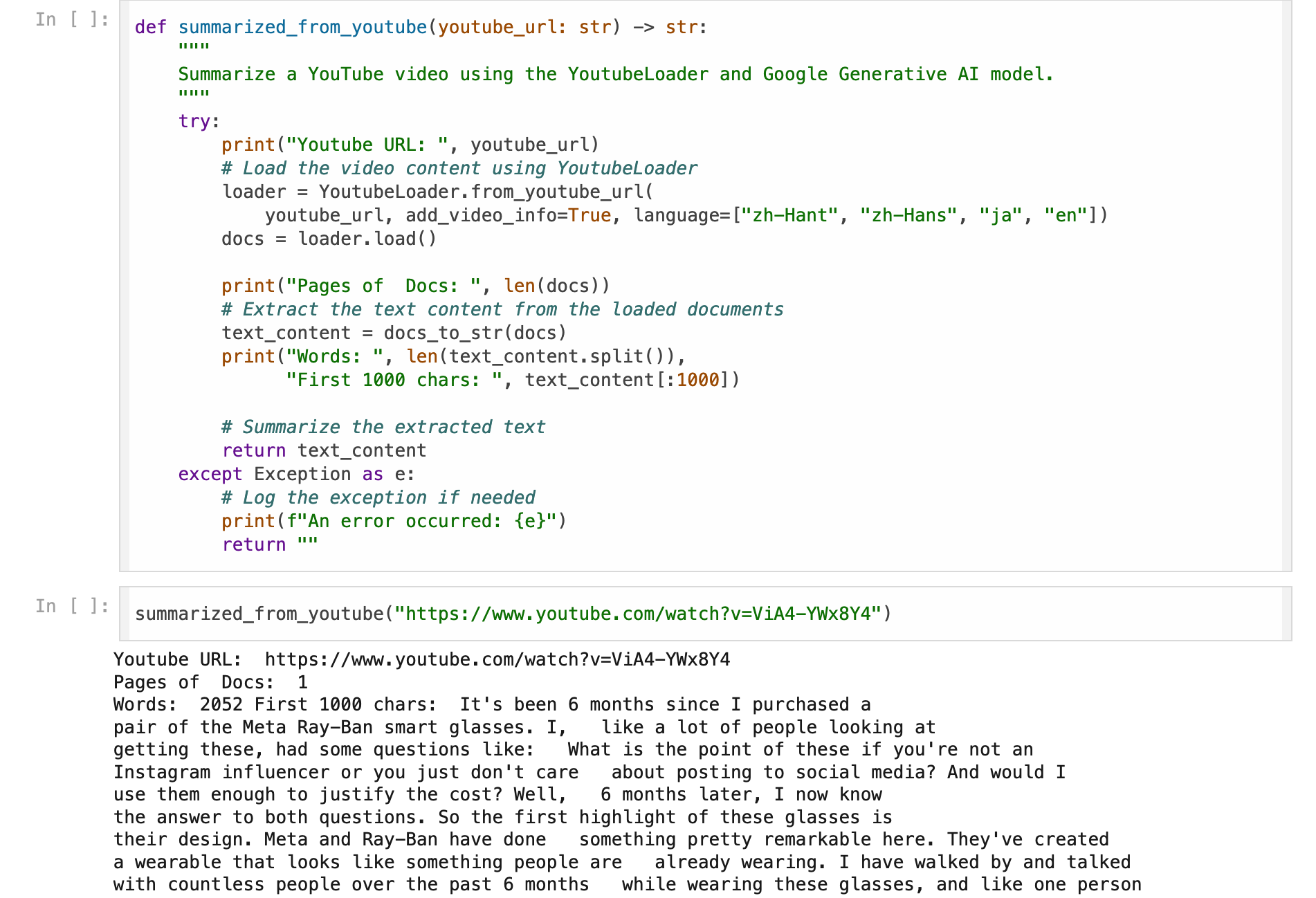
I originally thought it was a problem with the code, but it seems to be running correctly in Colab. It looks like I have to use [GoogleApiYoutubeLoader](https://python.langchain.com/api_reference/community/document_loaders/langchain_community.document_loaders.youtube.GoogleApiYoutubeLoader.html).
# Using LangChain Youtube Loader on Google CloudRun
Trying to use [GoogleApiYoutubeLoader](https://python.langchain.com/api_reference/community/document_loaders/langchain_community.document_loaders.youtube.GoogleApiYoutubeLoader.html) on CloudRun requires some steps:
- Get the System Account's json file. (Refer to [this article](https://www.evanlin.com/til-heroku-gcp-key/))
- Put the json content in [Secret Manager](https://cloud.google.com/security/products/secret-manager?hl=zh-TW) to store the data.
- Get the data through [Secret Manager](https://cloud.google.com/security/products/secret-manager?hl=zh-TW) in the code.
- Call the YouTube code.
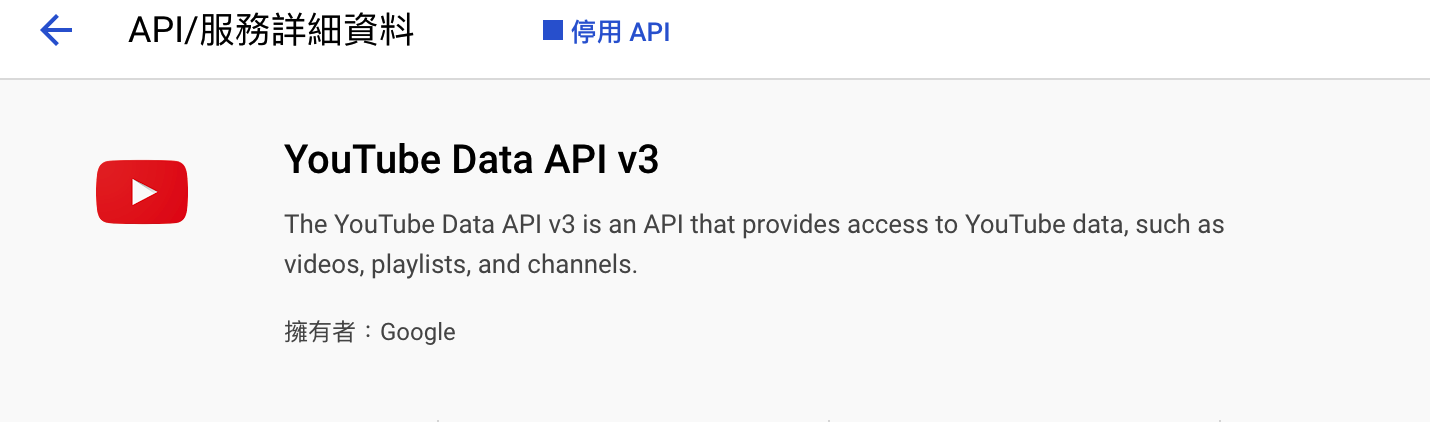
- You can [enable the YouTube API in Google Cloud](https://console.developers.google.com/apis/api/youtube.googleapis.com/overview?project=660825558664) through the following methods.
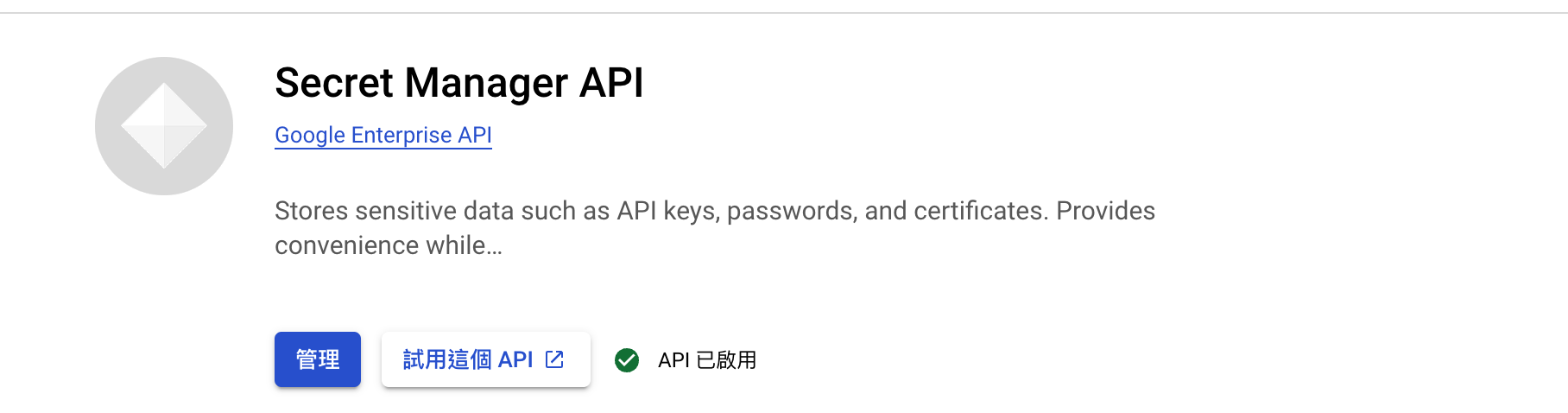
- [Enable Secret Manager API](https://console.cloud.google.com/apis/library/secretmanager.googleapis.com) to manage System Account Key Json file data.
## Get data through Secret Manager
- First, you need to set the Project ID in the environment variable `PROJECT_ID`.
- Then, put the data in `youtube_api_credentials` in advance.
def get_secret(secret_id):
logging.debug(f"Fetching secret for: {secret_id}")
client = secretmanager.SecretManagerServiceClient()
name = f"projects/{os.environ['PROJECT_ID']}/secrets/{secret_id}/versions/latest"
response = client.access_secret_version(request={"name": name})
secret_data = response.payload.data.decode("UTF-8")
logging.debug(f"Secret fetched successfully for: {secret_id}, {secret_data[:50]}")
return secret_data
This way, you can securely obtain data through [Secret Manager](https://cloud.google.com/security/products/secret-manager?hl=zh-TW).

## Try writing an example code and deploy it to GCP CloudRun

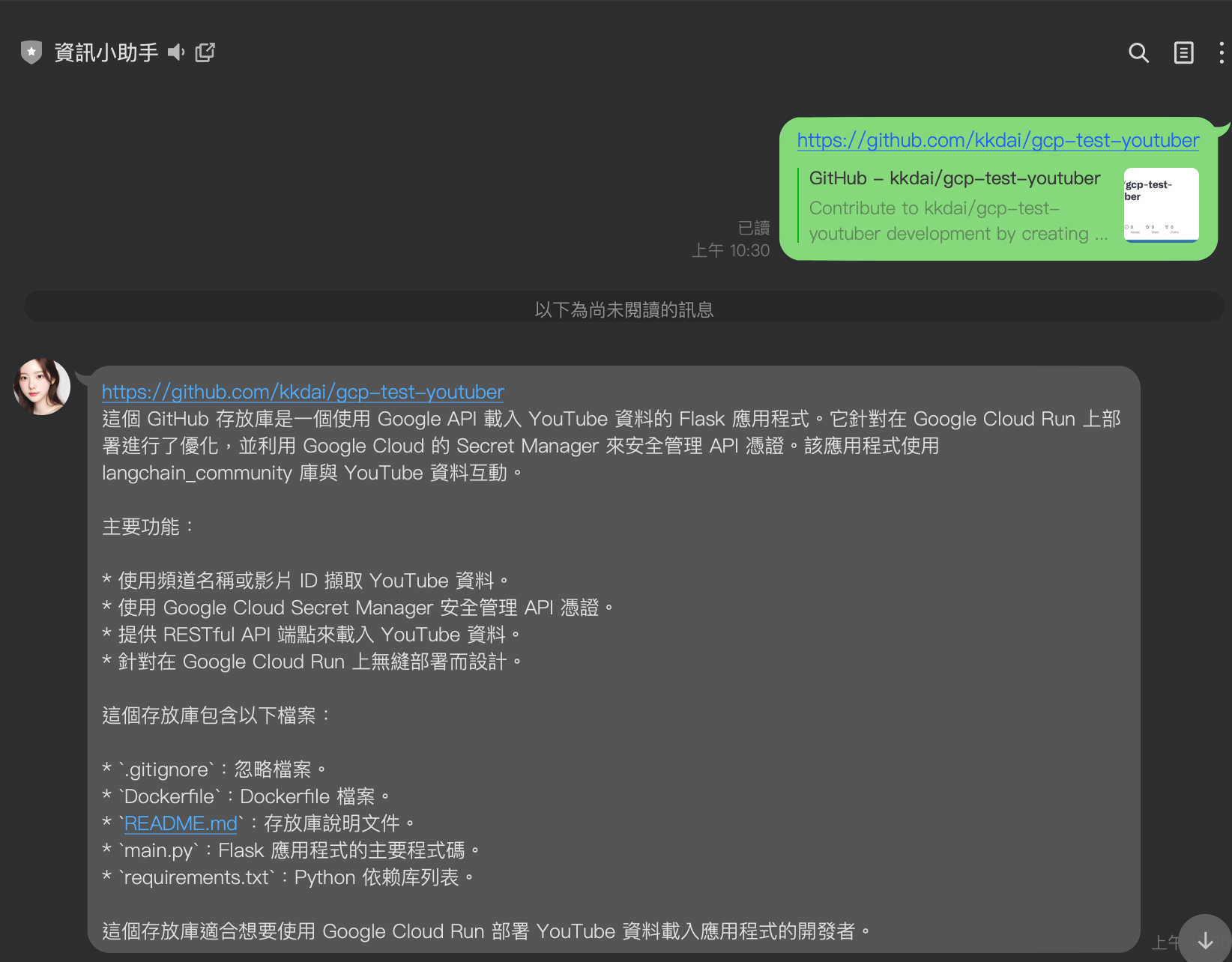
Code: [https://github.com/kkdai/gcp-test-youtuber](https://github.com/kkdai/gcp-test-youtuber)
def load_youtube_data():
try:
logging.debug("Loading YouTube data")
google_api_client = init_google_api_client()
    # Use a Channel
    youtube_loader_channel = GoogleApiYoutubeLoader(
        google_api_client=google_api_client,
        channel_name="Reducible",
        captions_language="en",
    )

    # Use Youtube Ids
    youtube_loader_ids = GoogleApiYoutubeLoader(
        google_api_client=google_api_client,
        video_ids=["TrdevFK_am4"],
        add_video_info=True,
    )

    # Load data
    logging.debug("Loading data from channel")
    channel_data = youtube_loader_channel.load()
    logging.debug("Loading data from video IDs")
    ids_data = youtube_loader_ids.load()

    logging.debug("Data loaded successfully")
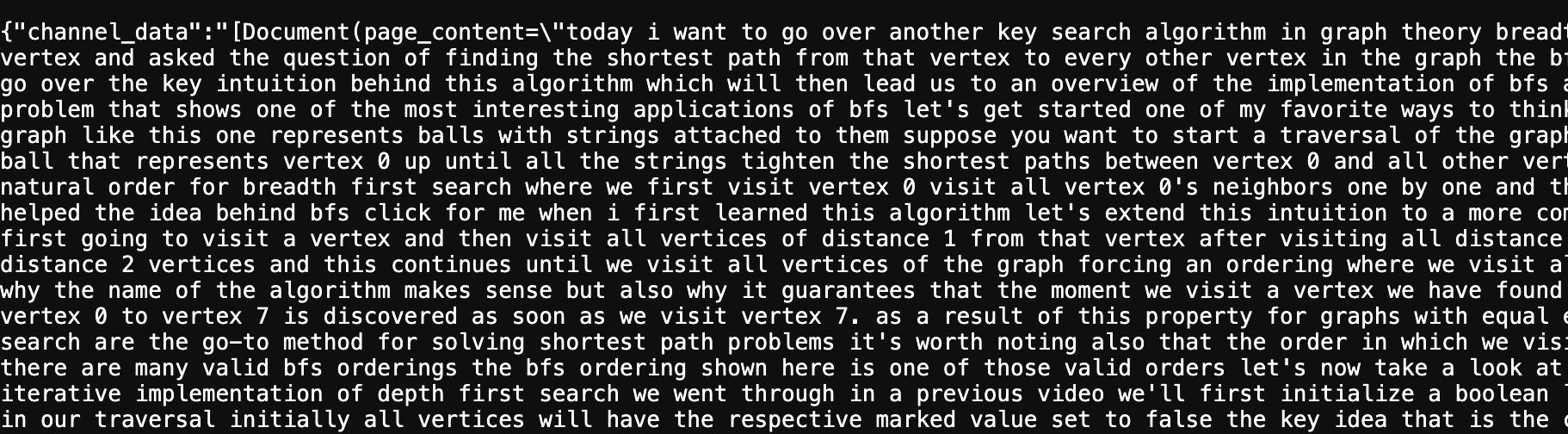
    return jsonify({"channel_data": str(channel_data), "ids_data": str(ids_data)})
except Exception as e:
    logging.error(f"An error occurred: {str(e)}", exc_info=True)
    return jsonify({"error": str(e)}), 500
### Results
Video source: [https://www.youtube.com/watch?v=TrdevFK\_am4](https://www.youtube.com/watch?v=TrdevFK_am4)


Top comments (0)