
title: [Shopping Record] How to Enable the AI Function of Rayban Meta Glasses in Taiwan
published: false
date: 2024-10-10 00:00:00 UTC
tags:
canonical_url: https://www.evanlin.com/howto-enable-meta-rayban-ai-in-taiwan/
---
# Preface
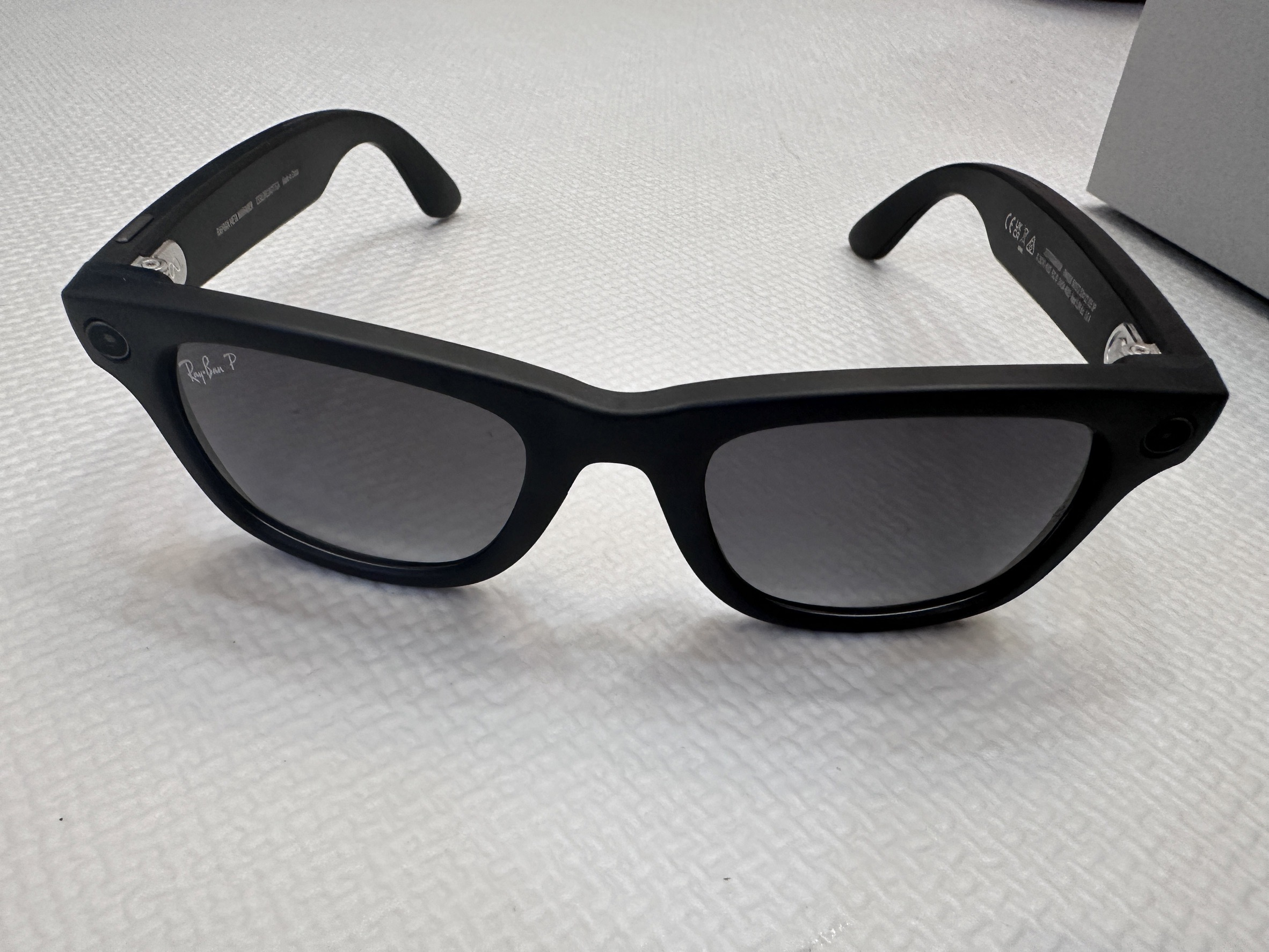
Actually, I've always liked Rayban sunglasses, and I bought a pair before. I've wanted to buy these Meta AI sunglasses for a while, but I was wondering if there would be new ones. Fortunately, after seeing that there weren't any new sunglasses released recently, I went ahead and bought them. This article will briefly record the relevant purchasing methods and how to enable Meta AI on the sunglasses in Taiwan.
# How to Effectively Purchase: (Through Shipping)
| Amazon: [Ray-Ban | Meta Smart Glasses, Wayfarer](https://www.amazon.com/dp/B0CGXYNWBH) |
Bought through a purchasing agent, it can arrive in Taiwan in two weeks. Using this invitation link, you can use the Amazon Prime price, and there is a 150 shipping fee discount https://www.buyandship.com.tw/invite/7510252302 Using my invitation link, you can each get 150 free shipping, and it only costs 170 NTD to ship back from the US, which is equivalent to 20 to ship the Rayban Meta glasses back.
Purchase related process:
- First, open a [BuyAndShip](https://www.buyandship.com.tw/invite/7510252302) account
- Select the Portland warehouse address:
- 13822 NE AIRPORT WAY
- PORTLAND, OR 97251-9614
- United States
- Fill in the warehouse in the Amazon settings (because Portland doesn't collect taxes)
- After Amazon ships the goods, you will see the goods in the warehouse on the [BuyAndShip](https://www.buyandship.com.tw/invite/7510252302) webpage.
- [BuyAndShip](https://www.buyandship.com.tw/invite/7510252302) will automatically forward to the Hong Kong warehouse
- On [BuyAndShip](https://www.buyandship.com.tw/invite/7510252302), set up the platform to consolidate the goods and ship them to the Taiwan address (and pay the shipping fee)
# Basic Functions:
Rayban Smart Glasses unboxing experience:
- Listening to music is very good
- The photo and video effects are very good
- AI functions are not available in Taiwan (Correction: Can be enabled with VPN
Next, I'll wait to go out and take pictures of the scenery 
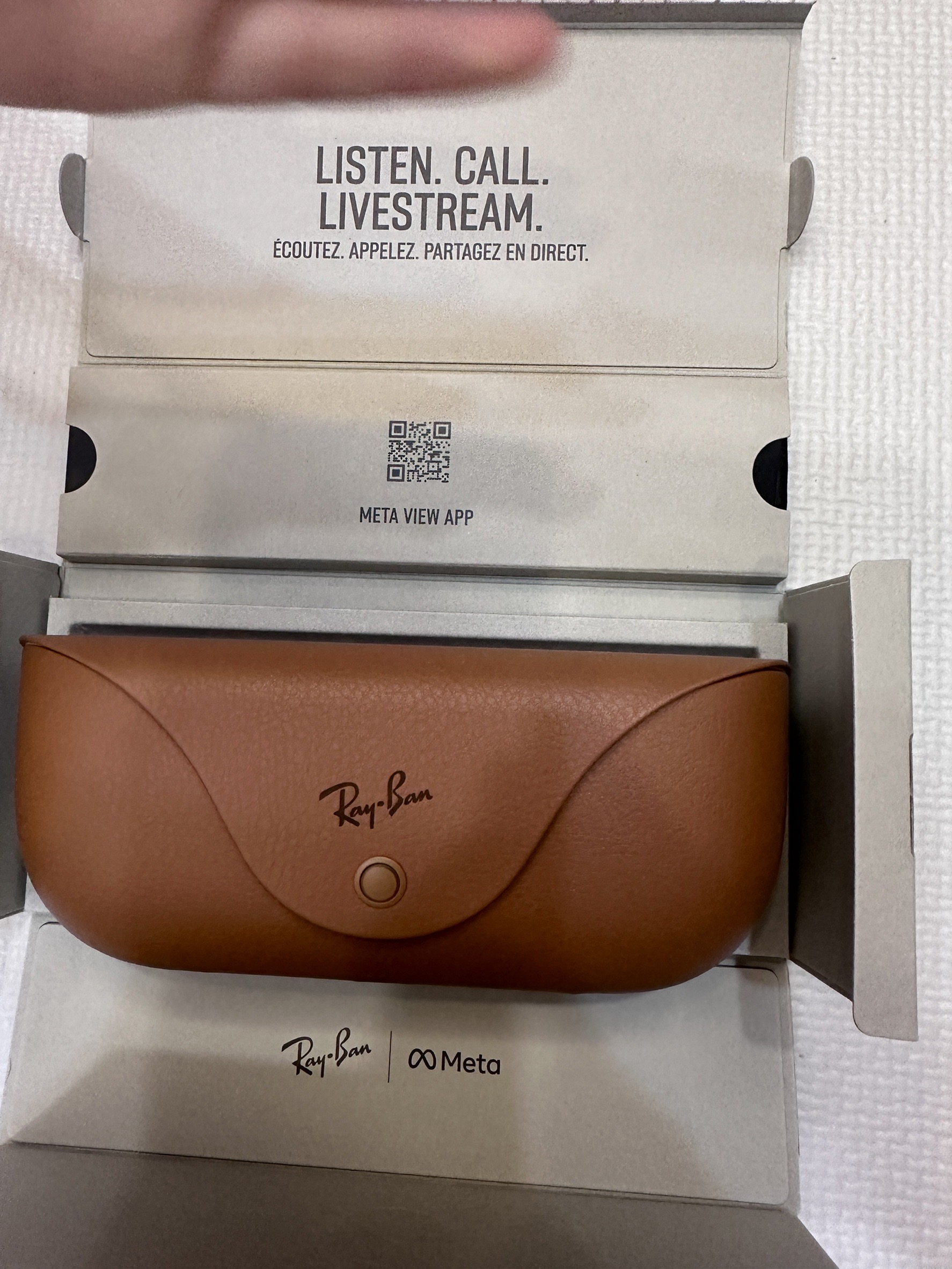
# How to Enable MetaAI Functions in Taiwan
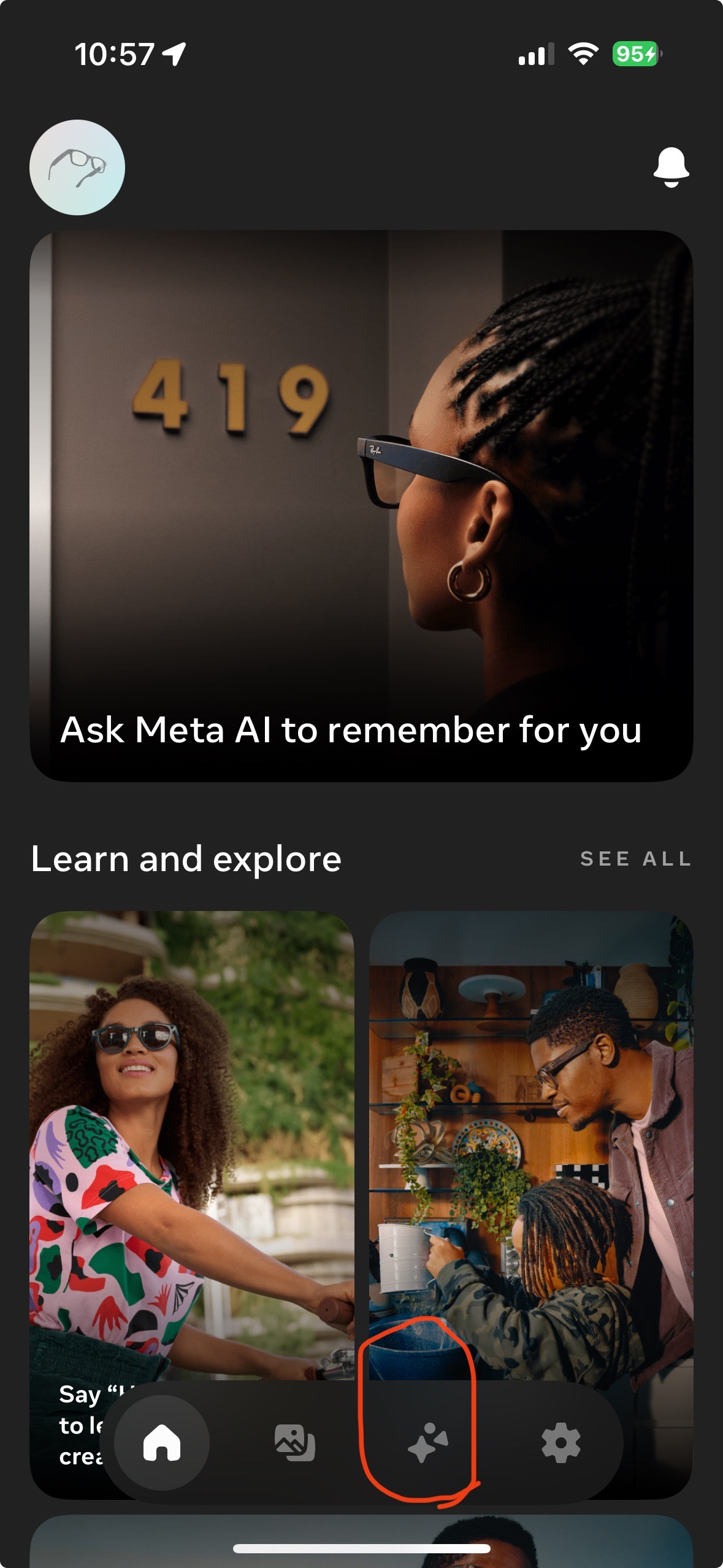
1. Delete the Meta View App
2. Install NordVPN or Surfshark (I can't get the free ones to work) Switch to the US
3. Re-download from the App Store
4. You're successful when you see the circled part.
After that, you don't need a VPN for updates, only for the first time. Hurry up and activate it to play!

Evan Lin
Posted on Originally published at evanlin.com on
My Ray-Ban Meta Glasses AI Setup in Taiwan
For further actions, you may consider blocking this person and/or reporting abuse


Top comments (0)