

Last month, I did something stupid.
I connected Claude Desktop to my company's SQL Server database using a basic MCP server I found on GitHub. The idea was simple: let the AI analyze sales data, generate reports, and answer business questions by querying the database directly.
It worked beautifully. For about 3 hours.
Then I asked Claude: "Clean up the test data from last quarter."
I watched in slow motion as Claude generated:
sql
DELETE FROM Orders WHERE created_at < '2024-01-01'
I hit Ctrl+C so fast I nearly broke my keyboard. The query didn't execute (thankfully, the MCP server was slow). But it would have deleted 47,000 production order records.
That night, I couldn't sleep. I kept thinking: What if I hadn't been watching? What if it was a DROP TABLE?
The Core Problem
AI coding assistants (Claude, Cursor, Windsurf, GitHub Copilot) are incredibly powerful. But when you give them database access through MCP (Model Context Protocol), you're essentially handing a loaded gun to a very smart toddler.
The AI doesn't understand consequences. It doesn't know the difference between your test database and production. If you ask it to "clean up" or "fix" or "remove duplicates," it will happily generate destructive SQL.
Most MCP database servers I found on GitHub had zero safety mechanisms. They just pipe the AI's SQL directly to your database connection. That's terrifying.
What I Built
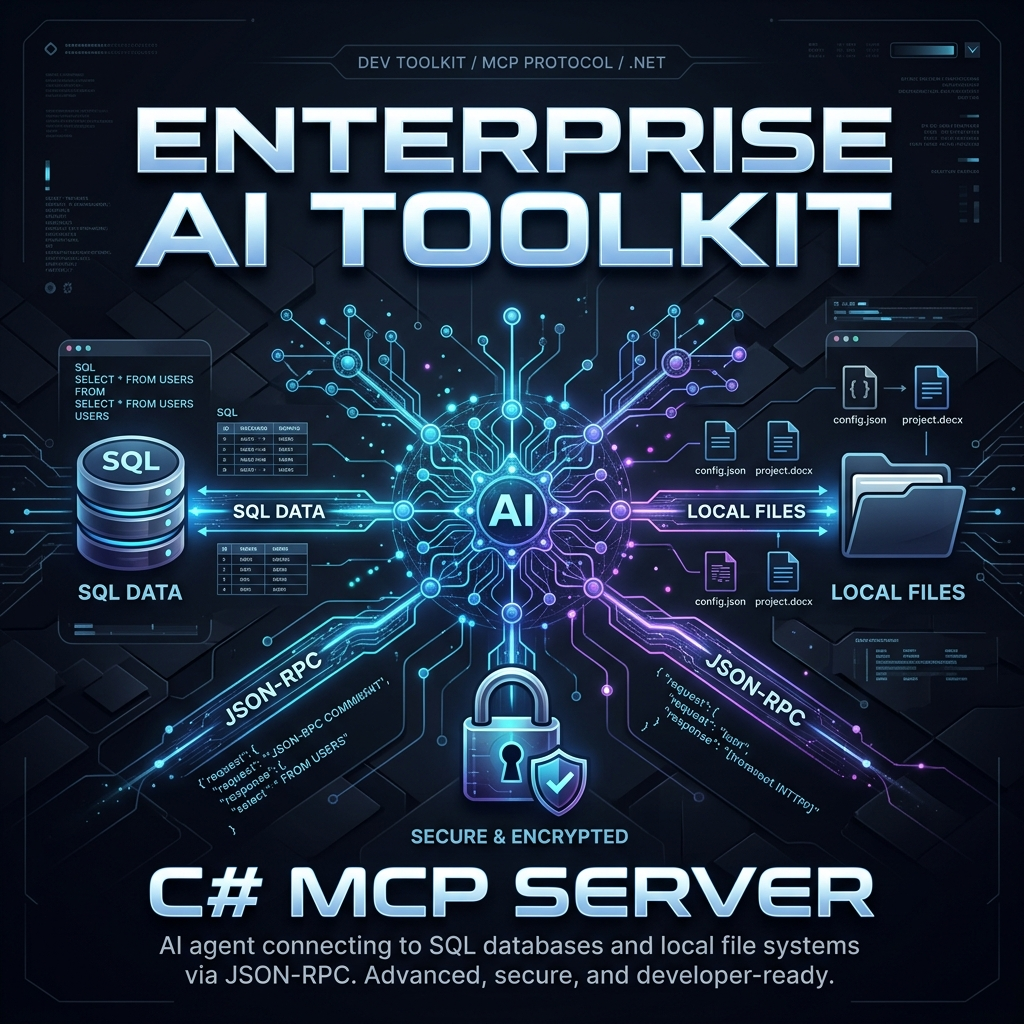
I spent two weeks building an MCP server in C# (.NET 8) with multiple layers of protection. Here's the architecture:
Layer 1: Read-Only Transaction Wrapping
Every single query — no exceptions — runs inside a transaction that is immediately rolled back:
csharp
using var transaction = connection.BeginTransaction(IsolationLevel.ReadUncommitted);
try
{
// Execute the AI's query here
var result = await command.ExecuteReaderAsync();
// Read all results into memory
// ...
}
finally
{
// ALWAYS rollback. No commits. Ever.
await transaction.RollbackAsync();
}
Even if Claude generates DELETE FROM Users, the transaction rollback means nothing is persisted. The database sees the query, processes it, returns results, but the changes are thrown away.
Layer 2: Keyword Blocklist
Before the query even reaches the database, it passes through a security filter:
csharp
private static readonly string[] BlockedKeywords = new[]
{
"INSERT", "UPDATE", "DELETE", "DROP", "ALTER",
"TRUNCATE", "EXEC", "EXECUTE", "CREATE", "GRANT",
"REVOKE", "xp_", "sp_", "OPENROWSET", "BULK"
};
public bool IsQuerySafe(string sql)
{
var normalized = sql.ToUpperInvariant();
return !BlockedKeywords.Any(k => normalized.Contains(k));
}
This catches the obvious stuff. But what about edge cases like ; DROP TABLE Users-- injected in a WHERE clause? That's why Layer 1 exists as the ultimate safety net.
Layer 3: Automatic TOP/LIMIT Injection
AI models love to run SELECT * on tables with millions of rows. This kills your database performance. So every SELECT query gets automatically capped:
csharp
// SQL Server
if (!sql.Contains("TOP", StringComparison.OrdinalIgnoreCase))
sql = sql.Replace("SELECT", "SELECT TOP 100", 1);
// PostgreSQL
if (!sql.Contains("LIMIT", StringComparison.OrdinalIgnoreCase))
sql += " LIMIT 100";
Layer 4: Path Traversal Protection
MCP servers communicate via JSON over stdio. A malicious prompt could try to read files from your server:
"Read the contents of C:\Windows\System32\config\SAM"
All file path inputs are sanitized and confined to the server's working directory.
The Result
I've been running this in production for 3 weeks now. Claude queries our database dozens of times per day for reports and analysis.
Zero incidents.
My favorite part? The AI doesn't even know it's restricted. It writes whatever SQL it wants, gets back accurate SELECT results, and if it tries anything destructive, it just gets a polite error message: "Write operations are not permitted in read-only mode."
Supports Both SQL Server and PostgreSQL
The server auto-detects your database type from the connection string and adjusts its SQL dialect accordingly. Works with:
MS SQL Server (2016+)
PostgreSQL (12+)
Claude Desktop (via MCP config)
Cursor IDE (via MCP config)
Any MCP-compatible client
How to Set It Up
The setup takes about 2 minutes. Add this to your Claude Desktop config (claude_desktop_config.json):
json
{
"mcpServers": {
"secure-database": {
"command": "dotnet",
"args": ["run", "--project", "path/to/McpServer"],
"env": {
"CONNECTION_STRING": "Server=localhost;Database=mydb;Trusted_Connection=true;"
}
}
}
}
Then restart Claude and ask it: "What tables are in my database?"
It will discover the schema automatically and start answering questions about your data — safely.
Open Source Demo
I've published a demo repository with the pre-compiled trial binary so you can test it immediately without building from source:
👉 GitHub - Enterprise SQL & Postgres MCP Server Demo
The trial version has full functionality with a session query limit. If you need unlimited queries for production use, the full version is available on my Gumroad page.
Lessons Learned
Never trust AI with write access to production databases. Period.
Defense in depth works. Any single layer can be bypassed. Four layers together? Nearly impossible.
MCP is incredibly powerful but the ecosystem is still young. Most servers have no security considerations at all.
C# is underrepresented in the MCP ecosystem. Almost everything is Python or TypeScript. If your stack is .NET, you're currently underserved.
If you're using AI coding assistants with database access, please add safety mechanisms. Your production data will thank you.
Have questions about the implementation? Drop a comment below or open an issue on the GitHub repo. Happy to discuss the security architecture in detail.


Top comments (0)