


For the past few years I've made CSS Easter eggs. See my CSS Tips Series, links below, for previous eggs. The eggs have changed from simple shape to more 3d looking in recent years.
These first sections are copied straight from the previous article all I'm doing this time is changing some color, the structure is the same. So you can Skip to New Colors
Basic Egg
The basic egg class is an oval shape. It will be modified, each egg will have it's own class with a different gradient. In this image the oval has a slightly larger border for better visibility. Subsequent borders are small and the color changed to blend into the background.
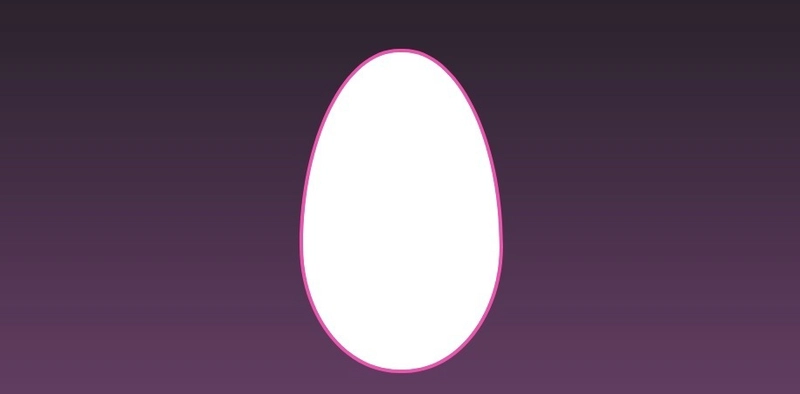
<div class="egg"></div>
.egg {
    height: 364px;
    width: 225px;
    aspect-ratio: 3 / 4;
    border-radius: 100% / 125% 125% 80% 80%;

    background: white;
    border: 4px var(--Pink) solid;
}
Make it look real
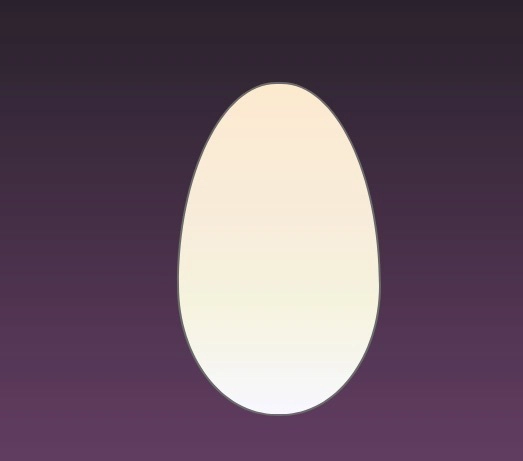
Next a egg_white class with a linear-gradient is added to give the egg a more realistic look. The classes were named egg_color rather than color_egg to make the file easier to find.
The gradient is made of several white and off white hues.
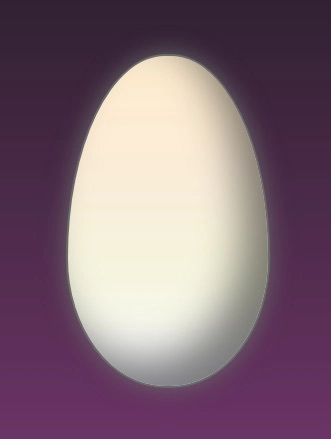
The filter: drop-shadow places a shadow behind the oval. This helps separate it from the background. While the box-shadow: inset puts the shadow inside the oval. Together they give the egg depth.
<div class="egg egg_white">
.egg_white {
    background:
    linear-gradient(to bottom,
        blanchedalmond, antiquewhite, beige, ghostwhite);
    border-color: #6b6b6b;
      filter: drop-shadow(0 0 0.75rem #6b6b6b);
        box-shadow: inset -25px -25px 40px rgba(0,0,0,.5);
}
New Colors
This time I used the same HTML as last year. Just the CSS. mostly the background colors was changed. A couple time the border was modified or removed.
Duck Eggs Woo-oo!
This egg was based off of Mallard duck eggs which are yellow. Various shades of yellow were used. The dev tools color picker was used to pull colors from images of mallard eggs. But the egg just looked very pale. Therefore used creative license to make a yellow egg.

.egg_mallard {
    height: 330px;
    width: 200px;
    background:
    linear-gradient(to bottom, #EED930, #ECFF80, #F6FF65, #BFA51A);
     filter: drop-shadow(0 0 0.75rem black);
    box-shadow: inset -25px -25px 40px rgba(0,0,0,.5);

}
Robin

This is a Robin's egg. This time the color picker was able to get some decent blue hues from online images of Robin eggs.
:root {
    --MainPurple: #7d3b74;
    --DarkPurple: #1f1d21;
      }

.egg_robin {
    background:
    linear-gradient(to bottom,
        #6bc3c7, #00909b,  #015e6a, #01373e);
    filter: drop-shadow(0 0 0.75rem black);
    box-shadow: inset -25px -25px 40px rgba(0,0,0,.5);
}
DarkWing Egg

This egg is the reverse gradient of the overall background. The to-top parameter was used to change the direction of the gradient.
.egg_bg {
    background: linear-gradient(to top, var(--DarkPurple), var(--MainPurple));
    height: 379px;
    width: 244px;
    filter: drop-shadow(0 0 0.75rem black);
    box-shadow: inset -25px -25px 40px rgba(0,0,0,.5);
}
Green Eggs and Spam

This is a big green egg.
:root {
    --DarkGreen: #164a0c;
    --HighlightGreen: #85f275;
      --LgGreen: #00ff58;
       }

.egg_green{
    height: 415px;
    width: 275px;

    background:
    linear-gradient(to bottom,
        var(--HighlightGreen), var(--LgGreen), var(--DarkGreen));
      filter: drop-shadow(0 0 0.75rem black);
    box-shadow: inset -25px -25px 40px rgba(0,0,0,.5);
}
Git your Eggs in a row.

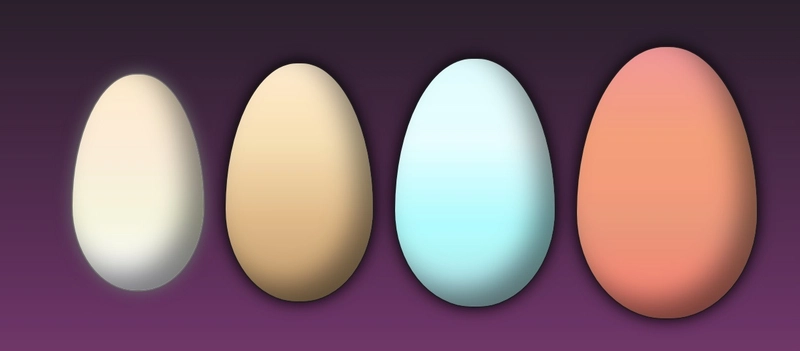
Here's all the eggs together. 2026 above, 2025 below.
Ducktales Woo-oo two
While editing the post, I decided why not try to make the stars of Duck Tales and Darkwing Duck. Here 50% was added to both colors in the gradient to make a hard stop and clear cut color change.

    <div class="character">

        <div class="egg_ducktales"></div>
        <div class="blue egg_ducktales"></div>
        <div class="green egg_ducktales"></div>
        <div class="egg egg_DW"></div>

    </div character>
.egg_ducktales {
    background:
    linear-gradient(to bottom, var(--Red) 50%,  white 50%);
}

.green {
    background:
      linear-gradient(to bottom, var(--Green) 50%,  white 50%);
}

.blue {
    background:
      linear-gradient(to bottom, var(--Blue) 50%,  white 50%);
}

.egg_DW {
    height: 415px;
    width: 275px;
    background: linear-gradient(to bottom, var(--MainPurple) 50%, white 50%);
    filter: drop-shadow(0 0 0.75rem black);
    box-shadow: inset -25px -25px 40px rgba(0,0,0,.5);
}
Three eggs are the same size. The last is larger. To make eggs sit on the ground align-items was changed from center to baseline.
.character {

    align-items: baseline;
}
Wrap up
I enjoyed coloring the eggs. While writing this post, I thought about making all the eggs of different duck species. But many ducks eggs are white and whites eggs were done last year. After the post was almost done, I made some CSS edits to make animated ducks.
Thanks again
Hat Tip to Alvaro Montoro for his article on making eggs more egg shaped. It help get the width and height balanced.


-$JarvisScript git commit -m "Eggs Up"


Top comments (0)