

🌐 Day 3 at CodeSphere Hub – Mastering Azure Resource Organization
On Day 3 of the CodeSphere Hub Bootcamp, learners explored how Azure resources are structured, governed, and managed within a secure, scalable, and highly available cloud environment. This session laid the foundation for understanding Azure’s architectural hierarchy and how it supports real‑world enterprise strategies for governance, fault tolerance, scalability, and disaster recovery.
🔹 Topics Covered
- Azure Account Overview
- Azure Subscriptions
- Azure Regions & Global Infrastructure
- Availability Zones & High Availability Design
- Region Pairs & Disaster Recovery Concepts
- Azure Resources & Resource Groups
- Core Azure Architectural Hierarchy
🔹 Azure Account Overview
The Azure account is the identity you use to access Azure services.
It’s tied to your Microsoft identity (e.g., Outlook, Office 365).
From this account, you manage subscriptions, billing, and access.
👉 Think of it as your passport into the Azure ecosystem.
🔹 Azure Subscriptions
A subscription is a container for resources and billing.
Each subscription has its own policies, quotas, and access controls.
Organizations often use multiple subscriptions (e.g., dev, test, prod).
👉 Analogy: Subscriptions are like separate wallets for different projects.

🔹 Azure Regions & Global Infrastructure
Regions are geographic locations where Azure datacenters are clustered.
Each region provides redundancy and compliance with local laws.
Azure has 60+ regions worldwide.
👉 Example: “South Africa North” (Johannesburg) and “South Africa West” (Cape Town).
**🔹 Availability Zones & High Availability
**Availability Zones (AZs) are physically separate datacenters within a region.
They protect against datacenter‑level failures.
Deploying across AZs ensures high availability for mission‑critical apps.
👉 Analogy: Like having multiple power stations in one city — if one fails, the others keep the lights on.


🔹 Region Pairs & Disaster Recovery
Azure pairs regions within the same geography (e.g., SA North ↔ SA West).
Data is replicated across pairs for disaster recovery.
Updates are rolled out sequentially to avoid downtime.
👉 Analogy: Like backup schools — if one closes, students move to the paired school.
🔹 Azure Resources
Resources are the actual services you deploy (VMs, databases, storage accounts).
They are the smallest unit of Azure management.
👉 Example: A single virtual machine is a resource.
🔹 Azure Resource Groups
Resource Groups (RGs) are logical containers for resources.
They simplify management, monitoring, and lifecycle control.
Policies and RBAC can be applied at the RG level.
👉 Analogy: RGs are like folders where you organize related files.
 description](https://media2.dev.to/dynamic/image/width=800%2Cheight=%2Cfit=scale-down%2Cgravity=auto%2Cformat=auto/https%3A%2F%2Fdev-to-uploads.s3.amazonaws.com%2Fuploads%2Farticles%2Fp42ur75mffwrjo6481rl.png)
🔹 Core Azure Architectural Hierarchy
The hierarchy is:
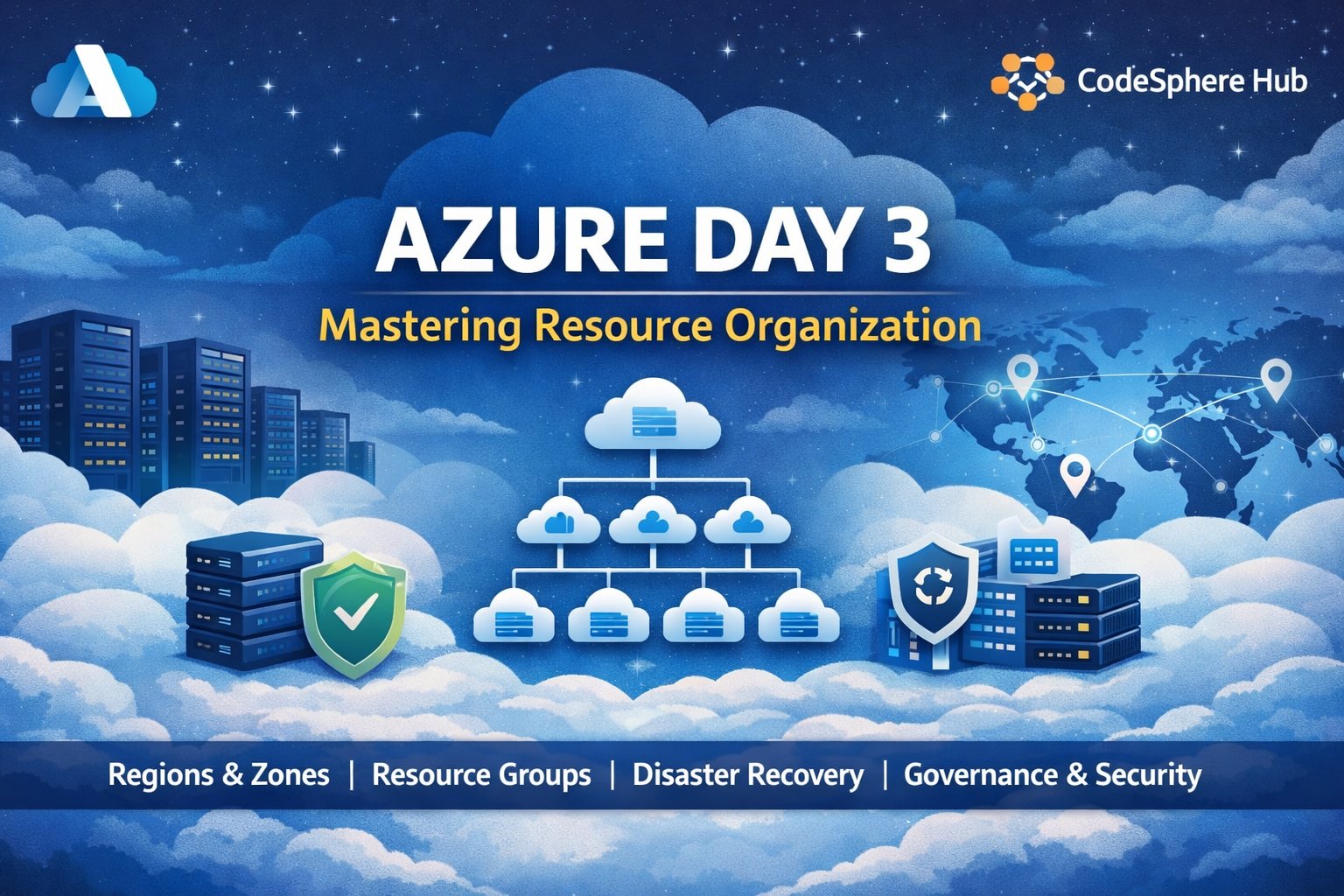
Tenant → Management Groups → Subscriptions → Resource Groups → Resources
This structure supports governance, scalability, and compliance.
👉 Analogy: Like a family tree — tenant is the root, resources are the leaves.
🌍 Visualizing Azure Concepts
Azure Global Infrastructure
-


Top comments (0)