


Let me be honest — most of the AI logo makers generate BS logos.
If you’ve ever tried generating a high-quality, professional logo using AI, you’ve probably ended up with a bunch of random, unusable designs.
I know the feeling — I went through the same struggle while trying to create a sleek, professional logo for my Substack newsletter.
I tested some of the so-called best AI logo generators, only to find that most of them generated logos that made no sense.
That’s when I realized that even though there are many AI logo makers, finding one that makes the best logos is tough.
So, I tested 25+ popular AI logo generators to find the best one based on different parameters. After all the trial and error, I finally found two AI logo generators that create high-quality, professional logos.
First, there's Design.com AI Logo Generator (or Logo Maker), which lets you generate logo ideas and refine them using its built-in editing tools. Then, there's Fiverr AI Logo Maker, which I used to create and purchase a logo for my own project.
With that said, let’s get started.
What makes an AI logo generator “the best”?
If you search the internet for the best AI logo generator, you will find tons of options.
But after testing 25+ AI logo makers, I realized most of them fall short — they’re either clunky, produce low-quality logos, or are packed with hidden fees.
So, I got serious and started focusing on a number of key parameters while selecting the best AI logo maker, and here’s what I was looking for:
- Ease of Use: The logo generator should be easy enough for even a newbie to try and generate a high-quality logo.
- Design Quality: The generated logos should be minimalistic, aesthetic, and visually appealing, as if an expert logo designer had created them.
- Uniqueness: The logos must stand out, helping people easily connect with and remember your company based on its design.
- Customizability: The tool must allow you to customize the logo, so you can tweak fonts, colors, icons, and more based on specific needs.
- Pricing: It should offer real value, and it shouldn’t bait you in with a “free” service, only to hit you with hidden fees.
And after trying a number of AI logo generators, I found “Design.com AI Logo Generator” & “Fiverr AI Logo Maker” to be one of the best, ticking all the right boxes.
Design.com AI Logo Generator: Create and Customize Your Logo
If you're looking for an AI logo generator that gives you plenty of designs to explore and lets you customize the results, you should try Design.com AI Logo Generator.
Unlike simply generating a logo and accepting the first result, Design.com lets you explore different logo concepts, adjust their appearance, and refine your design using its editing tools.
Here's how it works:
Step 1. Enter Your Business Name and Generate Logo Ideas
First, visit Design.com AI Logo Generator and enter a prompt describing your business name and what your business does. You can also add relevant keywords to help guide the results.

For this example, I'm going to create a logo for my Substack newsletter, “AI Made Simple”.
As you can see, I’ve wrote this prompt:
I want to design a logo for my newsletter, AI Made Simple. This is a blog website where I talk about the best AI tools and share practical workflows to increase productivity and save time in everyday tasks.
And here’s what it came up with:

You can browse 500,000+ options to find the one that fits your brand's personality. I like the last one in the image above so I will stick with that.
Step 2. Customize the Logo You Like
Now comes the interesting part:
Design.com lets you customize elements such as fonts, colors, and layouts. You can also use its AI-assisted editing features to refine the design with text prompts.

I was satisfied with the logo, but you can describe the specific change you want to make.
And I recommend that you spend some time experimenting. Even small changes to typography, spacing, and colors can make a logo feel more appropriate for your brand.
Step 3. Preview and Download Your Logo
Once you're happy with the design, preview it and check how it looks in different contexts.
And then you can click on the download button, select the pricing plan you want to go with, and get your logo.

As you can see, it has 3 pricing plans, and each one even provides business cards, Instagram posts, letterheads, email signatures, and more.
So select the one you prefer and get your logo.
My Verdict on Design.com AI Logo Generator
What I like about Design.com AI Logo Generator is that the workflow doesn't stop at generating logo ideas. You can explore different options, make adjustments, and refine a design without starting from scratch.
I would particularly consider it if I wanted to explore several logo concepts before settling on a direction for a brand.
However, the most important thing is how fast the process is. You can write a prompt, get 464,000+ options, customize the one inside the editor or prompt to make the changes, and get it within seconds.
Also, they have a number of AI Design Tools that you can explore to create websites, business cards, posters, resumes, QR codes, and much more.
Now, Design.com is one option to consider if you want to explore and customize multiple logo concepts. But I also wanted to show you the tool I used to create and purchase a logo for my own project.
That's where Fiverr AI Logo Maker comes in.
Why Fiverr AI Logo Maker crushes every competitor
Now, since this is not a promotional post, I will simply get to the point about why I think it’s one of the best.
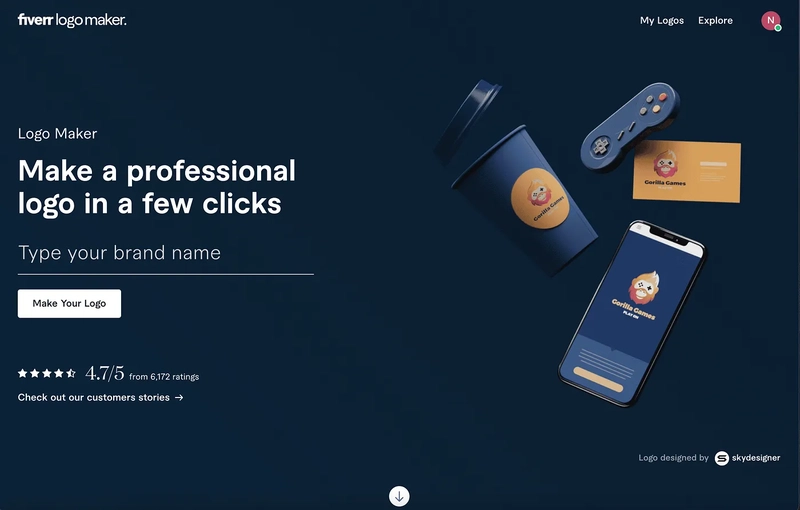
First of all, when I was searching for the “best AI logo generator”, this is the first one that ranked on Google, and was even recommended by almost every post.
And so I tried it, and what I liked is that it’s the only logo maker that combines your preferred style with AI and expert designs from freelancers, giving you the best results.
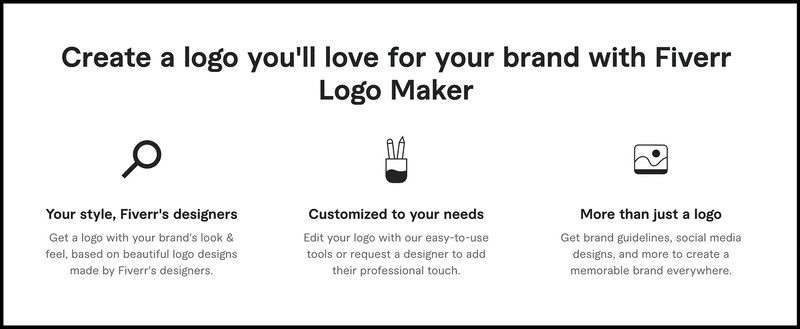
In short — it takes your input, applies AI, and uses designs from expert designers to generate the best logo.
Since most of us aren’t logo designers, we don’t know which logo design is the best for us. That’s where I believe this process of Fiverr Logo Maker can be the best since it provides you with logo designs created by expert designers.
Here are some of the outputs generated by Fiverr AI Logo Maker:
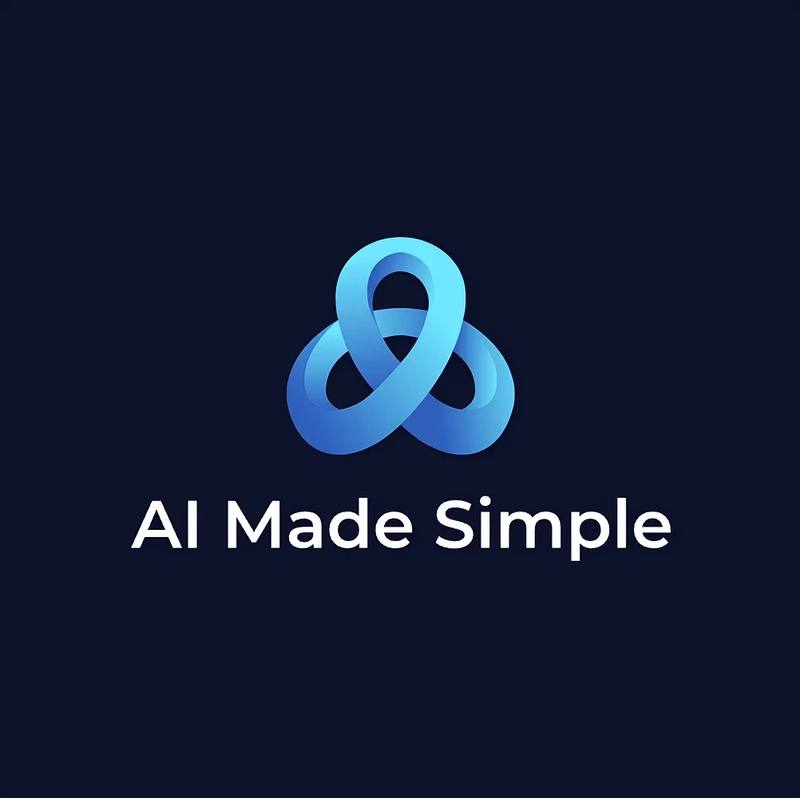
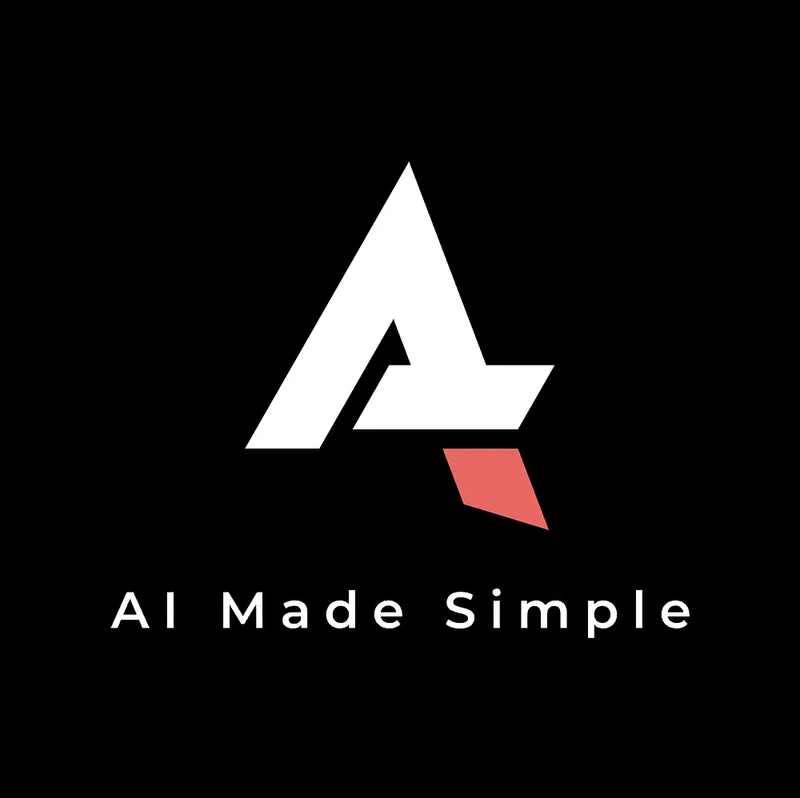
You see, the results are surprisingly good with insane quality, and I liked them a lot.
The best part? You can further customize the logo the way you want.
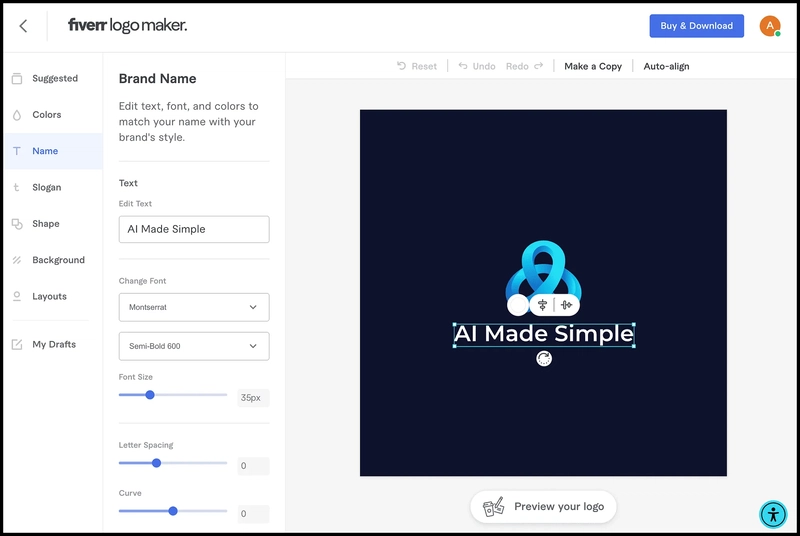
Insane, right?
How to get started?
Now, after seeing the output, you may be interested in trying out the Fiverr AI Logo Maker.
So, here’s the getting started process:
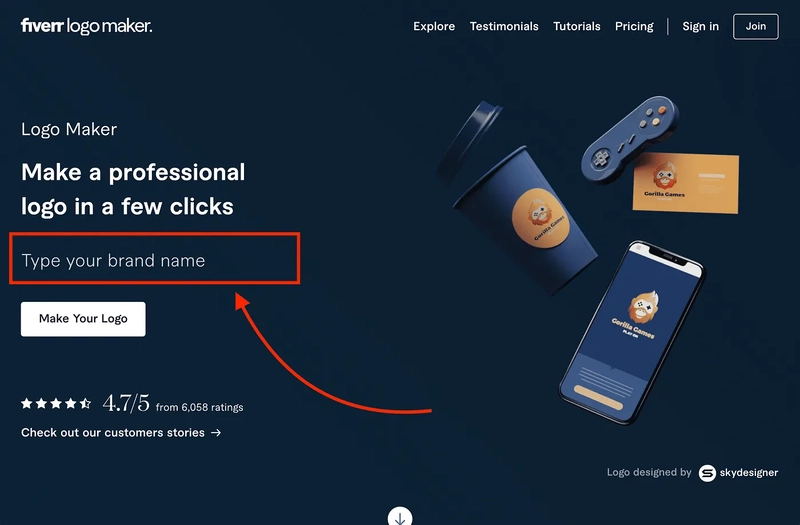
First of all, you need to visit their website, and then you need to enter your brand name.
Next, you need to add your slogan (it’s optional), select the industry, and add elements you want to include in your logo (it’s optional).
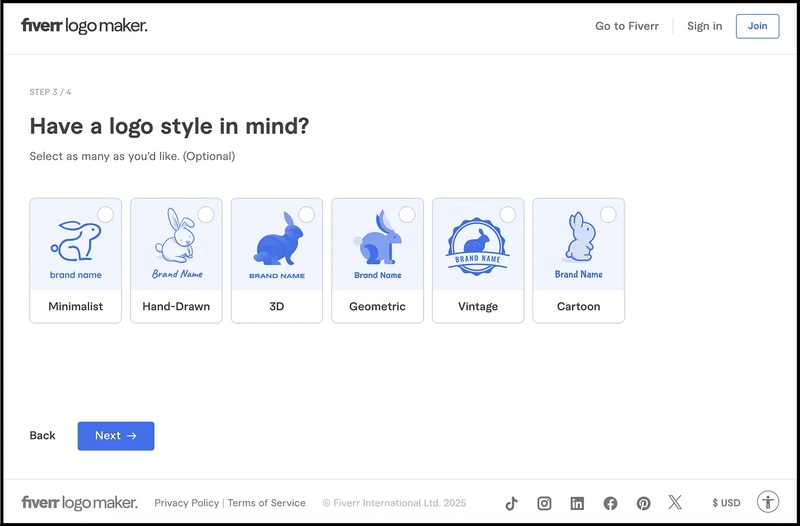
After that, select the style you want to add, and lastly, apply some more settings.
That’s all — within seconds, you will get a number of logos designed the way you want.
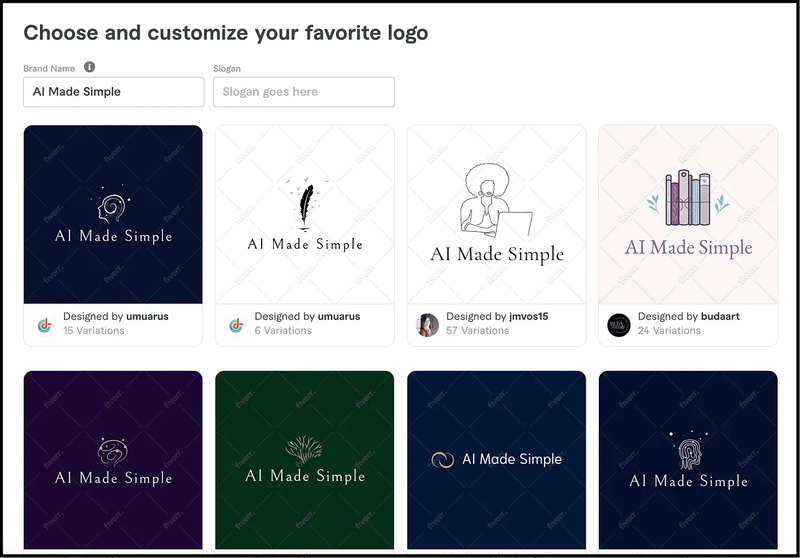
Then, you can go through each logo and select the one that you prefer. Sure, you can even customize your desired logo further the way you want.
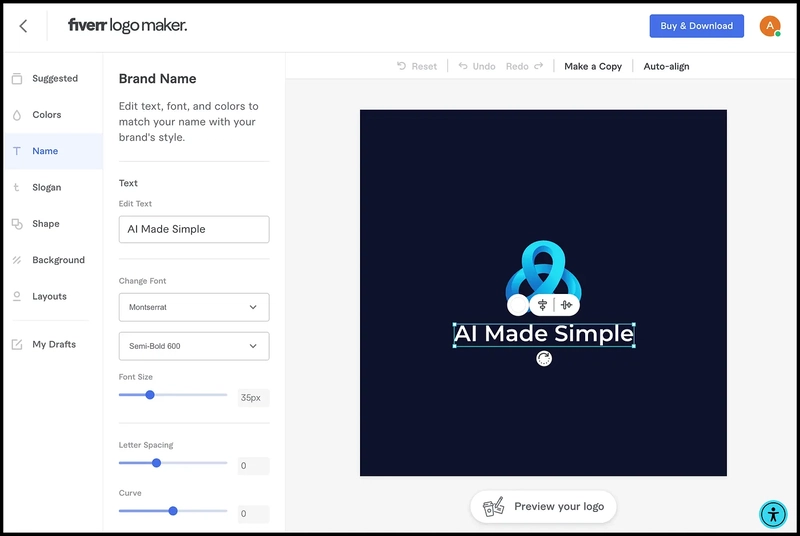
How I built my logo for my Substack newsletter
My goal was simple: I wanted a minimalistic yet visually appealing logo for my Substack newsletter.
I was okay with spending $50 to $100 for a professional design.
And as you know, I liked the way Fiverr’s AI logo maker generates logos — offering sleek, modern designs with minimal effort — so I decided to give it a try.
To generate a logo, I simply followed the getting started process as I wrote.
My brand name was “AI Made Simple,” and I selected the industry as “AI,” “writing,” and “technology” based on my focus.
It generated a lot of great logos for me, from which I selected one, as you can see below, and then I simply customized it a bit.
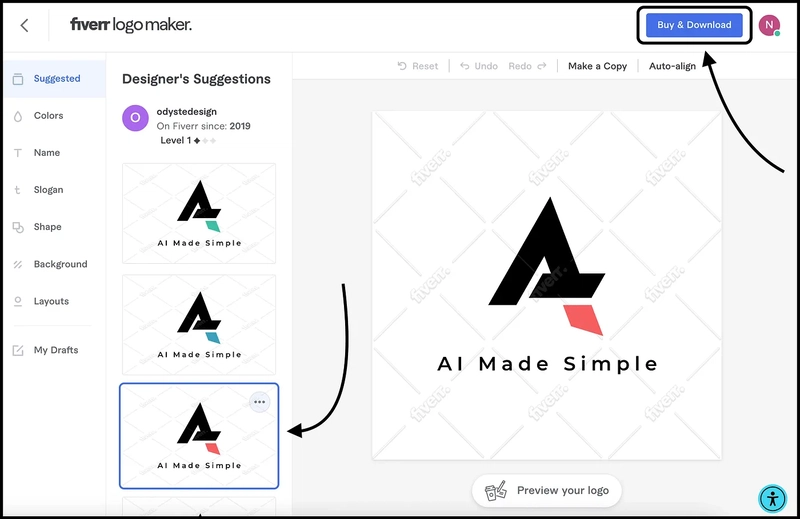
After that, I went ahead and bought the logo.
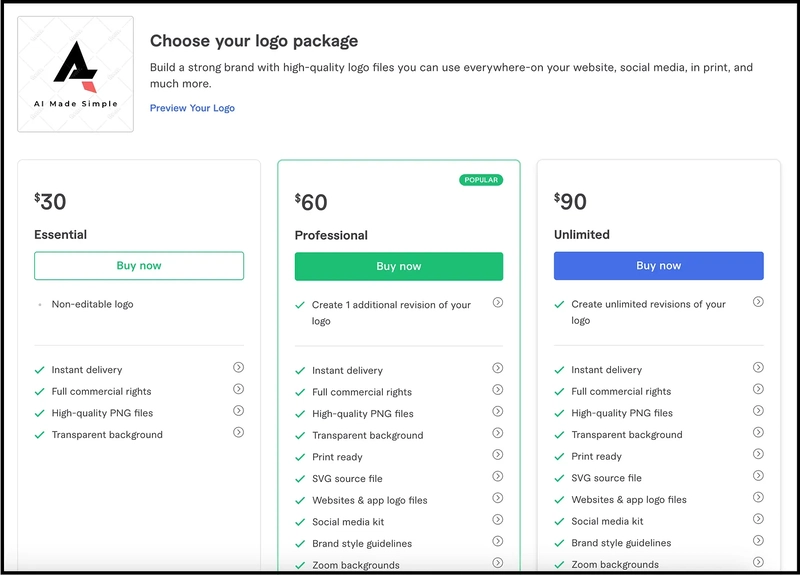
To get everything I needed, I chose the Professional plan. It came with a social media kit, an SVG file, one extra revision, and more.
And here’s the logo:
Insane, right?
Talking about the pricing, it has three plans from which you can select the one that you prefer.
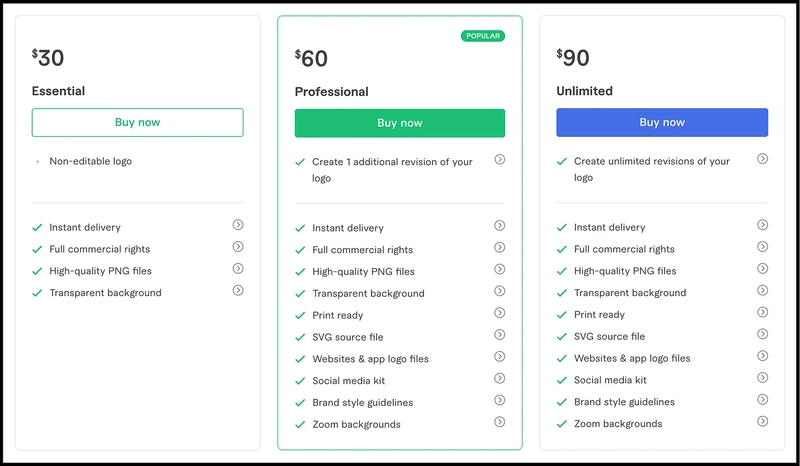
I’ve selected the Professional plan and paid $60 since, besides the logo, it even provides a number of useful files, as you can see.
And it’s just a one-time cost for me.
Do You Really Need an AI Logo Generator?
Well, if you're looking to create a professional logo for your business without hiring a designer, both Design.com and Fiverr AI Logo Maker are worth checking out.
If you want to explore different logo concepts, customize designs, and experiment with your brand's visual identity, I'd recommend trying Design.com AI Logo Generator.
On the other hand, I used “Fiverr AI Logo Maker” to create and purchase a logo for my own project. I liked the results enough to choose its Professional plan, which cost me $60.
After testing 25+ AI logo generators, these are two tools I'd suggest exploring, depending on what you're looking for.
Before making a purchase, make sure to check the available plans, file formats, and licensing terms to ensure you get everything you need for your business.
Hope you like it.
That’s it — thanks.
If you’ve found this post helpful, make sure to subscribe to my newsletter, AI Made Simple where I dive deeper into practical AI strategies for everyday people.


Top comments (2)
From what I have researched, the Fiverr AI Logo Maker is making use of the OpenAI. Please try the following prompt on ChatGPT.
Generate a logo for AI Made Simple.
Why would recommend such a banal, one size fit all service...you do realize these were made in advance right? All of the examples you showed are also presented to anyone else in tec....clearly you didnt try more than one idea beside blog. Try to find a logo for a startup...see what logos come up...spoiler-the same.