

Deploying a Node.js application shouldn't take hours of DevOps work. In this tutorial, I'll show you how to go from code to production in just 5 minutes.
Prerequisites
- A Node.js application (we'll use a simple Express app)
- A GitHub account
- A SnapDeploy account (free tier available)
Step 1: Prepare Your Application
Make sure your package.json has a start script:
json
{
"scripts": {
"start": "node index.js"
}
}
Step 2: Connect GitHub
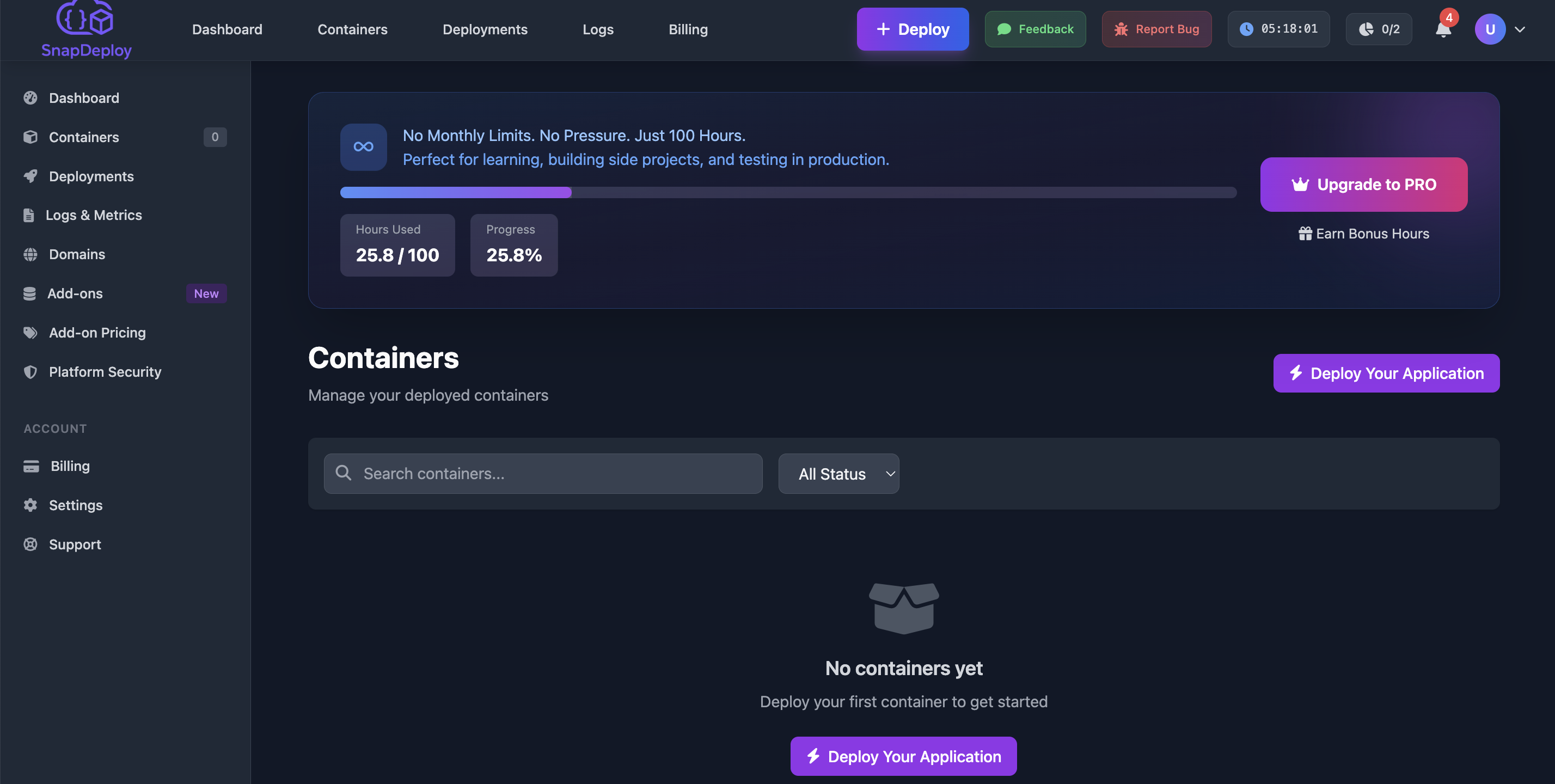
Log into SnapDeploy
Click "New Container" → "Deploy from GitHub"
Authorize GitHub access
Select your repository
Step 3: Configure Deployment
SnapDeploy auto-detects Node.js projects. Just confirm:
Node version (default: 18)
Build command: npm install
Start command: npm start
Port: 3000
Step 4: Deploy!
Click "Deploy" and watch your app go live in ~2 minutes.
You'll get:
✅ HTTPS URL (yourapp.snapdeploy.dev)
✅ Automatic SSL certificate
✅ Container logs and metrics
What's Next?
Add a custom domain
Set up automatic deployments on push
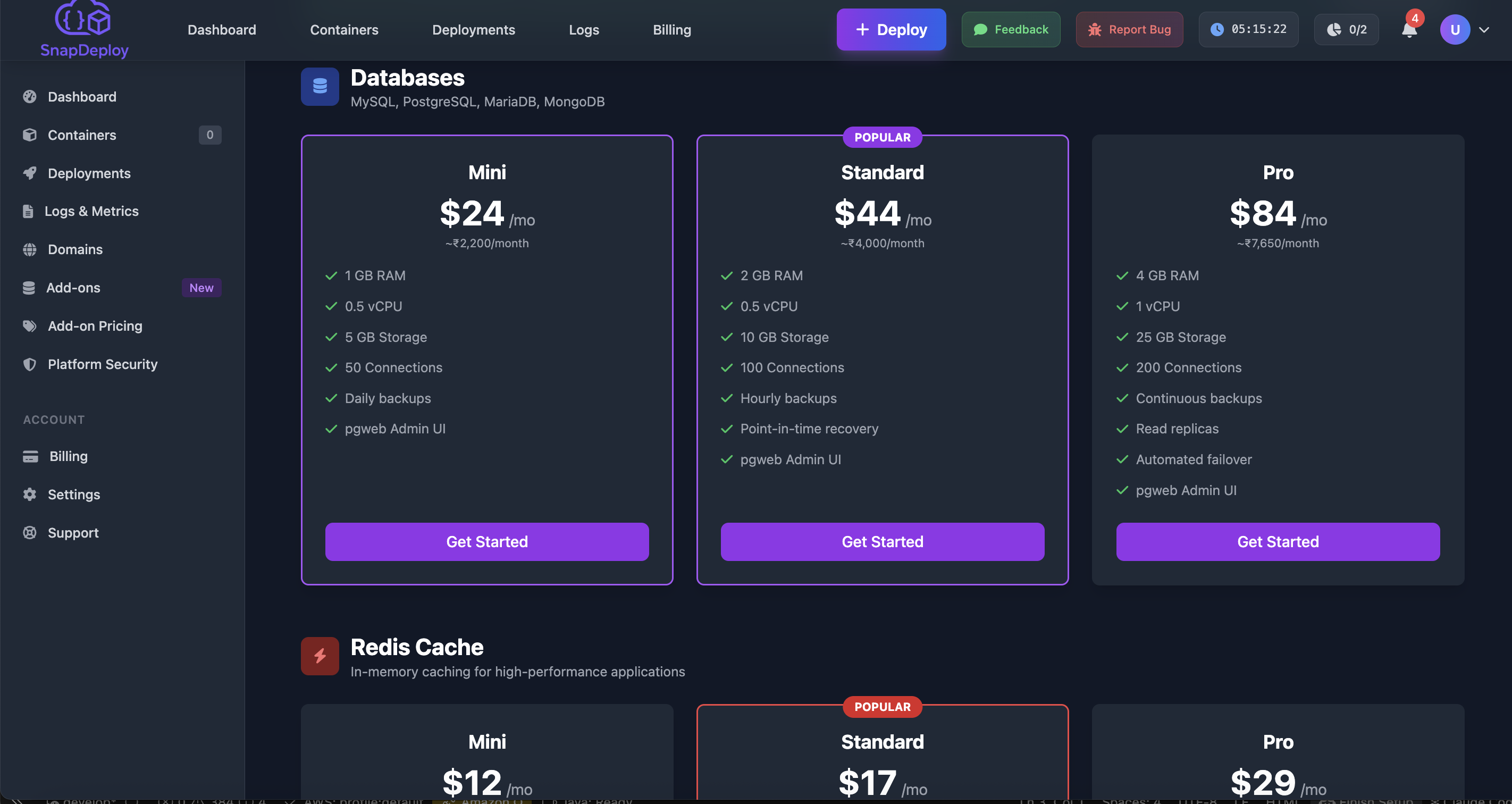
Add a managed database
SnapDeploy is a container hosting platform built by an AWS architect with 15 years of experience.
Start free with 100 hours of compute time.


Top comments (0)