


I opened the repo because I needed a voiceover
I am cutting a short video about local voice cloning. Script done, and the narration was the blocker: recording it myself sounds flat, hiring someone for a three-minute video does not pencil out, and the free browser TTS options have that flat machine-read quality anyone who has made content recognizes.
VoiceStudio was sitting at the top of GitHub Trending's Python list, 21.9k stars, up 7,499 in seven days. Fully local, no account, no subscription, 646 languages, pitched as an open-source ElevenLabs replacement.
Three lines in the README changed my plan.
- The 646 languages come from 16 TTS engines, and the README says it outright: "actual coverage and quality depend on the selected engine". Picking and validating the Mandarin engine is on me.
- The default engine's weights are CC-BY-NC. The app itself is AGPL-3.0. For monetized content I would have to check licensing engine by engine.
- It is active beta. 8GB RAM and 10GB disk minimum, GPU optional (4GB VRAM when used), and Intel Macs cannot run the local Python backend at all.
None of that is a knock. Cloning audio that never leaves the machine is a real requirement, and a desktop app plus a local API plus an MCP server is a serious build. It is a different job than "I need one usable Mandarin narration track this weekend".
So I went looking at Alibaba Cloud Model Studio's CLI (bl, npm package bailian-cli, version 1.22.0). Everything below is verified: signatures from --help, prices from bl model list, voices from --list-voices, plus two error transcripts I hit.

Install
npm install -g bailian-cli
bl skill init
bl auth login --api-key sk-xxxxx
bl auth status
Node 18.17 or newer for the npm route. There is also curl -fsSL https://bailian.aliyun.com/cli/install.sh | bash for macOS/Linux and irm https://bailian.aliyun.com/cli/install.ps1 | iex for Windows PowerShell, neither of which needs Node pre-installed. Install notes live on the CLI page; you create the key in the console.
64 voices, and the three dialect rows
bl speech synthesize --list-voices --model cosyvoice-v3-flash
Ends with Total: 64 voices. Mandarin/English 36 (four of them children's voices, one Taiwanese), Cantonese 3, regional dialects 3, US English 10, UK English 4, Japanese 5, Korean 2, Indonesian 1.
The dialect row is Northeastern (longlaotie_v3), Shaanxi (longshange_v3) and Min Nan (longanmin_v3). Most hosted voice tables do not have that column at all.
One naming trap: longanyang is the only Mandarin voice without the _v3 suffix. Add one by pattern and you get an ID that does not exist.
Audition them without writing files:
bl speech synthesize --model cosyvoice-v3-flash --text "Hello, this is a streaming test." --voice loongabby_v3 --language en --stream | ffplay -nodisp -autoexit -f s16le -ar 24000 -ac 1 -

--stream emits raw PCM to stdout. On macOS pipe to afplay - instead. In production the same pipe can feed a WebSocket, with no temp storage tier.
Error 1: a 411 that was not my voice ID
[Model: qwen-audio-3.0-tts-plus] [Voice: longcheng_v3]

Error:       [cosyvoice:]Engine error [411]: TTS speak operation failed
Status:      HTTP 400 (InvalidParameter)
Exit code:   1
I assumed a typo and retried with four different voice IDs. Same 411. bl config show had the answer: my profile set default_speech_model: qwen-audio-3.0-tts-plus, and built-in voice IDs are bound to a model. --help even warns "System voices vary by model".
Two fixes. Pass the model explicitly, or set it once:
bl config set --key default_speech_model --value cosyvoice-v3-flash
The debugging tool worth knowing about is --dry-run, a global flag that prints the request body without calling anything:
bl speech synthesize --model cosyvoice-v3-flash --text "test" --voice longcheng_v3 --dry-run
request:
  model: qwen-audio-3.0-tts-plus
  input:
    text: test
    voice: longcheng_v3
    format: mp3
Configuration-driven defaults are hidden state. Your laptop and your CI will not agree unless you pin them.
The narration command itself
bl speech synthesize --model cosyvoice-v3-flash --text-file script.txt --voice longcheng_v3 --rate 0.9 --instruction "Use a conversational tone, do not read it like a script" --out narration.mp3
--rate runs 0.5 to 2.0 with a default of 1.0; for dense narration 0.9 leaves room at the end of sentences. --instruction takes plain language, though the same wording behaves differently across voices, so there is no reliable recipe. For batch work, --seed (0-65535) makes the same input produce the same audio so you can re-render one bad line, and --concurrent parallelizes.
Error 2: speaker diarization got rejected locally
Error:       Model "qwen-audio-3.0-asr-flash" uses sync Flash ASR and does not support: --diarization, --speaker-count.
Hint:        Use an async filetrans model (e.g. fun-asr, qwen3-asr-flash-filetrans) for those flags.
Exit code:   2
No request left the machine. The CLI checked the capability matrix first and returned in 0.355 seconds, with the model name in the hint:
bl speech recognize --model fun-asr --url meeting.wav --diarization --speaker-count 2 --out result.json
--url takes a URL or a local path and repeats up to 100 files. --speaker-count requires --diarization. Domain vocabulary goes in through --vocabulary-id. Long recordings take --async plus --poll-interval (2 second default). If a file cannot be public, bl file upload pushes it to 48-hour temporary storage.
The trade-off: diarization lives on async filetrans models, which are job-based. Real-time captioning wants sync Flash ASR, which has no diarization. fun-asr bills ¥0.00022 per second with a 10 QPM limit, and that limit is what batch throughput planning starts from.
Image in, spoken answer out
bl omni --message "user:What is the most eye-catching thing on this thumbnail? One sentence, no flattery." --image cover.jpg --voice Tina --audio-out reply.wav
Hand-rolling this means a vision call, a text hop, a TTS call, and the format and sample-rate handling in between. Default model is qwen3.5-omni-plus, which claims 10+ hour audio understanding, 400 seconds of 720P video at 1 FPS, 60+ input languages and 30+ output languages.
Omni has its own 13 voices (bl omni --list-voices), not interchangeable with the 64: Tina (default), Dylan (Beijing), Kiki (Cantonese), Li (Nanjing), Sunny (Sichuan), Marcus (Shaanxi), Eric (Chengdu), Rocky (Cantonese), Jennifer, Ryan, Katerina, Peter (Tianjin), Ethan. Regional accents in the pool is useful for a support bot. The help ships a dialect example:
bl omni --message "Answer in Sichuan dialect: How's the weather today?" --voice Sunny
--text-only is the cost switch. Text output is ¥40 per million tokens, text plus audio is ¥213, and the text is not billed separately in that mode. Develop with --text-only, then remove it.
Chaining it
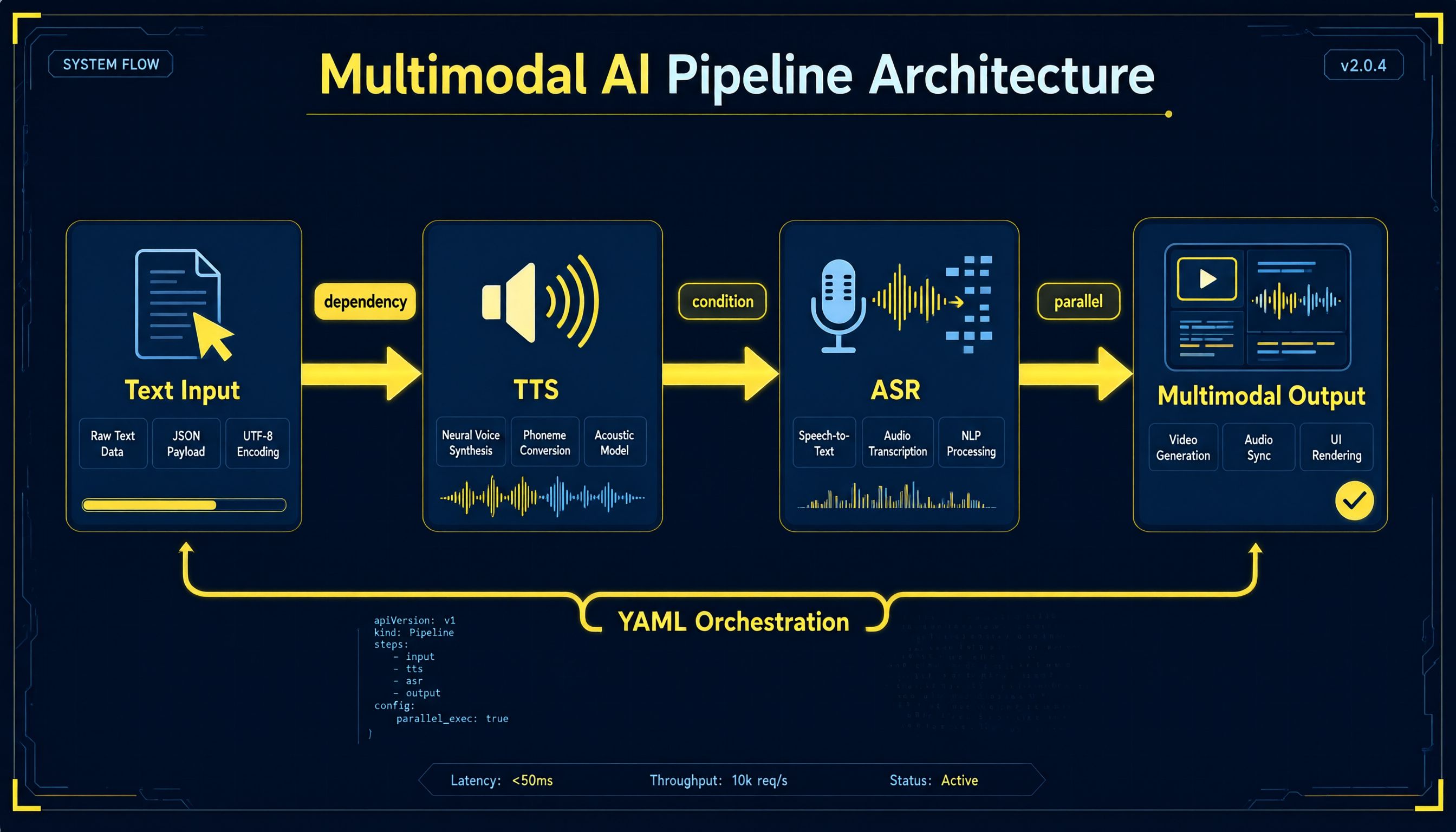
version: workflow/v1
steps:
  - id: script
    type: text/chat
    input:
      message: "{{topic}}"
      system: "You write short-video narration. Output the script body only, under 120 characters."
  - id: voiceover
    type: speech/synthesize
    input:
      text: "{{steps.script.output}}"
      model: cosyvoice-v3-flash
      voice: longcheng_v3
      rate: 0.95
      out: voiceover.mp3
bl pipeline validate --file voice-workflow.yaml
bl pipeline run --file voice-workflow.yaml --input '{"topic":"where local voice cloning falls short"}' --dry-run
validate takes --file only; a positional argument returns Unexpected argument. Passing gives Pipeline definition is valid. and the dry run prints the plan without billing anything:
Pipeline planned [~]
[~] script (text/chat) — planned
[~] voiceover (speech/synthesize) — planned
Eleven step types exist, including speech/synthesize, speech/recognize, vision/describe and logic/assert. One design choice I like: script/js requires a literal code string and refuses to take code from an upstream step, because that would execute untrusted text as host code. Branch on logic/assert with a condition expression instead.
The numbers
Prices from bl model list, exchange assumption 1 USD ≈ 7.1 CNY.
| Model | Price |
|---|---|
| cosyvoice-v3.5-flash | ¥0.8 per 10k characters (needs a clone/design voice ID, not system voices) |
| cosyvoice-v3-flash | ¥1 per 10k characters (the 64 system voices live here) |
| cosyvoice-v3.5-plus / v3-plus | ¥1.5 / ¥2 per 10k characters |
| cosyvoice-clone-v1 | ¥2 per 10k characters |
| fun-asr | ¥0.00022 per second, about ¥0.792 per hour |
| qwen3.5-omni-plus | in ¥7 (text/image/video) and ¥53 (audio); out ¥40 (text) and ¥213 (text+audio) per M tokens; Batch File roughly half |
ElevenLabs' current published tiers are Free $0, Starter $6, Creator $22 (first month $11), Pro $99, Scale $299 with 3 seats, Business $990 with 10 seats. TTS runs about 1 credit per character and speech-to-text 330 credits per minute. Creator's 121,000 monthly credits is roughly 121,000 characters; the same volume on cosyvoice-v3-flash is ¥12.1, about $1.70. One hour of transcription is 19,800 credits there and ¥0.792 here, about $0.11.
Subscriptions are not bad, they are just decoupled from usage. Spiky, low-volume work suits metered billing; steady team volume with seats suits a plan.

New accounts get a free tier with terms worth reading: a separate quota per eligible model (usually 1M tokens), 90 days, Beijing region only, no rollover, no reissue, no borrowing between models. Verified accounts roll into pay-as-you-go after that unless you enable the hard stop:
bl usage freetier --all
bl usage free
Exhausted quota then returns HTTP 403 with AllocationQuota.FreeTierOnly, which tells you to look at billing rather than at your code.
Where each option wins
Keep the local stack when the audio cannot leave the machine: cloning a specific person's voice, private material, or an agent-driven workflow over MCP. VoiceStudio is the strongest open option there.
Use the hosted CLI for finished Mandarin voices including dialects and children's voices, diarized transcription, image-in/voice-out and metered billing. What you skip: engine selection, weight licensing, GPU management.
I have not heard a finished track from either side yet. What I have is a verified command surface, two error transcripts, and a cost model I can defend. Run --list-voices yourself; it costs nothing, and 64 rows beats any comparison chart.


Top comments (0)