


This is a submission for the
GitHub Copilot CLI Challenge
🧠 What I Built
I built RepoBuddy, a Windows-first Python CLI tool that helps beginners understand GitHub repositories directly from the terminal.
As a Windows user, I often find onboarding into new repositories difficult because:
- Documentation assumes macOS or Linux
- It’s unclear which files to read first
- Setup and run instructions are incomplete or scattered
RepoBuddy solves this by:
- Reading a repository’s folder structure and README
- Sending that context to GitHub Copilot CLI
- Returning:
- A plain-English explanation of what the repository does
- Key folders and files to focus on
- Beginner-friendly Windows PowerShell setup and run instructions
All of this happens inside the terminal, without opening an IDE.
▶️ Demo
🔗 GitHub Repository
👉 https://github.com/aggreypaintsil168/repobuddy
Example commands
powershell
# Explain the current repository
python src\repobuddy.py explain .
# Generate Windows PowerShell run instructions
python src\repobuddy.py how-to-run .
What the demo shows
GitHub Copilot CLI actively analyzing the repository
Copilot CLI reading files and directory structure
Structured explanations rendered directly in the terminal
Windows PowerShell-specific setup and run steps
📸 Tip:
I’ve included a short terminal demo (screenshots
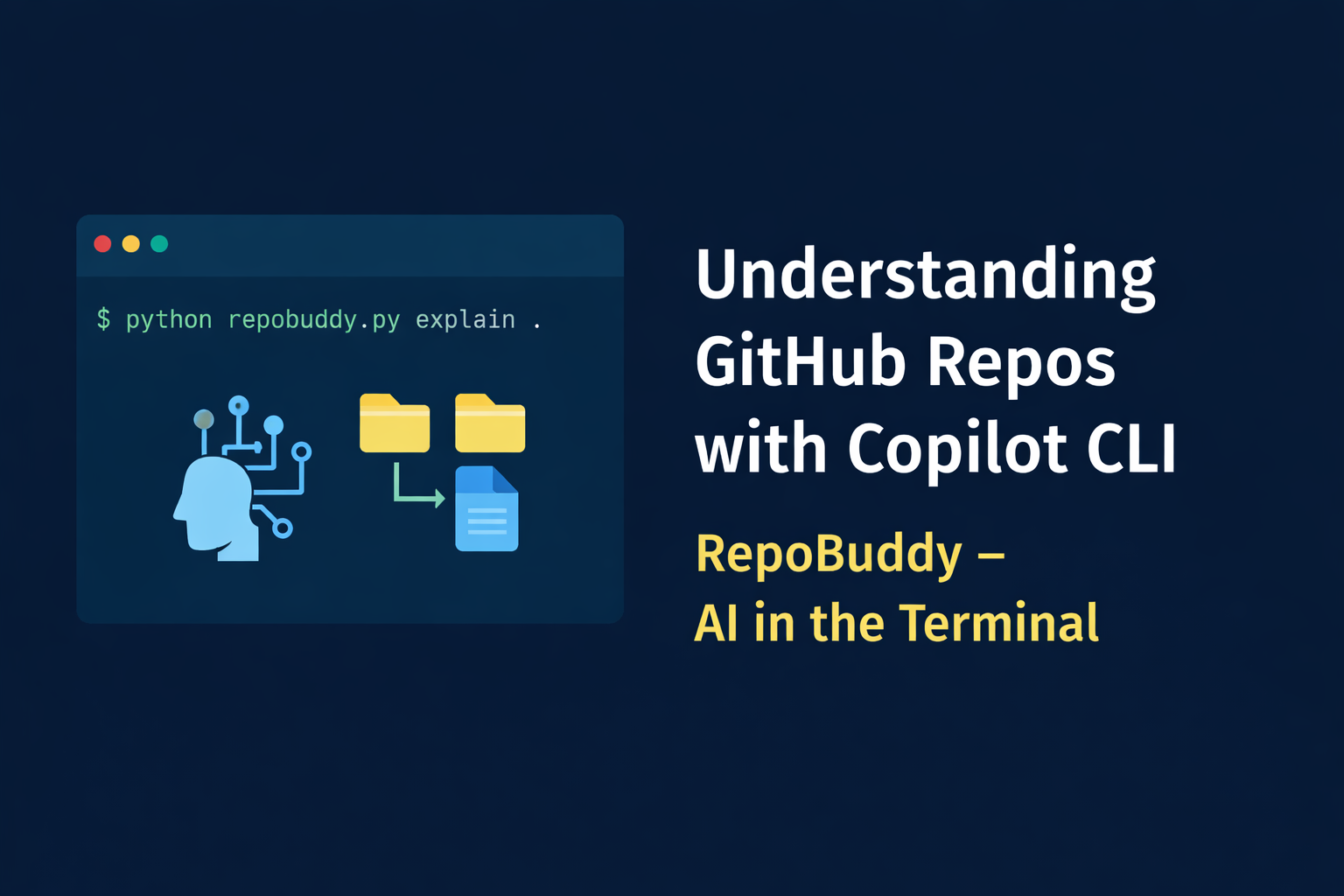) showing Copilot CLI in action to make the workflow easy to see.
🤖 My Experience with GitHub Copilot CLI
RepoBuddy uses GitHub Copilot CLI directly as an AI backend, not as an IDE autocomplete tool.
The application invokes Copilot CLI programmatically from Python:
python
Copy code
subprocess.run(
["copilot"],
input=prompt.encode("utf-8"),
stdout=subprocess.PIPE,
stderr=subprocess.STDOUT,
)
My workflow was:
Collect repository context (folder structure + README)
Build a structured, Windows-focused prompt
Send the prompt to Copilot CLI via standard input
Render Copilot’s response in real time using Rich for better terminal UX
Copilot CLI:
Inspected directories
Read repository files
Reasoned about project intent
Generated explanations and Windows PowerShell run steps dynamically
Seeing Copilot CLI’s activity directly in the terminal made the AI’s reasoning transparent and easy to demo.
This experience showed me that Copilot CLI can be used as a scriptable developer assistant, not just an autocomplete tool.
💬 Let’s Discuss
I’d love feedback or questions in the comments:
How do you currently understand new repositories?
Would a tool like this help your onboarding workflow?
How else have you used GitHub Copilot CLI outside an IDE?
Thanks for reading — and thanks to the Dev Community Organisers for running this challenge


Top comments (0)