

title: [Github Copilot] Make Your Github Copilot Commit Messages More Lively with Custom Instructions
published: false
date: 2025-01-02 00:00:00 UTC
tags:
canonical_url: https://www.evanlin.com/til-copilot-commit-msg/
---
# Background:
Those who know me know that I am a big fan of Github Copilot (because of open-source projects, I got it for free, although it is now open for [free usage](https://docs.github.com/en/copilot/managing-copilot/managing-copilot-as-an-individual-subscriber/about-github-copilot-free)).
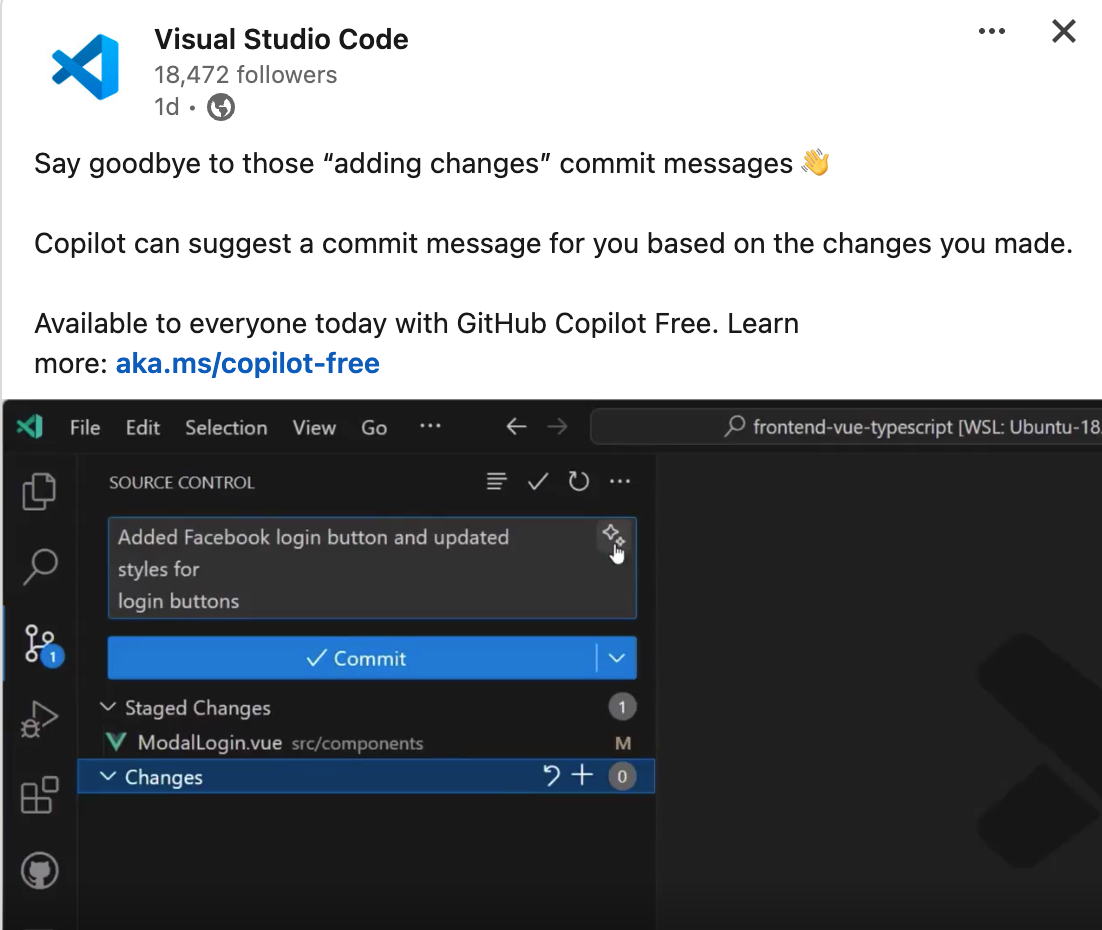
The most frequently used feature is the automatic Commit Message function, which saves me from having to think about what I changed or what rules to use when writing.
# The Problem with the Current Standard Github Copilot Messages
However, if you want to create some special Commit Messages, for example:
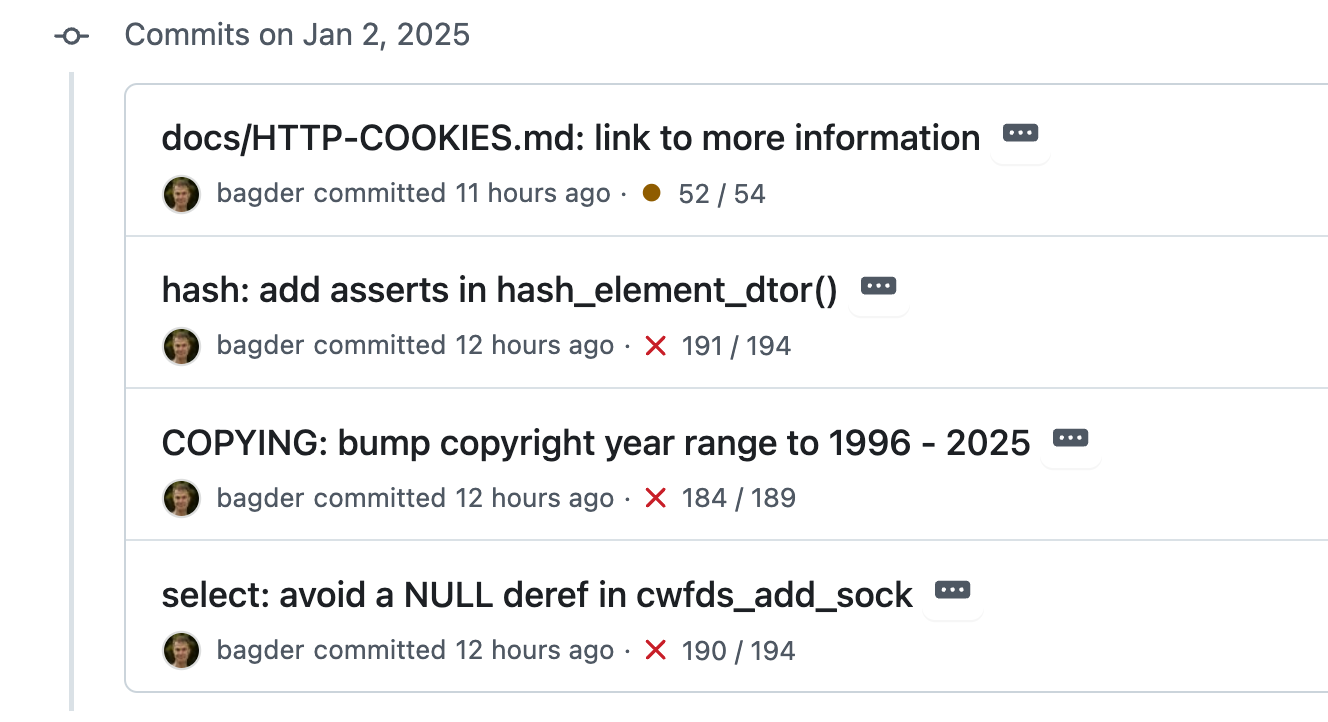
Or even more lively, using the so-called "[emoji commit message](https://gist.github.com/parmentf/035de27d6ed1dce0b36a)":
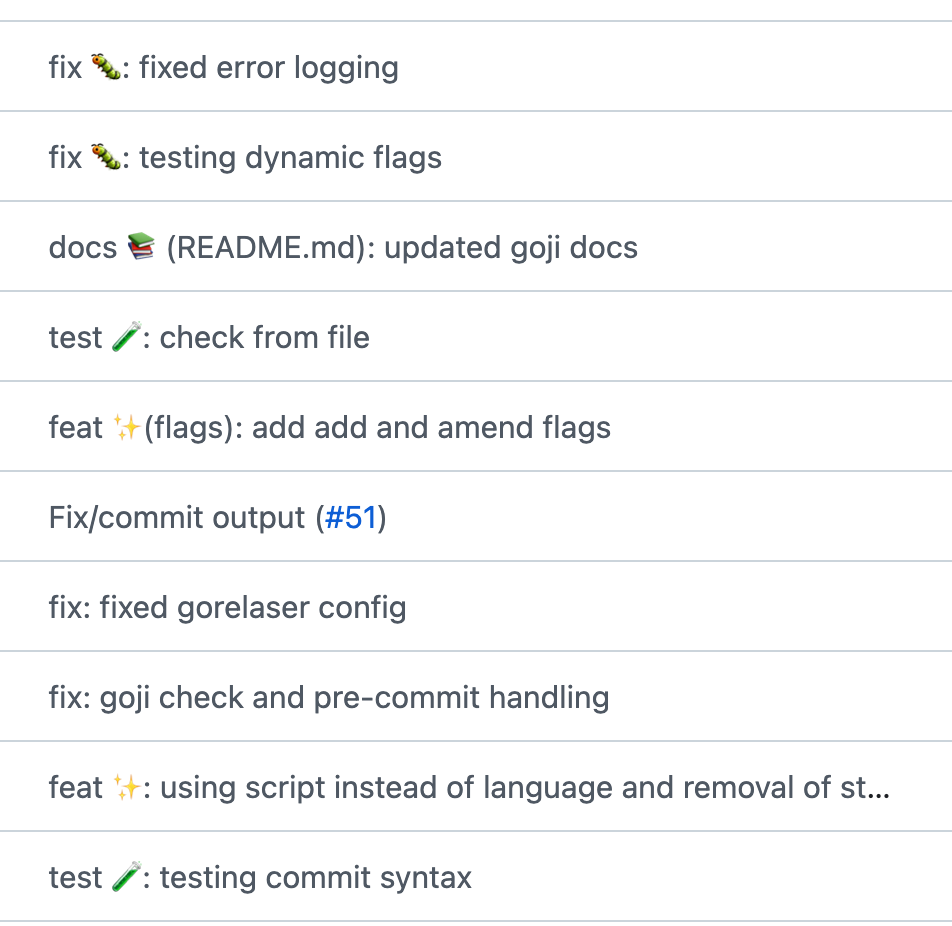
But the original format provided by Github Copilot is quite standard, how can we modify it?
# Customizing Commit Messages (Custom instructions for GitHub Copilot)
In December 2024, Github released a new setting ([Custom instructions for GitHub Copilot](https://code.visualstudio.com/docs/copilot/copilot-customization)) that allows you to make your Commit Messages more unique through settings.
"github.copilot.chat.testGeneration.instructions": [
{
"text": "Always use vitest for testing React components."
},
{
"text": "Use Jest for testing JavaScript code."
},
{
"file": "code-style.md" // import instructions from file code-style.md
}
],
Here is an example that can quickly transform your Commit Messages into a richer format.
Quickly modify the format of github copilot commit msg:
1. Open vs code via [vscode://settings/github.copilot.chat.commitMessageGeneration.instructions](vscode://settings/github.copilot.chat.commitMessageGeneration.instructions)
2. Add
Done. It looks great like this :)



Top comments (0)