

title: [Learning Notes][Python] Using LangChain's Functions Agent to Control Folders in Chinese
published: false
date: 2023-06-17 00:00:00 UTC
tags:
canonical_url: http://www.evanlin.com/langchain-function-agent/
---
# Preface
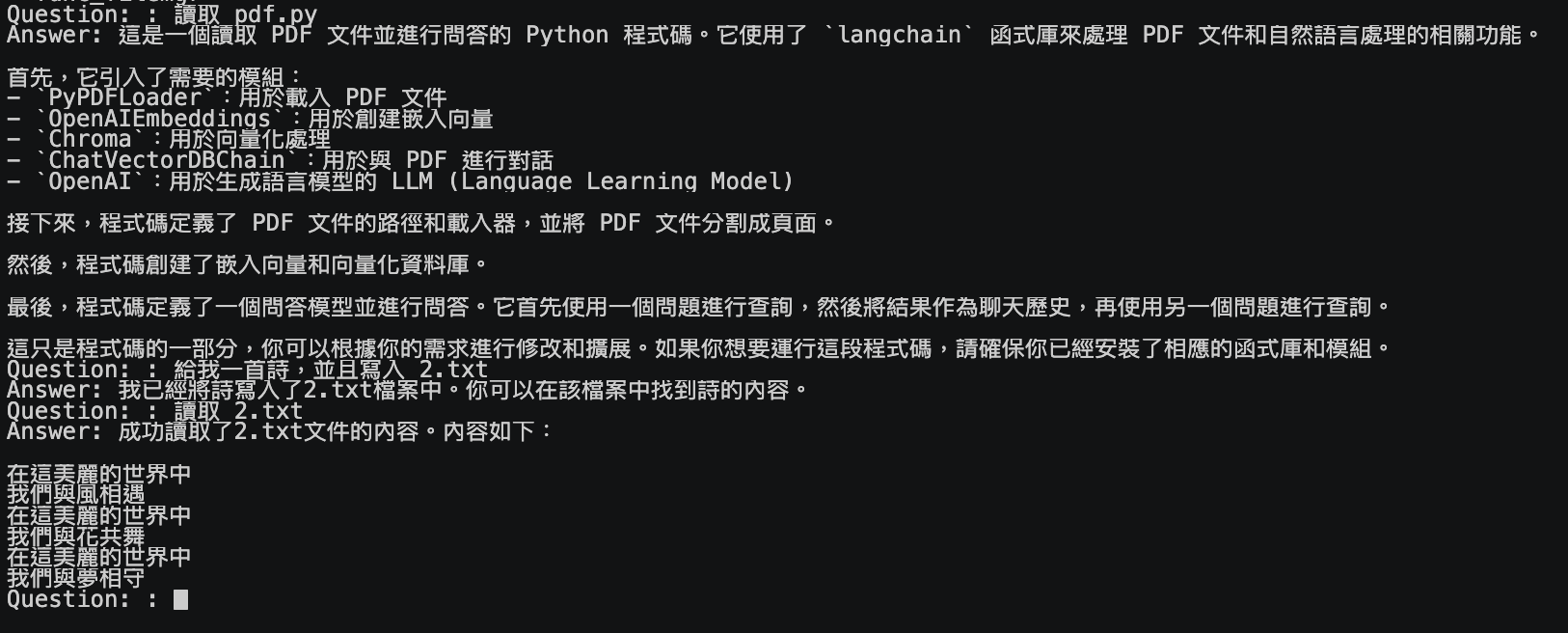
In the past Linux courses, everyone always struggled to remember commands like `ls`, `mv`, and `cp`. I can't count how many times I've heard friends complain, "Can't we use Chinese to give commands?" For example:
- Move 1.pdf for me
- Delete the file 2.cpp
- List files
Now, you can actually achieve this quickly through [LangChain](https://github.com/hwchase17/langchain). This article will provide you with example code and the underlying principles of using [LangChain](https://github.com/hwchase17/langchain) Functions Agent.
### For open-source package reference, see [https://github.com/kkdai/langchain\_tools/tree/master/func\_filemgr](https://github.com/kkdai/langchain_tools/tree/master/func_filemgr)
## What is LangChain
When developing with LLMs (Large Language Models), there are many convenient tools that can help you quickly build a POC. The most well-known here is [LangChain](https://github.com/hwchase17/langchain). In addition to supporting numerous large language models, it also supports many small tools (similar to: [Flowise](https://github.com/FlowiseAI/Flowise)).
## What is Functions Tool
As this article mentions, Functions Tools are built based on [the latest OpenAI Function Calling feature announced on 06/13](https://openai.com/blog/function-calling-and-other-api-updates). That is, after you first provide the LLM with a series of "tool lists" that can be executed. It will, based on your semantics, answer you by saying "possibly" which Function Tool can be called. And let you decide whether to call it or to continue processing it.
It's like telling your LLM what judgments it can make, and letting it help you determine which action the user's semantics "might" be doing.

(Let the robot help you decide which Function Tools to prepare to execute)
It's also quite simple in Python LangChain, and [the previous article](https://www.evanlin.com/linebot-langchain/) already has most of the content. Here's a related explanation:
from stock_tool import StockPriceTool
from stock_tool import get_stock_price
model = ChatOpenAI(model="gpt-3.5-turbo-0613")
Convert the tools into a JSON format that can be interpreted by the LLM for processing. (Currently only OpenAI)
tools = [StockPriceTool()]
functions = [format_tool_to_openai_function(t) for t in tools]
.....
Through OpenAI's latest model, to determine which Function this user's text should execute
The return may be get_stock_price or even empty.
hm = HumanMessage(content=event.message.text)
ai_message = model.predict_messages([hm], functions=functions)
Process the "parameters" (arguments) that OpenAI has extracted for you
_args = json.loads(
ai_message.additional_kwargs['function_call'].get('arguments'))
(optional) Directly execute the function tool
tool_result = tools0
If you directly return the result here, you might only get the "number" of the stock price. Even the unit of that number won't be added. In fact, this is just letting the LLM tell you which function to use for judgment and explanation. It's just like we used NLU's Intent detection before.
## How to complete LangChain Functions Agent
If it's a Function Agent, it's like giving your LLM brain arms, and starting to let it not just "speak", but also start "doing".

Here, "more abstractly", in addition to letting the LLM know what tools are available. And by defining them as Agents to fetch data and then explain it. That is, there will be the following process:
- Input user's words, determine which Agent to call. And extract the relevant Arguments.
- Call the Agent and get the result.
- Through the result, ask the LLM again to summarize the answer.
tools = [StockPriceTool(), StockPercentageChangeTool(),
StockGetBestPerformingTool()]
open_ai_agent = initialize_agent(tools,
model,
agent=AgentType.OPENAI_FUNCTIONS,
verbose=False)
## Comparison table of Langchain Functions Agent and Functions Tool
| | OpenAI Function Tools | OpenAI Function Agent |
| --- | --- | --- |
| **Definition Method** | Tools | Packaged into Agents via LangChain Tools (OPENAI\_FUNCTIONS) |
| **Execution Process** | (1) Input user's words, determine which Agent to call. And extract the relevant Arguments. (2) The developer decides whether to execute it or the remaining actions. | (1) Input user's words, determine which Agent to call. And extract the relevant Arguments. (2) Call the Agent and get the result. (3) Through the result, ask the LLM again to summarize the answer. |
| **Don't reply to unexpected questions?** | Yes, decide which ones to reply to yourself | No! It will reply to everything. |
# Results
[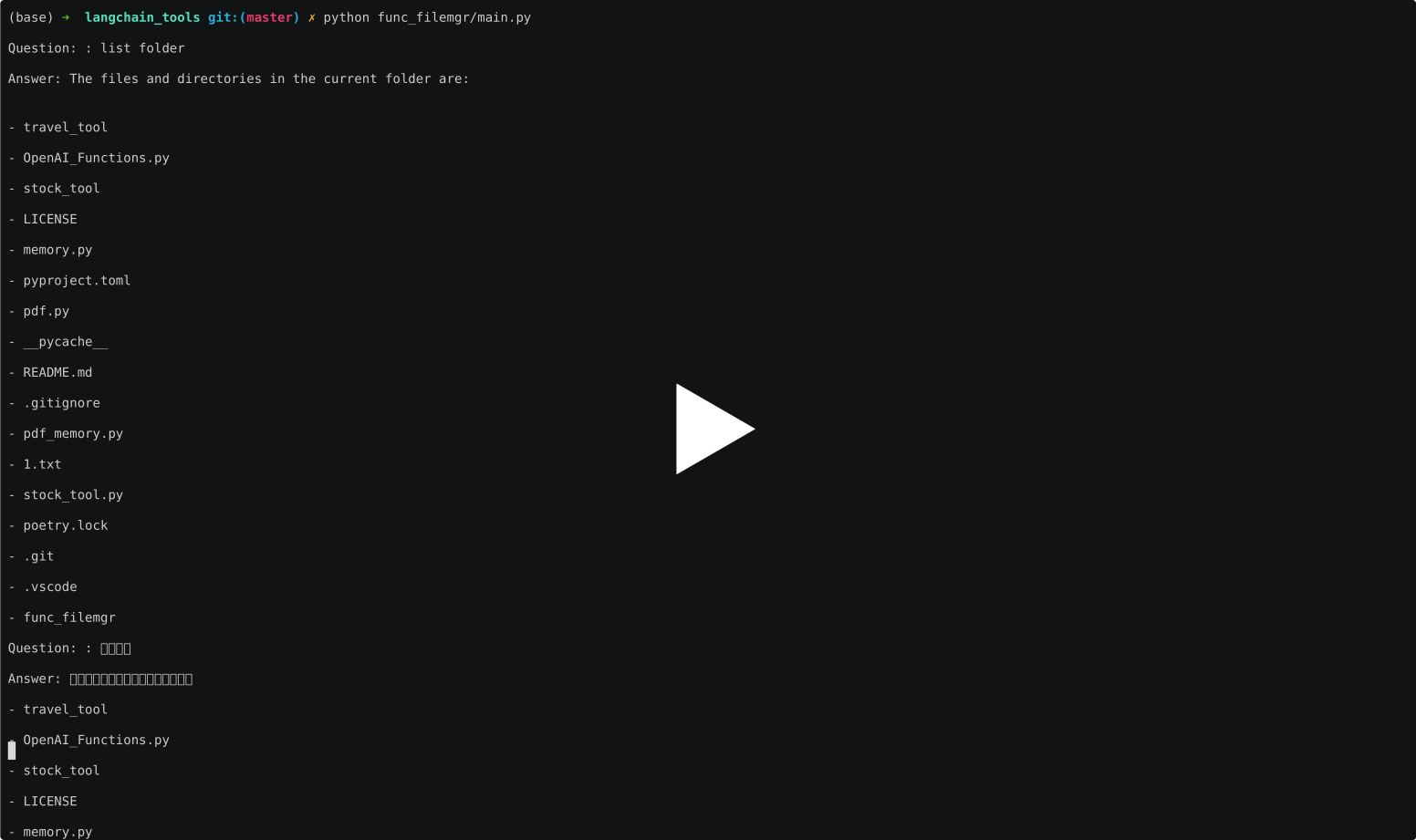](https://asciinema.org/a/aXAxZoeNFTaUq7KxAsCCKLocN)
# Conclusion
I've recently completed a lot of [LangChain](https://github.com/hwchase17/langchain) related examples, and experienced how to build related applications through [Flowise](https://github.com/FlowiseAI/Flowise). I feel that the development of LINE Bot will help you get closer to users. Build a "dedicated" and "easy-to-use" chatbot, and let the LINE official account help your business move towards the era of generative AI!!


Top comments (0)