


The ScheduleJS API
ScheduleJS offers three components to create your own tree table.
<schedule-info-column-cells-left-pin-wrapper><schedule-info-column-header-cell><schedule-info-column-row-cell>
The two cell components (2 and 3) are made to wrap your custom header and row cells while the left pin wrapper (1) offers the possibility to freeze a column on the leftmost part of the tree table.
On the example above, the Activity ID column has been frozen with the left-pin-wrapper while other columns are some custom Angular components wrapped in the ScheduleJS row-cell and header-cell component wrappers.
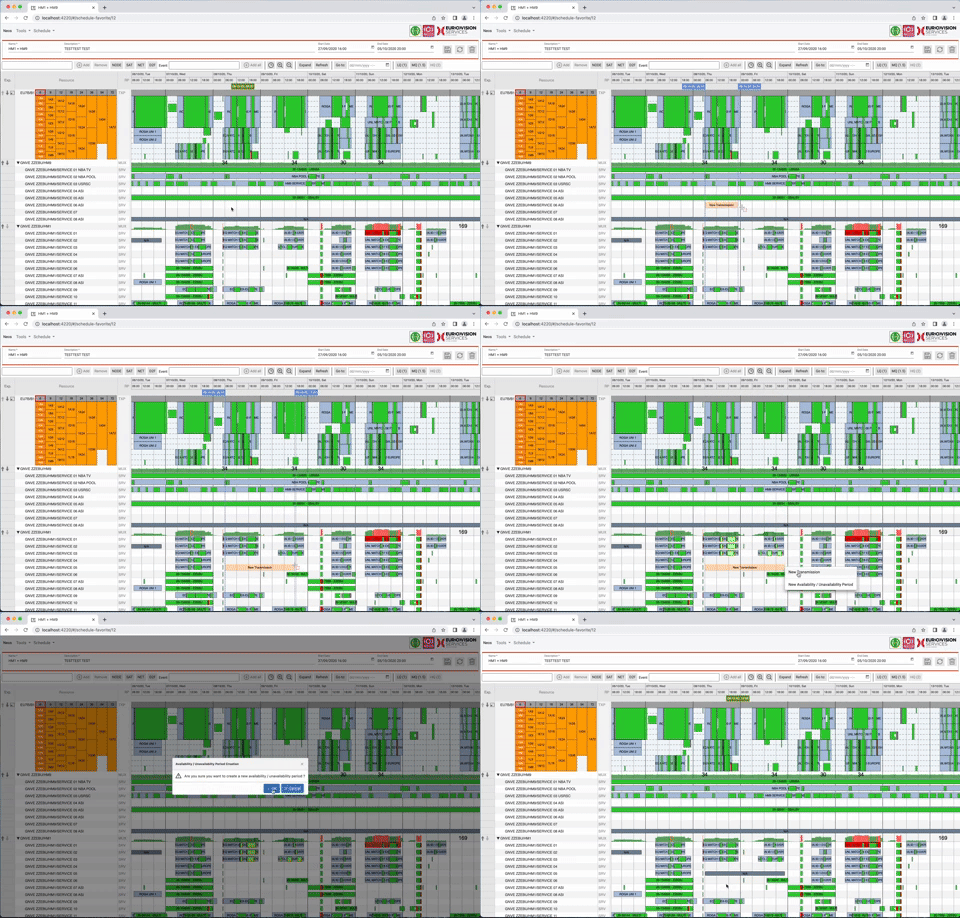
Multiple Levels of Children Rows
ScheduleJS has no implicit limit to the levels of children rows. Every row can be a parent to some child rows. The goal is to let you create a tailored user experience maximising readability and interaction capabilities.
Tree Table Selection
Since FlexGanttFX is based on JavaFX and ScheduleJS is based on Angular, the FlexGanttFX getTreeTable API is not implemented in ScheduleJS. To handle resource selection in the tree table and overall application state, use an Angular state service.
Cell Factories
You can adjust alignment, graphics, and style of text in tree table cells using your regular Angular workflow. The header and row cell wrappers will provide the actual cell data using a TreeNodeContext object, storing row information such as:
-
expandedstate (are child rows shown) -
leafstate (are there child rows) -
level(parent depth) -
parent(parent row data) -
value(actual row data)


Top comments (0)