


This is a submission for Weekend Challenge: Passion Edition
What I Built
I built Stitchlet, a private, self-hosted crochet project companion for keeping patterns, photos, materials, notes, and progress tracking together in one place.


I've been crocheting and designing patterns for years, so this project came directly from problems I've run into myself. Crochet projects have a way of scattering across printed patterns, PDF files, handwritten notes, photos, row counters, and random scraps of paper. I wanted one calm, organized place for everything.
With Stitchlet, you can:
- Create and organize crochet projects
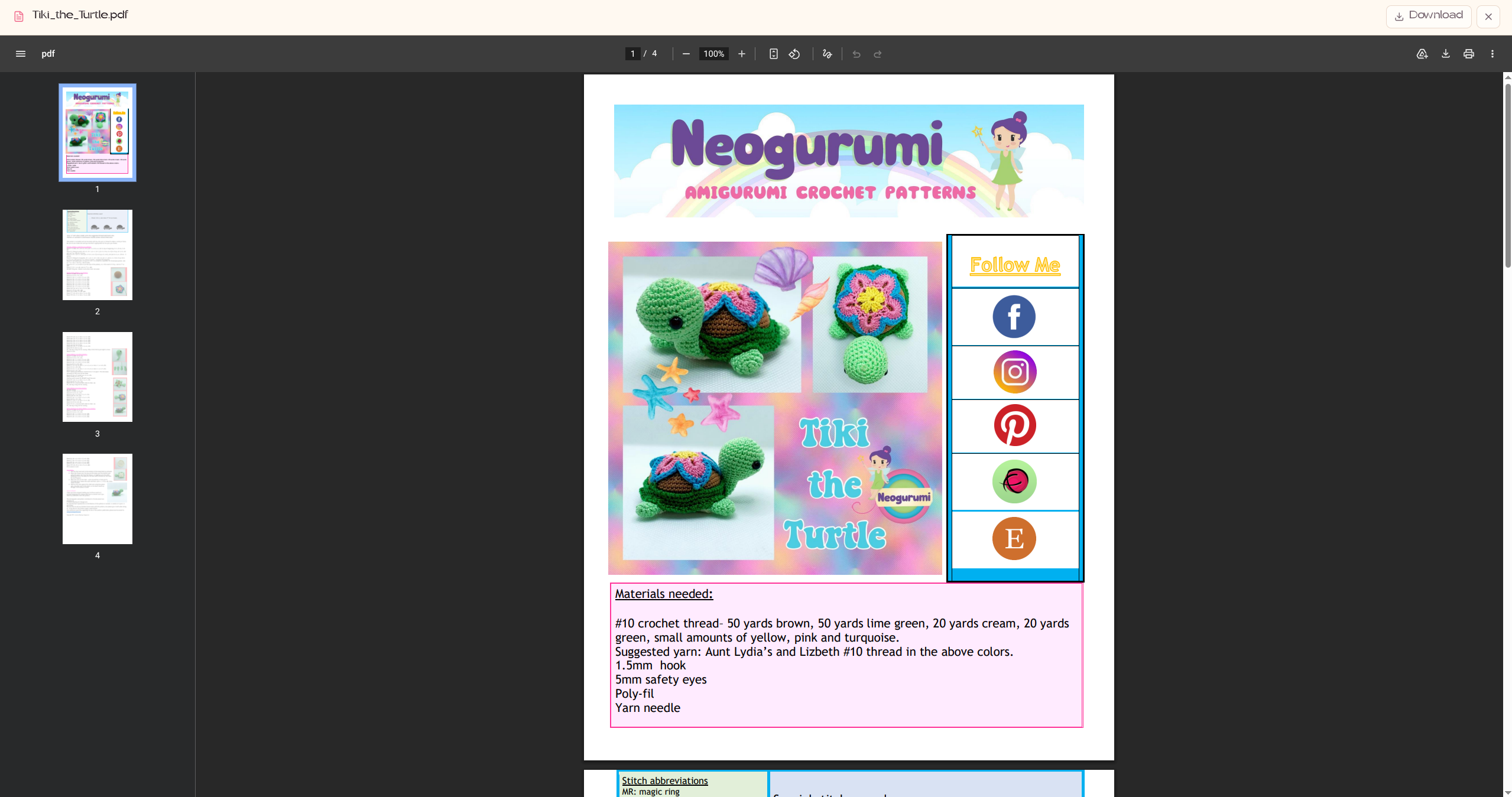
- Upload and view pattern PDFs inside the app
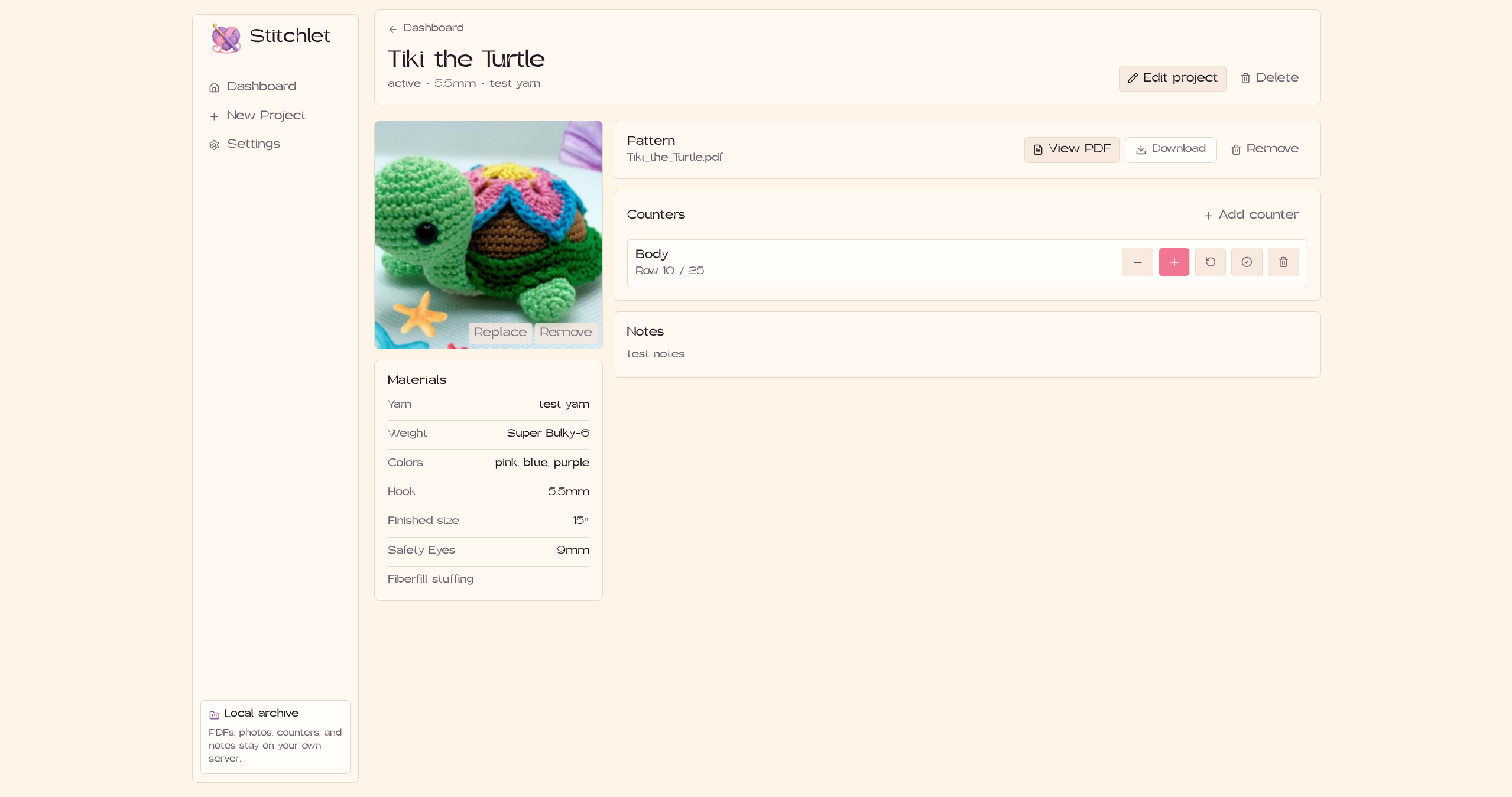
- Save project and progress photos
- Track rows or rounds with multiple counters
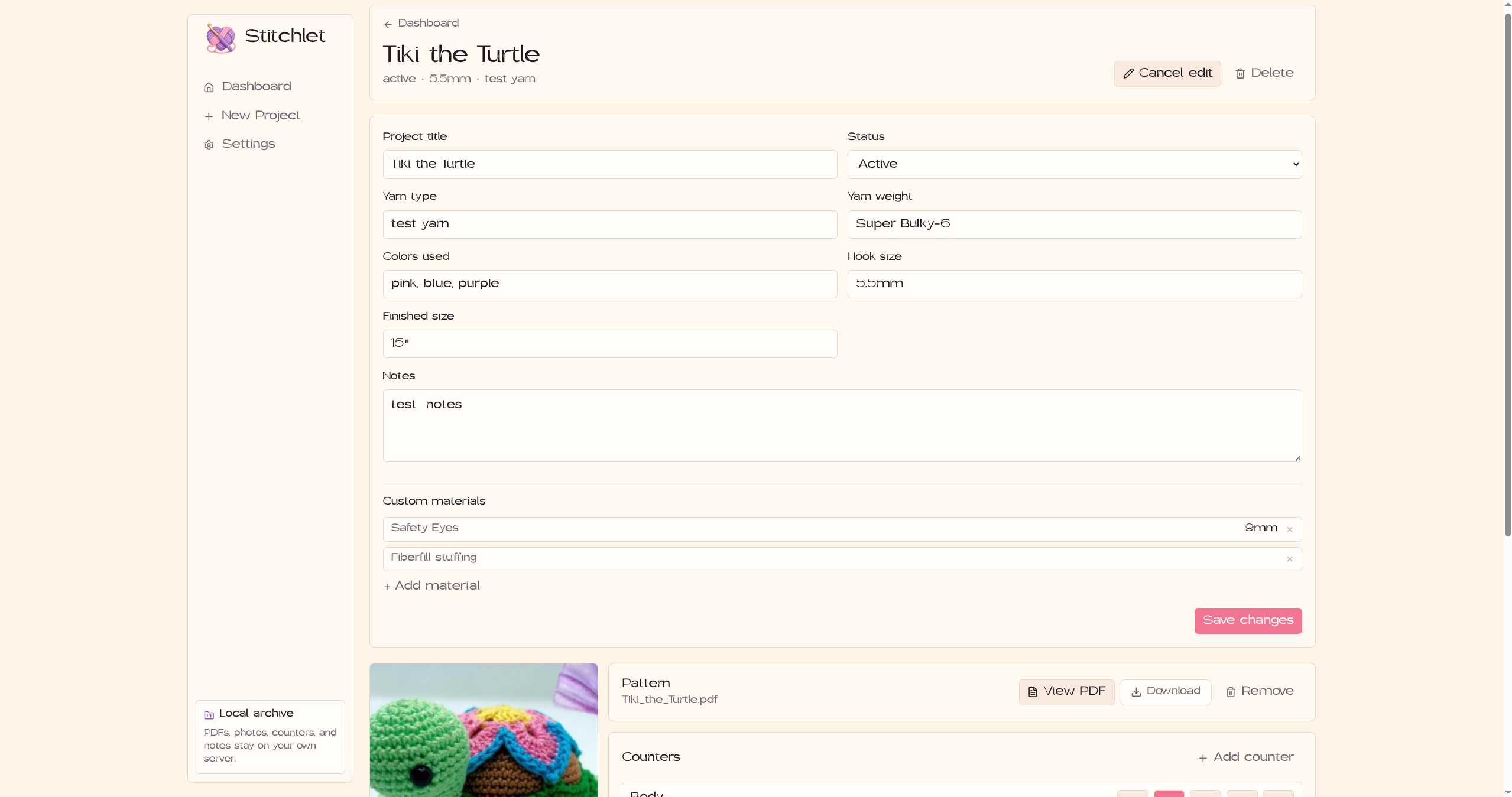
- Record yarn, hook size, colors, dimensions, and other materials
- Add custom sections for assembly notes, substitutions, or anything else
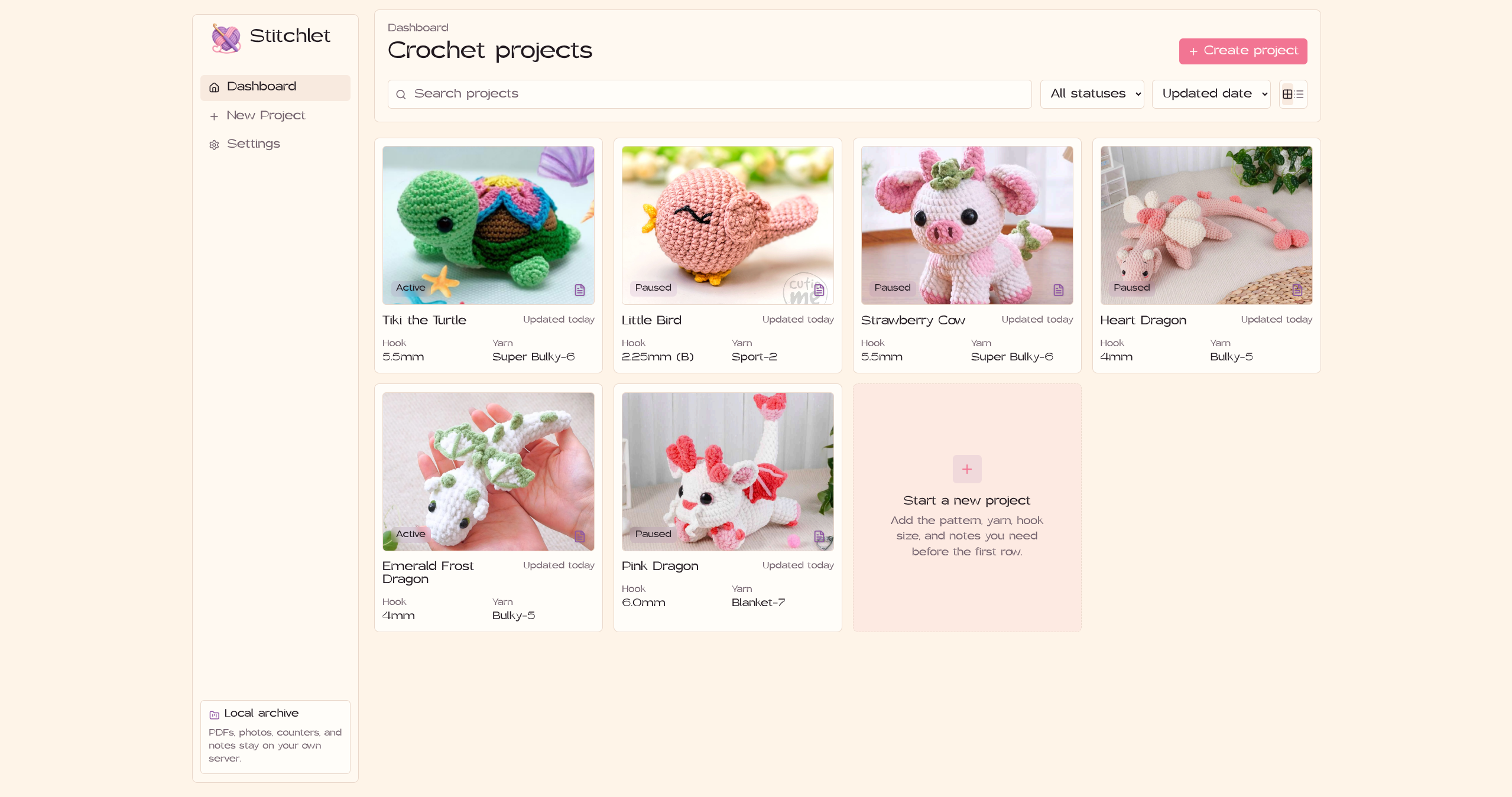
- Search, sort, and filter projects by status
- Back up and restore the entire project library
Stitchlet runs on your own computer, NAS, or home server, so your project files and notes stay under your control instead of getting locked into another subscription service.
Demo
Stitchlet is self-hosted, so there's no shared public demo instance to click into. See the video below.
You can also find setup instructions and more project details in the GitHub repository.
Code
 pinkpixel-dev
/
stitchlet
pinkpixel-dev
/
stitchlet
A self-hosted crochet companion for tracking projects, stitch counters, pattern PDFs, and progress photos locally on your own hardware. 🧶

Stitchlet
Stitchlet is a self-hosted crochet project tracker. It keeps your pattern PDFs, progress photos, stitch/row counters, and material notes together in one place, on hardware you control — a mini-PC, a NAS, a home server, or just your own machine. No account, no subscription, no third-party server holding your project library.
I made this because my own crochet projects were scattered across printed patterns, PDFs, photos in random folders, and notes on paper. Stitchlet is basically the tool I wanted for keeping all of that in one spot while I'm actually sitting there with yarn in my hands.
Features
- Dashboard with search, status filtering (Active, Paused, Finished, Frogged), sorting by updated date/title/status, and grid or list view
- Upload pattern PDFs and read every page in a fit-to-width view, with counters beside the PDF on desktop or in a small dock on phones
- Upload a project photo, with a replace/remove…
Stitchlet is open source, licensed under Apache 2.0.
How I Built It
Stitchlet is a full-stack TypeScript application built as a single package.
The frontend uses:
- React
- Vite
- React Router
- Tailwind CSS
- CSS variables for light and dark themes
The backend uses:
- Hono
- Node.js
- SQLite
- Drizzle ORM
- Zod for shared validation and schemas
The React frontend uses a Hono API that manages projects, counters, custom sections, photos, PDFs, and backup operations.
Project data is stored in SQLite, while uploaded PDFs and images are stored in local folders on the host system. Files are served through application routes rather than a public static directory, which keeps them out of directory listings, though access control itself is left to the network layer (see the README for details on running this behind Tailscale or a reverse proxy).
One decision that mattered a lot was keeping storage local. Stitchlet runs through Docker Compose with mounted volumes for the database, uploads, and backups, so you can update or replace the container without losing your crochet library.
There's also a backup and restore system that packages the SQLite database and uploaded media into a ZIP archive. You can export that from the settings page and restore it later if you move the app to another machine.
I also made Stitchlet installable as a PWA, so on a phone or tablet it feels more like a dedicated crochet companion, and it’s handy when you're using the row counters mid-project.
The UI is built around how crochet projects and the things crocheters actually use. The counters have large tap targets, project details stay easy to scan, and the dashboard has search, sorting, status filters, grid and list views, and mobile-friendly layouts.
For deployment, there's a Docker image and a Docker Compose setup. You can run it locally, host it on a NAS, or access it privately through something like Tailscale.
What I Learned
This was a good reminder that a project doesn't need a huge audience to be worth building. It just needs to solve a real problem for someone, even if that someone is just me.
Because I actually crochet, I already knew which details mattered, at least to me: fast counters, easy access to PDFs, project photos, a place to list all of the materials I need, a place to write down random notes, and a way to recover everything if needed.
Building around my own workflow made the technical decisions easier, too... like skipping features that sound impressive on paper but wouldn't actually get used while sitting on the couch with yarn in your hands.
Since crocheting is something I do all the time and I will personally really enjoy using this app, this was a really fun challenge for me, and I'm happy to be able to share it and post my first submission!


Top comments (3)
💓
💖
so cooll
Some comments may only be visible to logged-in visitors. Sign in to view all comments.