


The job hunt in 2026 is broken.
You spend hours editing your resume, searching through LinkedIn, and filling out the exact same form fields over and over again. And then comes the worst part: writing custom paragraphs answering "Why should we hire you?" or "Describe your experience with React" for the 50th time.
Only to get ghosted.
As a developer, I couldn't stand the repetition anymore. We automate deployments, tests, and code reviews—so why are we still applying to jobs like it's 2010?
I decided to build an automated solution: JobEasyApply. Here is how it works and the tech stack behind it.
🛠️ The Tech Stack
I wanted the tool to be fast, secure, and run in the background without needing my browser window to remain open. Here is what I chose:
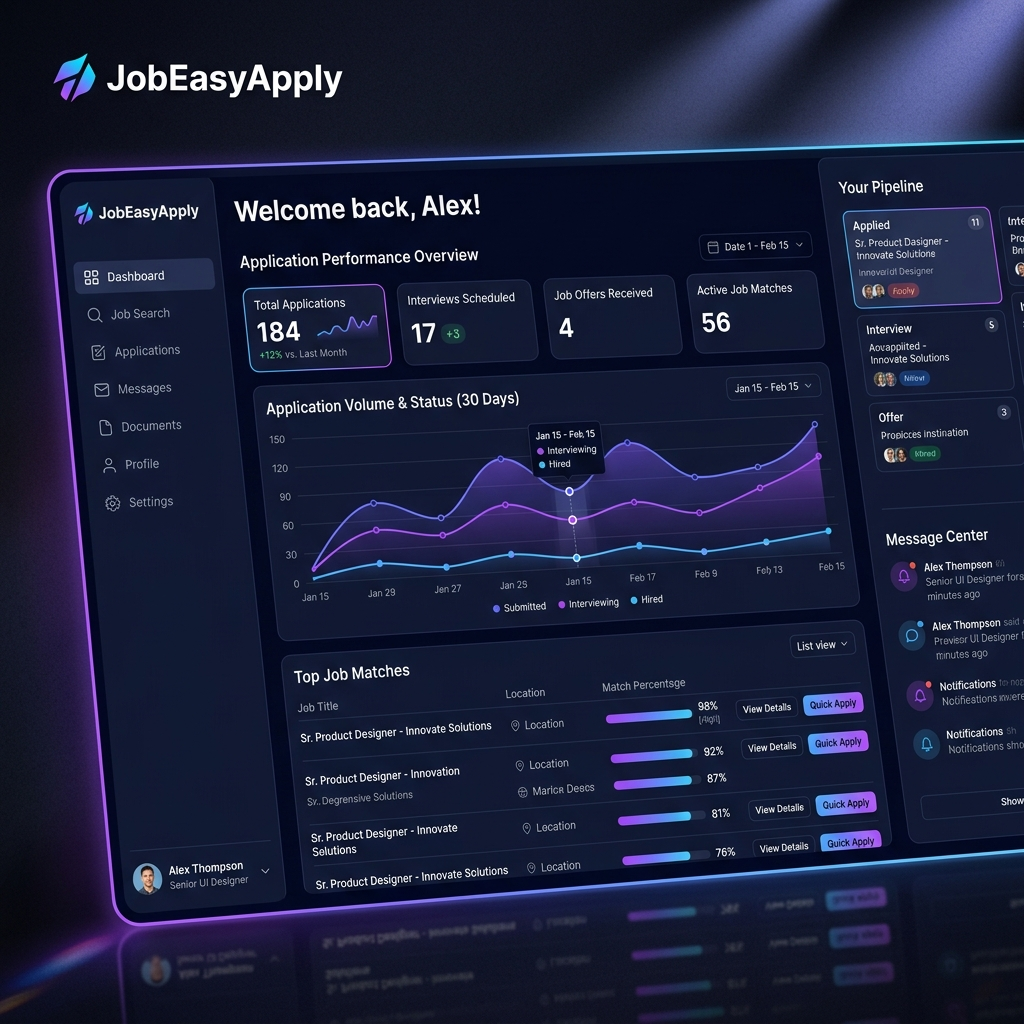
- Frontend: React & Next.js for a sleek, responsive dashboard.
-
Chrome Extension: Vanilla JavaScript to securely sync session cookies (like
li_atfor LinkedIn) to the server so the backend can apply on the user's behalf. - Backend Workers: Python Celery tasks running on a background server to handle job crawling, resume parsing, and auto-filling questionnaires.
- AI Engine: Groq / NVIDIA LLMs to read the form questions and match them with the user's resume content to write custom, high-scoring responses.
⚙️ How It Works (Under the Hood)
1. Resume Parsing & Scoring
When a user uploads a resume, the backend extracts their core skills, years of experience, and achievements. When the crawler finds a job listing, the AI reads the job description and generates a compatibility score. If the score is high, it gets queued.
2. The Auto-Apply Automation
Instead of running a heavy headless browser like Puppeteer for hours on my local machine (which burns CPU), we use a Chrome Extension to sync session cookies.
This lets our backend worker do the heavy lifting in the cloud. It simulates the application network requests directly, injecting custom, AI-generated answers for the employer's screening questions based on the candidate's actual resume.
javascript
// A peak into how our frontend wizard coordinates the steps:
const STEPS = [
{ key: "resume", icon: "📄", title: "Upload Your Resume" },
{ key: "linkedin", icon: "🔗", title: "Connect LinkedIn" },
{ key: "preferences", icon: "🎯", title: "Job Preferences" },
{ key: "groq", icon: "🤖", title: "AI API Key" },
];


Top comments (0)