


Hi there!
I’m @nyaomaru, a frontend engineer who got Resident Evil 9 from NVIDIA and is still too scared to make it to the first zombie. 🧟
In my previous article, I introduced my small browser game, Run Away From Work.
At first glance, it looks like a very simple game.
But while building it, I realized something important:
If you design the game around setState on every frame, it falls apart very quickly.
Every frame becomes:
setState → re-render → diff → DOM update
And if you try to do that at 60fps, it gets heavy fast.
That does not mean React is bad for games.
It means this is the wrong place to use React’s rendering model.
So in this article, I want to share how I changed the architecture:
- I used React for the structure
- and direct DOM manipulation for high-frequency game updates
🐾 Quick recap
This game was built with:
RemixReactTypeScriptFeature-Sliced Design
If you want the overview of the project itself, here is the previous article:


Even though this game is built in React, the most important part of the runtime behavior is not really handled by React.
Why?
Because the mental model of React and the mental model of a game loop are very different.
✏️ What this article focuses on
Last time, I wrote more about why I made the game.
This time, I want to focus more on the how.
There are 3 points I especially want to show:
- I used plain DOM rendering, not
Canvas - I split the game logic into small hooks with clear responsibilities
- I added several small optimizations to make it feel smooth in the browser
All the visuals in the game are SVGs I made myself in Adobe Illustrator.
🥣 React as the shell, DOM as the runtime
This game looks like a React app, but I did not build it in a way that re-renders everything every frame.
On the React side, I only render the stable structure of the scene.
return (
  <section className={ROOT_CLASS_NAME}>
    <section ref={refs.gameRef} className={GAME_AREA_CLASS_NAME}>
      <FishCounterOverlay
        fishCount={fishCount}
        fishCounterIconSrc={fishCounterDisplayIconSrc}
      />

      <PlayerLayer
        playerRef={refs.playerRef}
        playerSpriteRef={refs.playerSpriteRef}
        playerStyle={playerStyle}
      />

      <BossLayer
        shouldRenderBoss={shouldRenderBoss}
        bossRef={refs.bossRef}
        bossSpriteRef={refs.bossSpriteRef}
        bossArmRef={refs.bossArmRef}
        bossStyle={bossStyle}
        bossArmStyle={bossArmStyle}
      />
    </section>
  </section>
);
Here, React owns the static layers of the game:
- player
- boss
- UI overlay
- base scene structure
But moving entities like obstacles and fish are not stored in React state.
Instead, I create DOM nodes directly when needed.
const spawnObstacle = () => {
  const obs = document.createElement("img");

  obs.src = OBSTACLE_ICON_SOURCES[iconIndex];
  obs.style.position = "absolute";
  obs.style.bottom = "0px";

  initializeMovingEntityMotion(obs, getSpawnLeft());

  gameRef.current?.appendChild(obs);
  obstaclesRef.current.push(obs);
};
The reason is simple:
If I store side-scrolling obstacles in a React array state and update them frame by frame, the update cost becomes unnecessarily high.
React is great at building and updating UI structure.
But for game-like behavior where positions change dozens of times per second, directly manipulating the DOM through refs felt much more natural.
It also made the behavior easier to trace and debug.
🍴 React and games optimize for different things
React is based on this model:
- state changes
- re-render
- reconcile
- apply DOM updates
Games are usually based on this model:
- update positions every frame
- move objects every frame
- detect collisions every frame
- advance the simulation continuously
Those are not the same thing.

So in this project, I separated the responsibilities like this:
- React for layout and UI
- imperative DOM updates for high-frequency motion
That separation made the architecture much easier to work with.
What I stopped doing
At first, I tried to manage everything with useState.
That quickly led to:
- re-rendering on every frame
- unnecessary diffing
- worse performance
- visibly choppy movement
So halfway through development, I changed the design.
I stopped trying to make the entire game fully declarative.
✂️ Splitting game logic into hooks
The hub of the whole game scene is useJumpGameScene.
const [gameOver, setGameOver] = useState(false);
const [showBoss, setShowBoss] = useState(false);
const [fishCount, setFishCount] = useState(0);

const { jump, isOnGroundRef, resetJumpState, updateJumpFrame } =
  useJump(playerRef);
const { obstaclesRef, spawnObstacle, spawnFish, clearObstacles } =
  useObstacles(gameRef);
const { resetPlayerSpriteState, updatePlayerSpriteFrame } =
  usePlayerSpriteAnimator({
    playerSpriteRef,
    gameOver,
    isOnGroundRef,
  });

useGameLoop({
  gameOver,
  bossRef,
  playerRef,
  obstaclesRef,
  gameRef,
  updateJumpFrame,
  updatePlayerSpriteFrame,
  setGameOver,
  setShowBoss,
  setGameOverIcon,
});
Here is the rough responsibility split:
| Hook | Responsibility |
|---|---|
useJump |
Jump behavior |
useObstacles |
Spawn and remove obstacles / fish |
usePlayerSpriteAnimator |
Switch between running / jumping sprites |
useGameLoop |
Per-frame progression |
useJumpGameScene |
Compose everything and expose values to the UI |
The key idea is this:
- use
useStateonly for values the UI actually needs to render - use
useReffor fast-changing internal state
For example, the jump behavior looks like this:
const posRef = useRef(0);
const jumpMotionPhaseRef = useRef<JumpMotionPhase>("idle");

const updateJumpFrame = ({ nowMs, deltaTimeMs }) => {
  if (jumpMotionPhaseRef.current === "ascending") {
    posRef.current = Math.min(
      jumpMaxHeightRef.current,
      posRef.current + ASCENT_VELOCITY_PX_PER_MS * deltaTimeMs,
    );
    playerRef.current!.style.bottom = `${posRef.current}px`;
    return;
  }

  if (jumpMotionPhaseRef.current === "descending") {
    posRef.current = Math.max(
      0,
      posRef.current - descentVelocityPxPerMsRef.current * deltaTimeMs,
    );
    playerRef.current!.style.bottom = `${posRef.current}px`;
  }
};
This means the jump position is updated without going through React rendering.
Instead of storing the player’s vertical position in state and re-rendering on every frame, I keep it in a ref and write it directly to the DOM.
That tradeoff worked much better for this kind of game behavior.
🧵 One game loop controls the clock
The game progression runs on top of requestAnimationFrame.
const loop = () => {
  const nowMs = performance.now();
  const timing = getFrameTiming(nowMs, lastFrameAtMsRef.current);
  lastFrameAtMsRef.current = timing.nowMs;

  updateJumpFrame?.({ nowMs: timing.nowMs, deltaTimeMs: timing.deltaTimeMs });
  updatePlayerSpriteFrame?.({ nowMs: timing.nowMs });

  const fatalCollisionIcon = updateObstaclesFrame({
    deltaTimeMs: timing.deltaTimeMs,
    obstacleSpeedPxPerSec,
    obstaclesRef,
    playerRef,
    getGameWidth,
    getPlayerRect: () => playerRef.current?.getBoundingClientRect() ?? null,
    getGameRect: () => gameRef.current?.getBoundingClientRect() ?? null,
  });

  if (fatalCollisionIcon !== undefined) {
    triggerFault(fatalCollisionIcon);
    return;
  }

  animationId = requestAnimationFrame(loop);
};
This loop handles things like:
- jump updates
- sprite animation updates
- obstacle movement
- collision checks
- boss appearance
- clear / fail transitions
So useGameLoop acts as the central clock of the game, while the other hooks behave like specialized modules plugged into that clock.
That structure helped me keep the logic separated without scattering time-related behavior everywhere.
🕶 Small optimizations mattered a lot
A lot of the smoothness came from tiny DOM-side optimizations.
Moving elements with transform
For movement, I avoided updating left every frame.
Instead, I used transform: translate3d(...).
export const initializeMovingEntityMotion = (
  element: HTMLElement,
  spawnLeftPx: number,
) => {
  element.style.left = `${spawnLeftPx}px`;
  element.dataset.spawnLeftPx = `${spawnLeftPx}`;
  element.dataset.translateXPx = "0";
  element.style.transform = `translate3d(0px, 0px, 0px)`;
  element.style.willChange = "transform";
};

export const advanceMovingEntityMotion = (
  element: HTMLElement,
  frameDistancePx: number,
) => {
  const nextTranslateXPx = translateXPx - frameDistancePx;
  element.dataset.translateXPx = `${nextTranslateXPx}`;
  element.style.transform = `translate3d(${nextTranslateXPx}px, 0px, 0px)`;
};
This helps avoid unnecessary layout work and gives the browser a stronger hint that the element is going to move.
Avoiding unnecessary sprite swaps
I also avoided changing the player sprite image more than necessary.
For example:
- preload sprite assets in advance
- skip updates if the current sprite is already correct
- briefly keep the same sprite after landing to make the animation feel better
if (
  currentPlayerSpriteRef.current === spritePath &&
  isSameSpriteSource(playerSpriteRef.current.src, spritePath)
) {
  return;
}

if (preloadedPlayerSprites.has(spritePath)) {
  applySprite();
  return;
}
This kind of thing is small, but it affects the feeling of responsiveness more than I expected.
Only calculating when needed
Collision handling also avoids doing full getBoundingClientRect() calls every single time.
I cache width, height, and bottom values in dataset when entities are created, then reconstruct their rectangle when possible.
const obstacleBox =
  resolvedGameRect === null
    ? obs.getBoundingClientRect()
    : (getObstacleRectFromCachedLayout(obs, currentLeftPx, resolvedGameRect) ??
      obs.getBoundingClientRect());
And I do not even start collision checks until the obstacle is close enough to the player.
if (currentLeftPx < gameWidth - OBSTACLE_PLAYER_PROXIMITY_CHECK_PX) {
  resolvedPlayerBox ??= getPlayerRect();
  resolvedGameRect ??= getGameRect();
  // collision logic starts here
}
That idea was very effective.
There is no reason to do precise collision work for an obstacle that is still far away on the right side of the screen.
That kind of selective work made the movement noticeably smoother.
🎯 Final thoughts
The main lessons from this implementation were:
- Use React for layout and UI
- Use
refsand direct DOM manipulation for high-frequency updates - Split the logic into
hookswith focused responsibilities - Stack small optimizations like
transforms,cached rects,proximity-based collision checks, andsprite preloading
So the conclusion is not:
React is bad for browser games
It is closer to this:
React is not a great place to run your core game loop.
For this project, the best balance was:
- declarative structure
- imperative runtime behavior
If I build a different kind of game in the future, I might choose Canvas or WebGL.
But for a small game embedded naturally inside a portfolio site, I found that a DOM-based approach worked surprisingly well.
Bonus
If you liked the game, I would love it if you starred the repository ⭐:
 nyaomaru
/
nyaomaru-portfolio
nyaomaru
/
nyaomaru-portfolio
"Run Away From Work" Game is here → https://nyaomaru-portfolio.vercel.app/game
Nyaomaru Portfolio
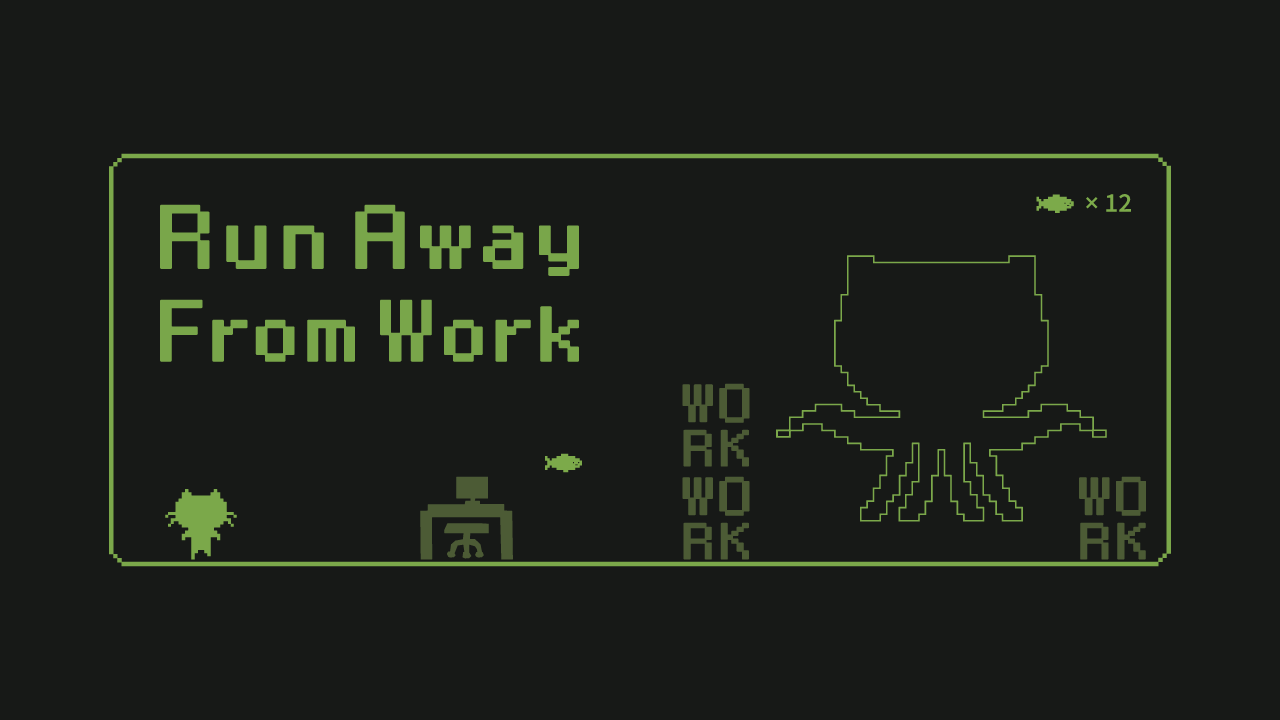
"Run Away From Work"
You can play here: https://nyaomaru-portfolio.vercel.app/game
A Remix + React + TypeScript portfolio built with Feature-Sliced Design.

🚀 Highlights
- Jump Game (Main Feature): Side-scrolling jump game with obstacles, boss phases, clear sequences, and restart flow.
-
Interactive Terminal: Ask profile-related questions in a terminal-style UI backed by the
/api/askendpoint. - Responsive UI: Works across desktop and mobile layouts.
- FSD Architecture: Organized by features/widgets/pages/shared layers.
🎮 Main Feature: Game
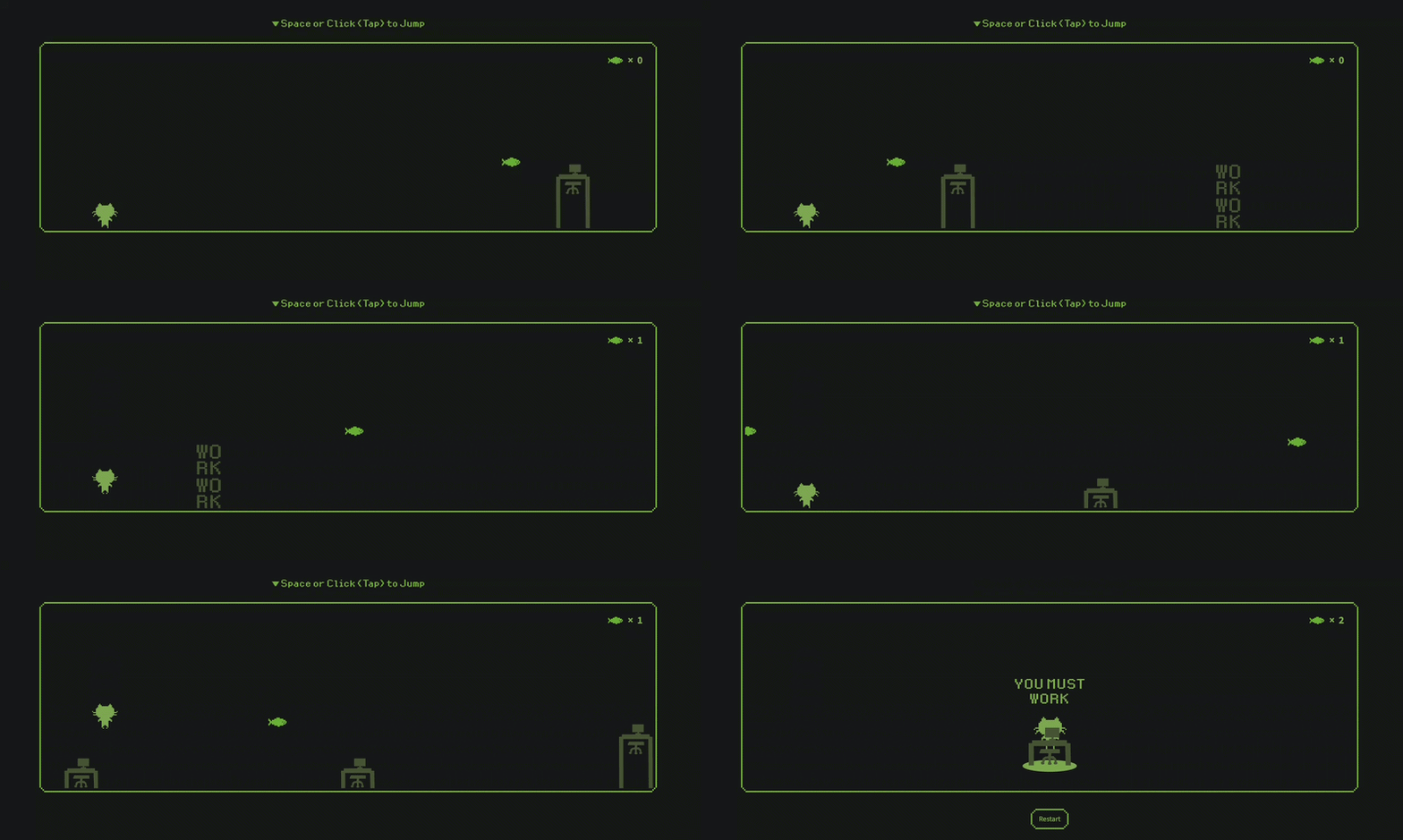
The game is available at /game.
Can you watch true ending? 🚀
🕹️ Controls
Action
Description
Space / Click
Jump
Tap
Jump
Double Jump
Jump again while in the air
💻 Terminal
The terminal is available on the top page and is designed for profile Q&A.
✨ What It Does
- Sends user input to
/api/ask. - Returns an AI-generated answer based on profile context.
- Shows typing/waiting states in terminal history.
⚠️ Important
/api/ask…
You can also play it on Itch:


Top comments (6)
I actually like this hybrid approach a lot. React for structure + manual DOM for movement is like a nice middle ground. the proximity based collision check is such a simple idea but super smart. no point doing extra work when nothing is even near the player yet.
Thanks, I’m glad that came across!
My thinking is that keeping React for structure makes the codebase much easier to maintain compared to going full vanilla JS.
Exactly! At the same time, removing unnecessary abstraction (like state updates for every frame) can make a big difference in performance.
The "declarative structure, imperative runtime" split is something I hit too — not in a game, but while building a real-time debate platform. High-frequency setState updates look fine at first, but they quickly become a performance trap.
The useRef + direct DOM manipulation approach you described is exactly the way out. And the proximity-based collision check was a really nice touch — same principle applies to any kind of live/high-frequency update: avoid doing expensive work until you actually need to.
Great write-up and insightful pivot! 👍
Thanks, really appreciate your insight!
There are definitely situations where we almost have no choice but to go with direct DOM manipulation, but deciding when to make that call is always tricky.
I believe the key is to keep things simple while still maintaining a clear structure.
good call switching approach mid project instead of forcing it. a lot of people would just keep going and suffer through bad perf lol. @spend bill gates money
Yeah, it takes a lot of effort to switch direction mid-project 😅
But I’ve found that those little “something feels off” moments are usually important.
Dealing with them early tends to lead to much better results.