

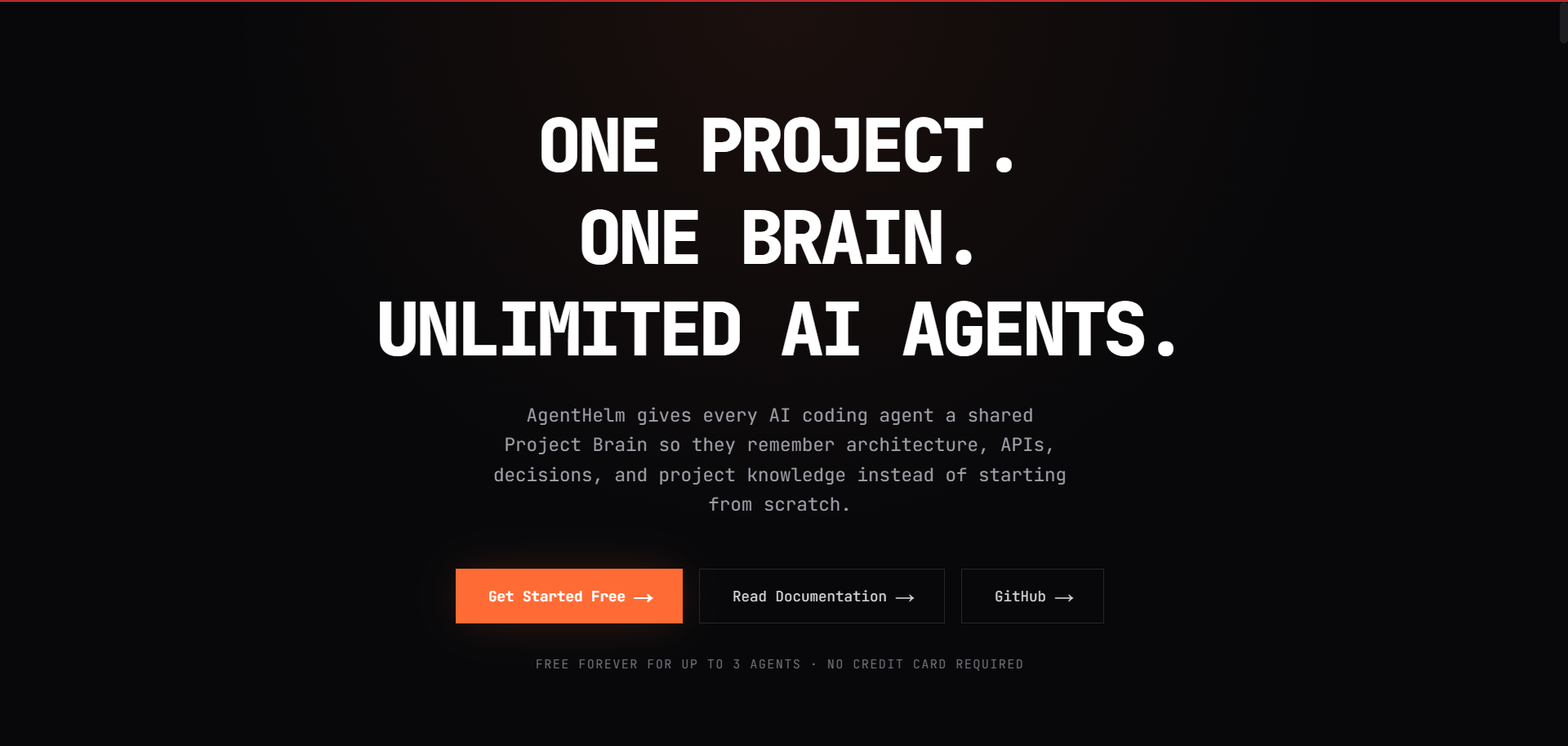
Every time you start a new session in Cursor, Windsurf, or Claude Code, the AI agent starts with zero memory. It re-discovers your database schema, re-learns internal API patterns, and forgets architectural trade-offs you decided on yesterday.
To solve this, I created AgentHelm (agenthelm-mcp)—an open-source Model Context Protocol (MCP) server that acts as a versioned "Project Brain" for coding agents.
Here is how to set it up and how it works under the hood.
How It Works
AgentHelm uses a Brain Compiler pipeline to manage project knowledge:
- Context Fetching (
get_context): When an agent starts, it queries versioned architecture guidelines, schemas, and conventions. - Knowledge Proposals (
propose_knowledge): When an agent learns a new pattern or settles a trade-off during execution, it proposes that decision back to the Project Brain. - Brain Compiler: The compiler checks for conflicts and releases the next version of the Project Brain for all future sessions.
30-Second Setup for Cursor & Claude Desktop
Add agenthelm-mcp to your .cursor/mcp.json or claude_desktop_config.json:
json
{
"mcpServers": {
"agenthelm": {
"command": "npx",
"args": ["-y", "agenthelm-mcp"],
"env": {
"AGENTHELM_CONNECT_KEY": "YOUR_CONNECT_KEY_HERE",
"AGENTHELM_PROJECT": "your-project-name"
}
}
}
}
You can generate a free connection key at agenthelm.online.
Using Python or Node.js SDKs
If you run custom autonomous agents, you can also use the native SDKs:
Python
bash
pip install agenthelm-sdk
python
from agenthelm import Agent
agent = Agent(key="ahe_live_...", name="Architect Agent", project="My App")
context = agent.get_context(category="database")
print("Project Context:", context.entries)
Node.js
bash
npm install agenthelm-node-sdk
typescript
import { Agent } from 'agenthelm-node-sdk';
const agent = new Agent({ key: 'ahe_live_...', name: 'Worker', project: 'My App' });
Resources & Links
Platform: agenthelm.online
GitHub: github.com/jayasukuv11-beep/agenthelm
npm: agenthelm-mcp
I'd love feedback on how you currently manage agent state across sessions!


Top comments (0)