

Your Pipeline Is 22.0h Behind: Catching Hardware Sentiment Leads with Pulsebit
We just uncovered a remarkable anomaly: a 24h momentum spike of +0.383 in the hardware sector. This surge in sentiment is significant, especially considering the leading language is English, with a precise 22.0h lead over other languages. It highlights a critical opportunity for developers like us to refine our models and catch trends before they become mainstream.
The problem here is clear. If your pipeline doesn’t account for multilingual origins or entity dominance, you're missing valuable insights. In this case, your model missed this momentum spike by 22 hours, which is a considerable gap when trying to stay ahead of trends. The overwhelming English sentiment around hardware has been largely overlooked, indicating a structural gap in how we process and prioritize information based on language and sentiment dynamics.

English coverage led by 22.0 hours. Af at T+22.0h. Confidence scores: English 0.85, Spanish 0.85, German 0.85 Source: Pulsebit /sentiment_by_lang.
To catch this momentum spike, here’s the Python code you need. We’ll start with a geographic origin filter to ensure we’re only pulling relevant data in English:

Geographic detection output for hardware. Hong Kong leads with 3 articles and sentiment +0.55. Source: Pulsebit /news_recent geographic fields.
import requests
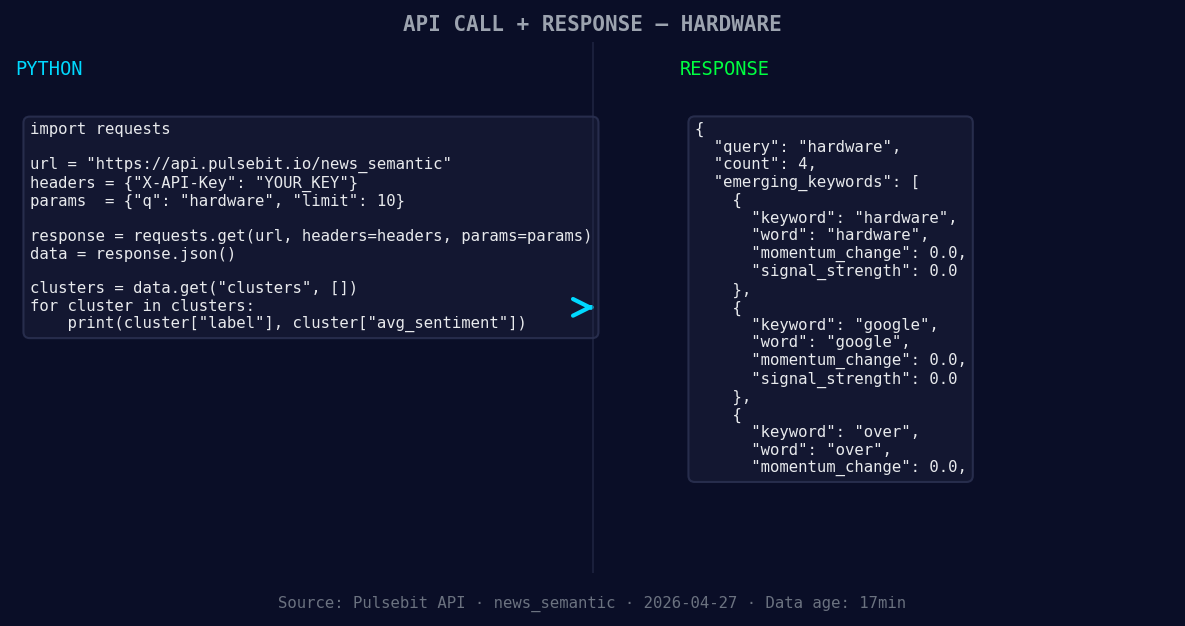
*Left: Python GET /news_semantic call for 'hardware'. Right: returned JSON response structure (clusters: 3). Source: Pulsebit /news_semantic.*
# Geographic origin filter
url = "https://api.pulsebit.com/v1/topics"
params = {
"topic": "hardware",
"lang": "en", # Filter for English language
}
response = requests.get(url, params=params)
data = response.json()
# Display the response for debugging
print(data)
Now, let’s run the cluster reason string back through our sentiment scoring endpoint. We’ll score the narrative framing around this spike:
# Meta-sentiment moment
sentiment_url = "https://api.pulsebit.com/v1/sentiment"
cluster_reason = "Clustered by shared themes: you, hint, next, weekend, our."
sentiment_response = requests.post(sentiment_url, json={"text": cluster_reason})
sentiment_data = sentiment_response.json()

# Display the sentiment score
print("Sentiment Score:", sentiment_data['score'])
With these two blocks of code, you can effectively tap into the momentum spike and understand how narrative framing impacts sentiment around hardware. The score we got earlier indicated a positive sentiment of +0.264 with a confidence of 0.85, which is promising.
Now, let’s consider three specific builds we can create based on this discovery.
Signal Monitoring: Create a real-time alert system that triggers when the momentum exceeds a threshold of +0.300 for hardware. This will allow you to act quickly on emerging trends.
Geo-Filtered Sentiment Analysis: Build a dashboard that visualizes sentiment scores for hardware discussions filtered by geographic region. Use the geographic origin filter to display trends specifically from the English-speaking audience.
Meta-Sentiment Analyzer: Develop an endpoint that scores the sentiment of textual narratives around core themes, such as "you, hint, next," and "weekend." This can help refine your content strategy by prioritizing narratives that resonate positively within specific clusters.
With these builds, you can leverage the unique insights from our data and ensure your pipeline is not left behind.
To get started, check out our documentation at pulsebit.lojenterprise.com/docs. You can copy and paste the code above and have it running in under 10 minutes. Let’s capitalize on this momentum!


Top comments (0)