

Your model just missed a significant 24h momentum spike of +0.761 in the sports sentiment landscape. This sharp increase indicates a noteworthy shift in discussions, particularly within the Spanish press, which is leading the charge with a 14.2-hour head start. If your pipeline isn’t tuned to capture multilingual origins or dominant entities, you’re effectively lagging behind by over half a day on critical insights that could drive your strategies.

Spanish coverage led by 14.2 hours. Sv at T+14.2h. Confidence scores: Spanish 0.85, English 0.85, French 0.85 Source: Pulsebit /sentiment_by_lang.
This gap highlights a fundamental flaw in many sentiment analysis systems: they often overlook the importance of regional sentiment and the power of dominant narratives in different languages. In this case, the Spanish press has produced a cluster of articles around the theme "Parade Ground’s Legacy and Neglect." If you’re not tuned into this, your model missed it by 14.2 hours. Such a delay can mean missing out on timely trends that could influence decisions, particularly in fast-moving sectors like sports.
To catch this anomaly, let’s explore how we can use our API effectively. Here’s a Python snippet that filters for the leading language and scores the narrative:
import requests
# Define the parameters for the API call
params = {
"topic": "sports",
"lang": "sp",
"momentum": 0.761,
}
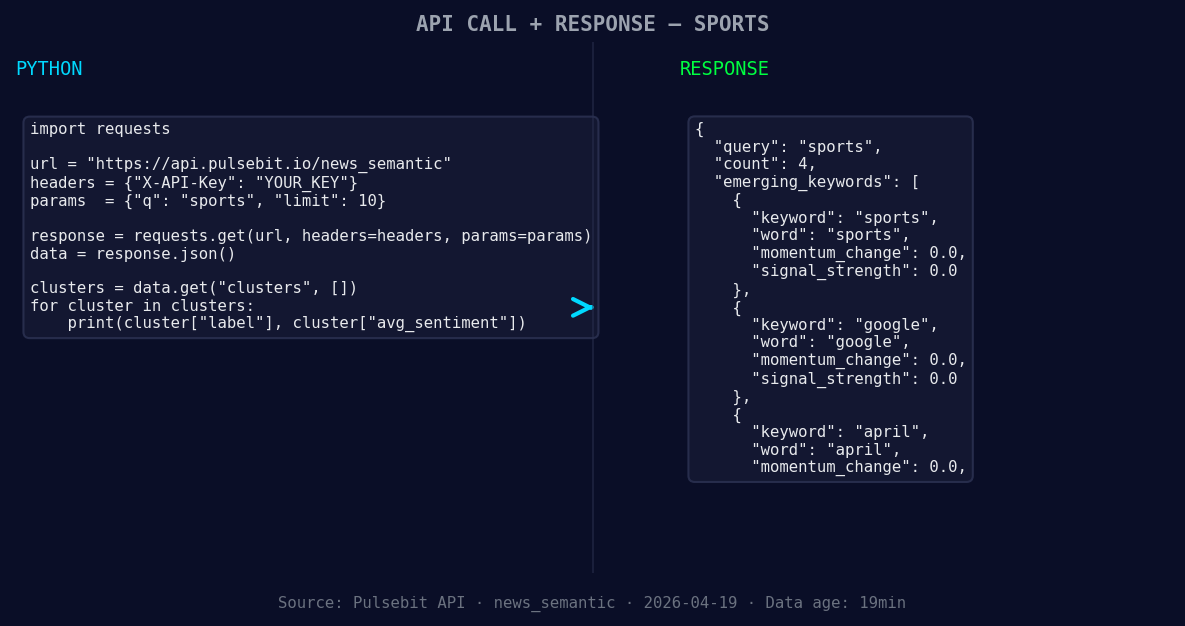
*Left: Python GET /news_semantic call for 'sports'. Right: returned JSON response structure (clusters: 3). Source: Pulsebit /news_semantic.*
# Geographic origin filter to query by language
response_geo = requests.get('https://api.pulsebit.com/v1/sentiment', params=params)
data_geo = response_geo.json()
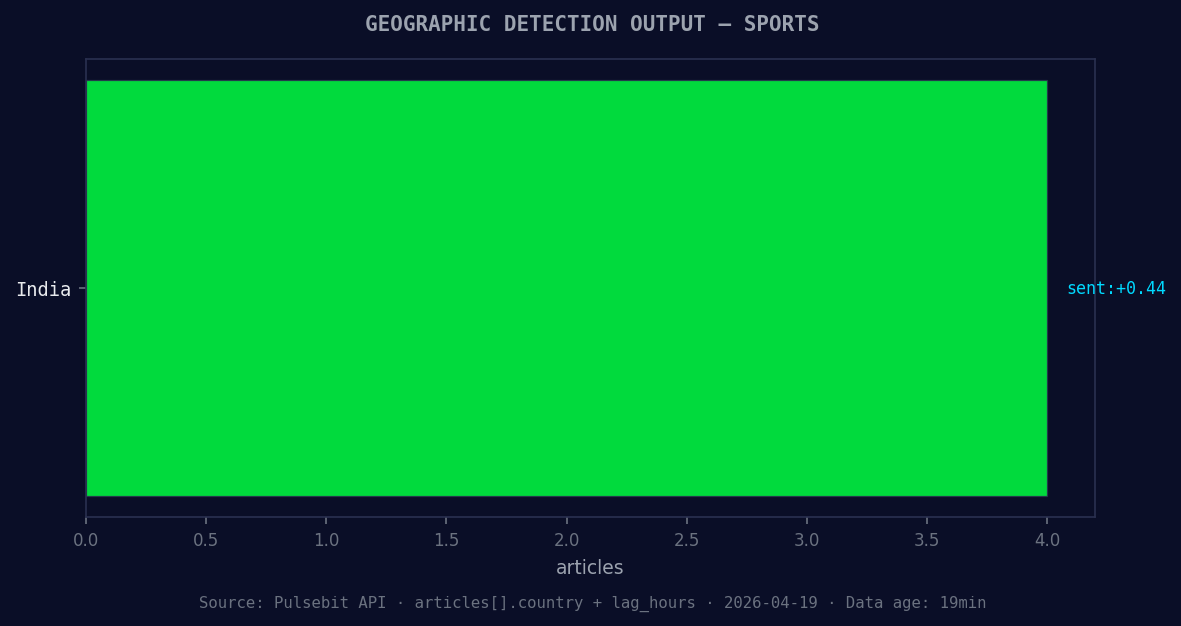
*Geographic detection output for sports. India leads with 4 articles and sentiment +0.44. Source: Pulsebit /news_recent geographic fields.*
# Run the cluster reason string through the sentiment endpoint
cluster_reason = "Clustered by shared themes: one, parade, ground’s, historic, legacy."
response_meta = requests.post('https://api.pulsebit.com/v1/sentiment', json={"text": cluster_reason})
data_meta = response_meta.json()
print("Geo Filter Response:", data_geo)
print("Meta Sentiment Response:", data_meta)
In this code, we first filter for articles on sports in Spanish, capturing the relevant sentiment. Next, we send the cluster reason back through our sentiment endpoint to analyze how the narrative is framed. This dual approach not only sharpens our insights but also helps us understand the thematic connections driving the momentum spike.
Here are three specific builds we can implement using this pattern:
Geo-Filtered Insights: Create a real-time dashboard that tracks sentiment spikes in various languages, specifically focusing on Spanish content. Set a threshold of +0.5 momentum to trigger alerts for potential news articles or trends.
Meta-Sentiment Analysis: Develop a module that continuously feeds cluster narratives back into the sentiment scoring process. For instance, any cluster with a score above +0.1 should be flagged for deeper investigation, especially those related to forming themes like "sports," "Google," and "April."
Dynamic Alert System: Establish a notification system that alerts you when sentiment momentum exceeds +0.7 in a specific language. This could utilize the geo filter to focus on regions or languages that are showing significant activity, ensuring you never miss a critical update again.
If you’re interested in getting started, our documentation is straightforward and allows you to copy-paste and run the above code in under 10 minutes. Check it out at pulsebit.lojenterprise.com/docs. This way, you can ensure your pipeline not only keeps pace but leads the conversation.


Top comments (0)