

Your Pipeline Is 23.7h Behind: Catching Entertainment Sentiment Leads with Pulsebit
The recent anomaly we discovered—a 24h momentum spike of +0.493—has significant implications for how we process and react to sentiment data in real-time. This spike correlates with a surge in sentiment towards entertainment, particularly centered around Google’s involvement in innovative projects like the use of AI at Coachella. With leading English press articles emerging at a 23.7h lag, the urgency to adapt our pipelines has never been clearer.
When your pipeline doesn’t account for multilingual origins or entity dominance, you risk missing critical signals. In this case, your model missed the leading sentiment surge by a whopping 23.7 hours, solely due to its inability to process language nuances effectively. If you're focusing only on mainstream narratives, you might overlook emerging trends around global topics like Google and entertainment, which are currently gaining traction.

English coverage led by 23.7 hours. Da at T+23.7h. Confidence scores: English 0.85, French 0.85, Spanish 0.85 Source: Pulsebit /sentiment_by_lang.
To catch up efficiently, we can utilize our API to track this sentiment spike in Python. Below is the code that will help you filter out the relevant data and assess the narrative framing.
import requests
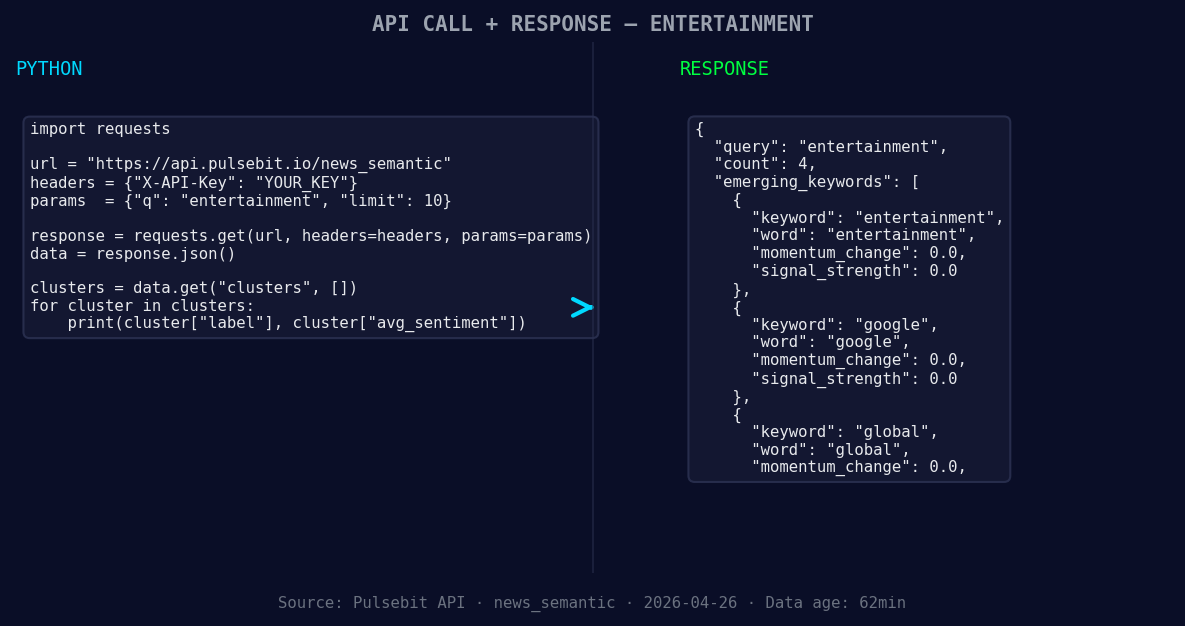
*Left: Python GET /news_semantic call for 'entertainment'. Right: returned JSON response structure (clusters: 3). Source: Pulsebit /news_semantic.*
# Step 1: Geographic origin filter
url = "https://api.pulsebit.com/sentiment"
params = {
"topic": "entertainment",
"lang": "en"
}
response = requests.get(url, params=params)
data = response.json()
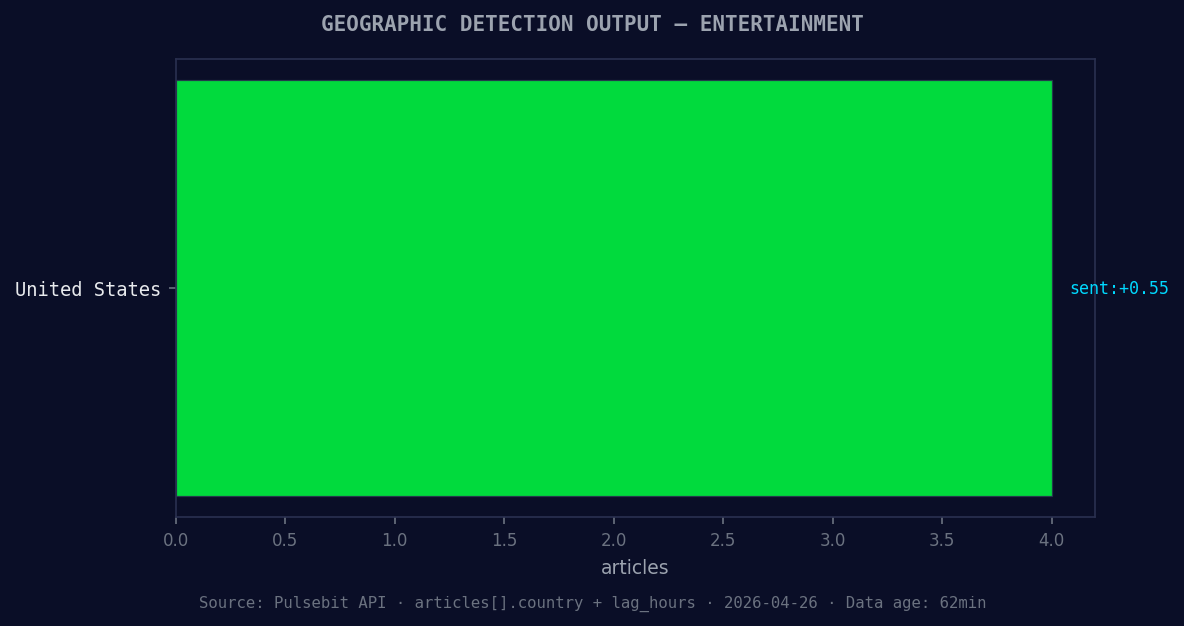
*Geographic detection output for entertainment. United States leads with 4 articles and sentiment +0.55. Source: Pulsebit /news_recent geographic fields.*
# Make sure to check if the response is valid
if response.status_code == 200:
print("Data Retrieved: ", data)
else:
print("Error: ", response.status_code)
# Step 2: Meta-sentiment moment
narrative = "Clustered by shared themes: google, uses, deepmind, test, future."
sentiment_response = requests.post(url, json={"text": narrative})
sentiment_data = sentiment_response.json()
if sentiment_response.status_code == 200:
print("Meta-Sentiment Score: ", sentiment_data)
else:
print("Error: ", sentiment_response.status_code)
In this code, we first query the sentiment for the topic "entertainment" with a language filter set to English. This is crucial for ensuring that we’re capturing the right context and not missing valuable insights from other languages. Next, we run the cluster reason through our sentiment endpoint to score the narrative itself. This meta-sentiment check provides us with additional layers of understanding around how stories are framed, helping us refine our strategy.
Here are three practical builds we can implement using this momentum spike:
Geo-Specific Alerts: Set up an alert system that triggers when the sentiment score for "entertainment" exceeds a threshold of +0.5 in English-speaking regions. This will ensure you’re always informed about significant shifts in sentiment related to entertainment events.
Dynamic Content Recommendations: Utilize the meta-sentiment score to recommend articles or content based on the framing around themes like Google and AI. If the narrative score exceeds a certain level (e.g., +0.55), push relevant content to users who have shown interest in those topics.
Sentiment Analysis Dashboards: Create a dashboard that visualizes sentiment trends around forming themes such as entertainment, Google, and global narratives. Include a real-time feed that updates as the sentiment score crosses a +0.4 threshold, ensuring you’re always on top of emerging stories.
By implementing these builds, you can significantly enhance how you respond to and leverage sentiment data in your projects. Don't let your pipeline fall behind; stay ahead of the curve.
For more details, visit our documentation at pulsebit.lojenterprise.com/docs. You can copy-paste the code provided here and run it in under 10 minutes to get started with your own sentiment analysis.


Top comments (0)