

Your Pipeline Is 16.3h Behind: Catching Data Science Sentiment Leads with Pulsebit
We just uncovered a striking anomaly: a 24-hour momentum spike of -0.451 related to the topic of "data science." This tells us that sentiment is shifting, potentially leaving your models trailing by around 16.3 hours. The leading language for this spike? English, which means any pipeline that doesn’t handle multilingual origins or entity dominance could be missing critical insights—insights that could give you an edge in understanding sentiment trends.

English coverage led by 16.3 hours. Da at T+16.3h. Confidence scores: English 0.85, Spanish 0.85, French 0.85 Source: Pulsebit /sentiment_by_lang.
Your model missed this by 16.3 hours, and that’s a significant gap. If your sentiment pipeline isn’t tuned to catch these shifts effectively, especially in dominant entities or languages, you're likely going to be reacting to outdated information. The leading narrative revolves around themes like reshaping software engineering hiring, and the lack of responsiveness can cost you valuable time and opportunities in a fast-paced data landscape.
Let’s dive into how you can catch this sentiment shift using our API. The first thing we need to do is set up a geographic origin filter to focus on English language data. Here’s how you can query it:
import requests
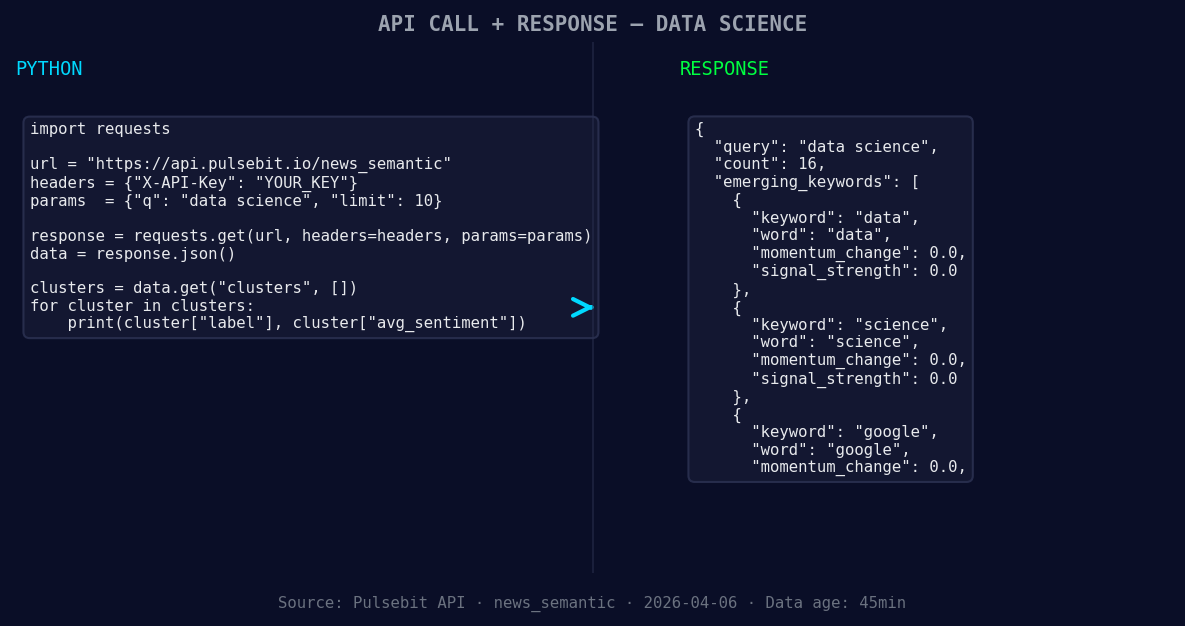
*Left: Python GET /news_semantic call for 'data science'. Right: returned JSON response structure (clusters: 3). Source: Pulsebit /news_semantic.*
# API endpoint
url = "https://api.pulsebit.com/v1/sentiment"
params = {
"topic": "data science",
"score": +0.357,
"confidence": 0.85,
"momentum": -0.451,
"lang": "en" # Filtering for English
}
response = requests.get(url, params=params)
data = response.json()
print(data)
Next, we want to run the cluster reason string back through our sentiment endpoint to score the narrative framing itself. This is crucial for understanding not just the data, but the context around it. Here’s how to do that:
# Meta-sentiment moment
meta_sentiment_url = "https://api.pulsebit.com/v1/sentiment"
meta_params = {
    "text": "Clustered by shared themes: reshapes, software, engineering, hiring, data."
}

meta_response = requests.post(meta_sentiment_url, json=meta_params)
meta_data = meta_response.json()
print(meta_data)
Now that we have both the data caught and the meta-sentiment assessed, let’s think about what we can build with these insights. Here are three specific ideas:
Geo-Focused Signal Detection: Set up a real-time alert system using our geo filter to notify you whenever sentiment around "data science" in English drops below a certain threshold (e.g., -0.3). This helps you stay proactive.
Meta-Sentiment Analysis Dashboard: Create a dashboard that visualizes the sentiment and meta-sentiment scores of clustered articles. This could help your teams understand not just the sentiment but the underlying narratives that shape them.
Forming Theme Tracker: Build a service that regularly queries our sentiment endpoint focusing on the forming themes of "data," "science," and "google" vs. the mainstream themes of "reshapes," "software," and "engineering." This could surface emerging trends before they hit the mainstream.
By leveraging the geographic filter and meta-sentiment loop, you can align your pipeline to catch these shifts in sentiment—keeping you ahead of the curve.
![DATA UNAVAILABLE: countries — verify /news_recent is return
[DATA UNAVAILABLE: countries — verify /news_recent is returning country/region values for topic: data science]
If you’re ready to implement these insights, check out our documentation at pulsebit.lojenterprise.com/docs. You can copy, paste, and run this code in under 10 minutes, so there’s no excuse to stay behind!


Top comments (0)