

Your Pipeline Is 27.5h Behind: Catching World Sentiment Leads with Pulsebit
We just observed a striking anomaly: a 24h momentum spike at +0.703. This spike indicates a significant shift in sentiment around global topics, particularly with the narrative surrounding "AI wins have Alphabet poised to become world’s biggest company" being led by English press. If you’re not adjusting your models to account for this kind of momentum, you’re missing out on critical insights that could shape your strategies.
The Problem
Your model missed this by 27.5 hours. That’s how long the English sentiment has been ahead of Italian media in reporting on AI developments and their impact on major players like Alphabet. Without handling multilingual origin or entity dominance, you risk falling behind in understanding emerging trends. The fact that the English press leads the narrative means your insights could be skewed, reflecting a less dynamic view of the global sentiment landscape.

English coverage led by 27.5 hours. Italian at T+27.5h. Confidence scores: English 0.85, French 0.85, Spanish 0.85 Source: Pulsebit /sentiment_by_lang.
The Code
To catch this momentum spike, we can use our API to filter sentiment data by language and score the narrative framing itself. Here’s how we can do it:
Firstly, we’ll filter our query by language:
import requests
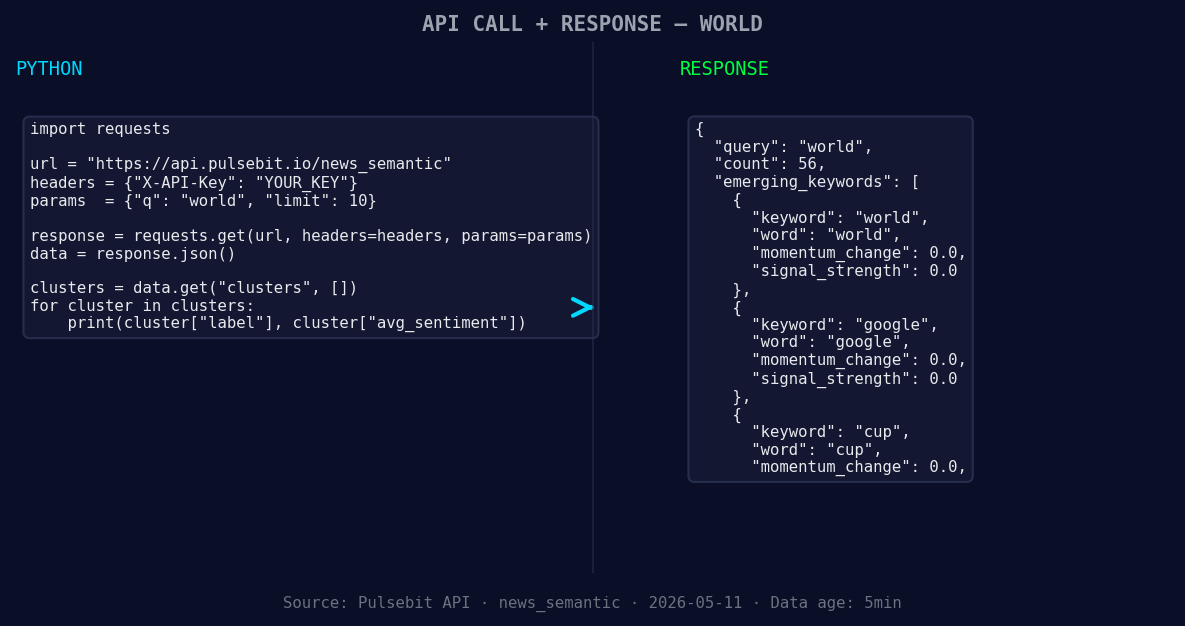
*Left: Python GET /news_semantic call for 'world'. Right: returned JSON response structure (clusters: 3). Source: Pulsebit /news_semantic.*
url = "https://api.pulsebit.com/v1/sentiment"
params = {
"topic": "world",
"lang": "en",
"momentum": 0.703,
"confidence": 0.85
}
response = requests.get(url, params=params)
data = response.json()
Next, we want to run the cluster reason string back through the sentiment analysis to see how the narrative is framed. Here’s the payload we’ll send:
cluster_reason = "Clustered by shared themes: wins, have, alphabet, poised, become."
sentiment_response = requests.post(url, json={"text": cluster_reason})
sentiment_data = sentiment_response.json()
This will give us a deeper understanding of how these themes are resonating in the current climate.
Three Builds Tonight
Here are three specific implementations you can consider based on the current spike:
- Geo-Filtered Sentiment Tracker: Use the geographic origin filter to track sentiment specifically in the English-speaking regions. Set a threshold of +0.5 momentum to trigger alerts for any significant shifts:

Geographic detection output for world. India leads with 48 articles and sentiment +0.16. Source: Pulsebit /news_recent geographic fields.
```python
geo_params = {
    "topic": "world",
    "lang": "en",
    "momentum": 0.5
}
geo_response = requests.get(url, params=geo_params)
```
-
Meta-Sentiment Analysis Loop: Create a routine that uses the meta-sentiment loop to analyze emerging stories. Set a baseline score of +0.069 and confidence of 0.85 to validate narratives:
meta_sentiment_response = requests.post(url, json={"text": cluster_reason}) if meta_sentiment_response.json()['score'] > 0.069: # Trigger your alerts or actions -
Forming Themes Indicator: Build an indicator that flags forming themes such as "world", "google", and "cup" against the mainstream terms like "wins", "have", "alphabet". When the momentum crosses +0.00, it could indicate a shift worth investigating:
forming_themes = ["world", "google", "cup"]
mainstream_terms = ["wins", "have", "alphabet"]
if data['momentum'] > 0.00:
    # Log or act on new thematic insights
Get Started
To implement these insights, check out our documentation at pulsebit.lojenterprise.com/docs. By following this guide, you can copy-paste and run your scripts in under 10 minutes. Don’t let your pipeline lag behind; catch the sentiment leads and stay ahead of the curve!


Top comments (0)