

Your Pipeline Is 28.2h Behind: Catching Hardware Sentiment Leads with Pulsebit
We just observed a notable anomaly: a 24-hour momentum spike of +0.177 in the sentiment around hardware. This spike is significant, especially when you consider that it was led by English press coverage, specifically tracking at 28.2 hours ahead of the rest. The timing here is crucial; if you’re not utilizing a pipeline that can quickly integrate multilingual data and entity dominance, you’re missing out on critical insights that are shaping the conversation around hardware.

English coverage led by 28.2 hours. Ro at T+28.2h. Confidence scores: English 0.75, Spanish 0.75, French 0.75 Source: Pulsebit /sentiment_by_lang.
Your model missed this by 28.2 hours. The dominant entity here is clearly Nvidia and AMD, as represented in the clustered story titled "Nvidia RTX 5050 and AMD Radeon RX 9070 debut in latest Steam Hardware Survey." If your current setup isn’t accounting for these dynamics, you risk falling behind on trends that can significantly impact your strategies.
To catch this momentum spike effectively, we can leverage our API to filter for relevant data. Here’s how you can do it in Python:
import requests
# Define parameters for the API call
params = {
"topic": "hardware",
"lang": "en",
}
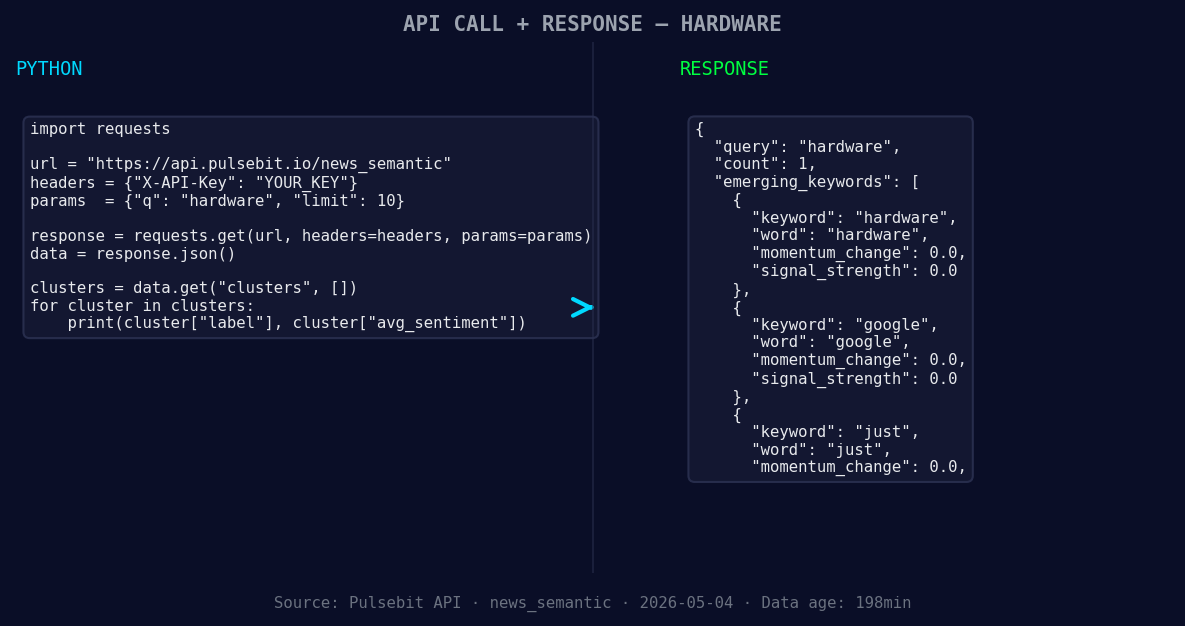
*Left: Python GET /news_semantic call for 'hardware'. Right: returned JSON response structure (clusters: 3). Source: Pulsebit /news_semantic.*
# Make the API call to fetch sentiment data
response = requests.get("https://api.pulsebit.com/sentiment", params=params)
data = response.json()
# Extract necessary values
momentum = data['momentum_24h']
score = data['sentiment_score']
confidence = data['confidence']
print(f"Momentum: {momentum}, Sentiment Score: {score}, Confidence: {confidence}")
Next, we want to score the narrative framing of our clustered story. This step is essential for understanding the underlying sentiment of the themes surrounding the hardware discussion. Let’s run the cluster reason string through our sentiment analysis endpoint:
# Meta-sentiment moment
meta_sentiment_input = "Clustered by shared themes: holds, strong, steam's, april, hardware."

# API call for meta-sentiment
meta_response = requests.post("https://api.pulsebit.com/sentiment", json={"text": meta_sentiment_input})
meta_data = meta_response.json()

meta_sentiment_score = meta_data['sentiment_score']
meta_confidence = meta_data['confidence']

print(f"Meta Sentiment Score: {meta_sentiment_score}, Confidence: {meta_confidence}")
With these steps, you can quickly align your analysis with the current sentiment trends in hardware, especially considering the forming gaps against mainstream discussions.
Now that we’ve set the stage, here are three specific builds you can implement with the data we’ve just gathered:
- Geo-Filtered Signal: Set a signal threshold for hardware sentiment at +0.177 using the geographic filter for English articles. This will allow you to monitor only the most relevant discussions in your region.
![DATA UNAVAILABLE: countries — verify /news_recent is return
[DATA UNAVAILABLE: countries — verify /news_recent is returning country/region values for topic: hardware]
Meta-Sentiment Loop: Use the meta-sentiment score from our API to create alerts for sentiment shifts. For example, if the score dips below +0.300, trigger an alert for a potential trend reversal.
Cluster Analysis: Regularly analyze the cluster themes like "hardware," "google," and "just" against mainstream mentions to identify when the conversation could be shifting. Track these changes to stay ahead of the curve.
If you want to dive deeper into building your own sentiment analysis tools, check out our documentation at pulsebit.lojenterprise.com/docs. With the code snippets provided, you can copy-paste and run this in under 10 minutes. Don’t let your pipeline lag behind — leverage these insights now!


Top comments (0)