

Your pipeline just missed a significant 24h momentum spike of +0.223 regarding immigration sentiment. This anomaly is not just a number; it indicates a rapidly shifting narrative that your model failed to catch in time. With a leading language in English, and a lag of 28.6 hours, we see that the conversation has been largely dominated by themes around immigration and its implications. The urgency of this spike is compounded by the context provided in the cluster story: "Experts Warn Trump Immigration Policies Hurt Innovation."
This data reveals a structural gap in pipelines that do not account for multilingual origins or the dominance of specific entities. Your model missed this crucial information by over a day—28.6 hours to be precise—while the leading discourse was already shaping up around immigration and innovation. This is a wake-up call to rethink how we process sentiment data, especially in a globally connected world where information travels at lightning speed.

English coverage led by 28.6 hours. Id at T+28.6h. Confidence scores: English 0.85, Spanish 0.85, French 0.85 Source: Pulsebit /sentiment_by_lang.
To catch sentiment shifts like this, we need to leverage our API effectively. Here’s how we can do that with Python:
import requests
# Set parameters for the geographic origin filter
params = {
"topic": "immigration",
"score": -0.183,
"confidence": 0.85,
"momentum": +0.223,
"lang": "en" # Filter for English language articles
}
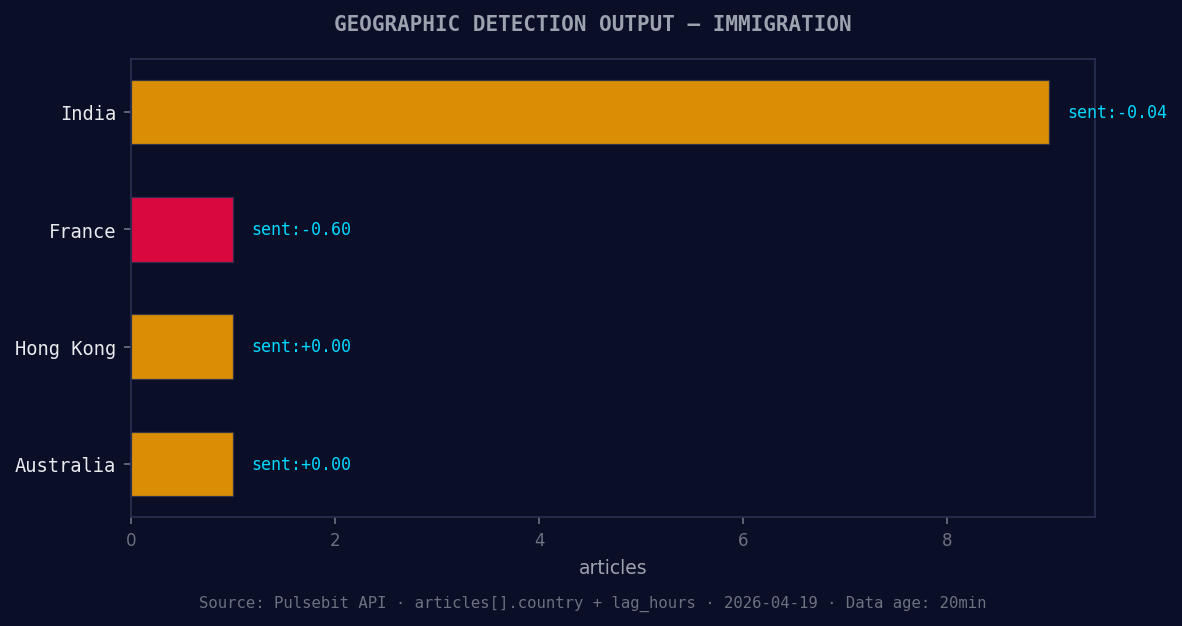
*Geographic detection output for immigration. India leads with 9 articles and sentiment -0.04. Source: Pulsebit /news_recent geographic fields.*
# API call to fetch relevant articles
response = requests.get("https://api.pulsebit.com/v1/articles", params=params)
articles = response.json()
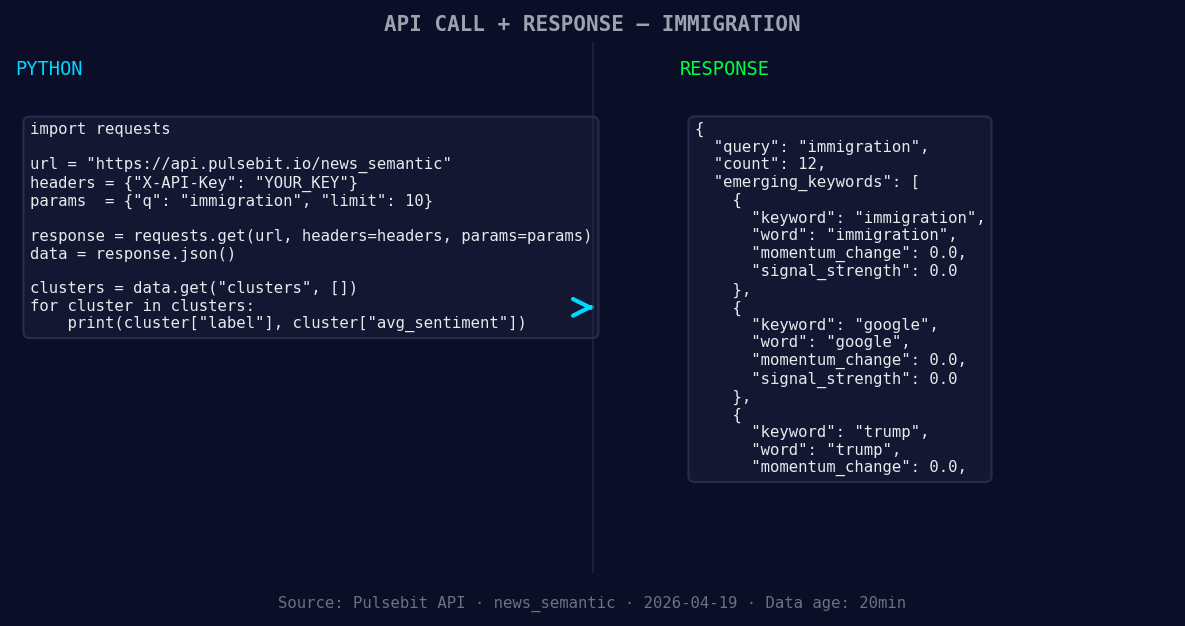
*Left: Python GET /news_semantic call for 'immigration'. Right: returned JSON response structure (clusters: 3). Source: Pulsebit /news_semantic.*
# Analyze narrative sentiment using the cluster reason string
meta_sentiment_input = "Clustered by shared themes: iit, immigration, tech, diaspora, marks."
sentiment_response = requests.post("https://api.pulsebit.com/v1/sentiment", json={"text": meta_sentiment_input})
sentiment_score = sentiment_response.json()
In this code, we're first filtering for articles in English related to immigration. The second part analyzes the sentiment of the narrative itself, which is crucial for understanding the framing of the conversation. By using POST /sentiment, we can score how the narrative is being perceived based on the cluster reason string. This two-pronged approach ensures we’re not just reactive but proactively shaping our understanding of evolving sentiments.
Let’s think about three builds you can create with this pattern:
Real-time Alert System: Set a signal threshold where any momentum spike over +0.2 triggers an alert. Use the geographic origin filter to ensure you're only capturing relevant English-language content, focusing on immigration sentiment.
Meta-Sentiment Dashboard: Create a dashboard that visualizes the sentiment scores from multiple cluster reasons. By feeding various narrative strings like "experts warn Trump immigration policies hurt innovation" back through the sentiment scoring, you can create a dynamic view of how narratives evolve over time.
Forming Gap Analyzer: Develop a script that continuously monitors forming gaps, like the ones around immigration, Google, and Trump, versus mainstream themes such as IIT and tech. Use our API to set alerts based on sentiment score thresholds and provide insights on emerging trends.
If you want to get started with this right away, check out our documentation at pulsebit.lojenterprise.com/docs. You can copy-paste and run this code in under 10 minutes, bringing you closer to real-time insights that keep you ahead of the curve.


Top comments (0)