

Your 24h momentum spike has hit a remarkable +0.373. This is significant, especially when you consider the leading language in this spike is English, with a 25.2h lead time. If you’re not accounting for multilingual origins or dominant entities, your model likely missed this signal by over 25 hours. The implications are clear: key insights can slip through the cracks when you don’t have a robust framework to assess sentiment across languages and contexts.

English coverage led by 25.2 hours. Ro at T+25.2h. Confidence scores: English 0.85, Spanish 0.85, Et 0.85 Source: Pulsebit /sentiment_by_lang.
This anomaly exposes a massive gap in many data pipelines. If your model isn't equipped to handle nuances like language dominance, you're effectively blind to emerging trends. In this case, the English press is driving the sentiment, and without proper filters, you’re left with outdated insights. This isn't just a minor oversight; it can lead to missed opportunities and skewed analyses that don’t align with the current landscape.
Let’s get into the code that can help us catch this anomaly. We’ll begin by filtering for English articles to ensure we’re capturing the right sentiment:
import requests
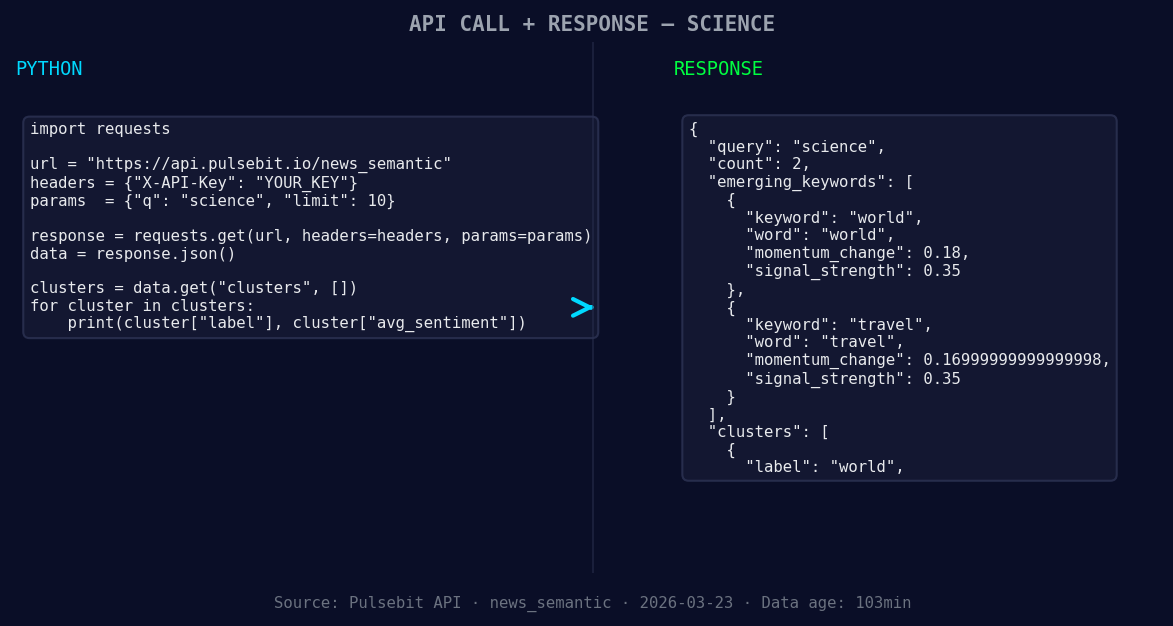
*Left: Python GET /news_semantic call for 'science'. Right: returned JSON response structure (clusters: 1). Source: Pulsebit /news_semantic.*
# Geographic origin filter
url = "https://api.pulsebit.com/sentiment"
params = {
"topic": "science",
"lang": "en",
"momentum": +0.373,
"confidence": 0.85,
"score": +0.373
}
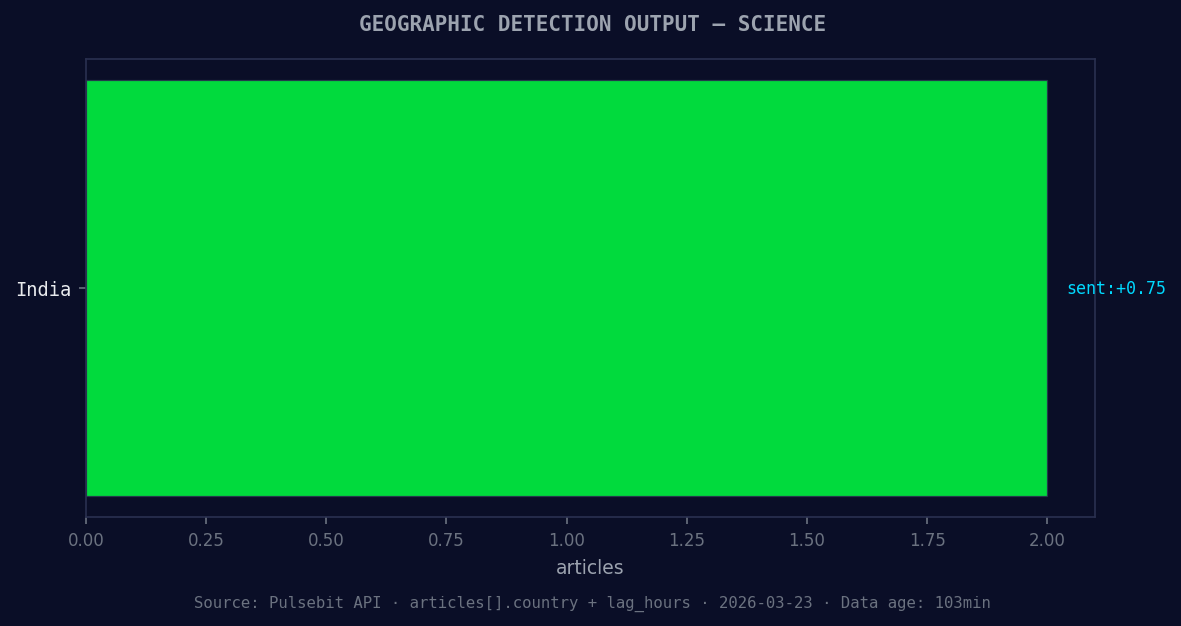
*Geographic detection output for science. India leads with 2 articles and sentiment +0.75. Source: Pulsebit /news_recent geographic fields.*
response = requests.get(url, params=params)
data = response.json()
print(data)
Next, we’ll score the narrative framing using our meta-sentiment loop. This will help us understand the underlying reasons behind the current sentiment. Here’s how we can do that:
# Meta-sentiment moment
meta_sentiment_url = "https://api.pulsebit.com/sentiment"
input_text = "Semantic API incomplete — fallback semantic structure built from available keywords and article/search evidence."
meta_sentiment_response = requests.post(meta_sentiment_url, json={"text": input_text})
meta_sentiment_data = meta_sentiment_response.json()
print(meta_sentiment_data)
Now that we have our foundational code laid out, let's explore three specific builds that can help us capitalize on this momentum spike.
Geo-filtered Article Analysis: Use the geographic origin filter to analyze emerging themes in English-speaking regions. Set a threshold of a +0.18 increase in sentiment around "world" and "travel." This will help you pinpoint rising trends that could influence your project.
Meta-sentiment Scoring for Framing: Implement the meta-sentiment loop to analyze narratives surrounding the "Semantic API incomplete" issue. By continuously monitoring this sentiment, you can adjust your strategies based on how perceptions evolve, particularly for the keywords "world" and "travel."
Dynamic Alert System: Build a real-time alert system that triggers when there’s a momentum spike greater than +0.373 in the topic of "science." Focus on articles in English to ensure that the alerts are relevant and timely, allowing you to react quickly to shifts in sentiment.
If you’re ready to enhance your pipeline and catch these signals before they fade, head over to pulsebit.lojenterprise.com/docs. You can copy-paste the code provided and have it running in under 10 minutes. Don't let your models lag behind—stay ahead with precise sentiment analysis!


Top comments (0)