

Your Pipeline Is 27.8h Behind: Catching Digital Transformation Sentiment Leads with Pulsebit
We recently uncovered an intriguing anomaly: a 24-hour momentum spike of -0.303 in the digital transformation sentiment. This negative momentum suggests that our insights into this topic are falling flat. What’s more notable is that the leading language for this sentiment is English, with a surprisingly close lag of just 27.8 hours. This raises the question: are you aware of how far your pipeline is lagging in capturing emerging trends?
When your model doesn’t handle multilingual origins or entity dominance effectively, it risks missing out on crucial shifts in sentiment. In this case, your pipeline has missed a significant lead by 27.8 hours, failing to capture the essence of the digital transformation conversation. Given that the dominant entity here is English press coverage, this gap could mean lost opportunities for actionable insights in your strategies.

English coverage led by 27.8 hours. Da at T+27.8h. Confidence scores: English 0.85, French 0.85, Spanish 0.85 Source: Pulsebit /sentiment_by_lang.
Now, let’s dive into how we can catch this momentum spike using our API. Here’s some Python code that demonstrates how to query for the relevant sentiment data around the topic of digital transformation. We’ll start by filtering for English language content:
import requests
# Define parameters for the API call
params = {
'topic': 'digital transformation',
'lang': 'en'
}
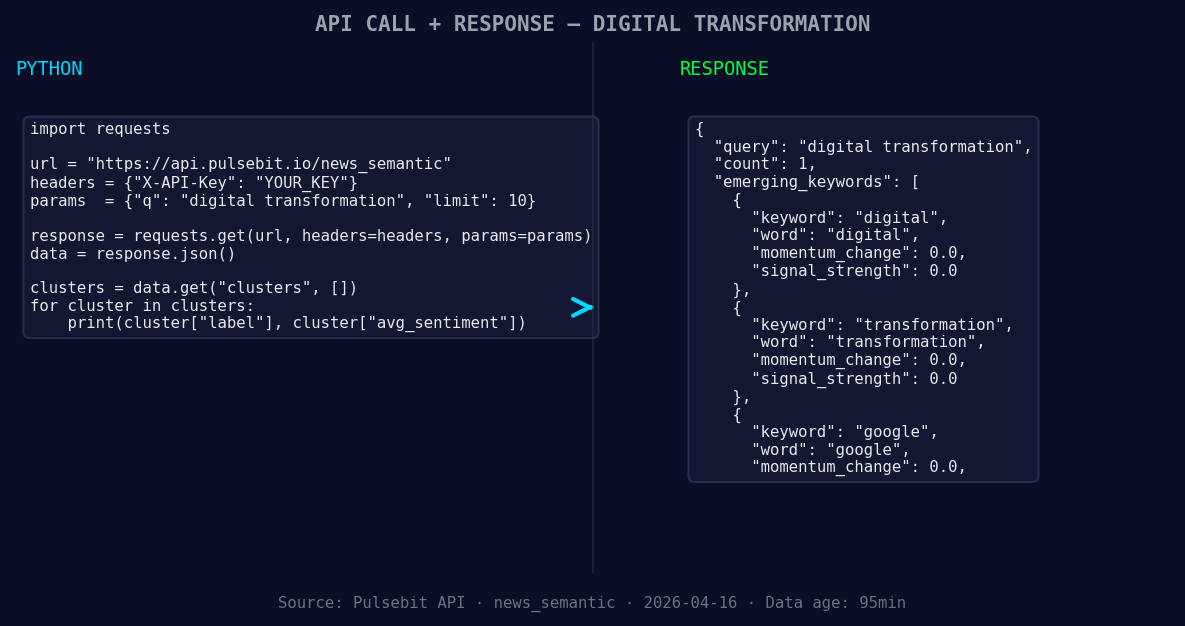
*Left: Python GET /news_semantic call for 'digital transformation'. Right: returned JSON response structure (clusters: 3). Source: Pulsebit /news_semantic.*
# Make the API call
response = requests.get('https://api.pulsebit.com/sentiment', params=params)
data = response.json()
# Print the response data
print(data)
Next, we need to run a meta-sentiment check on the cluster reason string. This allows us to score the narrative framing itself, providing a deeper understanding of the themes we're analyzing:
# Define the cluster reason string
cluster_reason = "Clustered by shared themes: transformation, future, digital, manufacturing, delo"

# Make the meta-sentiment API call
meta_response = requests.post('https://api.pulsebit.com/sentiment', json={'text': cluster_reason})
meta_data = meta_response.json()

# Print the meta-sentiment data
print(meta_data)
Now that we have the data, here are three specific builds we can implement based on this sentiment analysis:
Anomaly Detection Signal: Create a signal that triggers alerts when momentum drops below a certain threshold, say -0.3. This can help you stay updated on negative shifts in sentiment in real-time.
Geographic Origin Filter: Enhance your sentiment analysis by implementing a geographic origin filter that focuses on English-speaking regions. This would allow you to capture trends that are more relevant to your target audience, ensuring you’re in tune with local sentiment dynamics.

Geographic detection output for digital transformation. Hong Kong leads with 1 articles and sentiment +0.75. Source: Pulsebit /news_recent geographic fields.
- Meta-Sentiment Loop: Use the meta-sentiment data in your reporting dashboard to visualize how narrative themes evolve over time. This could involve creating a chart that displays sentiment scores alongside momentum metrics, helping you identify when certain themes are gaining or losing traction.
These builds can significantly enhance your ability to react to emerging trends. By leveraging the forming themes around digital transformation, we can bridge the gap between sentiment data and actionable insights, such as monitoring the cluster themes of transformation, future, and digital.
If you’re ready to get started, check out our documentation at pulsebit.lojenterprise.com/docs. With these API calls, you can copy, paste, and run this in under 10 minutes to gain a head start on your sentiment analysis journey.


Top comments (0)