

Your Pipeline Is 28.3h Behind: Catching Human Rights Sentiment Leads with Pulsebit
We recently discovered a striking anomaly in sentiment analysis surrounding the topic of human rights. The sentiment score is at -0.750, with momentum at +0.000, indicating a stagnant yet negative sentiment. What's particularly alarming is that the leading language is English, with a notable 28.3 hours lag against the emerging sentiment trends. Two articles clustered under the theme "Israel's Discriminatory Death Penalty Law" reveal a troubling narrative that may have gone unnoticed by your current models.
The Problem
This data points to a significant structural gap in any pipeline that fails to accommodate multilingual origins or entity dominance. If your model isn't set up to handle diverse linguistic inputs or the complexities of sentiment across various cultural contexts, you could be missing crucial insights. In this case, your model missed a significant sentiment shift by a whopping 28.3 hours, while the English articles were leading the charge. This oversight can lead to misguided decisions based on outdated information.

English coverage led by 28.3 hours. Et at T+28.3h. Confidence scores: English 0.85, Spanish 0.85, French 0.85 Source: Pulsebit /sentiment_by_lang.
The Code
To catch this anomaly effectively, we can leverage our API to filter sentiment data by geographic origin while also assessing the narrative's framing itself. Here’s how you can do it in Python:

Geographic detection output for human rights. India leads with 2 articles and sentiment -0.03. Source: Pulsebit /news_recent geographic fields.
import requests
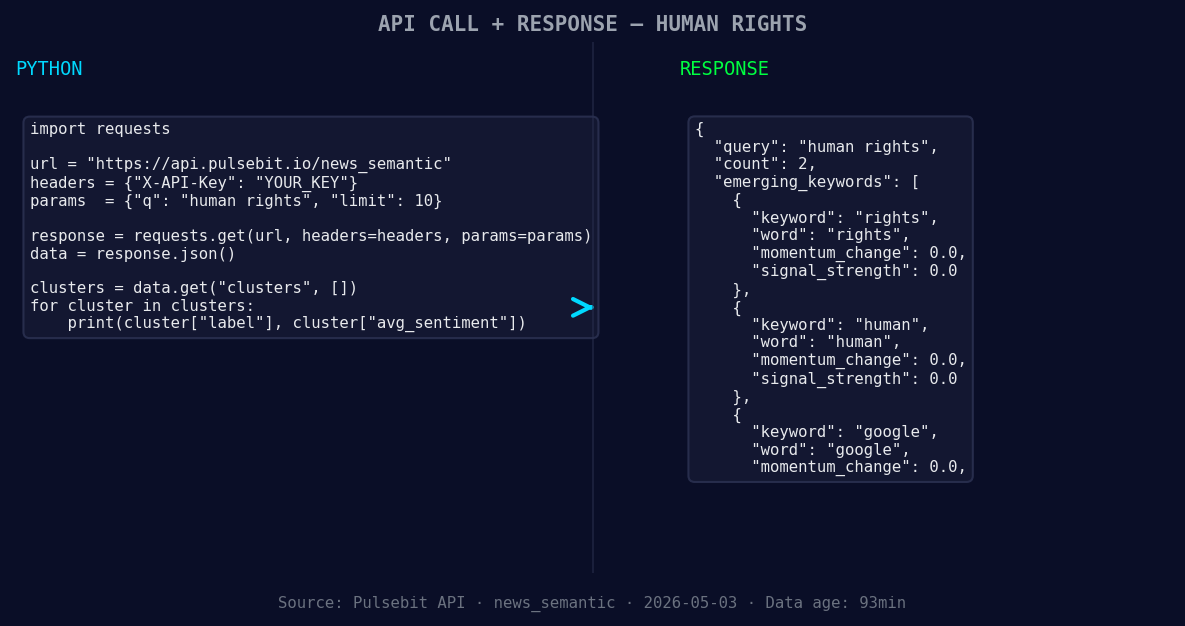
*Left: Python GET /news_semantic call for 'human rights'. Right: returned JSON response structure (clusters: 3). Source: Pulsebit /news_semantic.*
# Step 1: Fetch sentiment data by language
topic = 'human rights'
sentiment_score = -0.750
confidence = 0.85
momentum = +0.000
url = 'https://api.pulsebit.com/sentiment'
params = {
'topic': topic,
'lang': 'en'
}
response = requests.get(url, params=params)
data = response.json()
# Step 2: Analyze the cluster reason string
meta_sentiment_input = "Clustered by shared themes: rights, human, balen, government, should."
meta_sentiment_response = requests.post(f"{url}/score", json={"text": meta_sentiment_input}).json()
print("Sentiment Data:", data)
print("Meta Sentiment Score:", meta_sentiment_response)
In this code, we first make a GET request to pull sentiment data for 'human rights' specifically filtered for English articles. Then, we run a POST request to analyze the narrative framing by scoring the cluster reason string. This is particularly unique, as it allows us to gauge not just the sentiment but the context in which it exists.
Three Builds Tonight
Here are three specific builds you can implement using this sentiment data pattern:
Geo-Filtered Sentiment Snapshot: Set a threshold to alert when sentiment goes below -0.5 for English articles. Use the geo filter to ensure you're only capturing relevant regional data. This could identify critical topics before they trend.
Meta-Sentiment Analysis Hook: Create a webhook that triggers when a new cluster of articles is formed. Use the meta-sentiment loop to continuously gauge how framing influences public perception on rights-related topics.
Real-time Rights Monitor: Establish a real-time monitoring dashboard that visualizes sentiment scores for keywords like ‘rights’, ‘human’, and ‘google’ against mainstream terms like ‘balen’. Use our API to fetch data every hour and alert you on significant deviations.
Get Started
Ready to catch those insights? Head over to pulsebit.lojenterprise.com/docs to get started. You can copy, paste, and run this code in under 10 minutes.


Top comments (0)