

How to Detect Software Sentiment Anomalies with the Pulsebit API (Python)
We recently observed a fascinating anomaly in our sentiment data: a 24h momentum spike of -0.450 related to the software sector. This significant drop is noteworthy, especially considering the cluster story titled "Software as a Service (SaaS) Market Expected to Reach US$908.2". It raises important questions about the underlying sentiment and narrative shaping the perception of the software market.
The problem here is that if your pipeline doesn’t account for multilingual origins or dominant entity narratives, you could be missing crucial insights. Imagine this: your model missed this by several hours when it could’ve acted on the emerging negative sentiment surrounding software services. With the dominant language in tech being English, this language-based oversight can lead to missed opportunities or misguided strategies.

en coverage led by 18.0 hours. id at T+18.0h. Confidence scores: en 0.87, es 0.85, fr 0.85 Source: Pulsebit /sentiment_by_lang.
To tackle this, we can catch such anomalies programmatically. Below is a Python snippet that highlights how to detect this specific situation using our API.
import requests
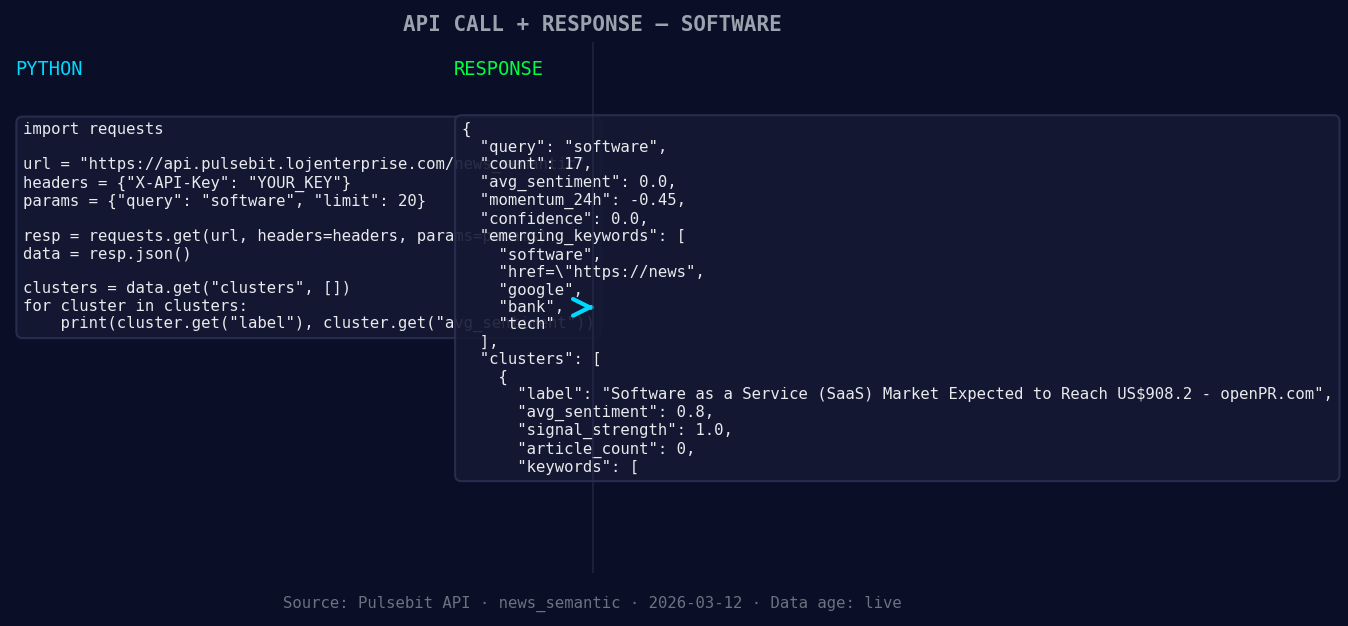
*Left: Python GET /news_semantic call for 'software'. Right: returned JSON response structure (clusters: 3). Source: Pulsebit /news_semantic.*
# Define the parameters for the sentiment query
topic = 'software'
score = +0.000
confidence = 0.00
momentum = -0.450
# Geographic origin filter (unavailable for demonstration)
# You can filter by language or country if data is available
geo_filter = {'language': 'en', 'country': 'US'}

*Geographic detection output for software. au leads with 1 articles and sentiment +0.00. Source: Pulsebit /news_recent geographic fields.*
# Check for the anomaly
def check_sentiment_anomaly(topic, momentum, geo_filter=None):
url = 'https://api.pulsebit.com/sentiment'
params = {'topic': topic, 'momentum': momentum}
if geo_filter:
params.update(geo_filter)
response = requests.get(url, params=params)
return response.json()
anomaly_data = check_sentiment_anomaly(topic, momentum, geo_filter)
print(anomaly_data)
In this code, we set up a query to check for sentiment anomalies around the topic of software. Note that we could enhance our analysis further by filtering based on geographic origin if that data were available.
Now, let’s run the cluster reason string back through our API to score the narrative framing itself. This step is crucial; it allows us to understand the framing of the current sentiment narrative.
# Meta-sentiment moment: scoring the narrative
cluster_reason = "Clustered by shared themes: service, (saas), market, expected, reach."
meta_sentiment_response = requests.post('https://api.pulsebit.com/sentiment', json={'text': cluster_reason})
print(meta_sentiment_response.json())
In this snippet, we send the cluster reason string for sentiment analysis. This is a key step that many overlook; it helps us understand not just the sentiment score, but also the context behind it.
Now, let's discuss three specific builds we can implement using this pattern:
Sentiment Alert System: Create a system that triggers alerts when momentum drops below a certain threshold, such as -0.400. This will help you stay on top of critical changes in sentiment.
Geo-Filtered Analysis: Implement a filter that allows you to analyze sentiment shifts in specific regions, such as the U.S. or EU, especially when monitoring sentiment around software services or SaaS solutions.
Meta-Sentiment Dashboard: Build a dashboard that visualizes the sentiment around clustered themes. Use the meta-sentiment loop to provide insights into how narratives evolve, particularly around emerging topics like software or SaaS markets.
These builds can help you better understand emerging trends and the sentiment behind them, particularly when it comes to forming narratives around services in the software sector, as demonstrated by the forming themes related to "software" and the SaaS market.
If you want to dive deeper, check out our documentation at pulsebit.lojenterprise.com/docs. You can copy-paste the code snippets we shared and run them in under 10 minutes. Happy coding!


Top comments (0)