

Your model just missed a significant 24h momentum spike of +0.271 regarding cybersecurity sentiment. This spike indicates an increasing urgency and conversation around cybersecurity practices, particularly how states can learn from one another to close existing gaps. If your pipeline isn’t tuned to catch these rapid shifts, you may find yourself lagging behind, especially when the leading language for this conversation is English, with a notable activity peak at 23.1 hours ago.
The problem lies in the structural gap of your model's ability to handle multilingual sources and to recognize when certain entities are dominating the conversation. By missing this opportunity, your model fell behind by a whole 23.1 hours, allowing critical insights to slip through the cracks. In a dynamic field like cybersecurity, where timely information can make all the difference, this delay can cost you valuable actionable insights.

English coverage led by 23.1 hours. Da at T+23.1h. Confidence scores: English 0.90, French 0.90, Spanish 0.90 Source: Pulsebit /sentiment_by_lang.
To catch this spike, we can utilize our API effectively. Here’s how:
import requests
# Define the parameters for our query
params = {
'topic': 'cybersecurity',
'score': 0.245,
'confidence': 0.90,
'momentum': 0.271,
'lang': 'en' # Geographic origin filter
}
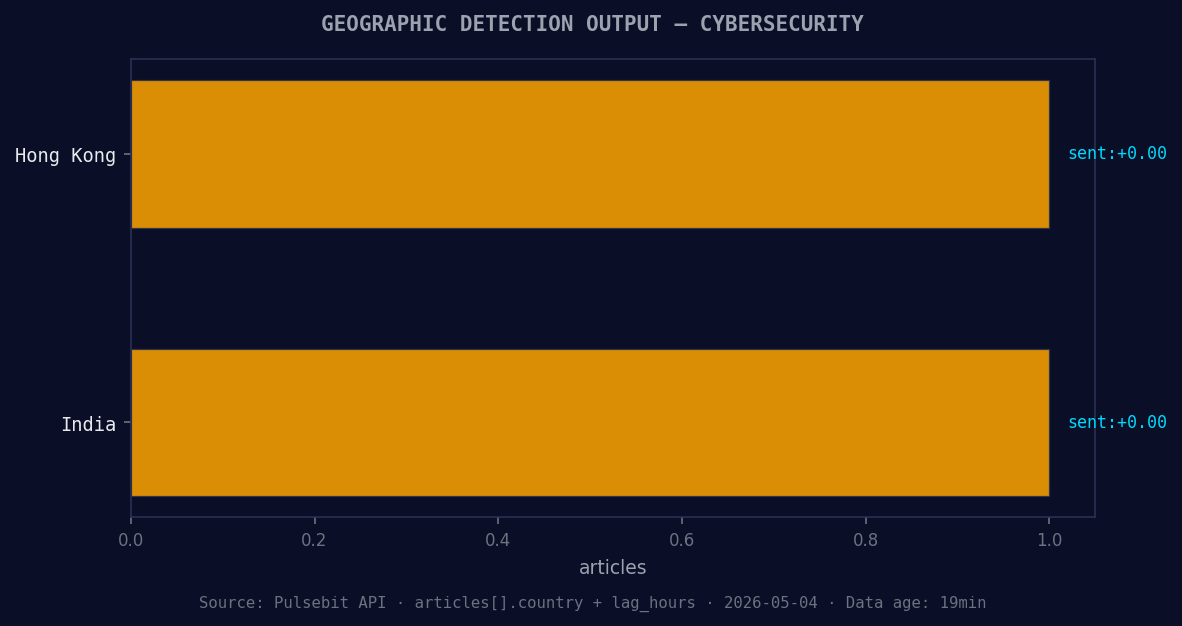
*Geographic detection output for cybersecurity. Hong Kong leads with 1 articles and sentiment +0.00. Source: Pulsebit /news_recent geographic fields.*
# Make the API call to retrieve data
response = requests.get('https://api.pulsebit.com/v1/sentiment', params=params)
data = response.json()
print(data)

Left: Python GET /news_semantic call for 'cybersecurity'. Right: returned JSON response structure (clusters: 3). Source: Pulsebit /news_semantic.
Now that we have the relevant data, let’s run the cluster reason string back through our sentiment scoring endpoint to assess the narrative framing itself. Here’s the next step:
# Define the cluster reason string
cluster_reason = "Clustered by shared themes: should, learn, each, other, close."

# Make a POST request for sentiment scoring
sentiment_response = requests.post('https://api.pulsebit.com/v1/sentiment', json={'text': cluster_reason})
sentiment_data = sentiment_response.json()
print(sentiment_data)
This process allows us to not only identify the momentum spike but also understand the underlying narratives that are contributing to the shift in sentiment.
Now, consider building three specific strategies around this data:
Geo-Filtered Alerts: Set a signal threshold for cybersecurity topics with a momentum score of +0.271. Use the geo filter to focus on English-speaking regions, allowing you to prioritize responses in areas where the conversation is heating up.
Meta-Sentiment Monitoring: Implement a routine to regularly check the narratives around key themes such as "should," "learn," "each," "other," and "close." When those terms cluster with a high sentiment score, you can trigger alerts or dashboards for immediate action.
Dynamic Content Generation: Use the findings from your meta-sentiment loop to inform content strategies. If your sentiment score for cybersecurity discussions aligns with a rising momentum, craft articles or reports that address the specific themes being discussed — in this case, learning from each other to close gaps in cybersecurity.
If you want to get started with this functionality, visit pulsebit.lojenterprise.com/docs. You can copy and paste the code snippets above, and you’ll be up and running in under 10 minutes.


Top comments (0)