

Your pipeline just missed a crucial 24h momentum spike of -0.226 in the investing sentiment. This unexpected decline suggests that while many were optimistic just a day ago, the sentiment has shifted. It’s a sharp reminder that sentiment can change overnight, and if you're not equipped to catch these fluctuations in real-time, you could be left in the dust. In this case, the leading language of discourse has been English, with a notable cluster story titled "Could Investing $10,000 in VYMI Make You a Millionaire?" from The Motley Fool leading the narrative.
The structural gap this reveals is stark. Your model is potentially lagging by 28.7 hours, which means you're not just behind the curve; you're missing critical insights that could inform your strategy. If you’re not handling multilingual origins or entity dominance effectively, you might miss out on vital data points, like this one in English, that can steer your investment decisions. This isn't just a theoretical issue; it’s a real challenge that could cost you valuable opportunities.

English coverage led by 28.7 hours. Af at T+28.7h. Confidence scores: English 0.95, French 0.95, Spanish 0.95 Source: Pulsebit /sentiment_by_lang.
Let’s dig into how to catch this spike using our API. First, we need to filter for the relevant geographic origin, which in this case is English. Here’s how to query the sentiment data:
import requests
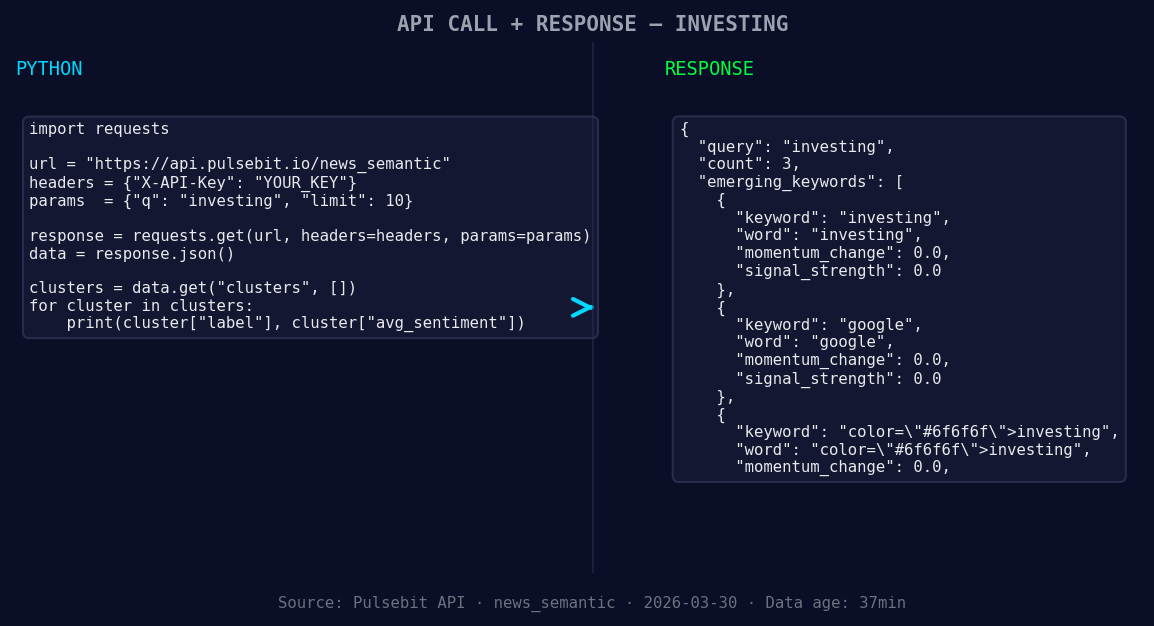
*Left: Python GET /news_semantic call for 'investing'. Right: returned JSON response structure (clusters: 3). Source: Pulsebit /news_semantic.*
# Define the parameters for our sentiment query
params = {
"topic": "investing",
"lang": "en", # Filter for English language articles
"score": 0.408,
"confidence": 0.95,
"momentum": -0.226
}
response = requests.get("https://api.pulsebit.com/sentiment", params=params)
data = response.json()
print(data)
Now, let’s also score the narrative framing itself. We’ll run the cluster reason string back through our sentiment analysis to capture how the narrative is perceived:
# Define the meta-sentiment input
meta_input = "Clustered by shared themes: investing, $10, 000, vymi, make."

meta_response = requests.post("https://api.pulsebit.com/sentiment", json={"text": meta_input})
meta_data = meta_response.json()
print(meta_data)
This code provides a dual-layered approach to understanding sentiment and context. First, we filter by language to ensure we're processing relevant articles. Then, we analyze the narrative framing to see how the thematic clusters resonate in terms of sentiment.
Here are three specific builds we can implement tonight with this pattern:
Sentiment Alert System: Create an alert for any significant changes in momentum for the topic “investing”. Set a threshold for momentum changes greater than -0.2. This ensures you’re notified when sentiment shifts significantly.
Narrative Analysis Dashboard: Build a dashboard that visualizes the meta-sentiment scores for clustered themes. Use the output from the meta-sentiment loop to understand how narratives are evolving, especially focusing on themes like investing and VYMI.
Geographically Tailored Insights: Develop a function that queries articles based on geographic filters, focusing on regions where investment sentiment shows emerging trends. Use the language parameter to narrow down to English-speaking countries, allowing for focused analysis on investing narratives.

Geographic detection output for investing. India leads with 1 articles and sentiment +0.85. Source: Pulsebit /news_recent geographic fields.
You can get started with our API documentation at pulsebit.lojenterprise.com/docs. In under 10 minutes, you can copy-paste the code provided and have a working model that can catch these critical sentiment shifts. Don't let your pipeline lag behind — act on these insights now.


Top comments (0)